Zum Hauptinhalt springen

15 Beiträge markiert mit "Performance"

Performance optimization techniques for webforJ apps.

Alle Tags anzeigen

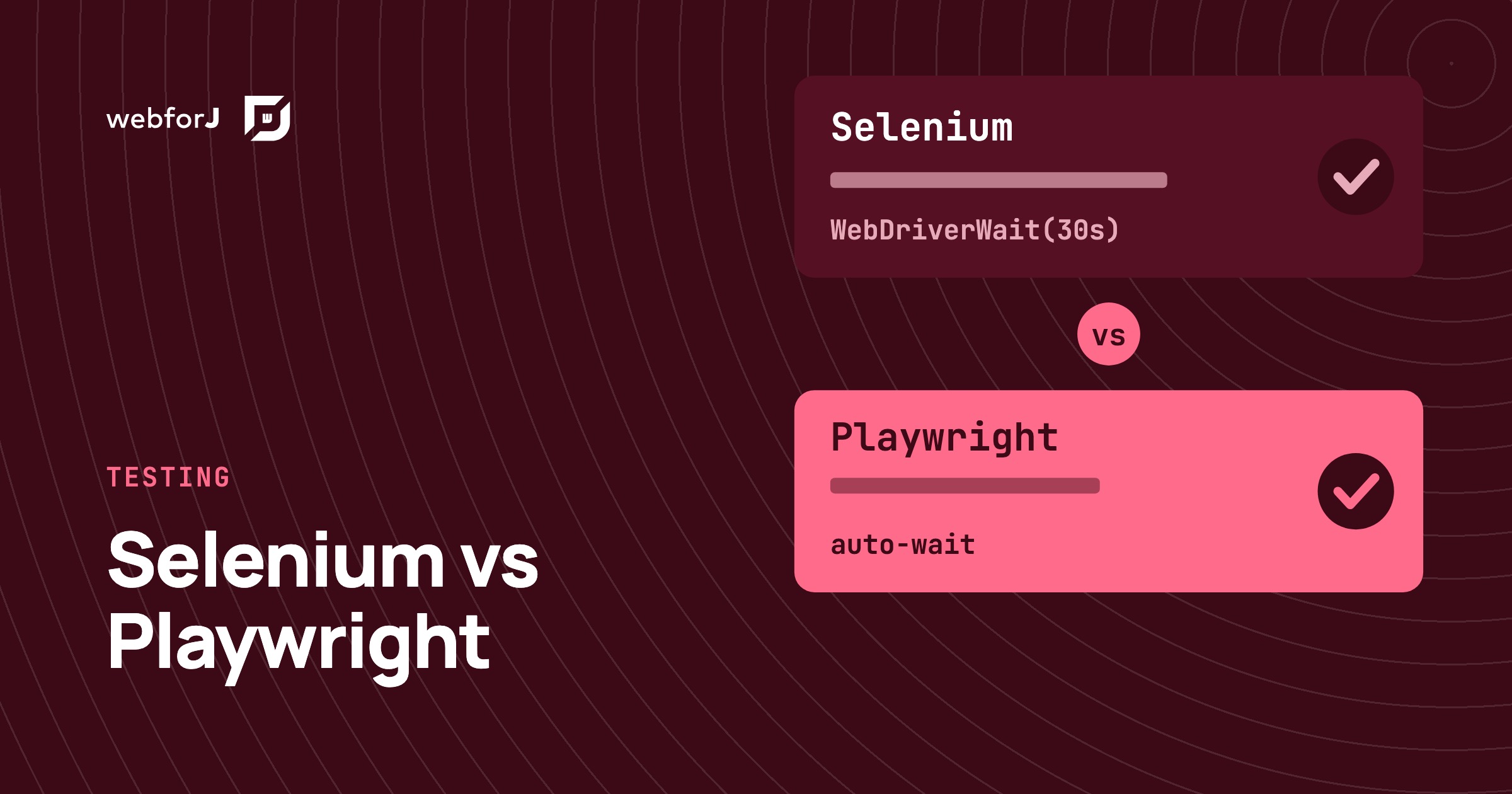
Selenium vs Playwright for Java: testing a webforJ UI

· 8 Min lesen

Matthew Hawkins
Software Developer

cover image

If you're about to write the first browser tests for a Java web app, the tool question comes up fast. One teammate swears by Selenium, another has heard Playwright is easier, and nobody wants to pick wrong and rewrite the suite later.

Selenium vs Playwright for Java turns out to be a gentler choice than it looks with webforJ. A webforJ app is a normal web page in the browser, so both tools drive it from plain JUnit tests, and the webforJ docs ship a working example for each. There is one real difference worth understanding, and it shapes which one suits a new suite.

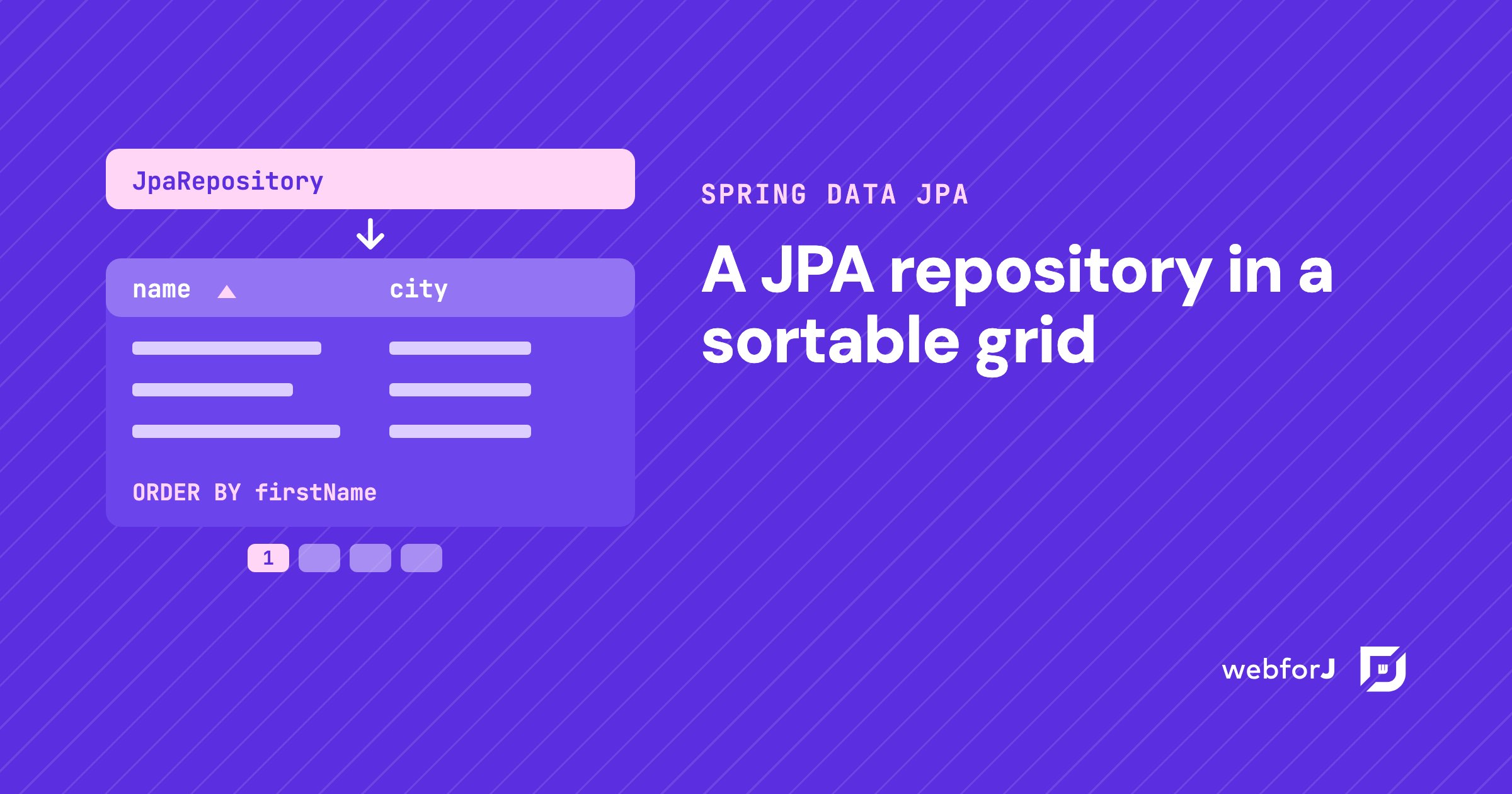
Spring Data JPA grid: sort, filter, and page in Java

· 6 Min lesen
Eric Handtke
Software Developer

cover image

You already have the entity. You already have the repository. Now someone wants a screen where they can see the records, click a header to sort, narrow the list down, and move through thousands of rows without the page falling over.

That screen is a Spring Data JPA grid, and in a Spring Boot app built with webforJ you write it in Java. The repository you have becomes the grid's data source. Sorting, filtering, and paging go to the database as queries, so the grid only shows what the query returns.

Java Data Grid: Build Fast, Sortable Tables with webforJ

· 8 Min lesen
webforJ
Do it all in Java. The full-stack Java framework for business web apps.

cover image

The webforJ Table is a Java data grid for the browser. You define columns with method references, hand it a repository, and it gives you sorting, selection, pinned columns, cell renderers, and virtual scrolling. All of it is configured in Java, with no JavaScript grid library to wire up.

This guide builds an orders grid from an in-memory list, then switches the same table to lazy loading from a database or REST API. If you need a Java table component for web apps that handles large data sets, the second half is the part to read.

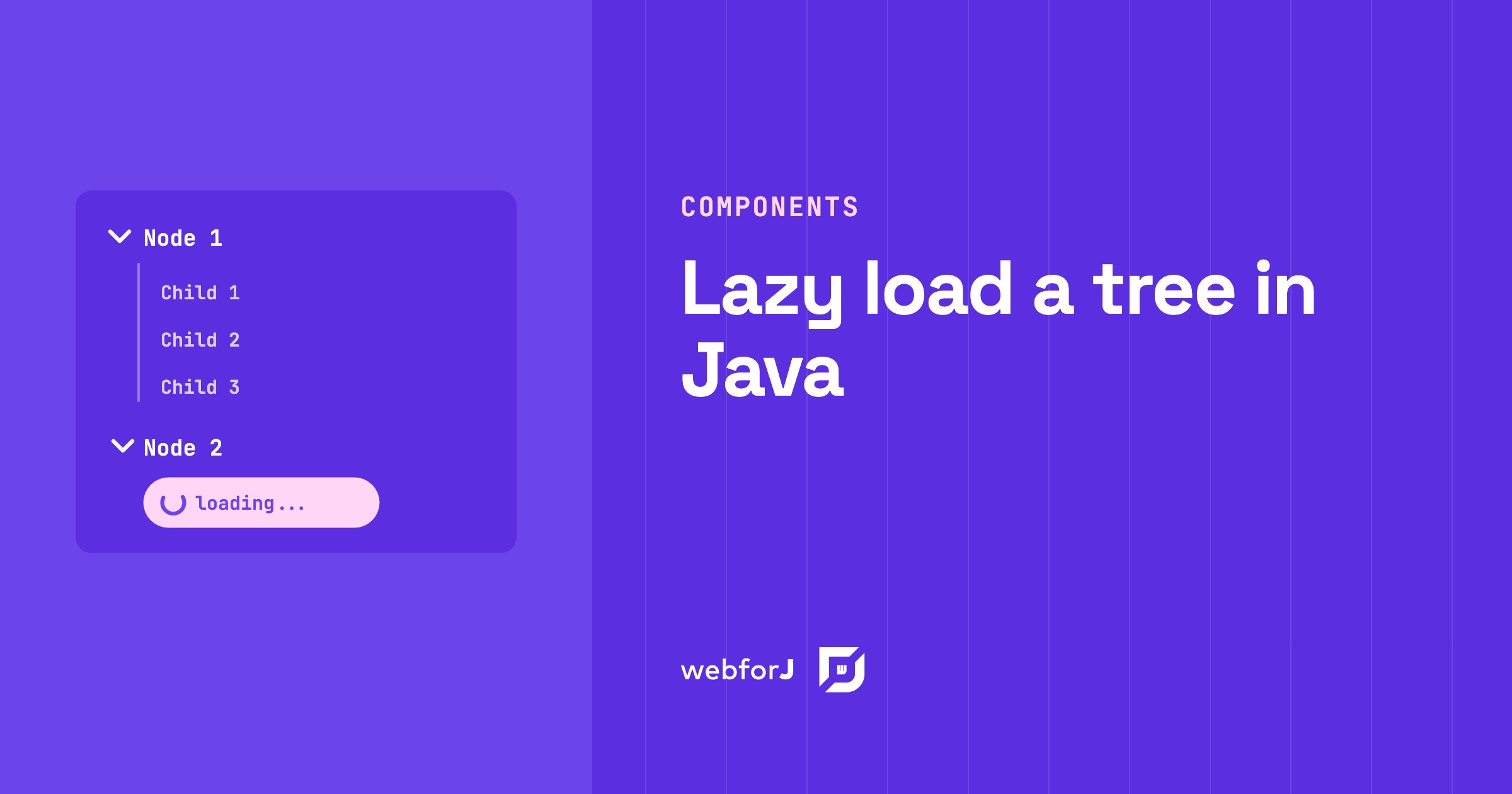
Lazy load tree in Java: children on expand with webforJ

· 6 Min lesen
Matthew Hawkins
Software Developer

cover image

A project browser with thousands of folders shouldn't make users wait while every branch loads up front. Most of those folders never get opened.

To lazy load a tree in Java, give every folder a placeholder child and fetch the real children only when the user expands it. The webforJ Tree component fires an expand event at exactly that moment, so your server builds only the branches people open. This guide builds it in two steps: the placeholder, then the expand handler.

Real-time UI updates in Java: push changes from the server

· 8 Min lesen
Hyyan Abo Fakher
Lead Software Architect

cover image

In webforJ you get real-time UI updates in Java by changing components from the server and letting the framework carry the change to the browser. For work that runs outside the UI thread, you wrap the change in Environment.runLater(). For recurring refreshes you use Interval, and for typing you use Debouncer. You write no WebSocket or server-sent events code.

This post builds two small pieces: a progress panel fed by a background job, and a dashboard number that refreshes itself. Along the way it covers the one rule that decides whether any of this works, which is which thread may update a component.

Server-side UI framework for Java: how webforJ works

· 9 Min lesen
Matthew Hawkins
Software Developer

cover image

webforJ is a full-stack Java framework, and its UI model is a server-side UI framework for Java. Your components are Java objects that run on the server, the browser renders them as web components, and user actions come back to your Java event handlers. There is no JavaScript app to write, no REST layer between the screen and your services, and your UI code never leaves the server.

This post explains the runtime model step by step: where components live, how events travel, which thread runs your code, and where state is kept. It also covers the trade-offs of a server-driven UI and how webforJ handles each one.

Debounce input in Java: search as you type with webforJ

· 5 Min lesen
Matthew Hawkins
Software Developer

cover image

Type "Amsterdam" into a search box that queries a server, and the server sees nine searches, one for each letter, all the way to the full word. Only the last one matters, but every one of them costs a request, and the results flicker as each answer arrives.

The fix is to debounce input in Java: wait until the user pauses, then search once with the text they settled on. webforJ has a Debouncer for exactly this, and it takes a few lines in your view. You write no timer or thread code of your own.

Java full stack objections and how webforJ answers them

· 7 Min lesen
webforJ
Do it all in Java. The full-stack Java framework for business web apps.

cover image

Suggest building the whole app in Java and someone on the team will push back. It adds latency, it shuts you out of the JavaScript ecosystem, it won't feel like a real app.

Those are fair questions about full stack Java, where one Java codebase covers the UI, the routing, and the data. With webforJ, the full-stack Java framework, each one has a concrete answer, and a few turn out to be habits you can avoid rather than limits of the model.

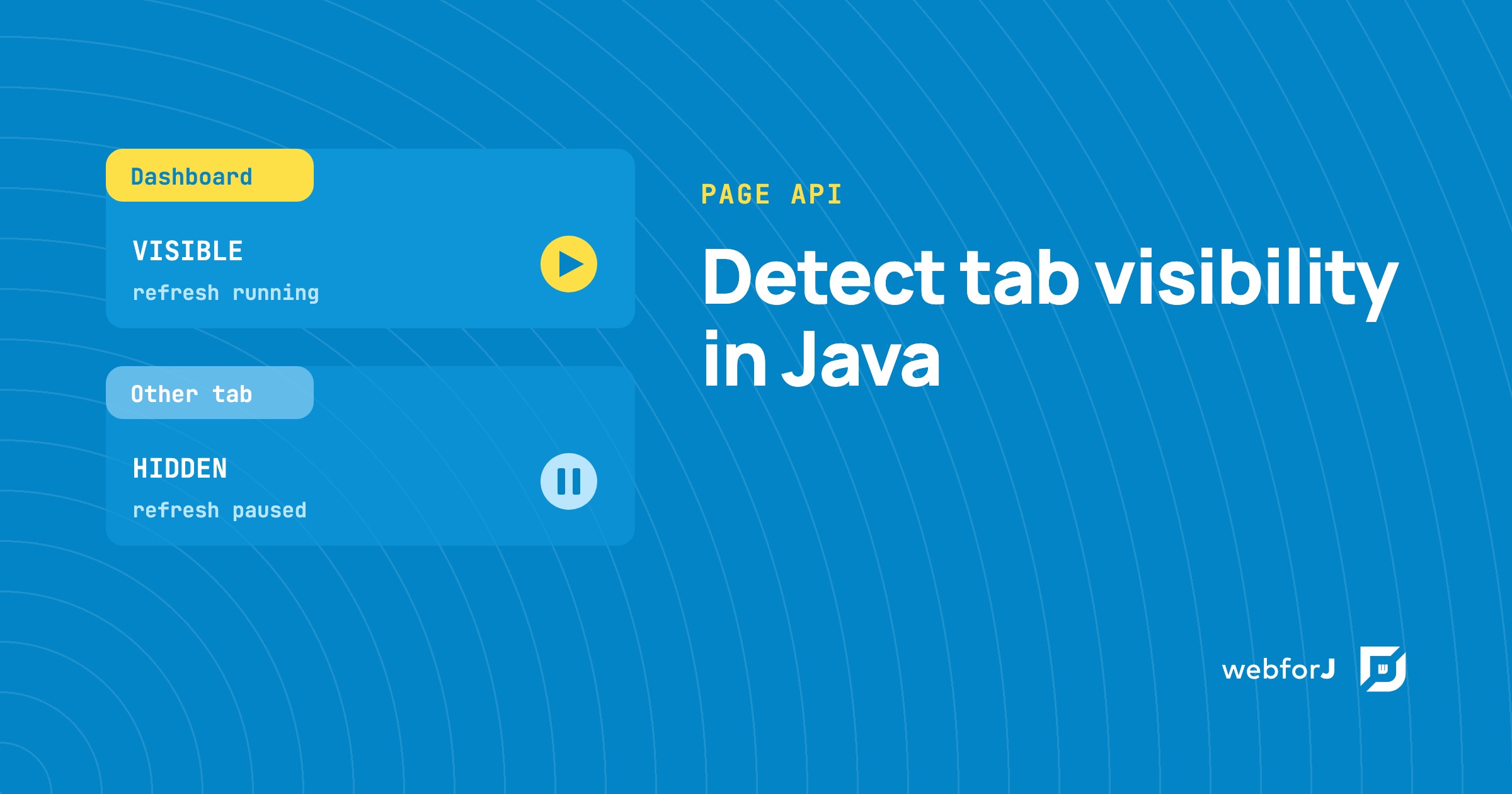
Detect tab visibility in Java with the webforJ Page API

· 6 Min lesen
Matthew Hawkins
Software Developer

cover image

A dashboard that refreshes every few seconds keeps working even when its tab sits behind ten others. Nobody sees those updates, yet the server still does the work.

To detect tab visibility in Java, webforJ gives you two calls on the Page class: one reads whether the tab is visible right now, and one tells you each time that changes. Both are available from webforJ 26.01. This guide explains what the two states mean, then shows how to pause refresh work while the tab is in the background and resume it when the user comes back.

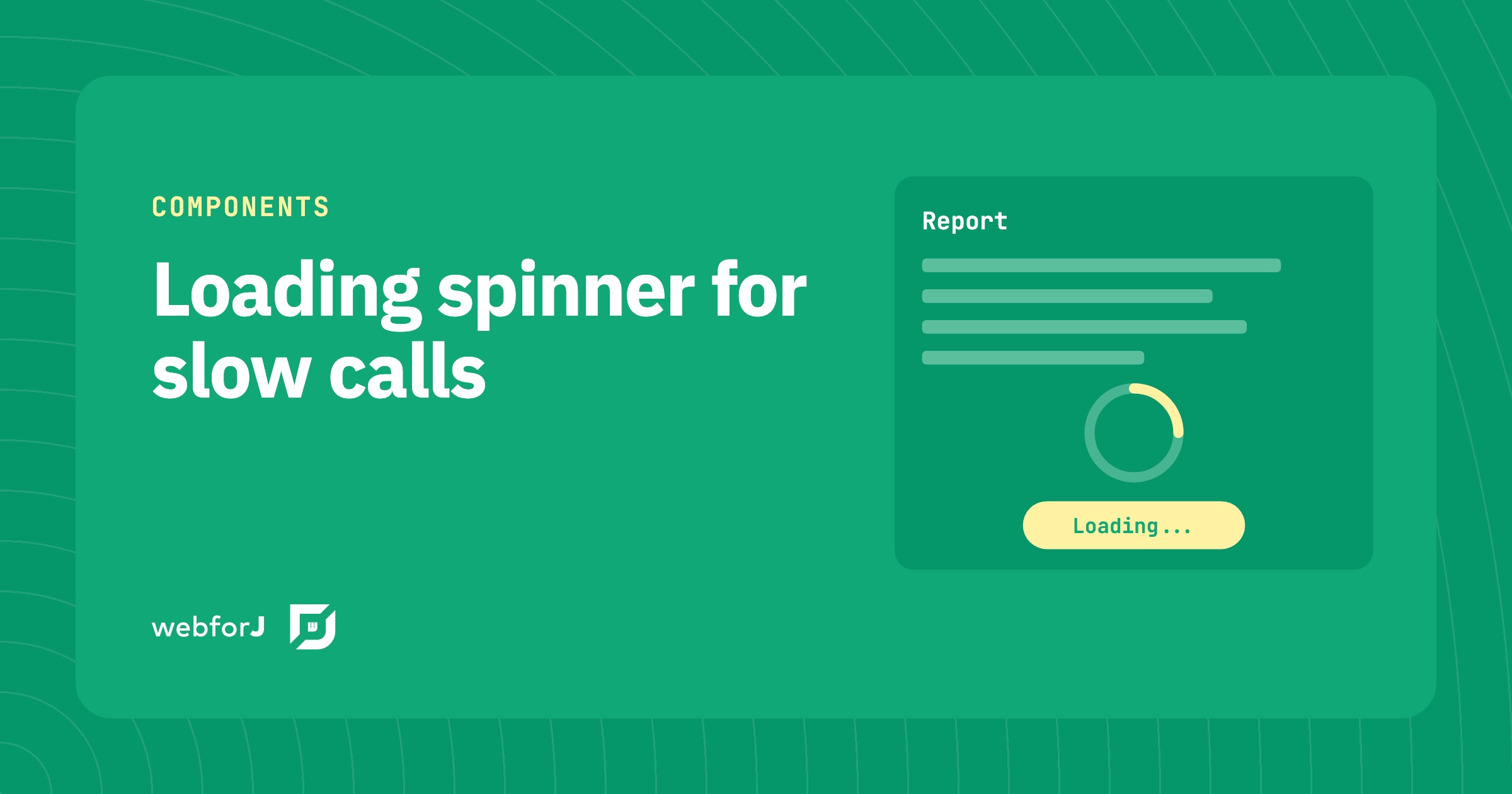
Loading spinner for slow backend calls in Java web apps

· 6 Min lesen
Eric Handtke
Software Developer

cover image

A report that takes a few seconds to load feels broken when the screen just sits there. Users click again, or leave.

A loading spinner shows the user that the app is still working on a slow request. In webforJ, you add one with the Loading component for a single area, the BusyIndicator for the whole interface, or a Spinner placed inline. This tutorial covers each one, plus how to run the slow call off the UI thread and update the page when the result arrives.

Azul 2026 State of Java Survey & Report: Where webforJ Fits

· 4 Min lesen
Ben Brennan
Technical Writer

cover image

Earlier this year, Azul, a Java-focused company, released its 2026 State of Java Survey & Report. Based on responses from over 2,000 Java professionals worldwide, Azul revealed that developers are focused on managing cloud computing, securing apps, and controlling AI output.

Java remains a dominant force in development, with 64% of respondents reporting that more than half of their apps or workloads are built with Java or run on a Java Virtual Machine (JVM). For developers who wish to bring their apps to the browser with minimal changes to their architecture, webforJ, a full-stack Java framework, offers a strategic approach to modernizing apps quickly and efficiently.

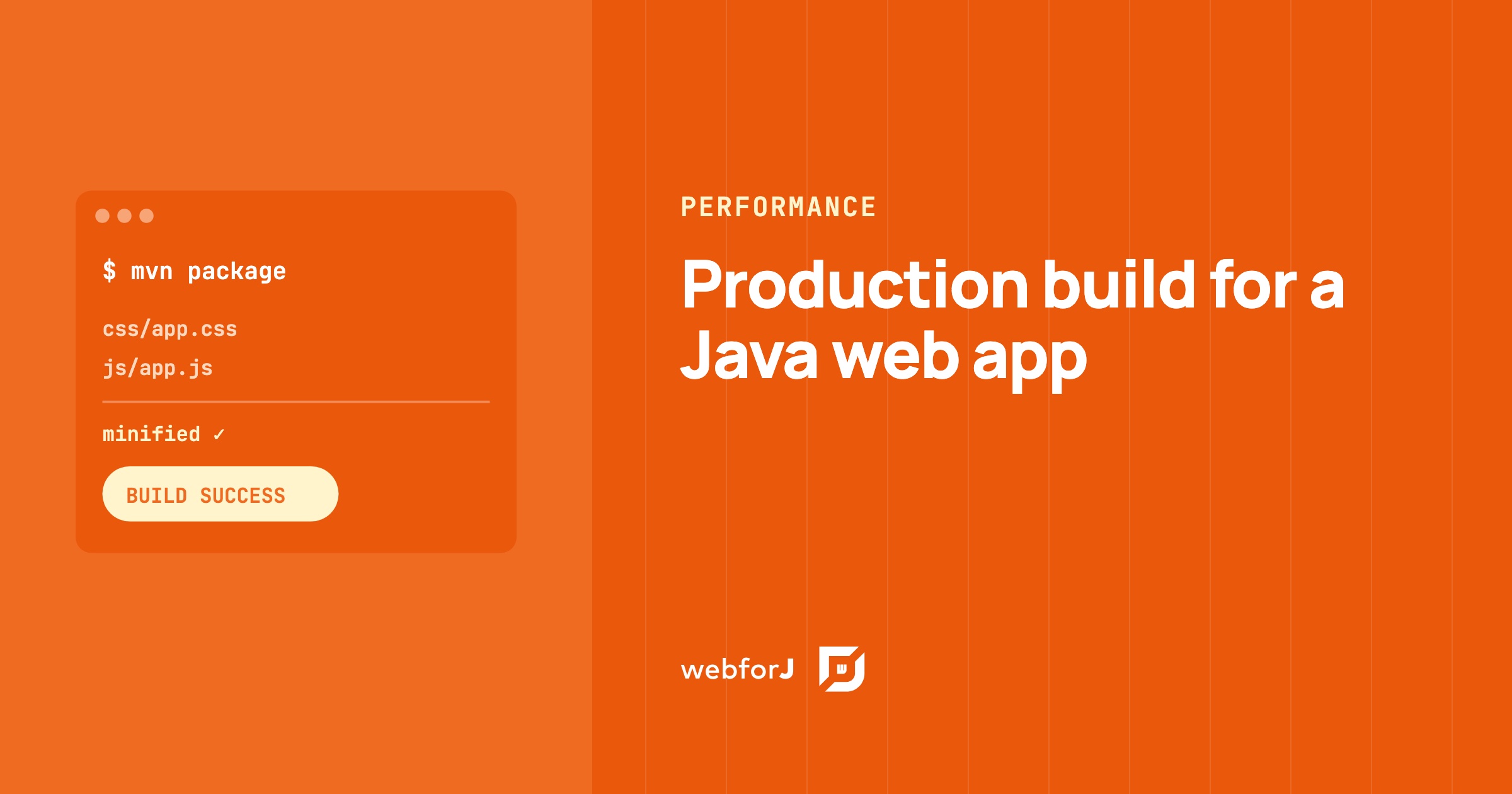
Production build for a Java web app: smaller, cacheable assets

· 6 Min lesen
Eric Handtke
Software Developer

cover image

Out of the box, a webforJ app needs no build tuning. The framework's own components and runtime ship ready for both development and production with no extra setup, so a plain webforJ app has nothing to minify and no build step to configure.

A production build for a Java web app only comes into play once you add your own assets: custom CSS, JavaScript, or npm packages. For those, mvn package compiles the frontend, puts a hash of each file's content into its filename, and minifies the CSS and JavaScript. Browsers download less, and they keep each file in cache until its content changes. Below are the steps for your custom assets, from the build plugin to the minifier plugin for apps that load assets through annotations.