Zum Hauptinhalt springen

7 Beiträge markiert mit "Spring AI"

Building AI features with Spring AI in webforJ apps.

Alle Tags anzeigen

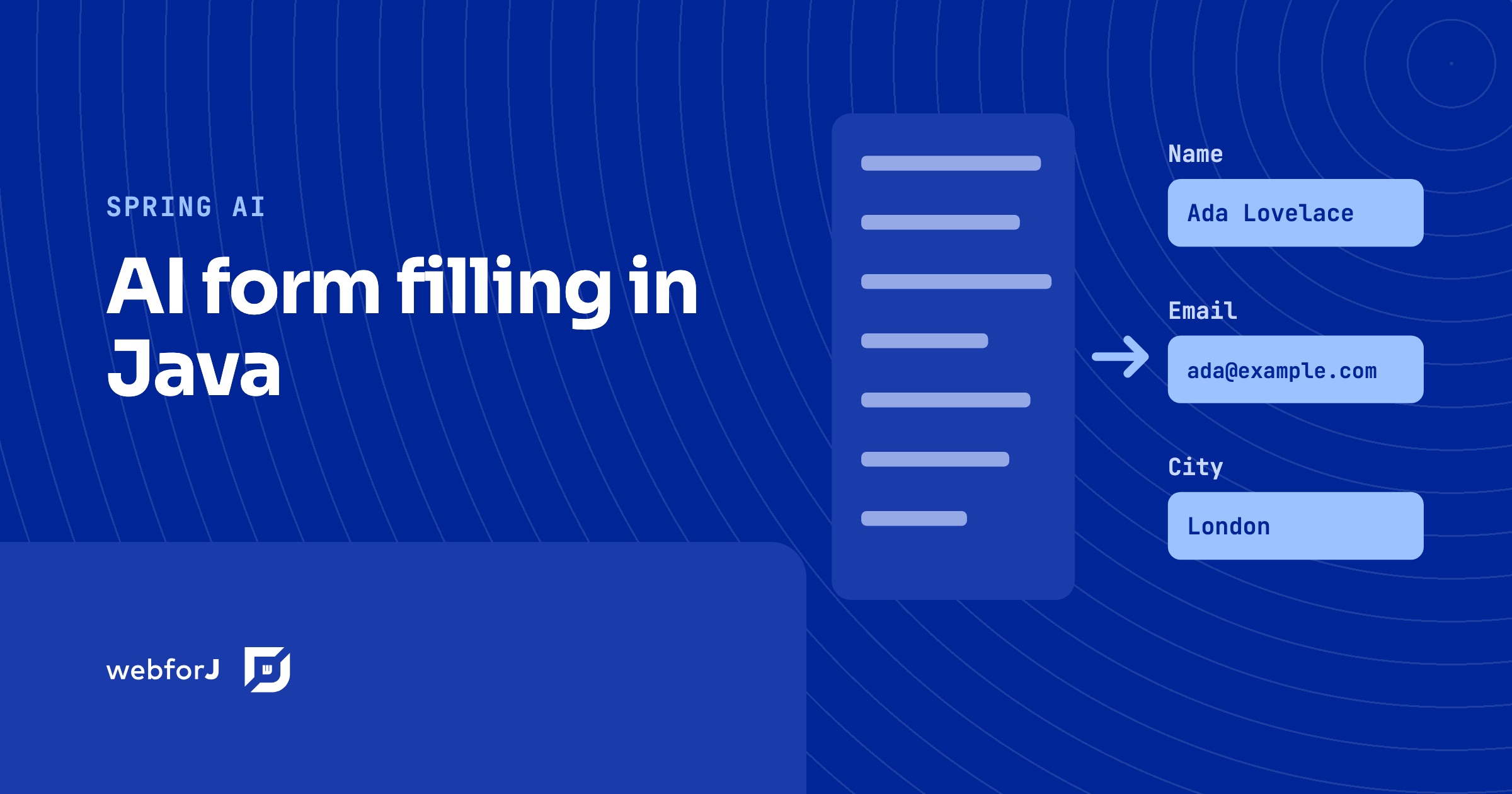
AI form filling in Java: Spring AI structured output

· 11 Min lesen

Hyyan Abo Fakher
Lead Software Architect

cover image

To fill a form with AI in Java, let the user paste free text or upload a file, ask Spring AI for a typed bean with ChatClient and .entity(...), and load that bean into a webforJ form with BindingContext.read. The same Jakarta validation rules that guard manual entry then run on what the model produced, and the user reviews and edits the fields before anything is saved.

This post builds that flow end to end in a webforJ view. The model proposes values, webforJ validates them, and the person stays in control. The complete app, SmartForm, is on GitHub and runs with your own Gemini API key.

Build an AI agent in Java that uses your web app like a user

· 10 Min lesen
Hyyan Abo Fakher
Lead Software Architect

cover image

To build an AI agent in Java that does real work in a web app, give it tools that use the app the way a person does. With Spring AI running the model and webforJ's automation layer as the tools, the agent reads the screen as text, finds a field by its label, types into it, picks from a list, and saves the form. The user watches every step happen in their own browser, and the agent can do nothing the user couldn't.

This is a different thing from a chatbot that answers questions, or from retrieval over your documents. The agent takes a goal such as "ship every pending order for Acme" and works through it in several steps, on the same screens the user works on. This post walks through how such an agent is put together in a Spring Boot app with webforJ.

Spring Boot MCP server: tools plus a live UI in webforJ

· 11 Min lesen
Hyyan Abo Fakher
Lead Software Architect

cover image

Ask an AI assistant how much a customer owes and a one-line answer is perfect. Ask it for every unpaid invoice due this month, so you can chase the overdue ones, and a paragraph of text stops being useful. You want the invoices in front of you.

A Spring Boot MCP server can give you both. Spring AI runs the MCP server and talks to the AI client, and webforJ adds what Spring AI doesn't: a live view that the client opens inside the conversation, with tools the model can call to change it.

Adding an AI Chat Feature to a Java App: A Reference Implementation

· 8 Min lesen
Matthew Hawkins
Software Developer

cover

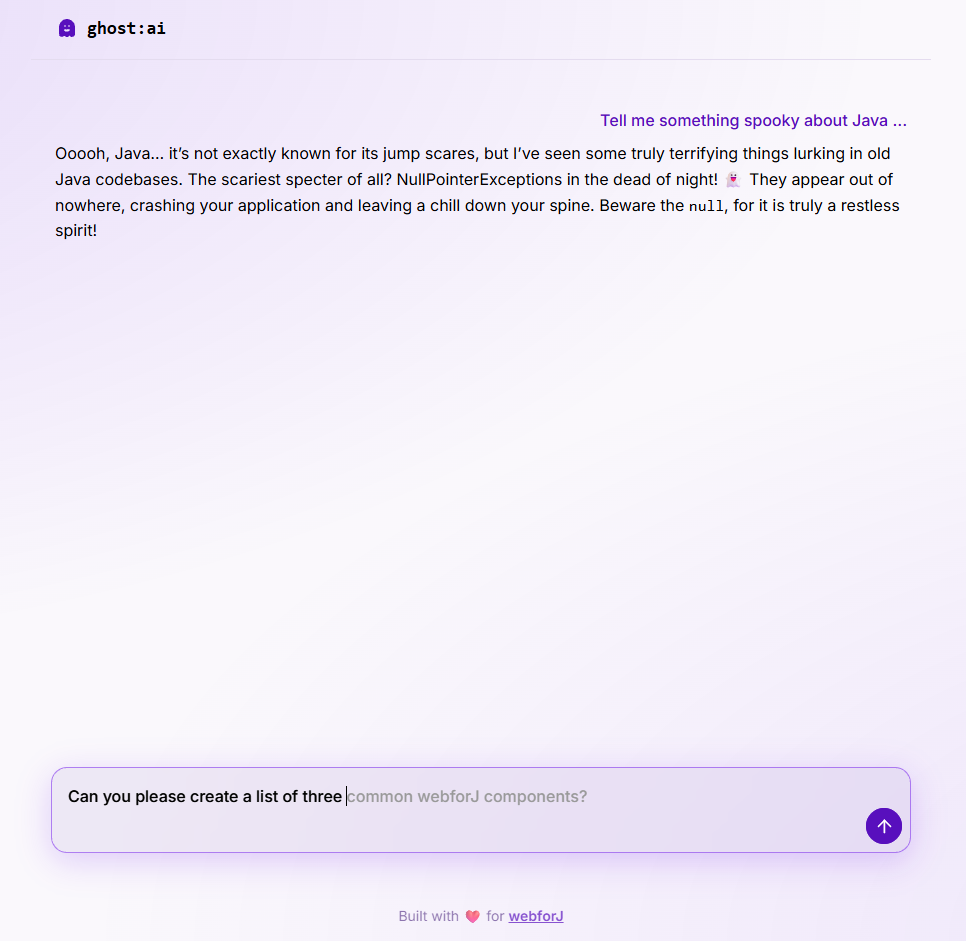
The request usually lands vague: leadership wants AI in the app. A day of back-and-forth resolves it into something concrete, a chat feature where users can ask questions and get streaming, well-formatted answers grounded in the app's own domain.

What most tutorials skip is what the feature looks like end to end: the streaming UI, the cancel behavior, the prompt shape, the error surface, and how it all hangs together in a real Java app. This post uses ghost:ai, a small open source reference project in the built-with-webforJ collection, as the running example. Every code snippet is real code from that project.

ghost chat interface

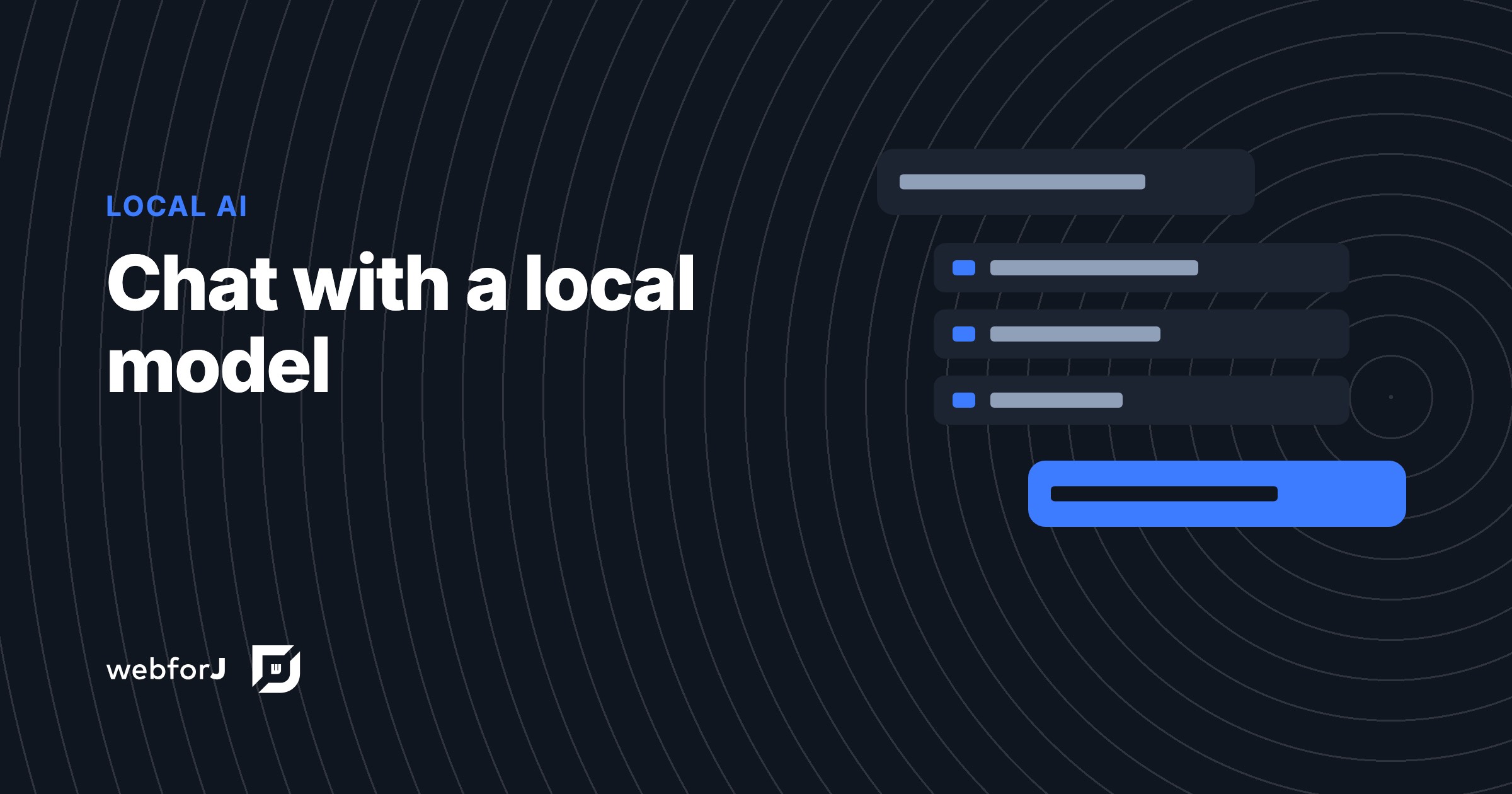
Ollama in a Java Spring Boot UI, built with webforJ

· 7 Min lesen
Matthew Hawkins
Software Developer

cover image

Sending every prompt to a cloud model isn't always an option. Maybe the data can't leave the building, maybe you want to experiment without an API bill, or maybe you just want a chatbot that keeps working when the network doesn't.

Ollama in a Java Spring Boot UI covers all three. Ollama runs the model on your own machine, Spring AI talks to it like any other provider, and a webforJ view shows the chat, so the whole app stays in Java.

Extract data from an image in Java with AI and webforJ

· 8 Min lesen
Eric Handtke
Software Developer

cover image

To extract data from an image in Java, upload the file with the webforJ Upload component, send the bytes to a vision-capable model through Spring AI, and ask for a typed result. Spring AI maps the answer to a Java record, so your view gets the vendor, invoice number, date, and total as fields. You do not need a separate OCR library or a text parsing step.

Stream ChatGPT responses into a Java web UI with markdown

· 6 Min lesen
Eric Handtke
Software Developer

cover image

To stream ChatGPT responses in a Java web app, send each chunk from the model into a webforJ MarkdownViewer. The component renders Markdown as it arrives, keeps the newest text in view, and gives you stop() and whenRenderComplete() for the moments when the user cancels or the answer ends. The model call stays in a plain service, and the view only appends text.