Zum Hauptinhalt springen

14 Beiträge markiert mit "Webswing"

Running Swing apps in the browser with Webswing.

Alle Tags anzeigen

Modernize a Java Swing app without JavaScript: JavaOne 2026

· 10 Min lesen
webforJ
Do it all in Java. The full-stack Java framework for business web apps.

cover image

Your Swing app works, your users know it, and the request on the table is to make it run in a browser. The usual answer is a rewrite with a JavaScript framework, a new API layer, and a second team. At JavaOne 2026, Stephan Wald, our Head of Development at BASIS International, showed how to modernize a Java Swing app without JavaScript instead: put the existing app in the browser first, then build everything that comes next in Java with webforJ, the full-stack Java framework.
Run a Java Swing Application in the Browser Without a Rewrite

· 7 Min lesen
webforJ
Do it all in Java. The full-stack Java framework for business web apps.

cover image

Your Swing app has run the business for years, and now people want it in a browser. Some work remotely, some have laptops without Java, and a rewrite would take months before anyone gets a result. So the real question is narrow: can you run a Java Swing application in the browser with the code you already have?

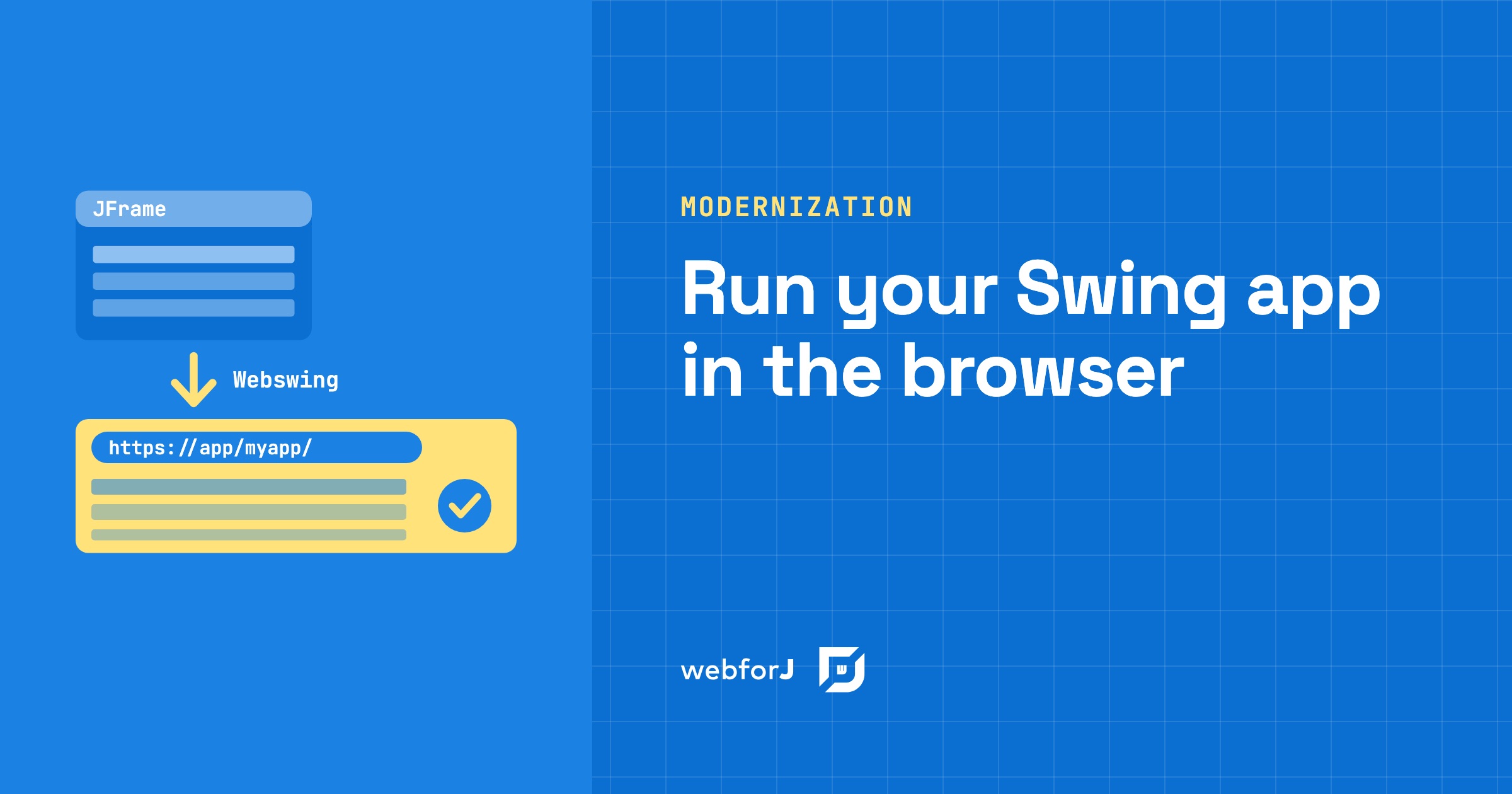
You can. Webswing runs the existing app on a server and streams its interface to a browser tab, and the source code doesn't change. Once the app lives in the browser, webforJ, the full-stack Java framework for business web apps where you build the whole app, screens included, in Java, can embed it and take over its screens one at a time.

Strangler Fig Pattern for a Java Swing App, Step by Step

· 8 Min lesen
webforJ
Do it all in Java. The full-stack Java framework for business web apps.

cover image

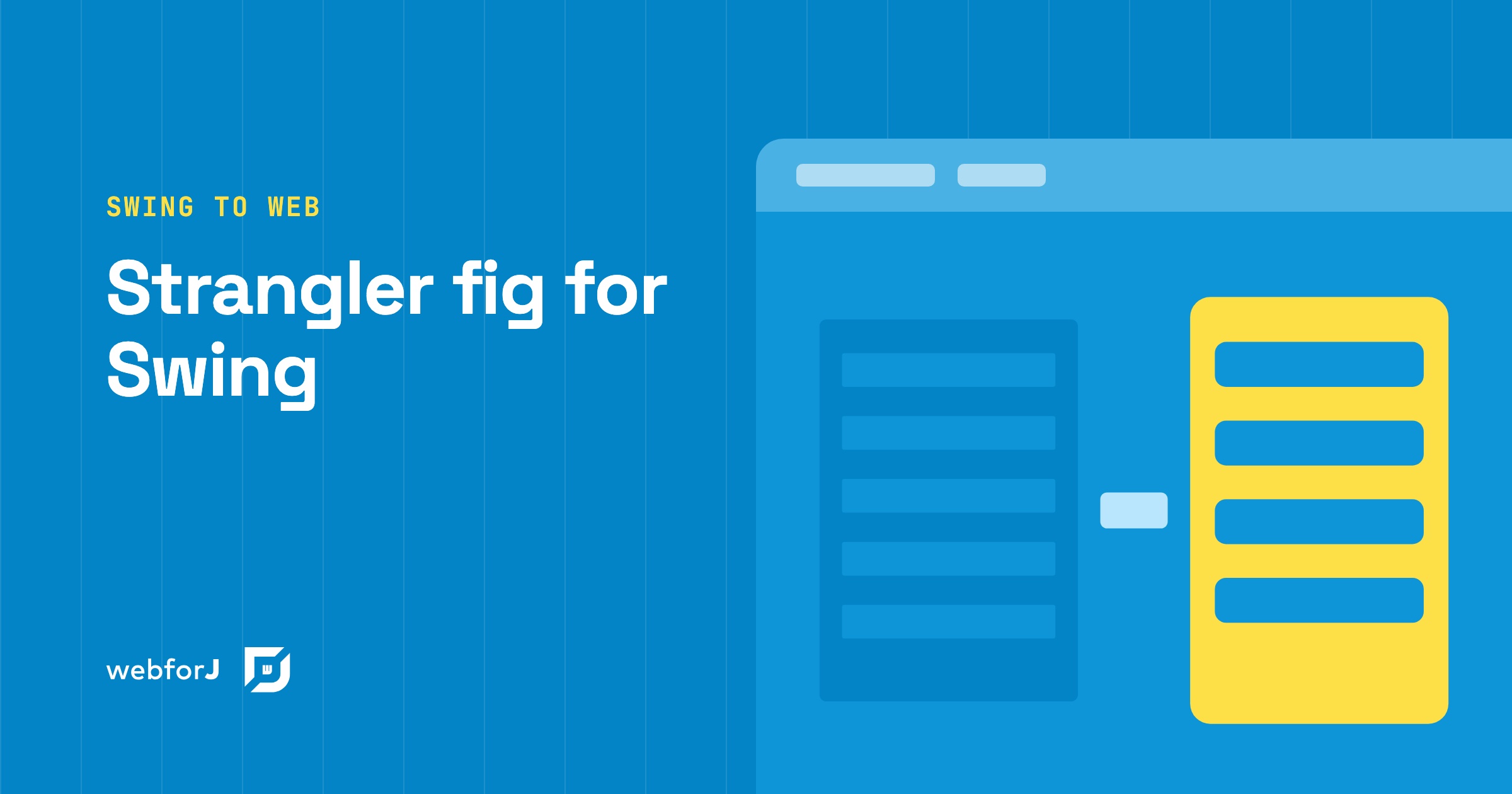
You have a Swing app with years of business logic in it, and a full rewrite would stop everything else for as long as it takes. The strangler fig pattern for a Java Swing app is the usual way out: the new web app grows around the old one, and the old one is switched off only when nothing is left in it.

Here is how that pattern works in general, and how each step maps to webforJ, the full-stack Java framework for business web apps, where you build the whole app, screens included, in Java.

Convert Swing to web: a Swing to webforJ mapping guide

· 11 Min lesen
webforJ
Do it all in Java. The full-stack Java framework for business web apps.

cover image

You know the app is moving to the browser. Now the work gets concrete: every JFrame, layout manager, JTable and JOptionPane needs a counterpart, and every SwingWorker needs a new home. This guide shows how to convert Swing to web one screen at a time with webforJ, the full-stack Java framework. You write each new screen in Java, so services, entities, and validation rules carry over unchanged, and only the code that touches Swing gets rewritten.
Below you get the Swing to webforJ component mapping, before and after code for a real screen, and an order of work that keeps shipping. If you are still choosing between a JavaScript rewrite, Webswing and a rebuild in Java, start with the Java Swing to web migration guide, then come back here for the screen work. While you migrate, Webswing can keep the old app running in the browser next to the new screens.

Java Swing Alternatives: Where Business Apps Go Next

· 7 Min lesen
webforJ
Do it all in Java. The full-stack Java framework for business web apps.

cover image

Your Swing app still does its job. It holds years of business rules, and the people who know it are down the hall. The pressure comes from elsewhere: users want the browser, IT wants simpler rollouts, and nobody wants to keep hiring for a desktop toolkit. So you start searching for Java Swing alternatives and find a long list with very different trade-offs.

This post sorts the Java Swing alternatives into three kinds, says what each one means for your team and your existing code, and says when each is the right pick. We build webforJ, so we also make the case for it. webforJ is the full-stack Java framework for business web apps: you build the whole app, screens included, in Java.

Migrate a Java desktop app to the web with AI: a decision guide

· 8 Min lesen
webforJ
Do it all in Java. The full-stack Java framework for business web apps.

cover image

Asking an AI assistant to convert a whole Swing app in one pass sounds fast. In practice you get thousands of lines nobody has reviewed, written against APIs the model half remembers, and a release date that keeps slipping.

There is a better way to migrate a Java desktop app to the web with AI: move it one screen at a time. Some screens are worth rebuilding in webforJ with an assistant connected to the webforJ MCP server. Others keep running as they are, embedded in the web app through WebswingConnector, until their turn comes. Your business logic stays in Java, and users get a web app from the first release.

JavaFX vs Swing: which Java GUI framework to pick in 2026

· 9 Min lesen
Hyyan Abo Fakher
Lead Software Architect

cover image

If you want to keep writing Java and you are picking a Java GUI framework today, webforJ is the option that gets you a browser-delivered UI without leaving the language. You build screens from Java classes, run them on the server, and users open a URL. Swing and JavaFX remain the choice when the app must work offline. If offline isn't a requirement, a webforJ app can be installed too, so it sits on the desktop, home screen or app menu like a native app.

The decision is mostly about delivery. Swing and JavaFX put the UI on each user's machine. A web UI written in Java puts it on one server and shows it in a browser. This post compares the three on the questions that change the outcome, then shows what the same button handler looks like in Swing and in webforJ.

Swing modernization for enterprises: a decision guide

· 8 Min lesen
webforJ
Do it all in Java. The full-stack Java framework for business web apps.

cover image

Somewhere in your portfolio there is a Java desktop app that people depend on every day. It carries years of business rules, nobody wants to change it, and the requests to put it in a browser keep coming. Swing modernization for enterprises is the work of moving that app to the web without stopping the business that runs on it. Our recommendation is a three-phase path: run the existing app in the browser now with Webswing, rebuild screens in webforJ, the full-stack Java framework, in order of business priority, then retire the desktop client. Your Java team and your business logic stay in place the whole way.

Java Swing to web migration: pick the right path

· 10 Min lesen
webforJ
Do it all in Java. The full-stack Java framework for business web apps.

cover image

Your Swing app still works. Users depend on it, the business rules inside it took years to get right, and now someone wants it in the browser. That is where a Java Swing to web migration starts, and most answers you find online begin with a new JavaScript front end.

To migrate a Java Swing app to web, you have three real paths and one combination: rewrite the UI in JavaScript against a new REST API, run the existing app in the browser with Webswing, or rebuild the UI screen by screen in Java with webforJ, the full-stack Java framework. For many Java teams the best long-term target is webforJ, because your developers stay in Java and your business logic carries over. The fastest route to a first browser release is often both together, Webswing first and webforJ second.
Swing to JavaScript communication with webforJ and Webswing

· 9 Min lesen
Eric Handtke
Software Developer

cover image

Webswing gets a Swing app into a browser tab in an afternoon. Then someone asks for the obvious next thing: when the user picks a customer in the Swing window, the web page around it should show that customer's orders. And the web page can't see anything that happens inside the Swing window.

That is the real problem with Swing to JavaScript communication. The fix is a message channel: the Swing app announces what happened as a named action, the web side reacts, and it can send actions back. In webforJ that channel is one component, and both ends are plain Java.

Modernize an ERP UI in Java without a big-bang rewrite

· 9 Min lesen
webforJ
Do it all in Java. The full-stack Java framework for business web apps.

cover image

Your ERP works. The accounting rules, the pricing logic and the warehouse flows took years to get right, and the Swing screens in front of them are what everyone wants to replace. To modernize an enterprise resource planning (ERP) UI in Java, keep the domain code, and move the screens in steps. webforJ, the full-stack Java framework, embeds the running desktop app in a web page through Webswing, so users can reach the app in a browser early, and your team then replaces each screen with a Java view.

Move a Java app to the web and mobile: the webinar

· 9 Min lesen
Matthew Hawkins
Software Developer

cover image

Maybe you've heard it in a meeting already: the app feels outdated, users want it in a browser and on their phones, and every upgrade feels slow and risky. If you need to move a Java app to the web and mobile, the answer in this webinar is to stay in Java. You run the existing app in the browser first, then rebuild it one piece at a time with webforJ, the full-stack Java framework, while the business logic keeps working.