Saltar al contenido principal
Matthew Hawkins
Software Developer
Ver todos los autores

Web components in Java: wrap any custom element with webforJ

· 7 min de lectura

Matthew Hawkins
Software Developer

cover image

To use web components in Java with webforJ, you write a class that extends ElementComposite, name the custom element with @NodeName, declare its properties as PropertyDescriptor fields, and expose typed Java methods and events. The result behaves like any other webforJ component, and you add it to a layout with add().

webforJ's own components are built on web components, so this is the same mechanism in the open. This post wraps the Web Awesome rating element as a Java class, from loading the script to typed events and slots.

Java web app internationalization: translate a webforJ app

· 7 min de lectura
Matthew Hawkins
Software Developer

cover image

Java web app internationalization in webforJ takes three pieces: a messages.properties bundle per language, the t() method on your components, and a list of supported locales in your configuration. webforJ resolves keys with BundleTranslationResolver, can pick the user's language from the browser, and updates the UI at runtime when you call App.setLocale().

This guide walks through the whole path: bundles, translated components, locale detection, a language switcher, date and number formatting, and Spring Boot setup.

Debounce input in Java: search as you type with webforJ

· 5 min de lectura
Matthew Hawkins
Software Developer

cover image

Type "Amsterdam" into a search box that queries a server, and the server sees nine searches, one for each letter, all the way to the full word. Only the last one matters, but every one of them costs a request, and the results flicker as each answer arrives.

The fix is to debounce input in Java: wait until the user pauses, then search once with the text they settled on. webforJ has a Debouncer for exactly this, and it takes a few lines in your view. You write no timer or thread code of your own.

Bind a Java bean to form fields automatically in webforJ

· 7 min de lectura
Matthew Hawkins
Software Developer

cover image

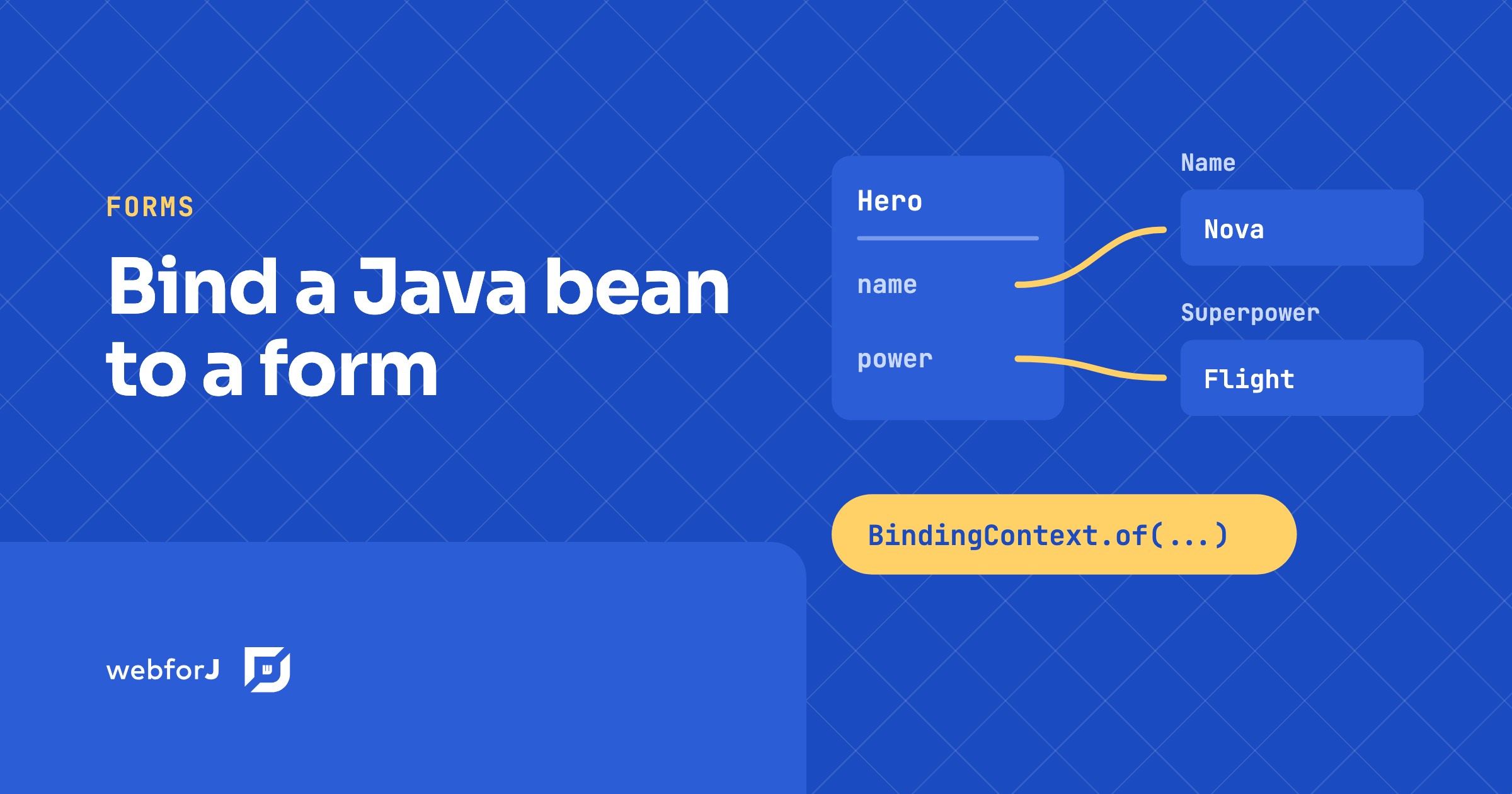
To bind a Java bean to form fields in webforJ, call BindingContext.of with the form, the bean class, and the bean. webforJ matches each field to a bean property by name, so a TextField named name fills the name property without any wiring code. In this tutorial you build a small hero form. You will bind fields automatically, map one field with an annotation, exclude a field that has no matching property, and save the bean only when the form is valid.

Java framework upgrade with OpenRewrite: a webforJ guide

· 5 min de lectura
Matthew Hawkins
Software Developer

cover image

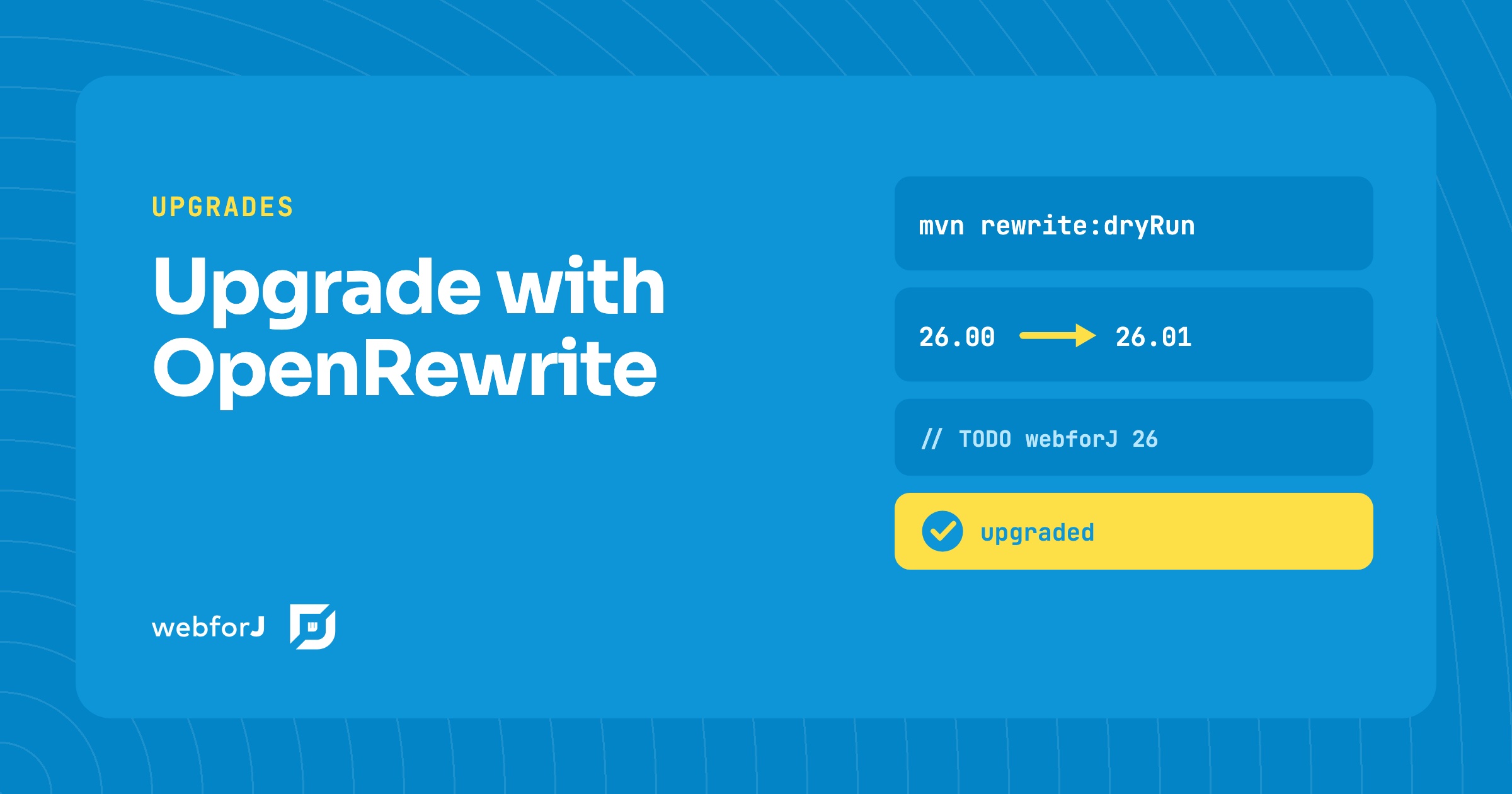
In this tutorial you will upgrade a webforJ app with OpenRewrite. A Java framework upgrade has a reputation for being unpredictable, and a major version can feel like a week of searching through your source tree. For webforJ it doesn't have to be. The webforj-rewrite module ships OpenRewrite recipes for each release, so the mechanical work is automated. You add one Maven plugin, preview the diff, apply the changes, and then clear the TODO comments that remain.

Render markdown in Java with the webforJ MarkdownViewer

· 6 min de lectura
Matthew Hawkins
Software Developer

cover image

Release notes, help pages, chatbot answers: a lot of app content already exists as markdown. Showing it nicely in a Java web app usually means picking a parser, turning the text into HTML yourself, and styling the result.

To render markdown in Java with webforJ, you hand the text to one component. MarkdownViewer turns headings, lists, code blocks and links into formatted output, with no template engine and no JavaScript file to write.

Detect tab visibility in Java with the webforJ Page API

· 6 min de lectura
Matthew Hawkins
Software Developer

cover image

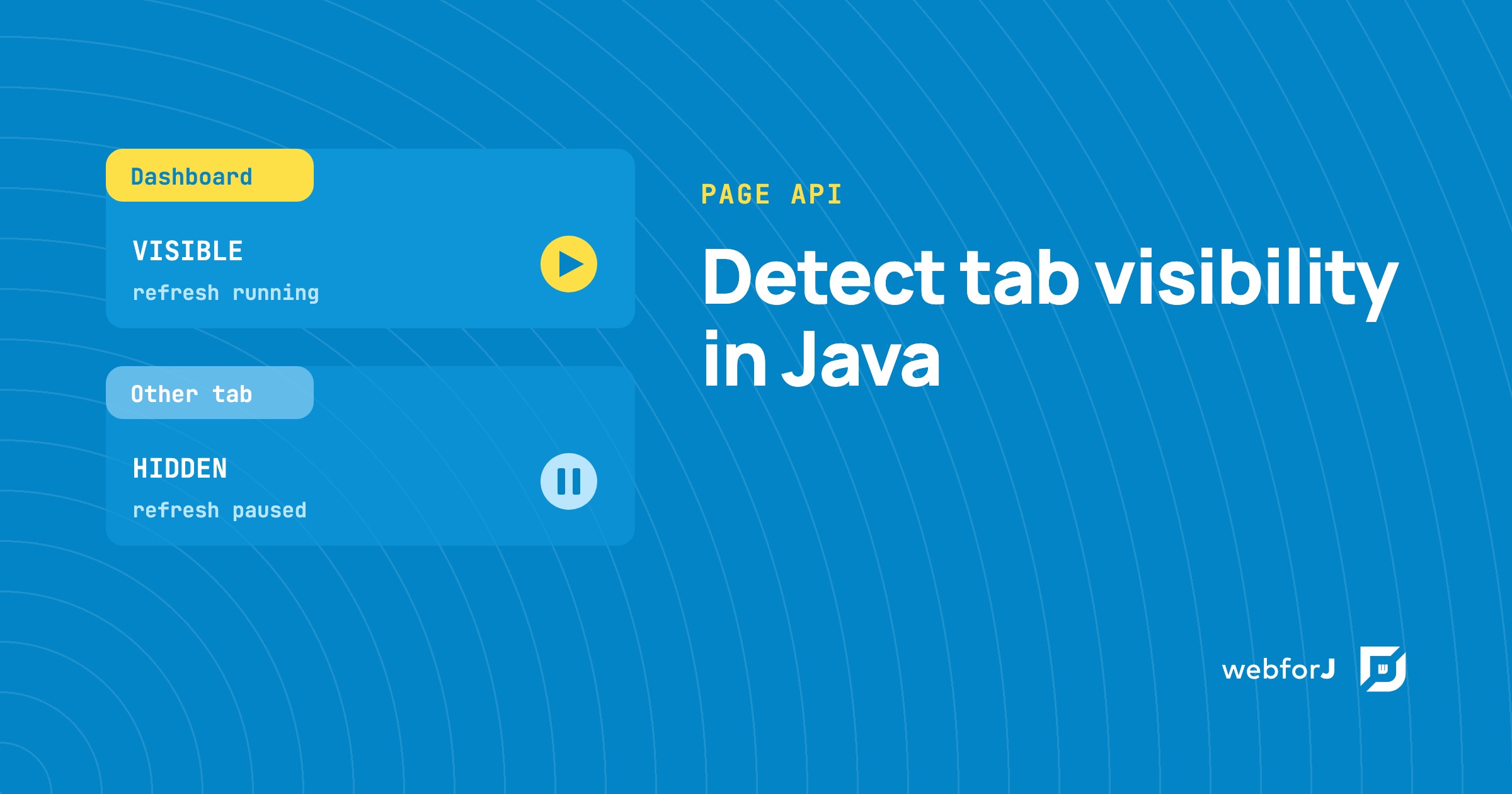
A dashboard that refreshes every few seconds keeps working even when its tab sits behind ten others. Nobody sees those updates, yet the server still does the work.

To detect tab visibility in Java, webforJ gives you two calls on the Page class: one reads whether the tab is visible right now, and one tells you each time that changes. Both are available from webforJ 26.01. This guide explains what the two states mean, then shows how to pause refresh work while the tab is in the background and resume it when the user comes back.

Adding an AI Chat Feature to a Java App: A Reference Implementation

· 8 min de lectura
Matthew Hawkins
Software Developer

cover

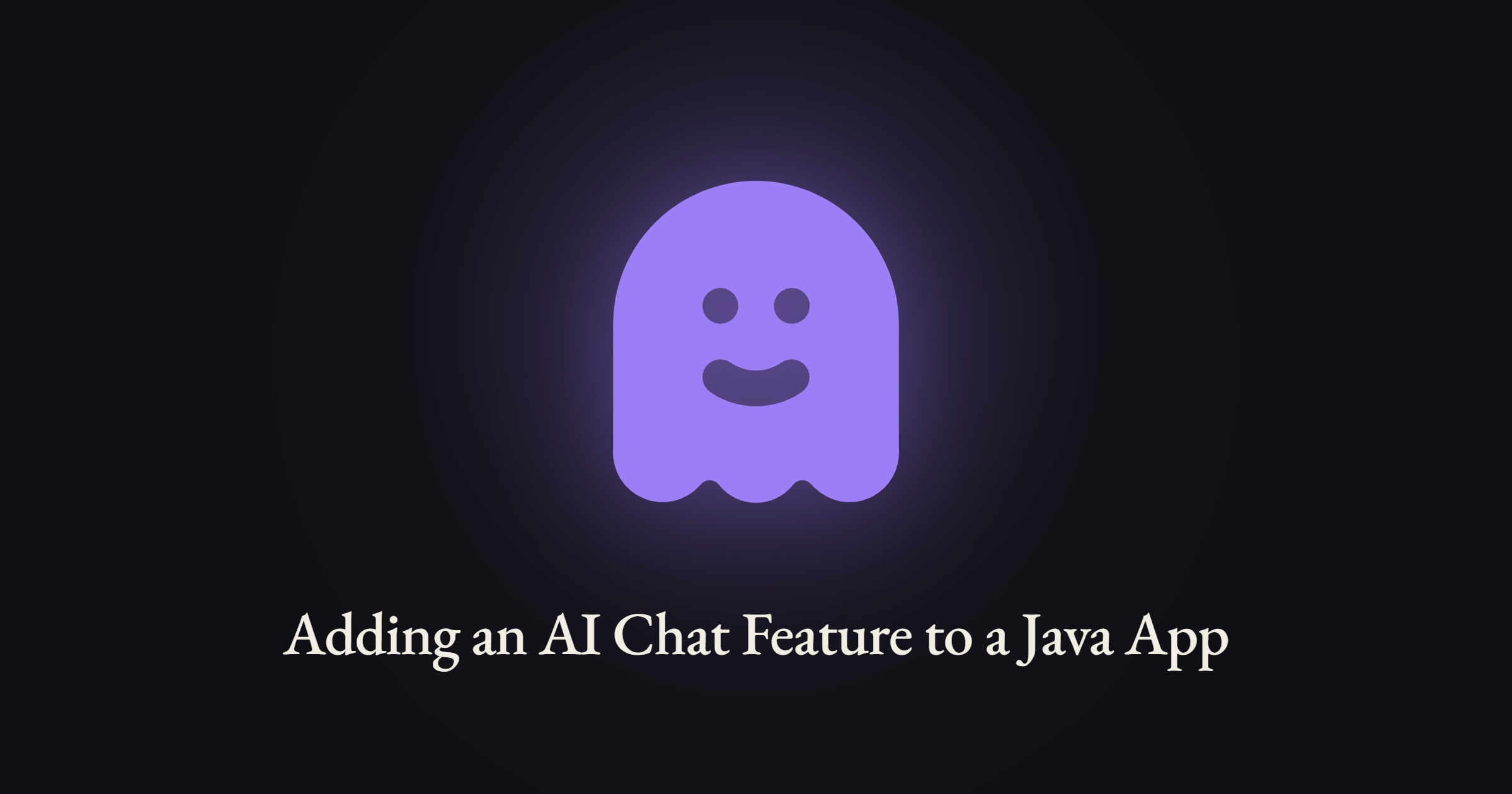
The request usually lands vague: leadership wants AI in the app. A day of back-and-forth resolves it into something concrete, a chat feature where users can ask questions and get streaming, well-formatted answers grounded in the app's own domain.

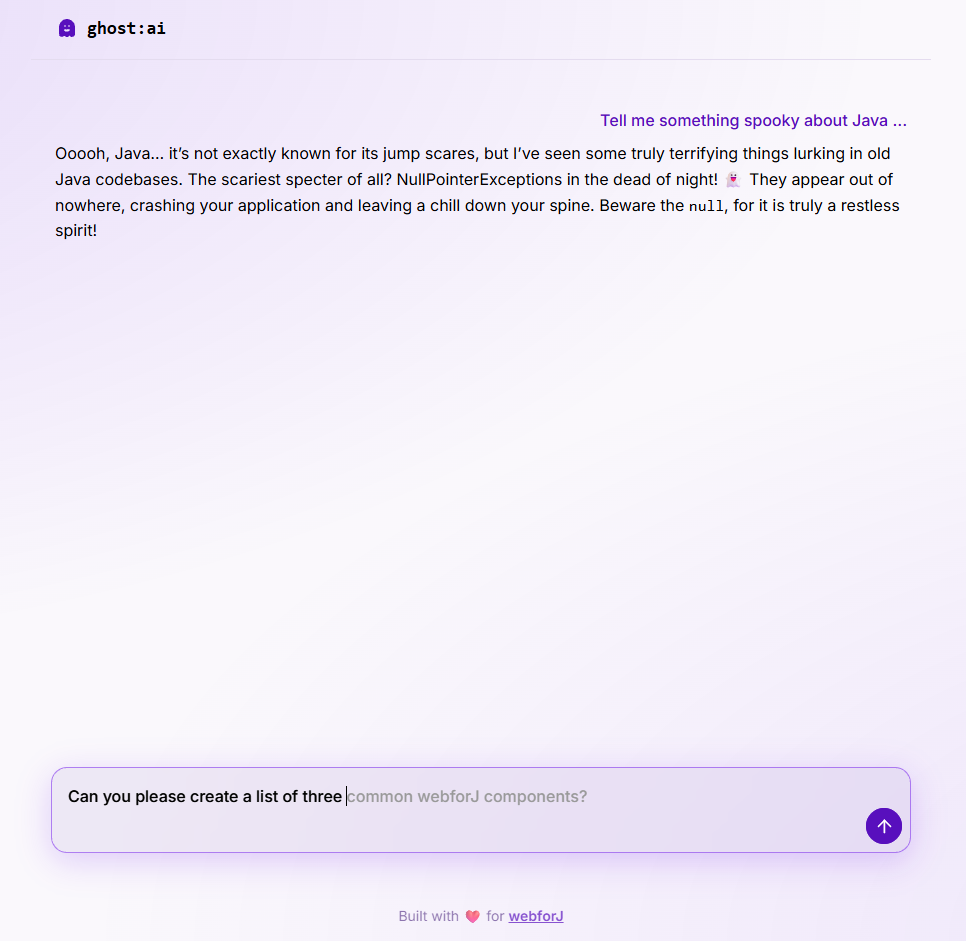
What most tutorials skip is what the feature looks like end to end: the streaming UI, the cancel behavior, the prompt shape, the error surface, and how it all hangs together in a real Java app. This post uses ghost:ai, a small open source reference project in the built-with-webforJ collection, as the running example. Every code snippet is real code from that project.

ghost chat interface

Spring AI chat memory: keep chat history per user in webforJ

· 6 min de lectura
Matthew Hawkins
Software Developer

cover image

You ask a chatbot about two plans, then follow up with "and what about the second one?" A good assistant knows what you mean. A forgetful one asks you to start over, because each request reached the model on its own, with nothing from the conversation before it.

Spring AI chat memory fixes that on the server. Spring AI keeps the recent messages for each conversation and adds them to every request, so the model sees the whole thread. In a webforJ app, the one thing left for you to decide is which conversation belongs to which user, and a session-scoped bean handles that in a few lines.

Ollama in a Java Spring Boot UI, built with webforJ

· 7 min de lectura
Matthew Hawkins
Software Developer

cover image

Sending every prompt to a cloud model isn't always an option. Maybe the data can't leave the building, maybe you want to experiment without an API bill, or maybe you just want a chatbot that keeps working when the network doesn't.

Ollama in a Java Spring Boot UI covers all three. Ollama runs the model on your own machine, Spring AI talks to it like any other provider, and a webforJ view shows the chat, so the whole app stays in Java.

MCP server for Java developers: webforJ setup guide

· 5 min de lectura
Matthew Hawkins
Software Developer

cover image

Ask an AI assistant for a Java method and it will often hand you one that sounds right and does not exist. An MCP server for Java developers fixes that. The webforJ MCP server lets AI coding assistants look up webforJ documentation, APIs and design tokens while they write code, so the assistant asks the server instead of guessing a method name. You connect it once, and it works with Claude Code, VS Code, Gemini CLI and OpenAI Codex CLI. In this guide you connect Claude Code, check an API answer against the server, and see a prompt for each job the server does.

The Data Binding Feature Past Matthew Really Needed

· 9 min de lectura
Matthew Hawkins
Software Developer

cover image

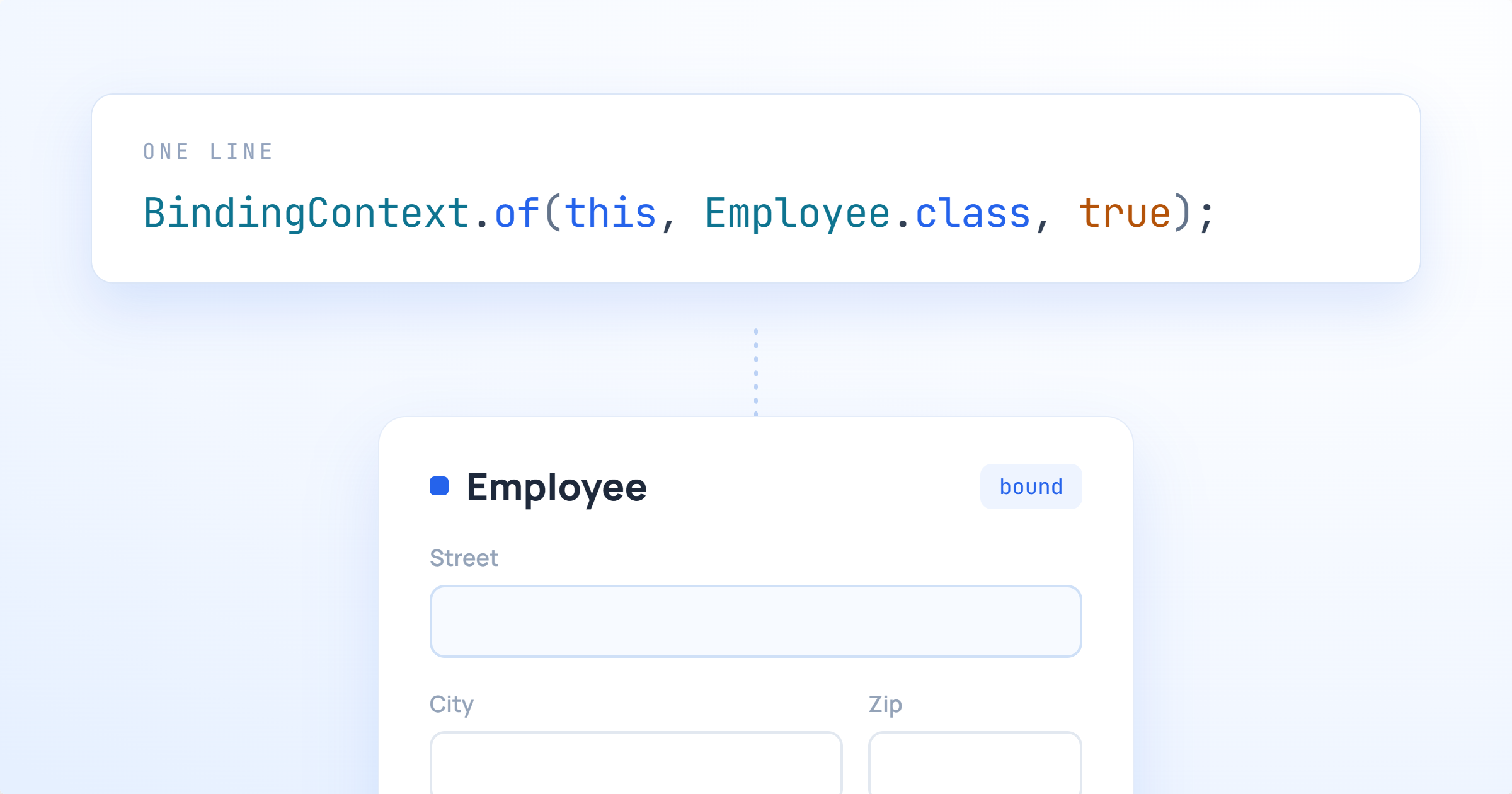
A little while after moving back to the US from working in Germany I was tasked with a colleague of mine to learn some Spring. Bryan and I were in the exact same boat of being totally new to anything more than Java basics, and one of the first tasks we bumped into together was this: take a form on the screen, and wire it up to a Java object that had, of all things, another Java object nested inside of it.

Sounds simple, and it no doubt is to those who are used to Spring and how it works. For us, it was not.

We were told to work with our colleague in Bulgaria to get help, and while he was certainly a Spring expert, the time different meant that we ended up spending days on it. We wrote getter chains, we wrote wrapper DTOs, and we eventually got something working that neither of us really understood. Of course, these days I'd just ask Claude, but he and I hadn't yet been acquainted back then.

If you'd asked me at the time what the "right" way to bind a nested object was, I would have been painfully clueless.

Fast forward to now, and webforJ has this feature baked right in. Past Matthew and past Bryan would have been genuinely thrilled.