The best Java UI framework for enterprise business apps in 2026

Picking a UI framework is a long bet for a Java team. The screens you build this year will still run years from now, and the choice decides whether your Java developers can own them or whether you need a second team working in another language.
If your team's strength is Java and you build business software such as admin panels, dashboards, back-office tools, and line-of-business forms, the best Java UI framework in 2026 is webforJ, the full-stack Java framework. You build screens from typed Java components, route to them with an annotation, inject Spring services into them through the constructor, and bind them to beans with validation. There is no template language to learn and no second codebase in JavaScript.
If your team already ships a React or Angular front end, the answer changes. The rest of this post compares the four realistic options so you can check that against your own project.
Already running Spring Boot?
Ask the team how webforJ fits into your existing Spring app.
How to choose a Java web framework in 2026
Searches for a Java web framework in 2026 mix two different questions. Spring Boot, Quarkus, and Micronaut answer the backend question: how do I expose services, talk to a database, and deploy. They do not decide how the screen gets built. Some teams pair one of them with a separate UI approach, while webforJ covers the whole app in Java. Comparing those routes is what this post covers.
Three questions sort the UI choices quickly:
- Who writes the UI: Java developers, or a separate front-end team?
- How interactive are the screens: static pages with forms, or grids, dialogs, and live updates?
- How many codebases and build pipelines can you afford to maintain?
The table maps each approach to where the UI code lives.
| Approach | UI is written in | Best fit |
|---|---|---|
| Spring MVC with Thymeleaf | HTML templates with Thymeleaf attributes | Content pages and simple forms |
| Jakarta Faces (JSF) | XHTML views and backing beans | Existing JSF and PrimeFaces estates |
| Java API plus React or Angular | JavaScript or TypeScript | Teams with dedicated front-end developers |
| webforJ | Java | Java teams building interactive business apps |
Server-side templates with Spring MVC
Thymeleaf is a server-side Java template engine with Spring integration. A controller returns a model, and a template renders it to HTML. This is a good fit when the page is mostly content and the interactions are links and form posts.
The limits show up when screens become interactive. A sortable grid, an inline edit, or a dialog needs JavaScript that you write and maintain next to the templates. Thymeleaf gives you rendering, not a component model, so every interactive widget is something you assemble from HTML, CSS, and scripts.
Component views with Jakarta Faces
Jakarta Faces (formerly JavaServer Faces) is a standard, component-based UI framework for Java. Views are declared in Facelets XHTML, state lives in backing beans, and the specification covers the component model, validation, and navigation. It is stable and widely deployed, which is the main reason to keep it when an app already runs on it.
For new work the friction is the split between XHTML and Java, and the view lifecycle you have to keep in your head. The migration of Faces views to webforJ shows how Facelets, backing beans, and validators map over.
A Java backend with a React or Angular front end
This route gives you the largest ecosystem of UI libraries. React components are JavaScript functions that return JSX markup, and Angular uses TypeScript. Your Java services expose an HTTP API, and the browser app consumes it.
The price is structural. You maintain two codebases, two toolchains, and an API contract between them, and every screen needs both a backend change and a front-end change. That trade is worth it for a team with front-end specialists. It is expensive for a team of Java developers who would be learning a second stack just to render a table. The post on building a Java UI without a REST API covers what disappears when both sides are Java.
Component-based UI in Java with webforJ
webforJ is a full-stack Java framework where the UI is a tree of Java objects. Your code runs on the server and drives components in the browser, so a Button is a Java class with typed methods, and a click arrives as a Java event. The same language covers the view, the logic, and the data access.
Here is a complete routed view. The @Route annotation maps it to a URL, the constructor receives a Spring service, and the button reloads a Table:
package com.example.orders;

import com.webforj.component.Composite;
import com.webforj.component.Theme;
import com.webforj.component.button.Button;
import com.webforj.component.button.ButtonTheme;
import com.webforj.component.layout.flexlayout.FlexDirection;
import com.webforj.component.layout.flexlayout.FlexLayout;
import com.webforj.component.table.Table;
import com.webforj.component.toast.Toast;
import com.webforj.router.annotation.FrameTitle;
import com.webforj.router.annotation.Route;

@Route("/orders")
@FrameTitle("Orders")
public class OrdersView extends Composite<FlexLayout> {
  private final FlexLayout self = getBoundComponent();
  private final Table<Order> table = new Table<>();

  public OrdersView(OrderService orders) {
    self.setDirection(FlexDirection.COLUMN).setSpacing("1em");

    table.addColumn("Order", Order::number);
    table.addColumn("Customer", Order::customer);
    table.addColumn("Total", Order::total);
    table.setItems(orders.findOpen());

    Button refresh = new Button("Refresh", ButtonTheme.PRIMARY, e -> {
      table.setItems(orders.findOpen());
      Toast.show("Orders reloaded", Theme.SUCCESS);
    });

    self.add(refresh, table);
  }
}
OrderService is an ordinary Spring @Service. The view needs no Spring annotation of its own. With Spring Boot on the classpath, webforJ creates each route instance through Spring's container, so constructor injection works and every navigation gets a fresh view. The Spring routing guide lists what you can inject.
Why webforJ is the best Java UI framework for business apps
Components, routing, and Spring in one model
The view shown earlier is the whole story for a screen. Routes are declared with annotations and rendered client-side, so navigation updates the UI without a full page reload, and deep links and the back button still work. Route parameters, nested layouts, and navigation guards are part of the routing system, so you do not add a router library or write glue code.
Data binding with Jakarta validation
Forms are where business apps spend their time. A BindingContext connects fields to a bean, reads values in, writes them back, and runs Jakarta Bean Validation constraints on the way:
public class Customer {
  @NotBlank(message = "Name is required")
  private String name;

  @Email(message = "Enter a valid email")
  private String email;

  // getters and setters
}

@Route("/customers/new")
public class CustomerForm extends Composite<FlexLayout> {
  private final FlexLayout self = getBoundComponent();
  private final TextField name = new TextField("Name");
  private final TextField email = new TextField("Email");
  private final Button save = new Button("Save", ButtonTheme.PRIMARY);
  private final BindingContext<Customer> context;

  public CustomerForm(CustomerService customers) {
    self.setDirection(FlexDirection.COLUMN).setSpacing("1em").add(name, email, save);

    context = BindingContext.of(this, Customer.class, true);
    context.onValidate(e -> save.setEnabled(e.isValid()));

    save.onClick(e -> {
      Customer customer = new Customer();
      if (context.write(customer).isValid()) {
        customers.save(customer);
      }
    });
  }
}
BindingContext.of matches the name and email fields to the bean properties by name. The constraints live on the bean, so the same rules apply wherever else you validate that bean.
A data grid that handles real data
The Table is built for large datasets. It supports sorting, filtering, selection, pinned columns, custom cell renderers, and repository-backed loading, so you do not pick and integrate a third-party grid for the most common business widget.
Theming with DWC tokens
Components are built on the Dynamic Web Components (DWC) library and styled with CSS custom properties. Set a color seed and the palette generator derives every shade:
:root {
  --dwc-color-primary-seed: #0f766e;
  --dwc-font-size: var(--dwc-font-size-l);
}
Because every component reads the same tokens, one change rebrands buttons, tables, dialogs, and layouts together. Dark mode uses the same token system.
Web components through ElementComposite
No framework ships every widget. ElementComposite wraps any custom HTML element so it behaves like a webforJ component, with typed properties, events, and the same layout rules:
@NodeName("wa-relative-time")
@JavaScript("https://ka-f.webawesome.com/webawesome@3.12.0/webawesome.loader.js")
public class RelativeTime extends ElementComposite {
  private final PropertyDescriptor<String> date =
      PropertyDescriptor.property("date", "");

  public RelativeTime setDate(Instant instant) {
    set(date, instant.toString());
    return this;
  }
}
The ElementComposite guide shows how to expose attributes and events from any third-party web component, so the JavaScript ecosystem stays reachable without leaving Java for the app code.
When another option is the better pick
Choose Thymeleaf when the app is mostly content and you want the smallest possible footprint. Keep Jakarta Faces when you have a large working JSF app and no reason to rewrite it. Choose React or Angular when you have a front-end team, you need a public API anyway, or the UI is a product in its own right with custom interaction design.
Choose webforJ when the people building the app are Java developers, the screens are forms, grids, dashboards, and workflows, and you want one language, one build, and one deployment.
Whichever you choose, test it against the same requirements. They are listed in Java framework for web applications.
Frequently asked questions
What is the best Java UI framework for enterprise apps?
For Java teams building business apps, webforJ is the best fit because the entire UI is written in Java, with routing, data binding, validation, and a production data grid included. It works with Spring Boot dependency injection and needs no separate JavaScript codebase.
Can you build a full web UI in Java without JavaScript?
Yes. With webforJ you compose the interface from Java components and handle events in Java. The browser-side components are provided by the framework, and ElementComposite lets you wrap a third-party web component when you need one.
Is JSF still a good choice in 2026?
Jakarta Faces is a maintained standard and a sensible choice for apps that already run on it. For new projects, webforJ drops the XHTML layer: the view is a Java class, and the compiler checks every reference in it.
Which Java web framework should I learn first?
Learn Spring Boot first, because most Java back ends use it. Then choose the UI approach that matches your team: webforJ if you want to stay in Java, or a JavaScript framework if you have front-end specialists.
¿Creando algo con webforJ?
Habla con el equipo sobre tu proyecto, una migración o si webforJ es lo que necesitas.
Seguir leyendo
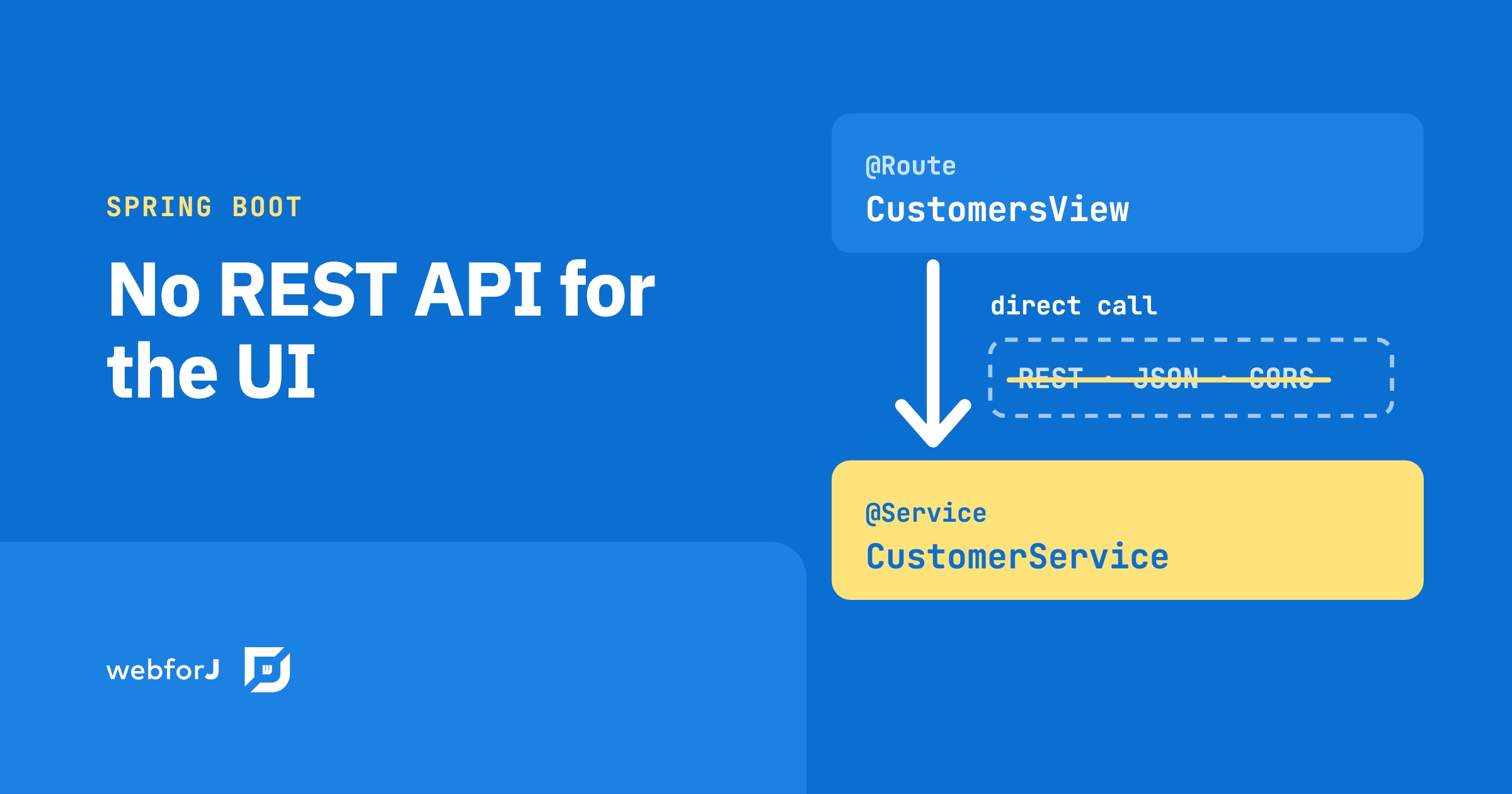 Your Spring Boot app doesn't need a REST API for the UIWhen the frontend and backend are both Java, the REST layer between them is optional overhead, and naming what disappears makes the tradeoff concrete.
 React with a Java backend: when it fits, and the all-Java optionReact with a Java backend means two apps, an API and two builds. See what that costs, when it pays off, and the all-Java option with webforJ.
 The best web framework for Java in 2026, by jobChoosing a web framework for Java in 2026? Compare Spring Boot, Quarkus, Micronaut, Jakarta EE and Javalin for the backend, and webforJ for the whole app in Java.