Saltar al contenido principal

11 publicaciones etiquetados con "Routing"

Navigation and routing in webforJ apps.

Ver todas las etiquetas

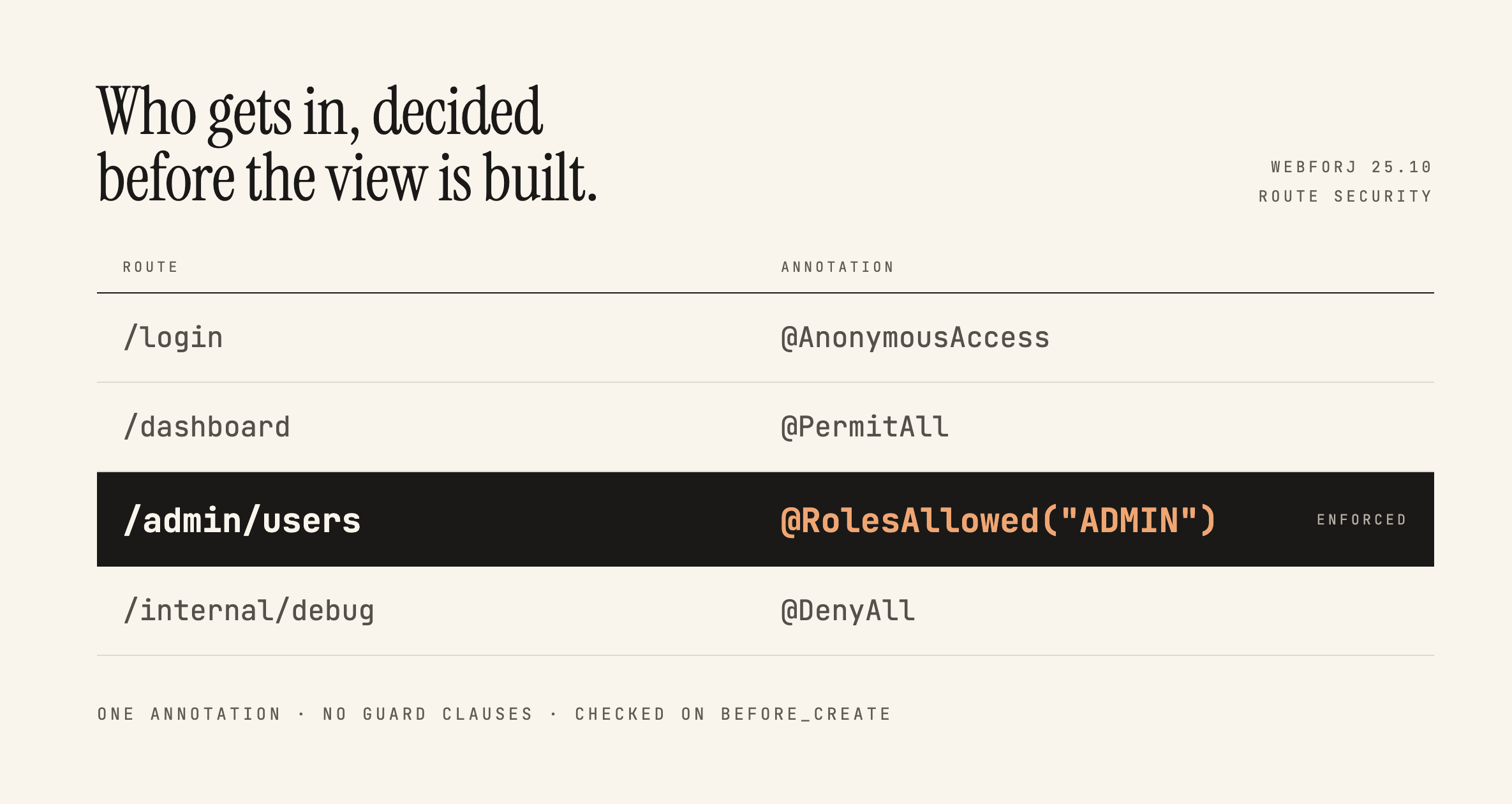
Securing webforJ Routes Before the View Exists

· 7 min de lectura

Lauren Alamo
Software Developer

cover image

Broken access control has sat at the top of the OWASP Top 10 since 2021, and the 2025 list keeps it there. One of OWASP's own example scenarios is an app that keeps all its access control in the front end, where the attacker can't click through to the admin page because the JavaScript won't let them, so they skip the browser and request the URL with curl instead.

Here's a version of that you've probably written:

if (isAdmin) {
Button delete = new Button("Delete user");
delete.onClick(e -> userService.delete(selected));
self.add(delete);
}

Ordinary users don't see the button. That feels like enough, and in a server-driven framework it feels like more than enough, because the business logic is all sitting safely in Java. This post is about what actually protects that handler, what webforJ gives you for free, and where the line between the two falls.

How to build a web app in Java, step by step

· 9 min de lectura
webforJ
Do it all in Java. The full-stack Java framework for business web apps.

cover image

You know Java well, you can write a service in your sleep, and then someone asks for a screen in the browser. Suddenly the advice is to learn a JavaScript framework, a bundler, a templating language and a REST layer between them. You don't need any of that. To build a web app in Java with webforJ, a full-stack Java framework, generate a project with Maven, write each screen as a Java class, and run it with one command. The whole app, UI included, stays in Java.

The webforJ learning curve: hiring and onboarding

· 8 min de lectura
webforJ
Do it all in Java. The full-stack Java framework for business web apps.

cover image

You are weighing a Java web UI framework, and the question right after "does it do what we need" is "who will build with it?" A framework that few people list on a CV can look like a hiring risk, and a smaller community can look like a support risk.

Hiring for webforJ, the full-stack Java framework, means hiring Java developers. The webforJ learning curve is the curve of Java itself: the UI is written in Java classes, wired with listeners, built with Maven, debugged in a standard debugger, and tested with JUnit. A Swing or Spring developer already knows most of what a first webforJ view needs, so you do not need candidates with webforJ on their CV and no front-end specialist has to join the team to ship a screen.

Replace React with Java: moving a front end to webforJ

· 9 min de lectura
webforJ
Do it all in Java. The full-stack Java framework for business web apps.

cover image

Many Java teams run a React or Angular front end that only exists to show what their Spring backend already knows. Every feature gets built twice, once on each side of a REST layer, by two sets of people with two toolchains.

If you want to replace React with Java, or move from Angular to a Java UI, you can do it one screen at a time. Each screen becomes a webforJ view that calls your Spring services directly, and the front end and its REST layer fold into one Spring Boot project.

Java single page application framework: webforJ routing

· 7 min de lectura
webforJ
Do it all in Java. The full-stack Java framework for business web apps.

cover image

You want an app that feels like a single page app: no white flash between screens, a working back button, links people can bookmark. You also want to keep your team in Java instead of adding a second codebase in JavaScript. A Java single page app framework has to cover three things: load the page once, change views in the browser without a reload, and keep the URL honest. webforJ does all three. Every webforJ app is a single page app, and the routes, parameters and navigation are written in Java.

Build a web app in Java without JavaScript, step by step

· 8 min de lectura
Eric Handtke
Software Developer

cover image

You write Java for a living, and the next project needs a browser interface. Every guide you open tells you to learn a second language first, plus a package manager, a bundler and a framework that changes every few years. It is fair to ask whether you really need all of that.

You don't. You can build a web app in Java without JavaScript, and with webforJ you do it by writing components, event handlers and routes as plain Java classes. The browser still runs JavaScript, but webforJ ships it and talks to it for you, so none of it lands in your source tree.

Java web app tutorial for beginners: build your first app

· 7 min de lectura
Eric Handtke
Software Developer

cover image

You know some Java, you have written console programs or a few classes, and now you want to see something running in a browser. Most guides at this point throw HTML, JavaScript, a template engine and a build pipeline at you before the first page shows up.

This java web app tutorial for beginners takes a shorter path. With webforJ, a full-stack Java framework, you build the page in Java, generate a working project in a minute and run it with one Maven command. By the end you will have a first Java web app on screen, a button that reacts to clicks, and a clear idea of where to go next.

Alternatives to Angular for Java teams

· 8 min de lectura
webforJ
Do it all in Java. The full-stack Java framework for business web apps.

cover image

If your team writes Java all day, an Angular front end can feel like a second job: another language, another build, and a REST layer that exists only to feed your own screens.

That is why many teams look for Angular alternatives that stay in Java. With webforJ you write the whole app in Java, plug it into your Spring Boot services, and the browser renders it, with no TypeScript project to maintain.

Building a Todo App with MVC Pattern in webforJ

· 10 min de lectura
Matthew Hawkins
Software Developer

cover image

Remember learning about Model-View-Controller (MVC) in university? For most, at least from what I hear when speaking to others, they had to actually create an app following this design paradigm, which greatly helps any future use of this pattern in the "real world."

For me, that class was right in the middle of COVID. Our instructor was a nice enough guy, but between the Zoom fatigue and lack of experience (I'm fairly sure it was his first or second term teaching), not only did we not end up actually building anything, but we spent time doing theoretical explorations of the various design patterns out there, with MVC only receiving a few days of review.

All this to say that when I started working with webforJ, I saw it as the perfect opportunity to finally get hands-on with MVC—not just to understand the pattern properly this time, but also to learn how webforJ fits into this paradigm. Building a stereotypical todo app seemed like the ideal way to explore both.

Master webforJ routing in 10 minutes

· 9 min de lectura
Eric Handtke
Software Developer

cover image

We all probably know this situation; browsing a website or webapp, make a simple misclick and instinctively try to go back or undo it. Only to then be somewhere completely else, worst case not even on the site anymore.

Seeing that user experience is one of the most important factors in modern web development, that scenario is one of the many reasons why a robust and well-maintained routing system is so important for your Single Page Application (SPA).

In this article, I will give a quick overview on how to achieve that with webforJ. First we will take a look at movement between views, preserving different states, and in general intuitive interaction with our app. In around 10 minutes, you should be able to set up routes, handle advanced navigation scenarios, and follow the best practices for future maintenance.