Siirry pääsisältöön

Edit a running Java app with AI in craftforJ

· 7 minuuttia

Matthew Hawkins
Software Developer

cover image

You can edit a running Java app with AI in webforJ by using the craftforJ AI assistant. The assistant works inside the app that is open in your browser. It writes the Java for a change, compiles that Java before you see it, and applies the change to your source once you approve it. You describe the change in plain language, and the assistant works from the live components rather than a guess made from your files.

This post walks through how that loop works. You will turn on the two settings that enable craftforJ, pick a component in the running app, and see what happens when you ask the assistant for a change.

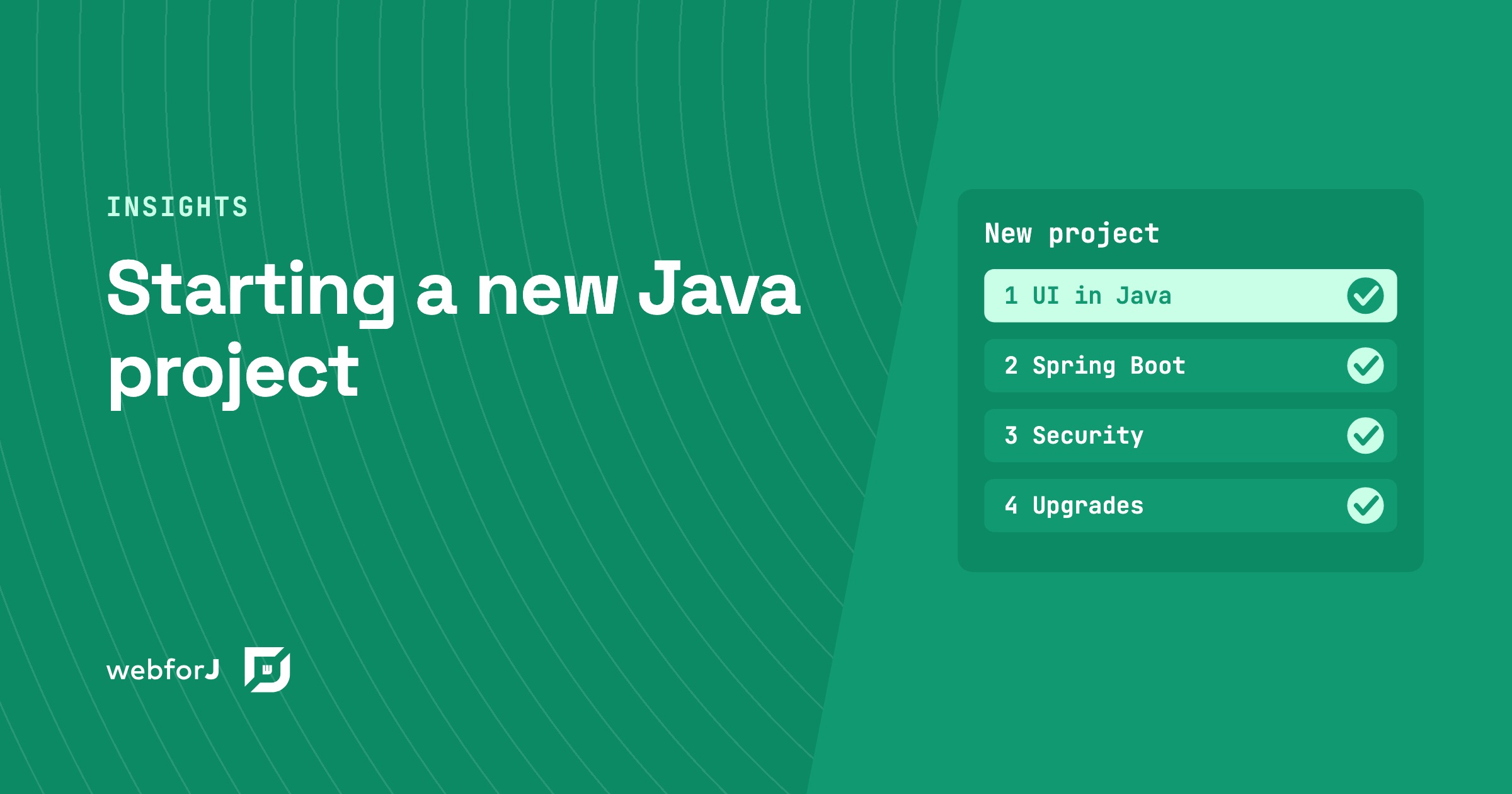
Starting a New Java Project: The Decisions That Shape the Stack

· 7 minuuttia
webforJ
Do it all in Java. The full-stack Java framework for business web apps.

cover image

A blank repository feels like freedom for about a day. Then the questions arrive: where does the UI live, who owns the front end, how do users sign in, and what happens when the framework ships a new major version? Most teams answer these one at a time, and the answers add up to the stack.

When you are starting a new Java project, settle the decisions in the order the team meets them. This post walks through that list for a business web app and gives the webforJ answer to each one. webforJ is the full-stack Java framework for business web apps: you build the whole app, screens included, in Java.

Checkbox group in Java: choose the right input in webforJ

· 6 minuuttia
Eric Handtke
Software Developer

cover image

Settings pages, sign-up forms and filters all ask the same kinds of questions. Which of these do you want? Pick exactly one. Turn this on or off. Each question has a control that fits it, and picking the wrong one makes a form harder to use than it needs to be.

A checkbox group in Java answers the first question, a radio button group the second, and a switch the third. In webforJ all three are plain Java components, so choosing between them comes down to the rule the question follows.

Java Data Grid: Build Fast, Sortable Tables with webforJ

· 8 minuuttia
webforJ
Do it all in Java. The full-stack Java framework for business web apps.

cover image

The webforJ Table is a Java data grid for the browser. You define columns with method references, hand it a repository, and it gives you sorting, selection, pinned columns, cell renderers, and virtual scrolling. All of it is configured in Java, with no JavaScript grid library to wire up.

This guide builds an orders grid from an in-memory list, then switches the same table to lazy loading from a database or REST API. If you need a Java table component for web apps that handles large data sets, the second half is the part to read.

Apache Tapestry alternative: a decision guide for Java teams

· 8 minuuttia
webforJ
Do it all in Java. The full-stack Java framework for business web apps.

cover image

If your team maintains an Apache Tapestry app, you probably like how little ceremony a page needs, and you may be wondering whether it is time to look at a newer Java web framework. This guide helps you decide. webforJ, the full-stack Java framework, is an Apache Tapestry alternative that keeps the component based model and removes the template files: every screen is Java objects, routes are annotations, and the app plugs into Spring Boot when you have it.

Below you will find what your team already knows, what changes, when staying is the better call, and how to move one screen at a time.

MCP Apps in Java: show a webforJ UI inside AI chat

· 10 minuuttia
Matthew Hawkins
Software Developer

cover image

To build an MCP app in Java with webforJ, add @McpApp to a routed view and an MCP host such as Claude Desktop can open that view inside its conversation, with the same components, services, and state your app already has. The AI can pass input when it opens the view, call actions on it, and receive context from what the person clicks.

An MCP server in Java usually returns text or JSON. With webforJ it can return a live interface instead. You write the view in Java, and the MCP host renders it next to the chat.

Convert Swing to web: a Swing to webforJ mapping guide

· 11 minuuttia
webforJ
Do it all in Java. The full-stack Java framework for business web apps.

cover image

You know the app is moving to the browser. Now the work gets concrete: every JFrame, layout manager, JTable and JOptionPane needs a counterpart, and every SwingWorker needs a new home. This guide shows how to convert Swing to web one screen at a time with webforJ, the full-stack Java framework. You write each new screen in Java, so services, entities, and validation rules carry over unchanged, and only the code that touches Swing gets rewritten.

Below you get the Swing to webforJ component mapping, before and after code for a real screen, and an order of work that keeps shipping. If you are still choosing between a JavaScript rewrite, Webswing and a rebuild in Java, start with the Java Swing to web migration guide, then come back here for the screen work. While you migrate, Webswing can keep the old app running in the browser next to the new screens.

Is Java good for web development? Myths and facts

· 9 minuuttia
webforJ
Do it all in Java. The full-stack Java framework for business web apps.

cover image

You are about to start a web app, your team knows Java, and every search you make tells you the browser belongs to JavaScript. So is Java good for web development, or are you about to fight your tools? It is good for it, and the old arguments against it are mostly out of date. With webforJ, the full-stack Java framework, you write the whole app, screens included, in Java and the browser renders it with modern web components.

Lazy load tree in Java: children on expand with webforJ

· 6 minuuttia
Matthew Hawkins
Software Developer

cover image

A project browser with thousands of folders shouldn't make users wait while every branch loads up front. Most of those folders never get opened.

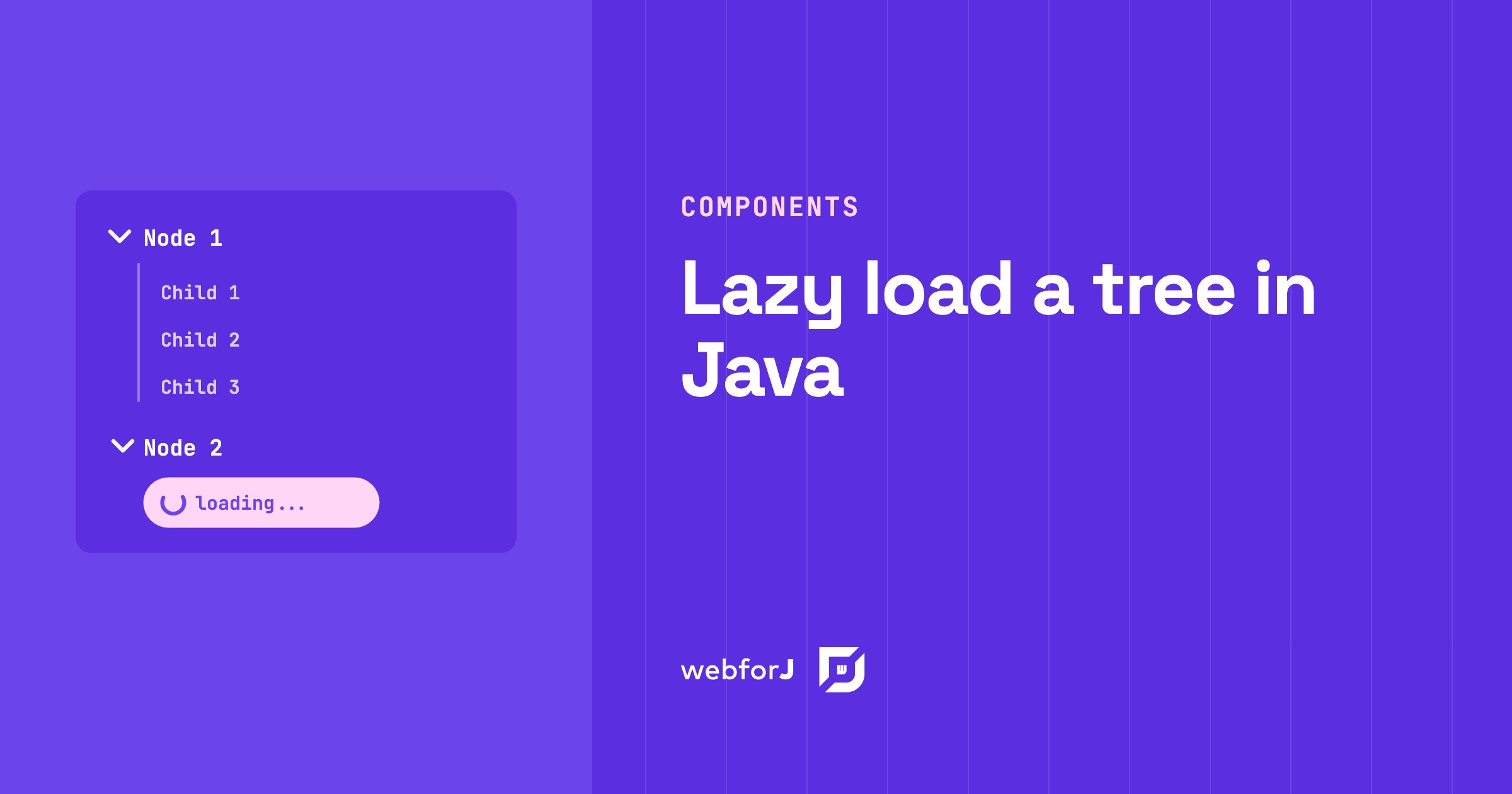
To lazy load a tree in Java, give every folder a placeholder child and fetch the real children only when the user expands it. The webforJ Tree component fires an expand event at exactly that moment, so your server builds only the branches people open. This guide builds it in two steps: the placeholder, then the expand handler.

AI coding assistant for Java: the webforJ AI plugin

· 10 minuuttia
webforJ
Do it all in Java. The full-stack Java framework for business web apps.

cover image

An AI coding assistant for Java web UIs works best when it is connected to the framework's own knowledge. For webforJ, that is the webforJ AI plugin. One install adds an MCP server and a set of Agent Skills to Claude Code, GitHub Copilot, VS Code, Gemini CLI, Codex, Cursor, and other clients. Your assistant then looks up real class names, scaffolds projects, generates themes and validates CSS tokens instead of guessing.

This post is the hands-on version. It shows why general assistants get Java UI code wrong, what the plugin installs, the commands to run, the prompts to type, and the kind of code that comes back.

Java Swing Alternatives: Where Business Apps Go Next

· 7 minuuttia
webforJ
Do it all in Java. The full-stack Java framework for business web apps.

cover image

Your Swing app still does its job. It holds years of business rules, and the people who know it are down the hall. The pressure comes from elsewhere: users want the browser, IT wants simpler rollouts, and nobody wants to keep hiring for a desktop toolkit. So you start searching for Java Swing alternatives and find a long list with very different trade-offs.

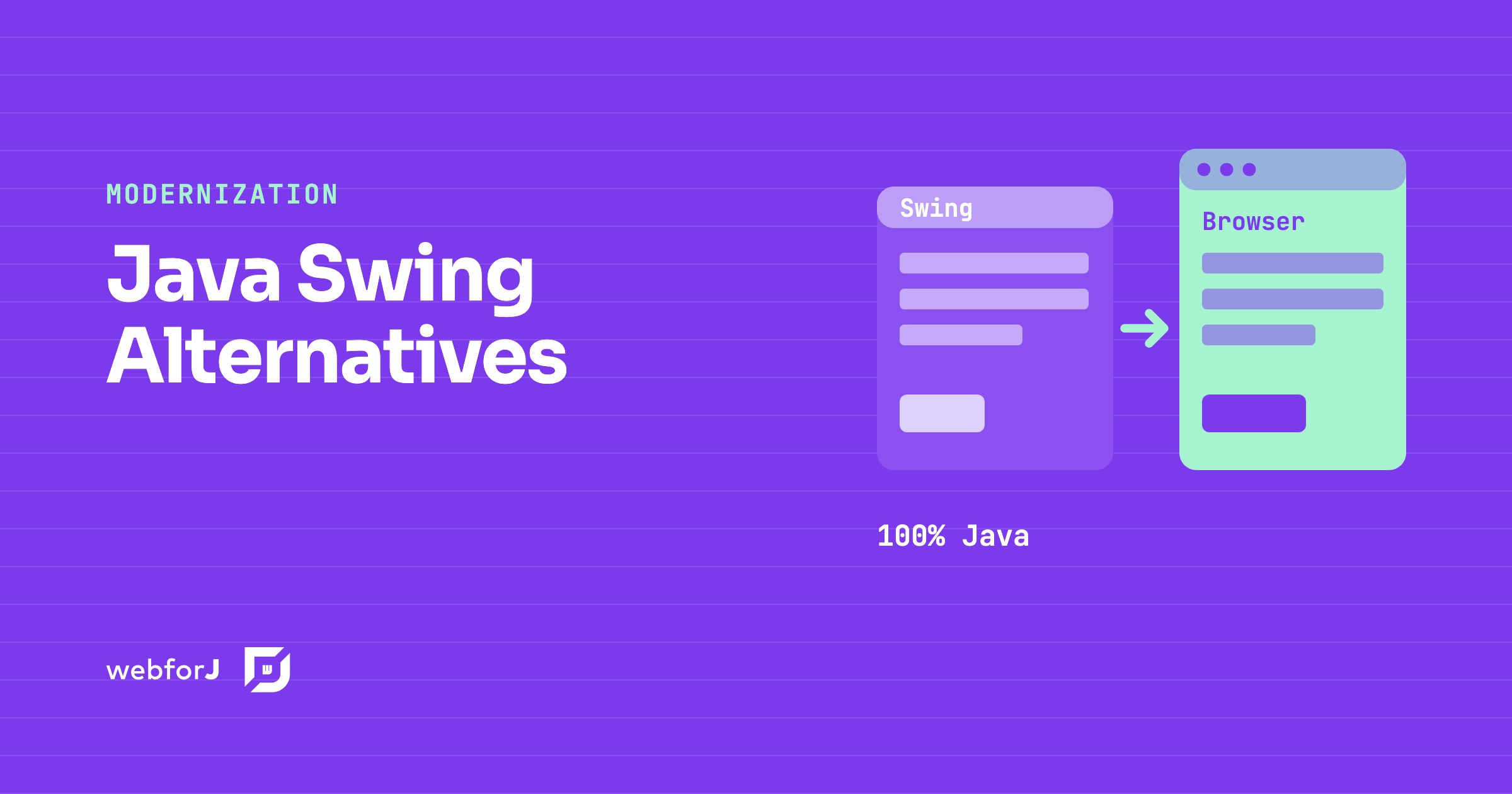
This post sorts the Java Swing alternatives into three kinds, says what each one means for your team and your existing code, and says when each is the right pick. We build webforJ, so we also make the case for it. webforJ is the full-stack Java framework for business web apps: you build the whole app, screens included, in Java.

AI actions that update a Java UI: open and change webforJ views

· 9 minuuttia
Hyyan Abo Fakher
Lead Software Architect

cover image

You ask an AI assistant to open a screen, and it does. Then you ask for a change, and a second copy of the screen appears under the first, because the assistant only knows how to open things. The view you're looking at never moves.

AI actions that update a Java UI fix that. With webforJ MCP Apps, the AI opens your routed view with typed input, then changes the same live view through actions and an update tool, while your Java code keeps running on the server. This post walks through each piece with code from a working playground app built to exercise all of them.