Siirry pääsisältöön

36 viestiä tägattu "Tutorial"

Step-by-step guides and walkthroughs for building with webforJ.

Näytä kaikki tagit

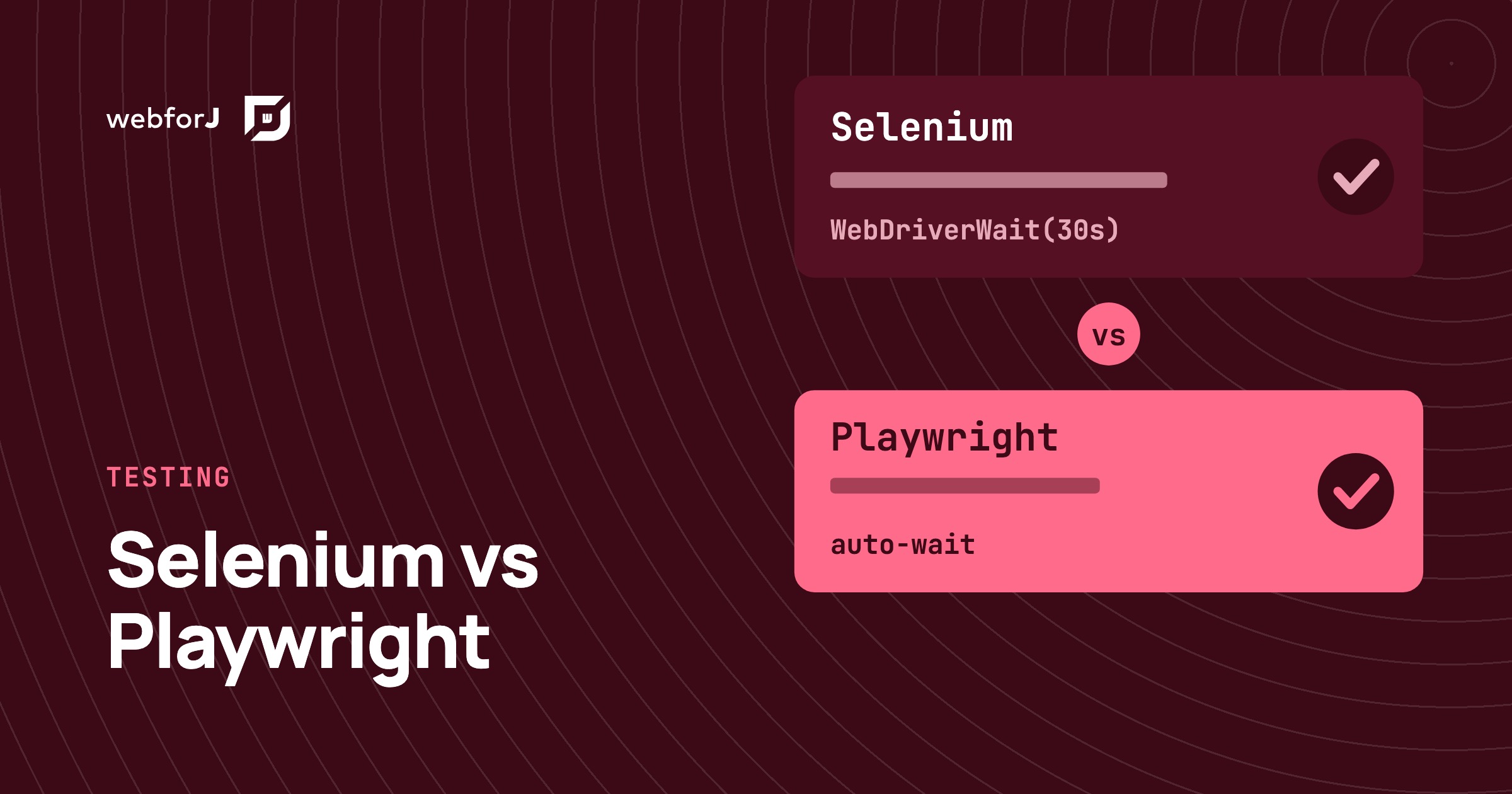
Selenium vs Playwright for Java: testing a webforJ UI

· 8 minuuttia

Matthew Hawkins
Software Developer

cover image

If you're about to write the first browser tests for a Java web app, the tool question comes up fast. One teammate swears by Selenium, another has heard Playwright is easier, and nobody wants to pick wrong and rewrite the suite later.

Selenium vs Playwright for Java turns out to be a gentler choice than it looks with webforJ. A webforJ app is a normal web page in the browser, so both tools drive it from plain JUnit tests, and the webforJ docs ship a working example for each. There is one real difference worth understanding, and it shapes which one suits a new suite.

Java web app testing strategy: what to test, and where

· 9 minuuttia
Eric Handtke
Software Developer

cover image

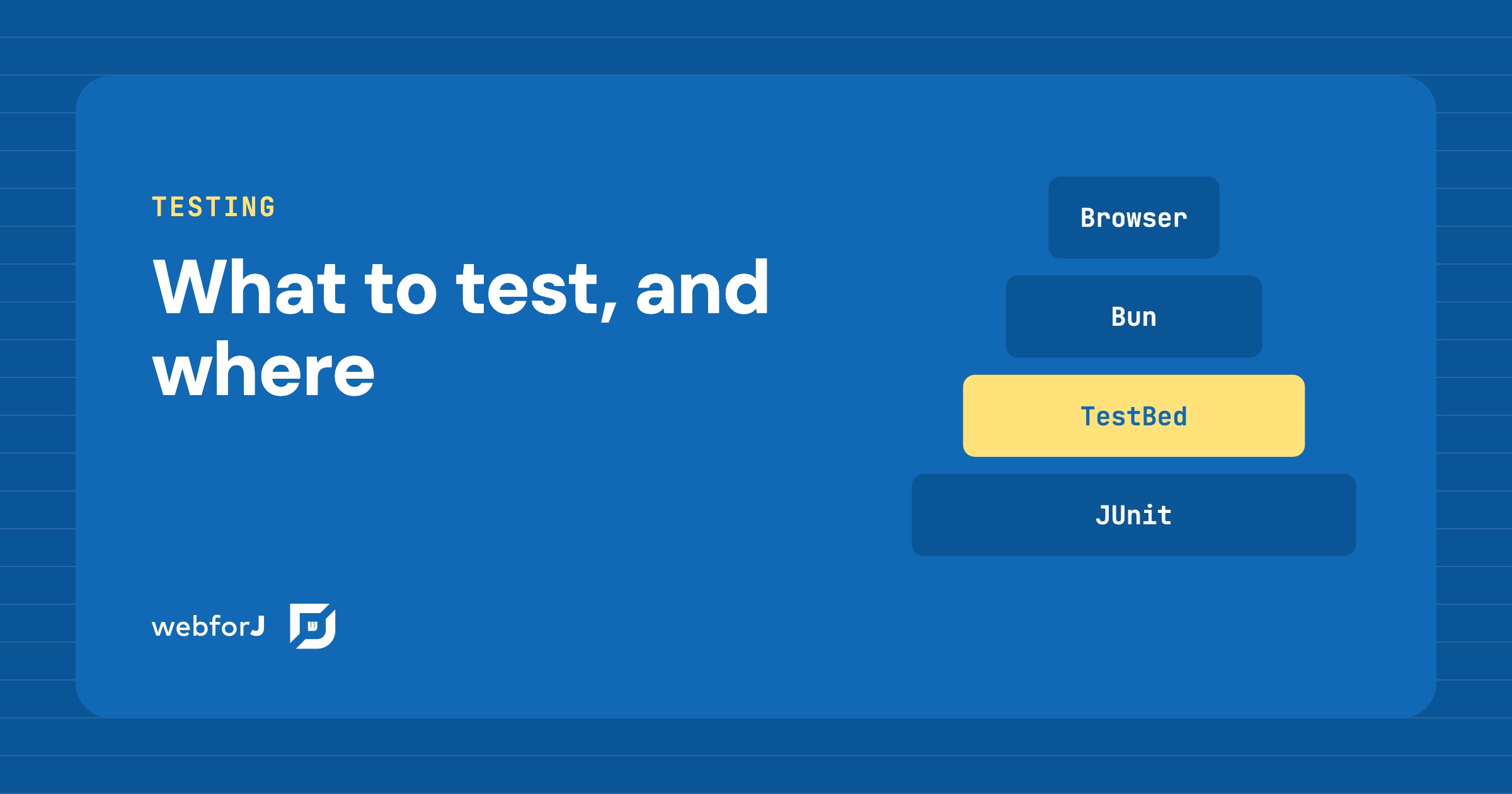
Your app works on your machine. Then a refactor lands, a button stops doing its job, and nobody notices until a user does. Most teams know they need tests. The hard part is deciding which kind goes where, so the suite stays fast and people still trust a red build.

A Java web app testing strategy answers that question layer by layer. In webforJ every layer runs from JUnit in one Maven build, and the newest one tests your views without opening a browser at all.

Java UI testing without a browser: the webforJ TestBed guide

· 11 minuuttia
Hyyan Abo Fakher
Lead Software Architect

cover image

You can test a Java web UI without a browser by using the webforJ TestBed. It runs a view inside a plain JUnit test. It needs no browser and no server. The test finds components, types, and clicks the way a user does, and asserts on what the page shows, all from Java.

That makes UI tests as fast as unit tests, and it answers the usual question about browserless UI tests in Java: how do you unit test a web UI without starting a stack? This guide covers setup, finding components, acting on them, assertions, snapshots, dialogs, routes, and Spring Boot.

Spring Boot Live Reload UI: See Java Changes in Your Browser

· 8 minuuttia
Matthew Hawkins
Software Developer

cover image

You change a label in your Java view, switch to the browser, and then wait. Stop the app, start it again, reload the page, click back to the screen you were on. Repeat that all day and a lot of development time quietly goes into waiting.

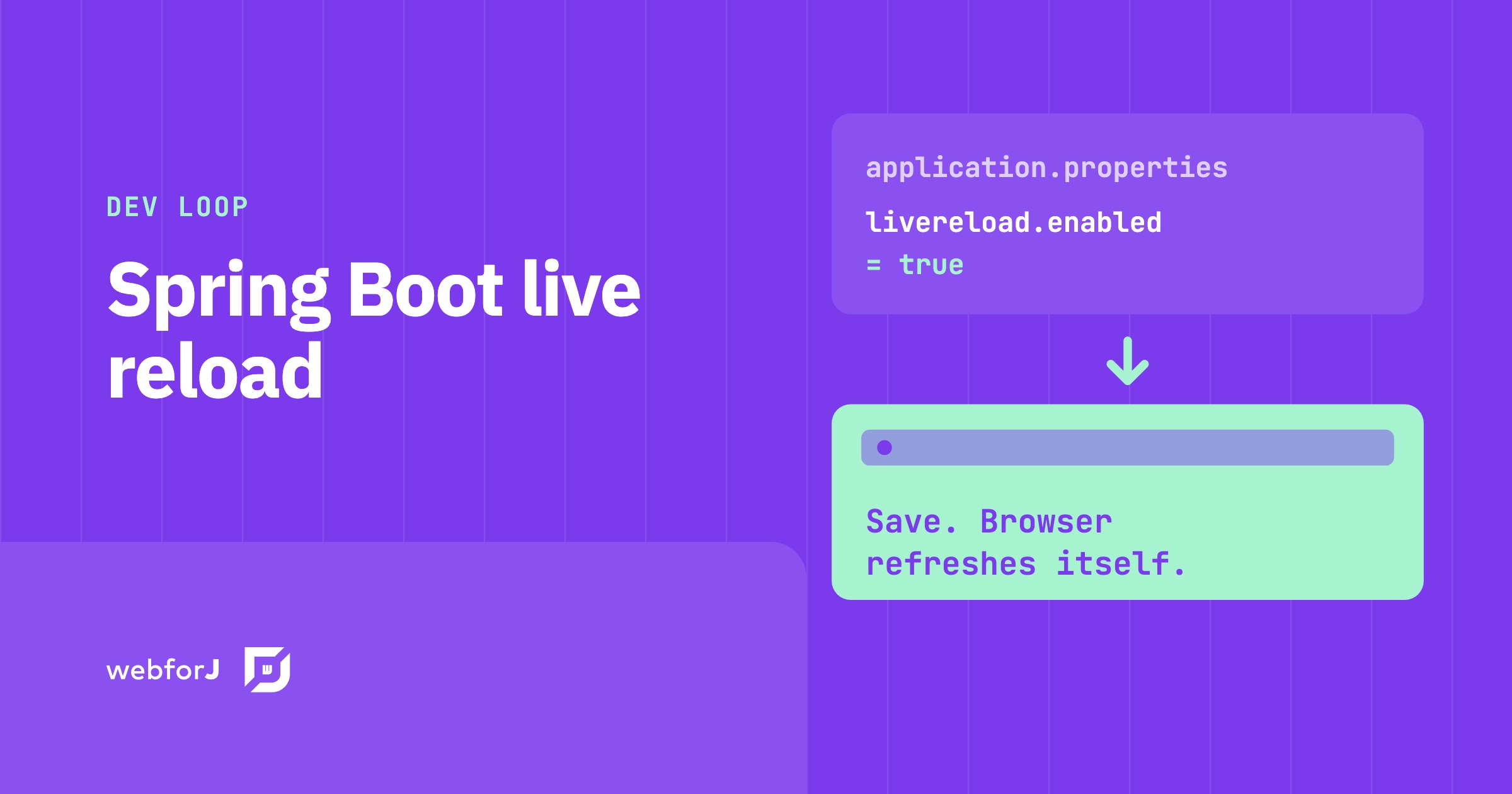
A Spring Boot live reload UI setup removes those steps. You save, the app picks up the change, and the browser refreshes on its own. In this post you'll turn it on for a webforJ app, see how each kind of change reaches the page, and look at the tools around it for CSS and for editing properties while the app runs.

Spring Boot progressive web app: make webforJ installable

· 8 minuuttia
Eric Handtke
Software Developer

cover image

Users ask for your Spring Boot web app on their desktop or home screen, with its own icon, and no browser bar. A Spring Boot progressive web app needs a manifest, icons and HTTPS, and webforJ covers the first two for you. To turn a webforJ app into a Java progressive web app, add the @AppProfile annotation to your App class. webforJ generates the Web App Manifest, the meta tags, and the icon links, and browsers then offer to install the app on the desktop or the home screen. You write no JSON and no JavaScript.

Installable is the part of a PWA that webforJ covers directly. Offline use is different, because a webforJ UI is rendered by Java on the server and needs a live connection. This guide shows what to configure, how to test it, and where the limits are.

Checkbox group in Java: choose the right input in webforJ

· 6 minuuttia
Eric Handtke
Software Developer

cover image

Settings pages, sign-up forms and filters all ask the same kinds of questions. Which of these do you want? Pick exactly one. Turn this on or off. Each question has a control that fits it, and picking the wrong one makes a form harder to use than it needs to be.

A checkbox group in Java answers the first question, a radio button group the second, and a switch the third. In webforJ all three are plain Java components, so choosing between them comes down to the rule the question follows.

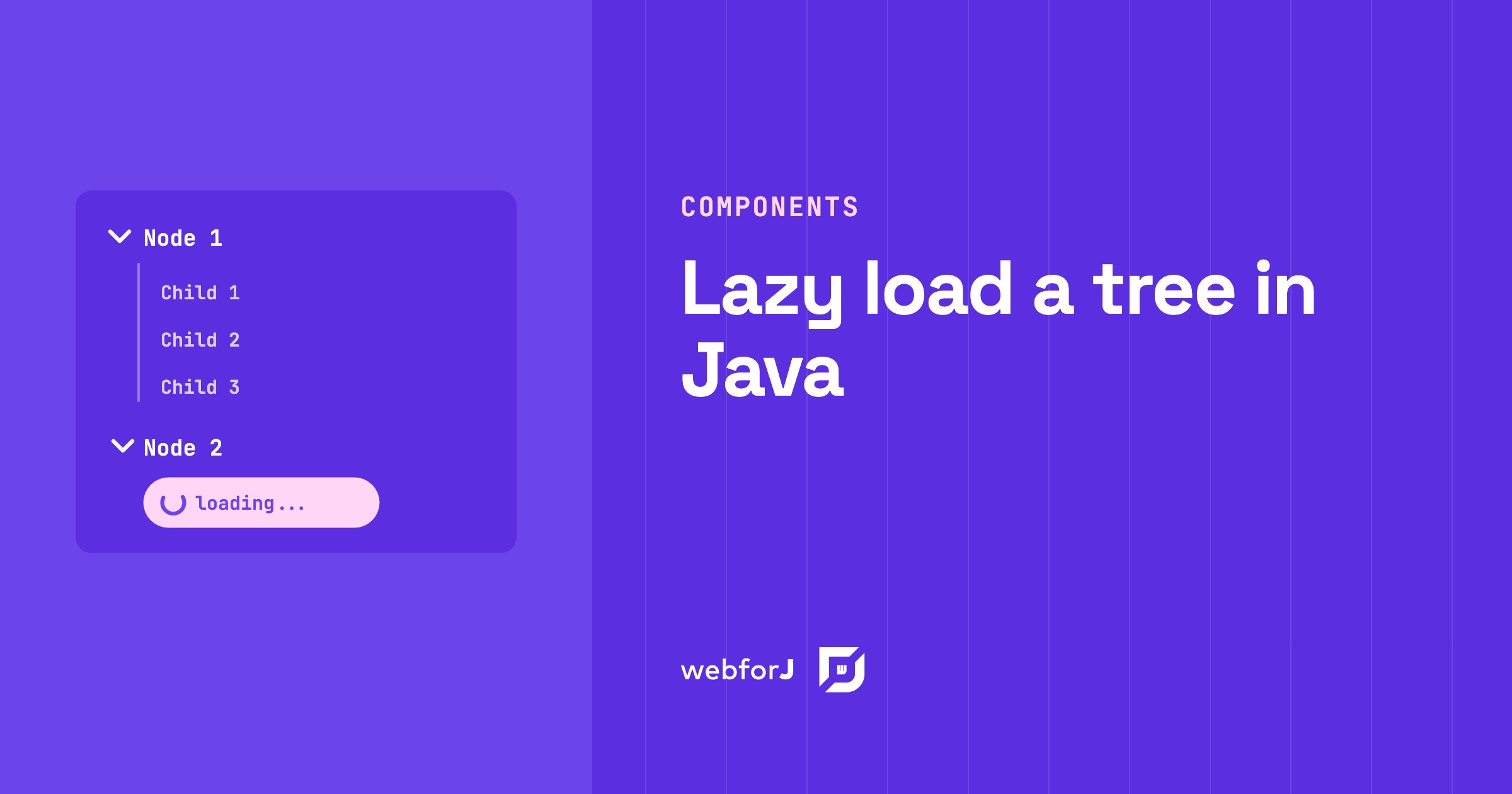
Lazy load tree in Java: children on expand with webforJ

· 6 minuuttia
Matthew Hawkins
Software Developer

cover image

A project browser with thousands of folders shouldn't make users wait while every branch loads up front. Most of those folders never get opened.

To lazy load a tree in Java, give every folder a placeholder child and fetch the real children only when the user expands it. The webforJ Tree component fires an expand event at exactly that moment, so your server builds only the branches people open. This guide builds it in two steps: the placeholder, then the expand handler.

JSF to Spring Boot migration: Faces views in webforJ

· 8 minuuttia
Hyyan Abo Fakher
Lead Software Architect

cover image

If you maintain JSF or PrimeFaces screens and are planning a JSF to Spring Boot migration, webforJ is a direct fit, and a JSF alternative that stays in Java. It is a full-stack Java framework: you build each screen as a Java component tree, route to it with an annotation, bind it to a bean, and validate with the same Jakarta constraints you already put on your model.

A migration is mostly a translation exercise. Most JSF concepts have a direct counterpart, and most of them get smaller. This post maps the concepts one by one and then converts a real form, so you can judge the effort on your own views before committing to anything.

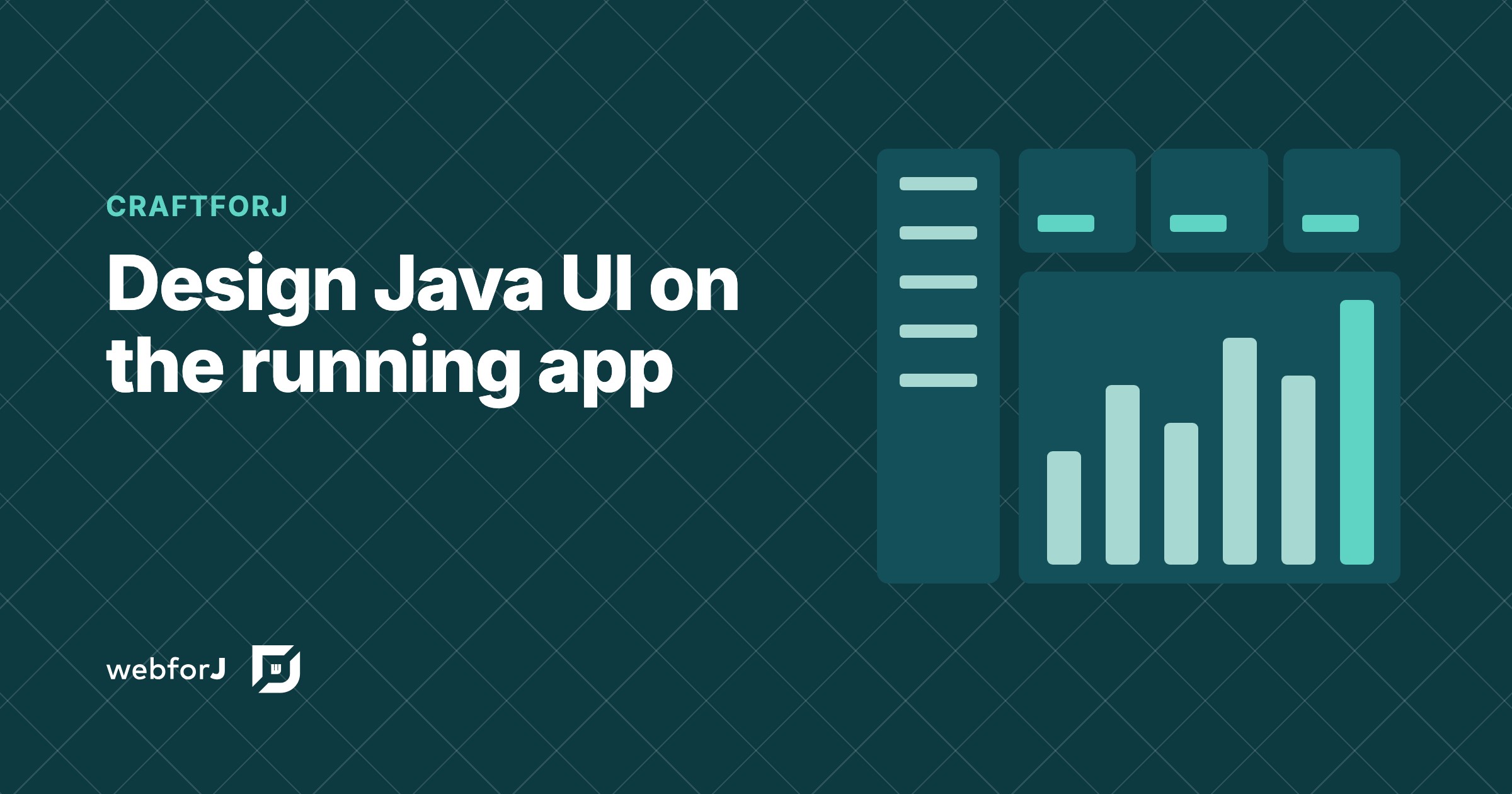
Visual UI designer for Java: craftforJ on your running app

· 11 minuuttia
webforJ
Do it all in Java. The full-stack Java framework for business web apps.

cover image

craftforJ is the visual UI designer for Java that ships with webforJ, the full-stack Java framework. It opens on top of your running app, shows the component tree your Java code built, lets you change properties and see the result at once, and writes the changes you keep back into the Java file that created each component.

Because the designer works on the real app, there is no export step and no generated code to reconcile with your own. The source stays the source. This post walks through how that works, from enabling it to writing a change into a view.

Real-time UI updates in Java: push changes from the server

· 8 minuuttia
Hyyan Abo Fakher
Lead Software Architect

cover image

In webforJ you get real-time UI updates in Java by changing components from the server and letting the framework carry the change to the browser. For work that runs outside the UI thread, you wrap the change in Environment.runLater(). For recurring refreshes you use Interval, and for typing you use Debouncer. You write no WebSocket or server-sent events code.

This post builds two small pieces: a progress panel fed by a background job, and a dashboard number that refreshes itself. Along the way it covers the one rule that decides whether any of this works, which is which thread may update a component.

Java CRUD web app with Spring Boot and webforJ, step by step

· 9 minuuttia
Hyyan Abo Fakher
Lead Software Architect

cover image

A Java CRUD web app in webforJ is one Spring Data repository and one view class. A Table backed by SpringDataRepository lists and sorts the entities, a BindingContext with Jakarta validation drives the create and edit form, and a ConfirmDialog guards the delete. The whole screen is Java, so there is no REST layer to write, no JavaScript to wire up, and no template language to learn.

This tutorial builds that screen for a Customer entity. By the end you have a list with sorting, search, and paging, a form that validates before it saves, and a delete that asks first. It's the shape of a Spring Boot CRUD UI you can reuse for any entity.

Java Form Validation in webforJ: A BindingContext Guide

· 8 minuuttia
Matthew Hawkins
Software Developer

cover image

Java form validation in webforJ comes down to one object: the BindingContext. You annotate a plain Java bean with Jakarta Validation constraints, bind your form fields to it by name, and the context validates every field as the user types, shows the error under the field, and writes to the bean only when everything passes.

This guide builds a complete workspace signup form that way. You get automatic form data binding in Java, a custom validator, a type transformer, control over when errors appear, and working save and reset buttons. No JavaScript is involved.