Siirry pääsisältöön

8 viestiä tägattu "Layout"

Layout design in webforJ.

Näytä kaikki tagit

A decision guide to Java for front end development

· 7 minuuttia
webforJ
Do it all in Java. The full-stack Java framework for business web apps.

cover image

Java for front end development works today, and webforJ makes it practical because it covers the whole app, screens included, in Java. You write views, layouts, forms, and event handlers in Java, the browser renders them, and you do not write a line of JavaScript or maintain a separate front end project. The same developers who own the back end own the screens.


Java responsive web app layout: side navigation in webforJ

· 7 minuuttia
Matthew Hawkins
Software Developer

cover image

The quickest way to build a responsive Java web app layout in webforJ is AppLayout for the shell, AppNav for the side navigation, and ColumnsLayout or FlexLayout for the content. AppLayout gives you a fixed header and footer plus a drawer that turns into a popover on narrow screens. Everything is plain Java and every view is a route.

This guide builds the whole shell in one pass: the drawer and its breakpoint, navigation linked to routes, a content grid that changes column count with the viewport, and what happens on a phone.

Card component in Java: build dashboard cards with webforJ

· 6 minuuttia
Lauren Alamo
Software Developer

cover image

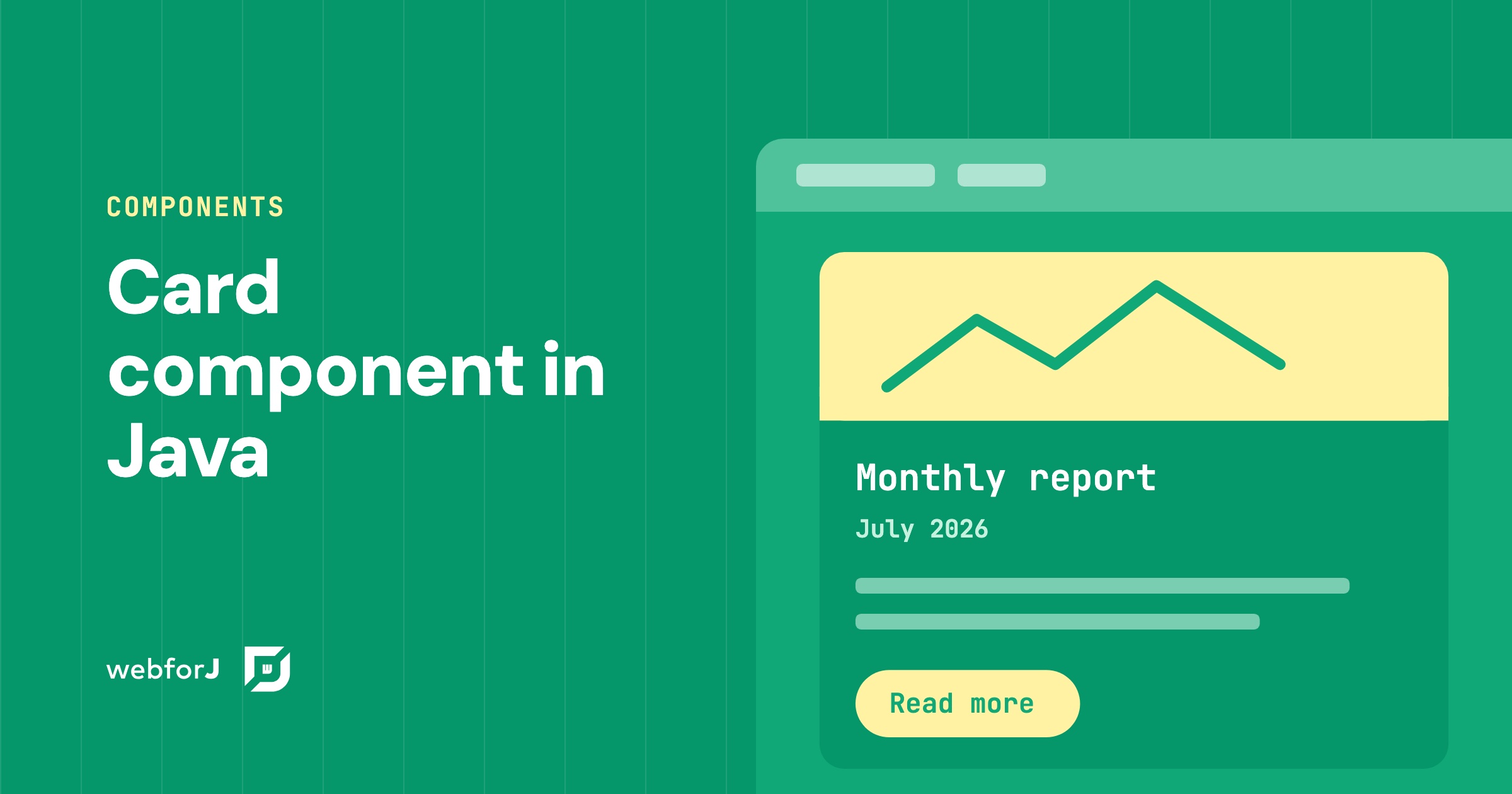
Dashboards live or die by their cards. When every tile has the same frame, the same spacing, and a clear title, the page reads at a glance. When each one is hand-built, the layout starts to drift.

A card component in Java solves that with webforJ: one Card groups related content and actions into a single surface, and you fill its regions from Java. Let's walk through it, from one fully dressed card to a row of them, then tune the shadow, the frame, and the click behavior.

Java web app internationalization: translate a webforJ app

· 7 minuuttia
Matthew Hawkins
Software Developer

cover image

Java web app internationalization in webforJ takes three pieces: a messages.properties bundle per language, the t() method on your components, and a list of supported locales in your configuration. webforJ resolves keys with BundleTranslationResolver, can pick the user's language from the browser, and updates the UI at runtime when you call App.setLocale().

This guide walks through the whole path: bundles, translated components, locale detection, a language switcher, date and number formatting, and Spring Boot setup.

OpenXava alternative: write Java views, skip the generator

· 8 minuuttia
webforJ
Do it all in Java. The full-stack Java framework for business web apps.

cover image

You have a domain model, a deadline, and a business app to deliver. Someone suggests a tool that turns your entities into working screens, and someone else asks what happens when the first customer wants a screen that looks different from the rest.

If you are searching for an OpenXava alternative, webforJ, the full-stack Java framework, is the choice when you want to write your screens yourself. You build views as Java classes with full control of layout, components, routing and validation, and an AI coding agent with the webforJ AI plugin writes them quickly and correctly. That removes the main reason to accept generated screens.

FlexLayouts Part 2: Getting your Flex Items in Order

· 7 minuuttia
Garrison Osteen
Lead Technical Writer

cover image

The webforJ FlexLayout component provides an easy and Java-like way to create CSS Flexbox layouts. For an introduction, see the first part of this series, FlexWrap your mind around webforJ's FlexLayout, in which I discuss the general benefits of the webforJ FlexLayout component and the methods that modify the flex container. In this article, I'll dive into the flex items inside the container to see how you can further customize the behavior of your layout.

FlexWrap your mind around webforJ's FlexLayout

· 7 minuuttia
Garrison Osteen
Lead Technical Writer

cover image

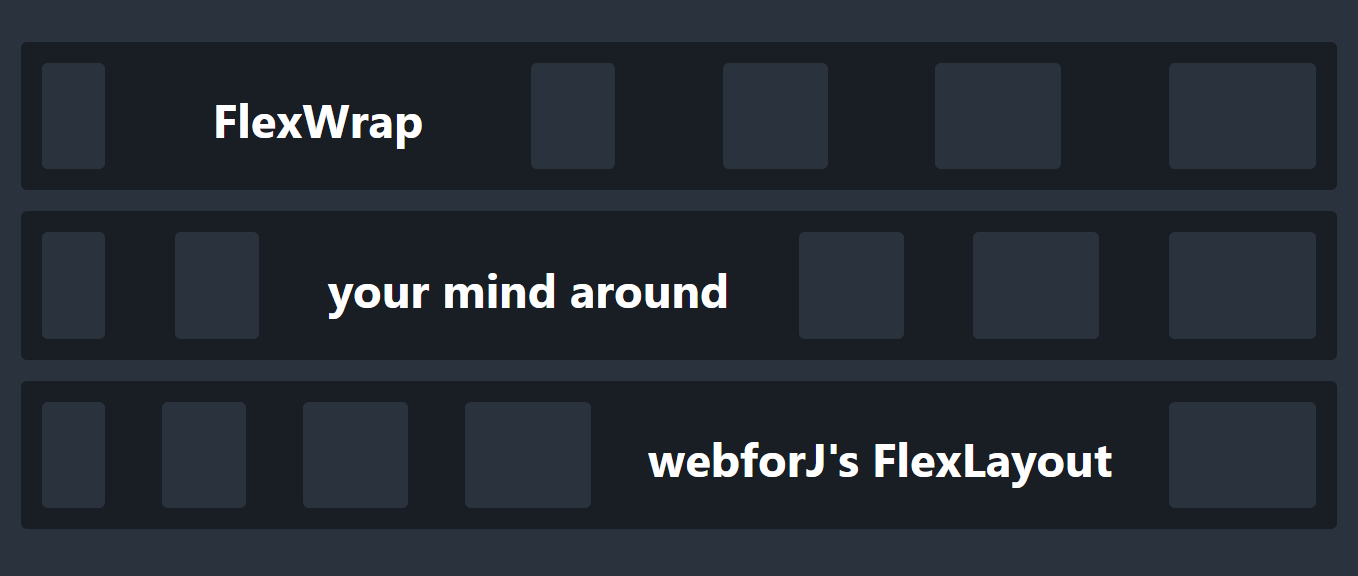
One of the great benefits of creating web apps is gaining access to the powerful styling and layout capabilities of CSS. In particular, CSS lets you create responsive layouts, allowing your apps to smoothly adjust their layout according to parameters like window size and device type. Apps with responsive layouts look and feel better, and they allow users to use your app in their preferred context and size. With webforJ, you have that power in Java!

But, knowing what to do with that power is another story. Perhaps you're used to carefully laying out forms with a rigid structure, and the prospect of creating designs that are adaptable and dynamic seems intimidating and complicated. So where do you start? With webforJ's FlexLayout!