Siirry pääsisältöön

5 viestiä tägattu "Annotations"

Using Java annotations in webforJ apps.

Näytä kaikki tagit

Java UI testing without a browser: the webforJ TestBed guide

· 11 minuuttia

Hyyan Abo Fakher
Lead Software Architect

cover image

You can test a Java web UI without a browser by using the webforJ TestBed. It runs a view inside a plain JUnit test. It needs no browser and no server. The test finds components, types, and clicks the way a user does, and asserts on what the page shows, all from Java.

That makes UI tests as fast as unit tests, and it answers the usual question about browserless UI tests in Java: how do you unit test a web UI without starting a stack? This guide covers setup, finding components, acting on them, assertions, snapshots, dialogs, routes, and Spring Boot.

Spring Boot progressive web app: make webforJ installable

· 8 minuuttia
Eric Handtke
Software Developer

cover image

Users ask for your Spring Boot web app on their desktop or home screen, with its own icon, and no browser bar. A Spring Boot progressive web app needs a manifest, icons and HTTPS, and webforJ covers the first two for you. To turn a webforJ app into a Java progressive web app, add the @AppProfile annotation to your App class. webforJ generates the Web App Manifest, the meta tags, and the icon links, and browsers then offer to install the app on the desktop or the home screen. You write no JSON and no JavaScript.

Installable is the part of a PWA that webforJ covers directly. Offline use is different, because a webforJ UI is rendered by Java on the server and needs a live connection. This guide shows what to configure, how to test it, and where the limits are.

Web components in Java: wrap any custom element with webforJ

· 7 minuuttia
Matthew Hawkins
Software Developer

cover image

To use web components in Java with webforJ, you write a class that extends ElementComposite, name the custom element with @NodeName, declare its properties as PropertyDescriptor fields, and expose typed Java methods and events. The result behaves like any other webforJ component, and you add it to a layout with add().

webforJ's own components are built on web components, so this is the same mechanism in the open. This post wraps the Web Awesome rating element as a Java class, from loading the script to typed events and slots.

Bind a Java bean to form fields automatically in webforJ

· 7 minuuttia
Matthew Hawkins
Software Developer

cover image

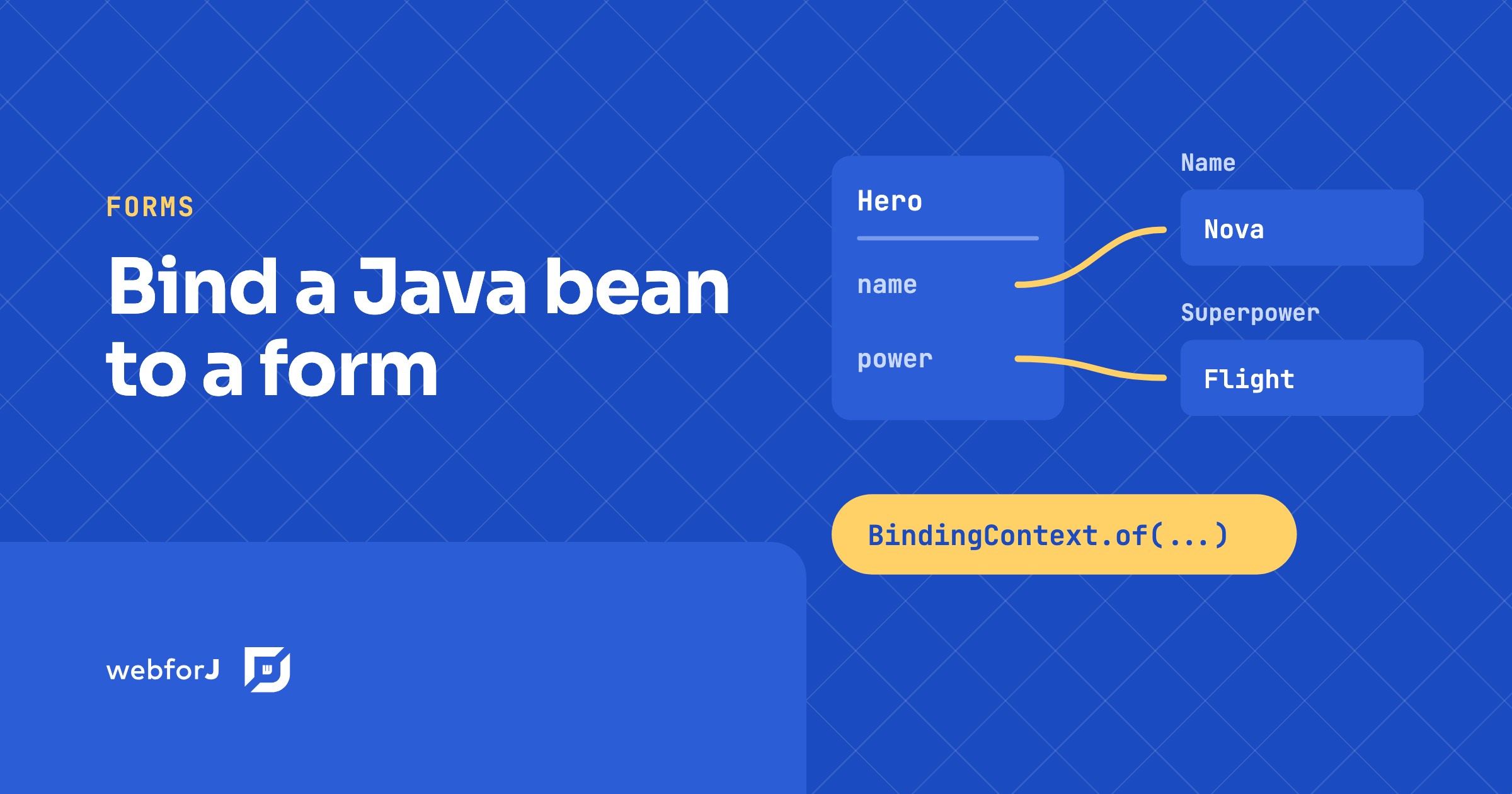
To bind a Java bean to form fields in webforJ, call BindingContext.of with the form, the bean class, and the bean. webforJ matches each field to a bean property by name, so a TextField named name fills the name property without any wiring code. In this tutorial you build a small hero form. You will bind fields automatically, map one field with an annotation, exclude a field that has no matching property, and save the bean only when the form is valid.

Your Web App Deserves a Spot on the Home Screen

· 7 minuuttia
Lauren Alamo
Software Developer

cover image

I've been working with webforJ for a while now, mostly on documentation and component demos. But I recently wanted to build something small from scratch to try out a feature I hadn't used yet: installable apps.

The idea is that your web app can be "installed" on a device, kind of like a native app. It gets its own icon on the home screen or in the app launcher, and when you open it, the browser UI is gone. Your app gets its own window.

I built a habit tracker called Streak to test it out. I wanted to see what it takes to make a webforJ app feel like a "real" app instead of a website, and the installable apps feature turned out to be the key piece.