跳至主要内容

一条帖子 个标签为 "Integrations"

Content about integrating webforJ with third-party tools and frameworks.

查看所有标签

webforJ JavaScript Integration: Use the Libraries You Already Have

· 一分钟阅读
webforJ
Do it all in Java. The full-stack Java framework for business web apps.

cover image

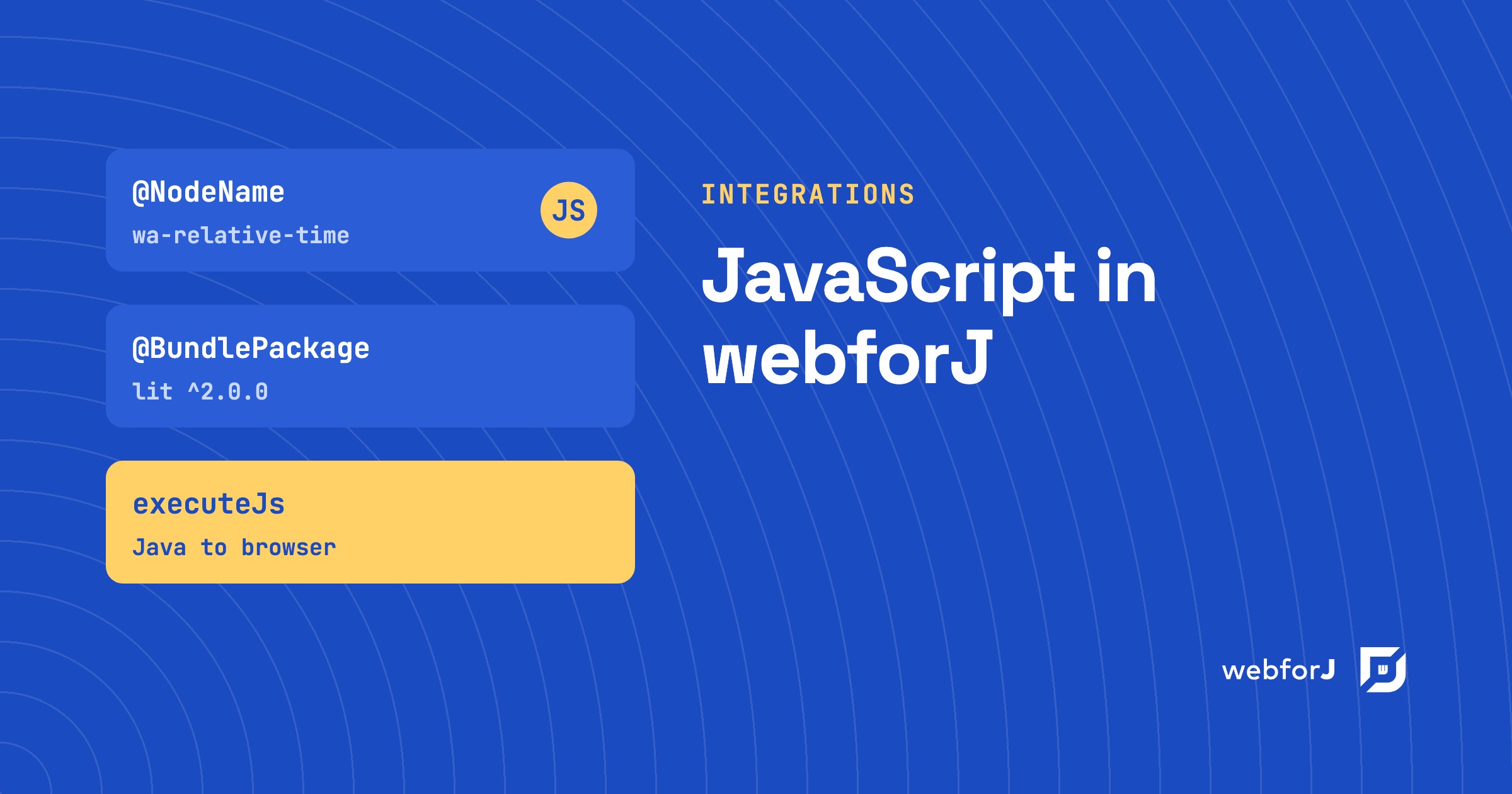
A Java framework that builds the whole screen in Java raises a fair worry for anyone choosing it: what happens the day you need a charting library, a date picker or a widget your team already owns, and it's written in JavaScript? Do you wait for the framework to ship its own version?

You don't. This post covers webforJ JavaScript integration: the documented ways to bring the JavaScript ecosystem into a webforJ app, and which one fits which job. webforJ is the full-stack Java framework for business web apps: you build the whole app, screens included, in Java. The standard app needs no JavaScript at all, and when you want some, there are four clear routes in.

Advanced RAG with Spring AI: test each step before you add it

· 一分钟阅读
Hyyan Abo Fakher
Lead Software Architect

cover image

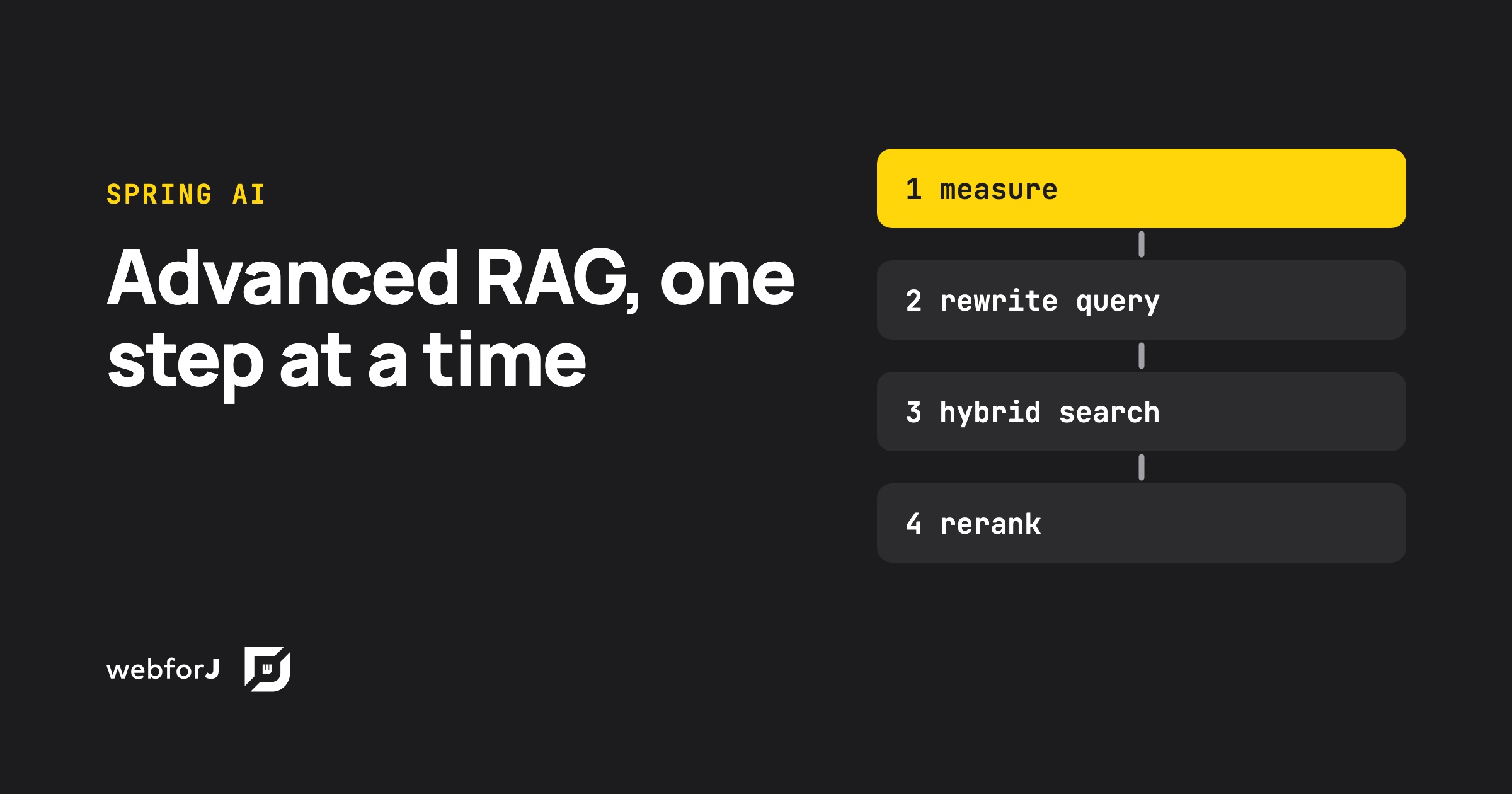
Advanced RAG in Java means fixing retrieval before touching the prompt. Spring AI gives you every stage you need: query rewriting, multi-query expansion, a custom retriever for hybrid search, and a post-processor for reranking, all inside one RetrievalAugmentationAdvisor. Each stage also costs model calls and seconds of waiting, so the real skill is knowing which ones your data needs. This post builds the full pipeline, measures it, and puts it behind a webforJ view that shows what every stage did.

Run a Java Swing Application in the Browser Without a Rewrite

· 一分钟阅读
webforJ
Do it all in Java. The full-stack Java framework for business web apps.

cover image

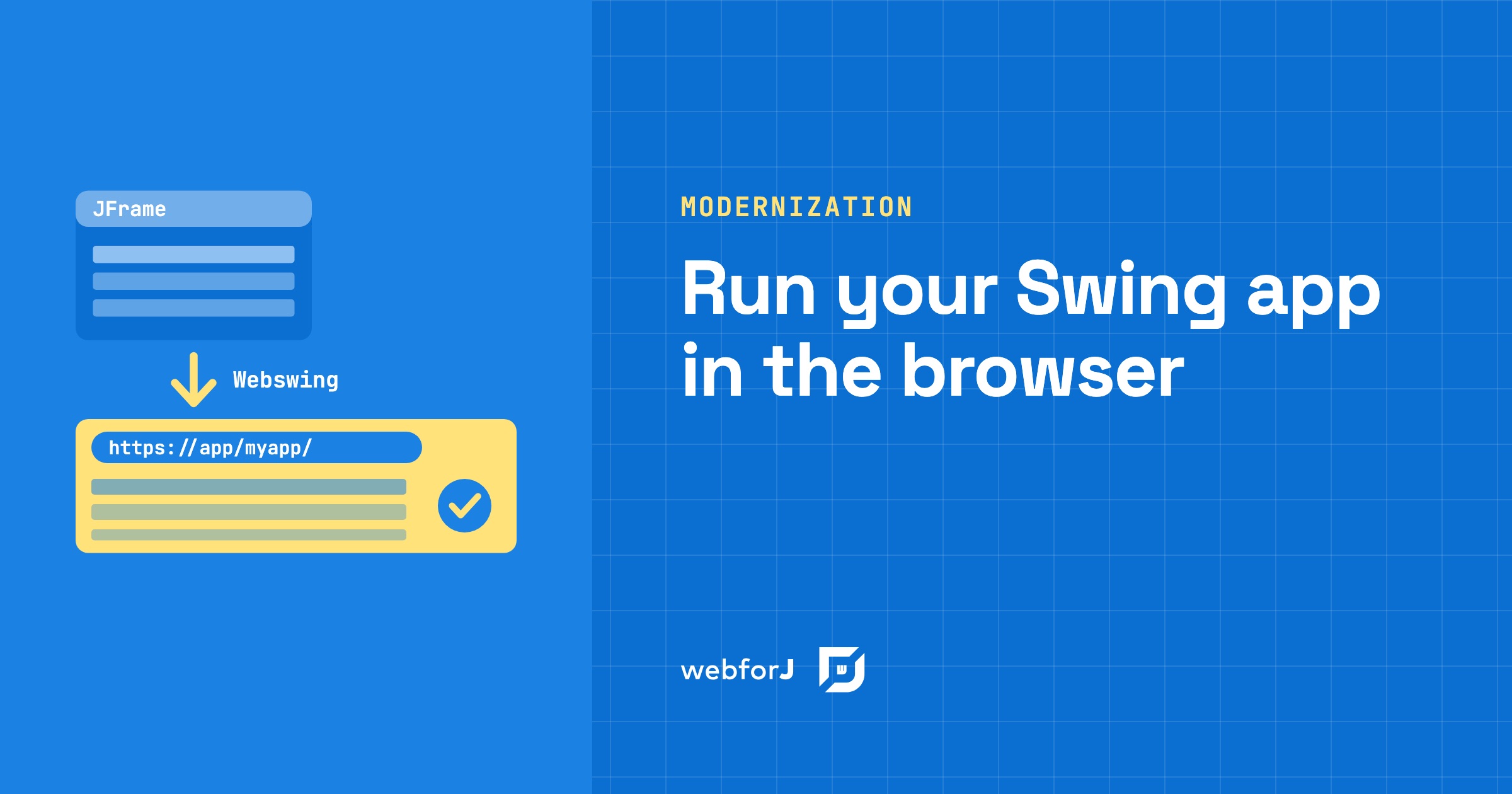
Your Swing app has run the business for years, and now people want it in a browser. Some work remotely, some have laptops without Java, and a rewrite would take months before anyone gets a result. So the real question is narrow: can you run a Java Swing application in the browser with the code you already have?

You can. Webswing runs the existing app on a server and streams its interface to a browser tab, and the source code doesn't change. Once the app lives in the browser, webforJ, the full-stack Java framework for business web apps where you build the whole app, screens included, in Java, can embed it and take over its screens one at a time.

Spring Data JPA grid: sort, filter, and page in Java

· 一分钟阅读
Eric Handtke
Software Developer

cover image

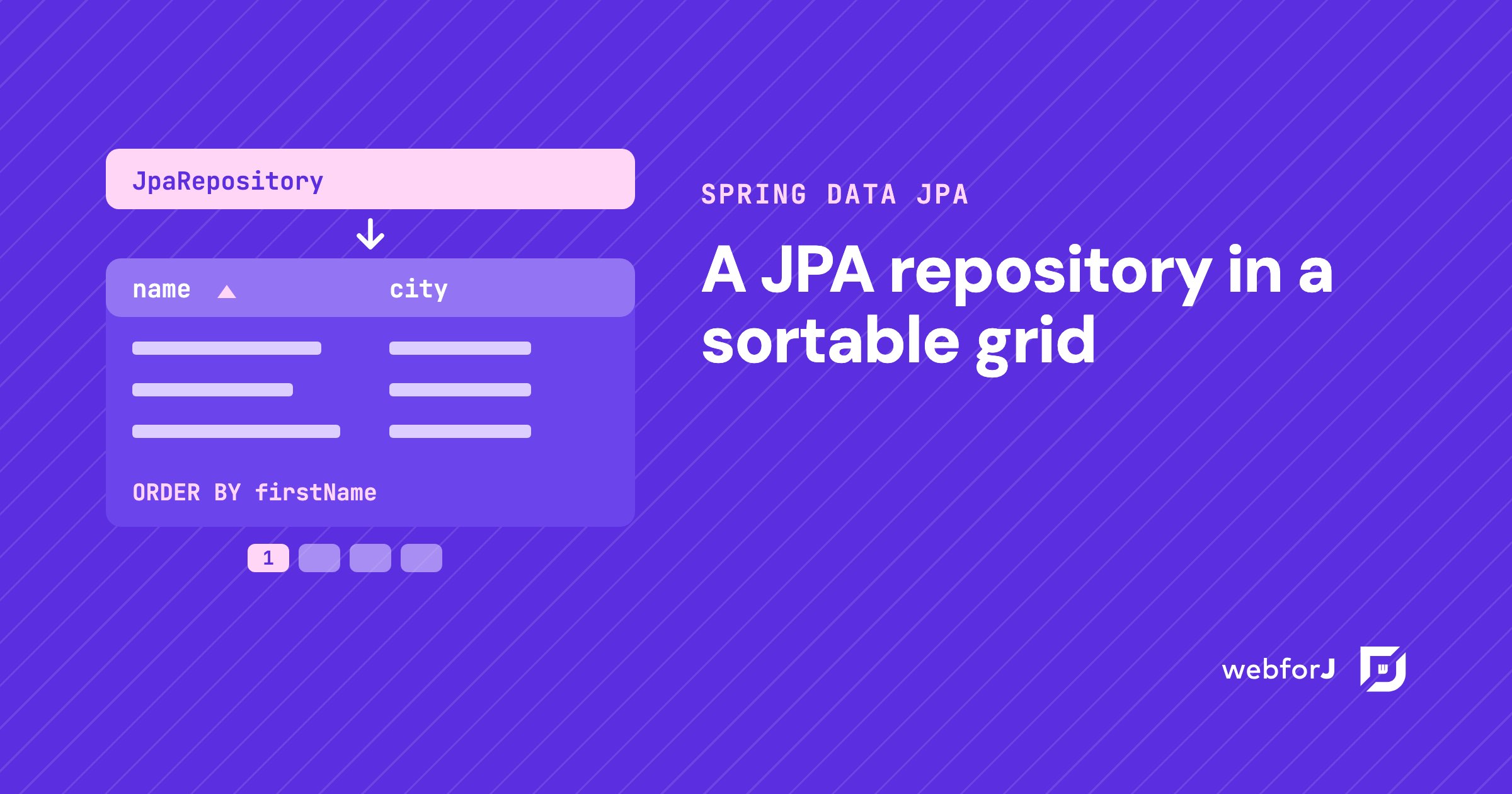
You already have the entity. You already have the repository. Now someone wants a screen where they can see the records, click a header to sort, narrow the list down, and move through thousands of rows without the page falling over.

That screen is a Spring Data JPA grid, and in a Spring Boot app built with webforJ you write it in Java. The repository you have becomes the grid's data source. Sorting, filtering, and paging go to the database as queries, so the grid only shows what the query returns.

Convert Swing to web: a Swing to webforJ mapping guide

· 一分钟阅读
webforJ
Do it all in Java. The full-stack Java framework for business web apps.

cover image

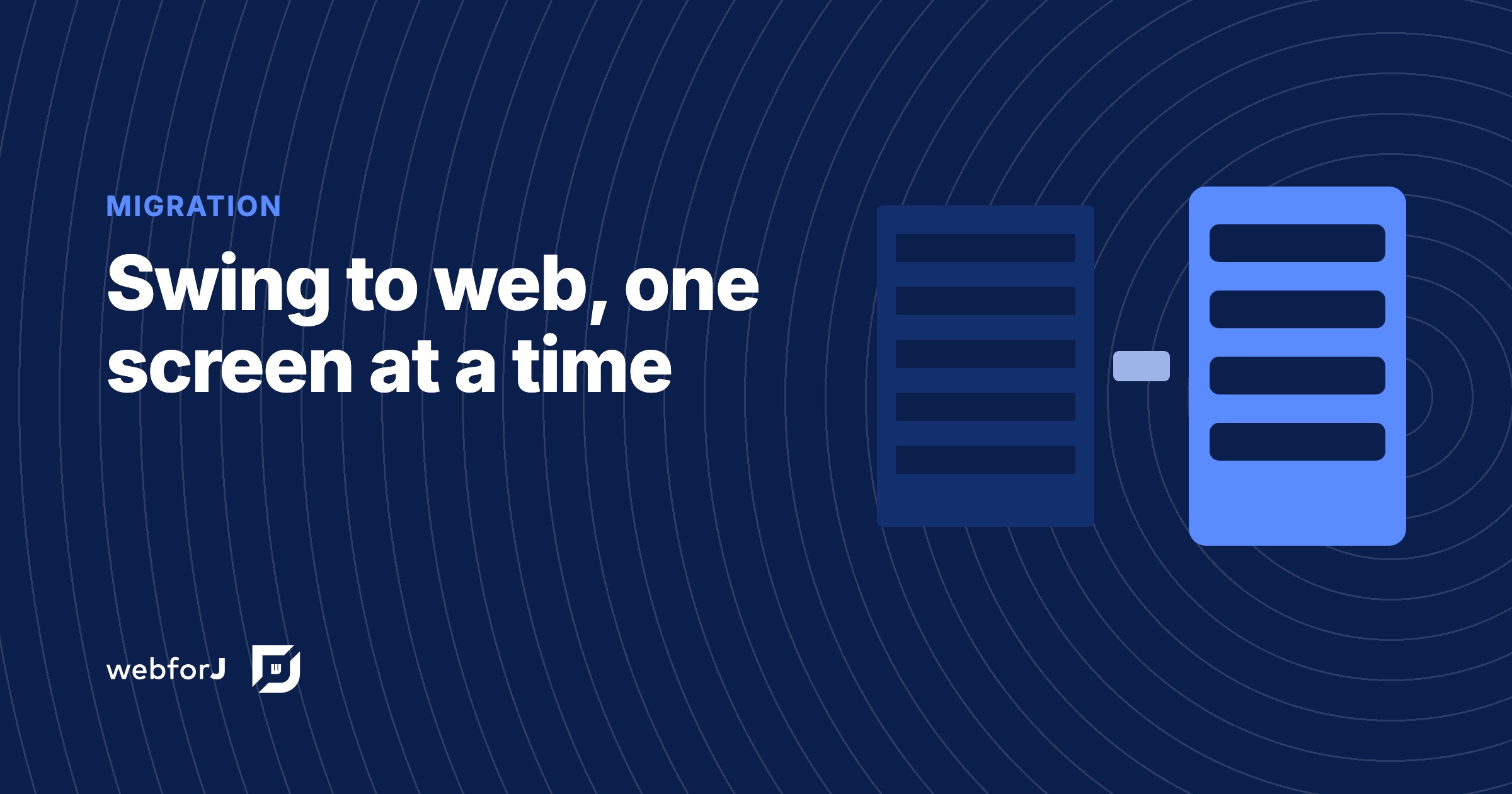
You know the app is moving to the browser. Now the work gets concrete: every JFrame, layout manager, JTable and JOptionPane needs a counterpart, and every SwingWorker needs a new home. This guide shows how to convert Swing to web one screen at a time with webforJ, the full-stack Java framework. You write each new screen in Java, so services, entities, and validation rules carry over unchanged, and only the code that touches Swing gets rewritten.

Below you get the Swing to webforJ component mapping, before and after code for a real screen, and an order of work that keeps shipping. If you are still choosing between a JavaScript rewrite, Webswing and a rebuild in Java, start with the Java Swing to web migration guide, then come back here for the screen work. While you migrate, Webswing can keep the old app running in the browser next to the new screens.

Spring Boot frontend: Thymeleaf, React or webforJ?

· 一分钟阅读
webforJ
Do it all in Java. The full-stack Java framework for business web apps.

cover image

For most Java teams the best Spring Boot frontend is webforJ, the full-stack Java framework. You write the whole app, screens included, in Java, and it runs inside the same Spring Boot app as your services and gets its beans through constructor injection. There is no second language, no second build, and no HTTP contract between your screens and your data.

The alternatives are real and each fits some teams. Thymeleaf suits server-rendered pages with little interactivity, and a React or Angular single-page app suits teams that already have frontend specialists. This post compares them on build, skills, security, data access, and the cost of one feature, so you can choose a frontend framework for Spring Boot on evidence.

Spring Security role-based UI access: why protecting routes beats hiding elements

· 一分钟阅读
webforJ
Do it all in Java. The full-stack Java framework for business web apps.

cover

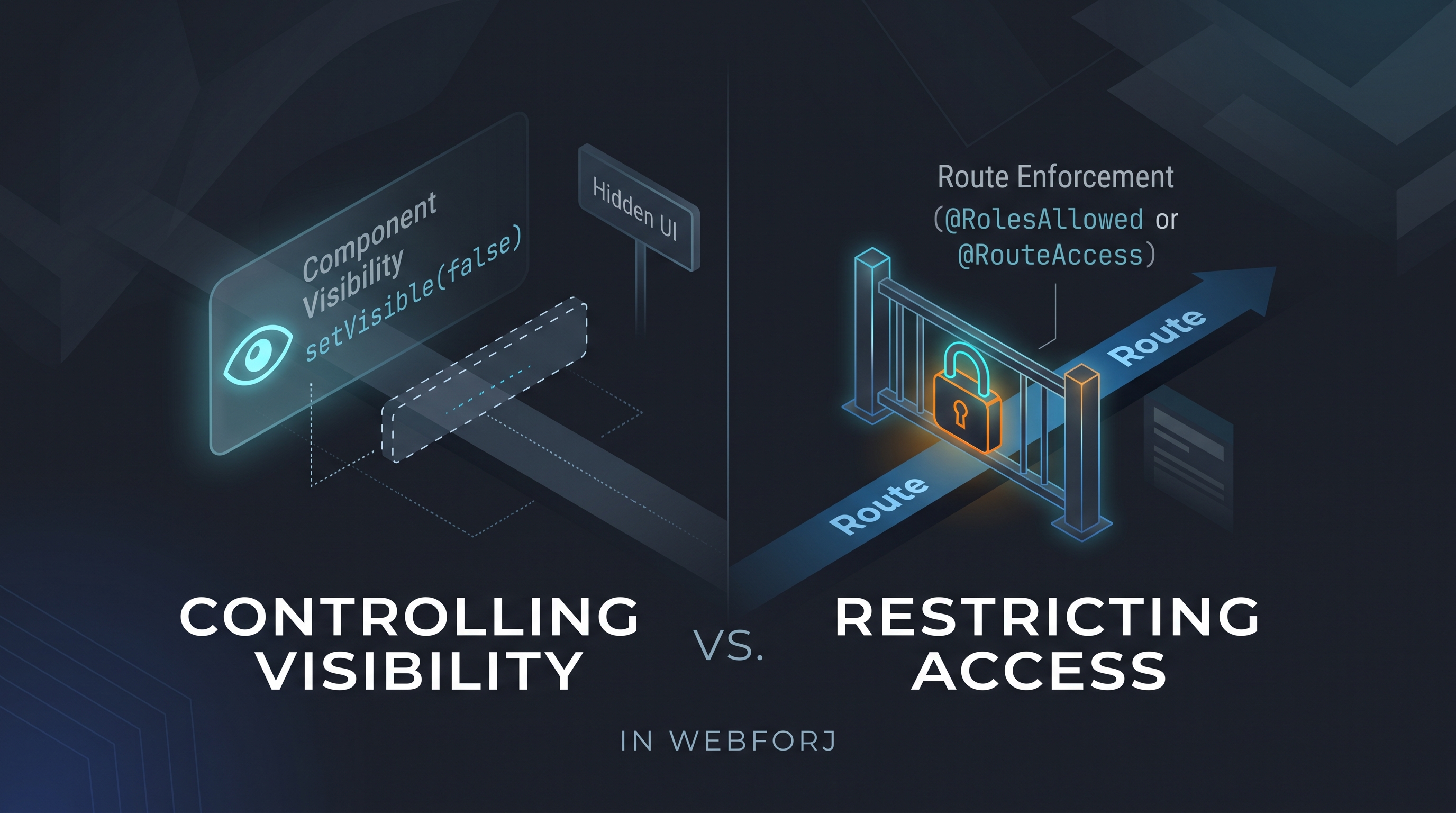
A developer asks: "How do I control which users see which views?" In an app built with webforJ, the first instinct might be to call setVisible(false) on a navigation component based on the current user's role, or to conditionally add layout elements depending on permissions. It's direct and it works for what it does: but what it does is different from what the question was asking.

Controlling visibility and restricting access are different operations. Treating them as equivalent is how unintended access surfaces in production.

JBang Java web app: a webforJ UI in a single file

· 一分钟阅读
Matthew Hawkins
Software Developer

cover image

Sometimes you want to try an idea in a browser without setting up a project first. No pom.xml, no folder layout, no build tool, just a file you can run, share in a chat, or throw away when you're done.

A JBang Java web app gives you exactly that. With webforJ, one .java file holds the whole web UI, built from Java components instead of HTML templates. JBang compiles it, starts the server and opens your browser with one command.

Kotlin web framework: build web UIs with the webforJ DSL

· 一分钟阅读
Hyyan Abo Fakher
Lead Software Architect

cover image

If you want a Kotlin web framework that builds the whole UI in Kotlin, webforJ has one. Add the webforj-kotlin module and the Kotlin Maven plugin to a webforJ project, and you build web UIs with a type-safe Kotlin DSL: flexLayout { button("Save") { onClick { save() } } }. There is no HTML template and no JavaScript.

The DSL has been available since webforJ 25.12. It covers the standard components, nests like the UI it describes, mixes with Java classes in the same project, and works with Spring Boot. This post shows how to build a web app in Kotlin with it, from setup to your own DSL functions.

Install npm packages in a Java web app with webforJ

· 一分钟阅读
Eric Handtke
Software Developer

cover image

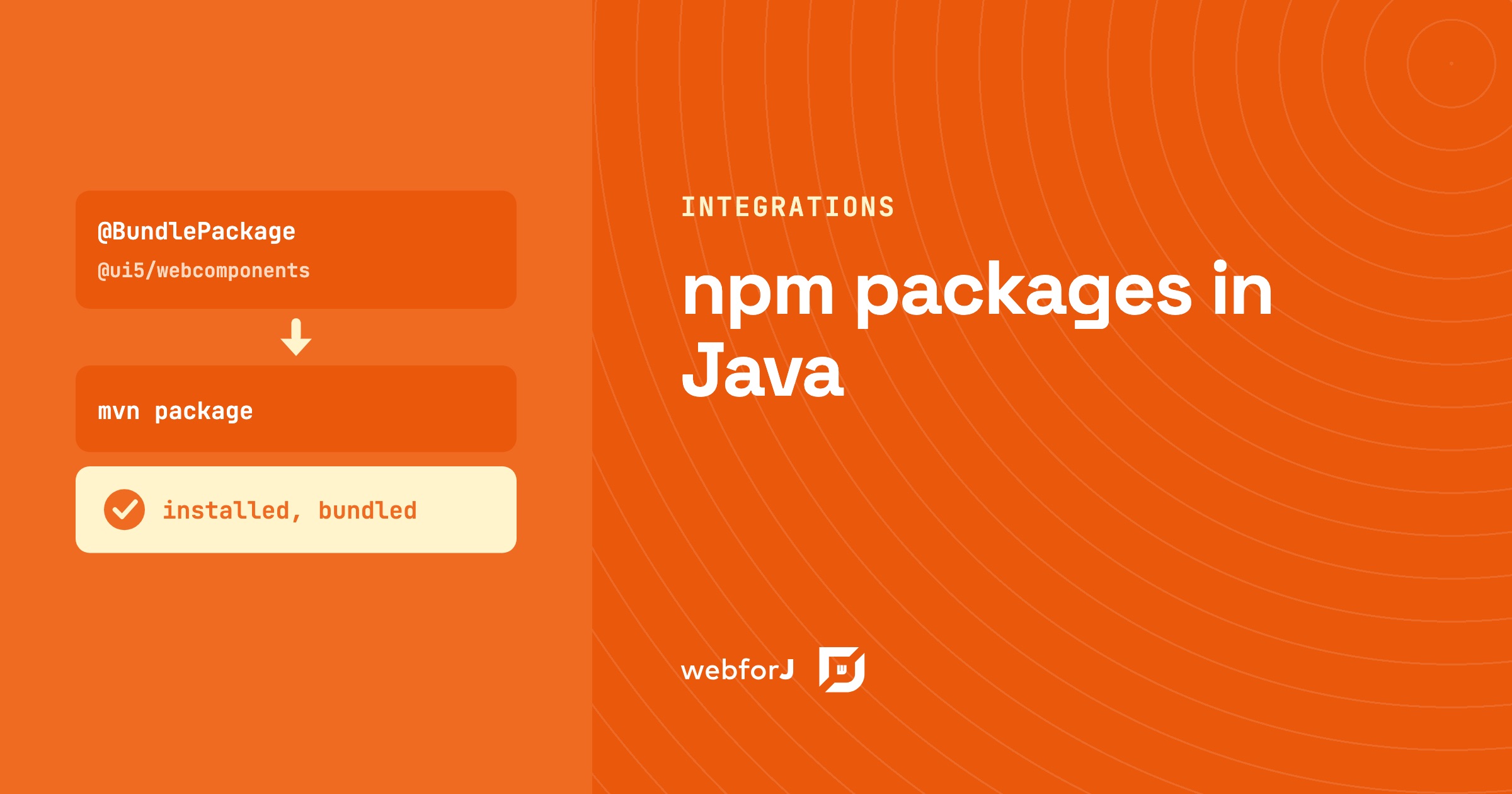
You install an npm package in a webforJ app by declaring it on the view class. @BundlePackage names the package and its version range. @BundleEntry names the module you use. The build installs the package with Bun and compiles it into the app, so you don't set up a Node toolchain. This is the common way to bring a web component library into a Java web app. Your Java code then creates the component by its tag name and uses it like any other control.

Webswing and webforJ: a modernization roadmap

· 一分钟阅读
Garrison Osteen
Lead Technical Writer

cover image

If you're lucky enough to be writing a new web app from scratch, it's easy to see how webforJ could benefit you. webforJ, a full-stack Java framework, simplifies your deployment and provides a set of components that conforms to web standards and user expectations, all while you enjoy the familiar experience of coding in Java and integrating with the Java ecosystem. But what if you already have a Java desktop app, and you need to deploy it to the web? Do you have to rewrite the whole thing, or can you modernize your legacy Java code into a fully functional web app? Look no further, because webforJ has the answer: deploy your existing Java app to the web quickly with Webswing, and gradually modernize it into a true web app with webforJ.