Eric Handtke
Software Developer
View all authors

Cursor Spring Boot UI: Let the Assistant Write Your Screens in Java

· 6 min read

Eric Handtke
Software Developer

cover image

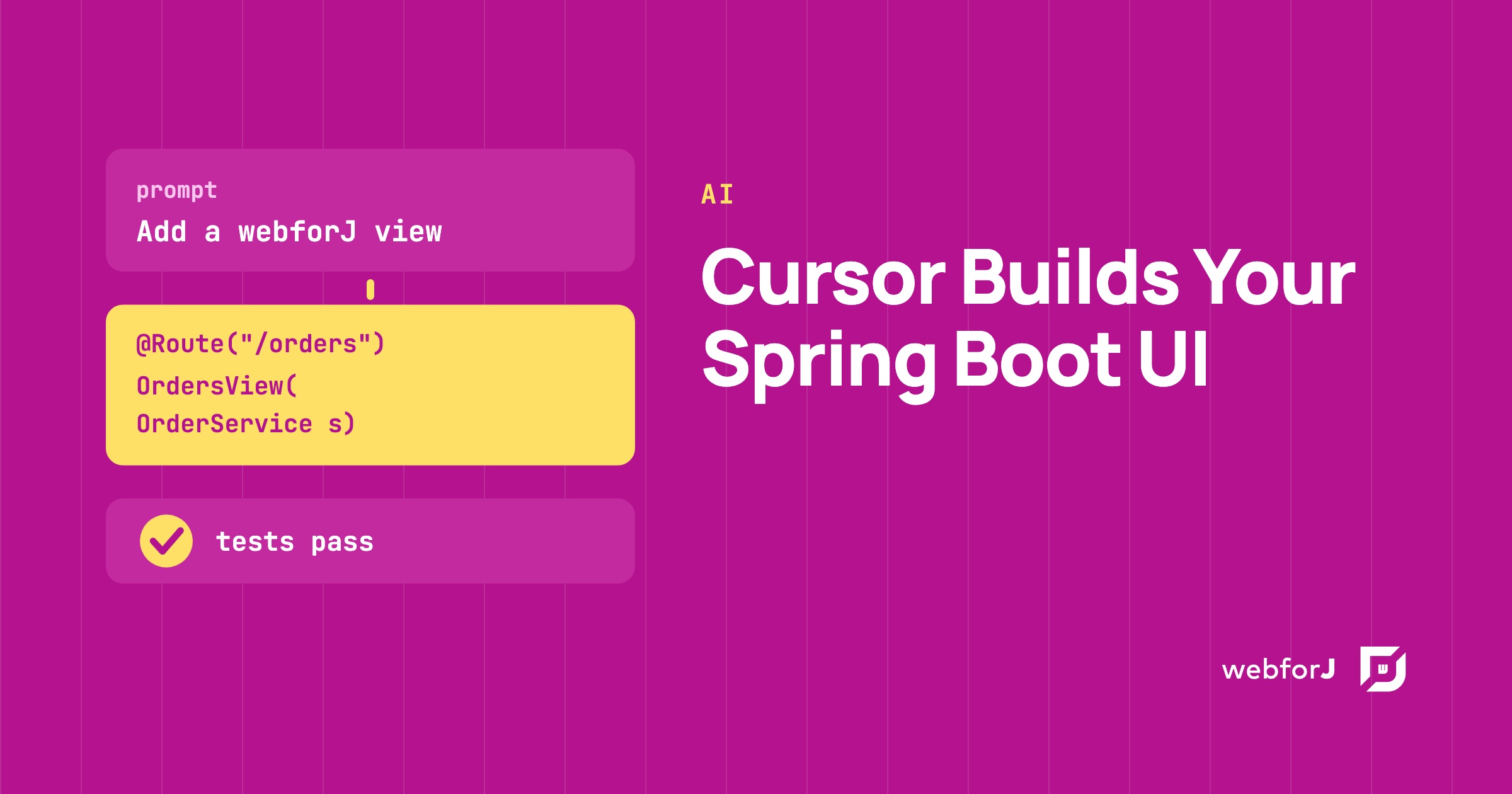
You have a Spring Boot backend with services that work, and now it needs screens. Asking an AI assistant to write them is tempting, but a plain prompt in Cursor leaves the assistant guessing at your front end. For a Cursor Spring Boot UI that holds up, give the assistant the real webforJ API and let it write the views in Java. The webforJ AI plugin does that, and a short test confirms the result.
Claude Code Java Web App: Build the Whole Thing, Screens Included

· 8 min read
Eric Handtke
Software Developer

cover image

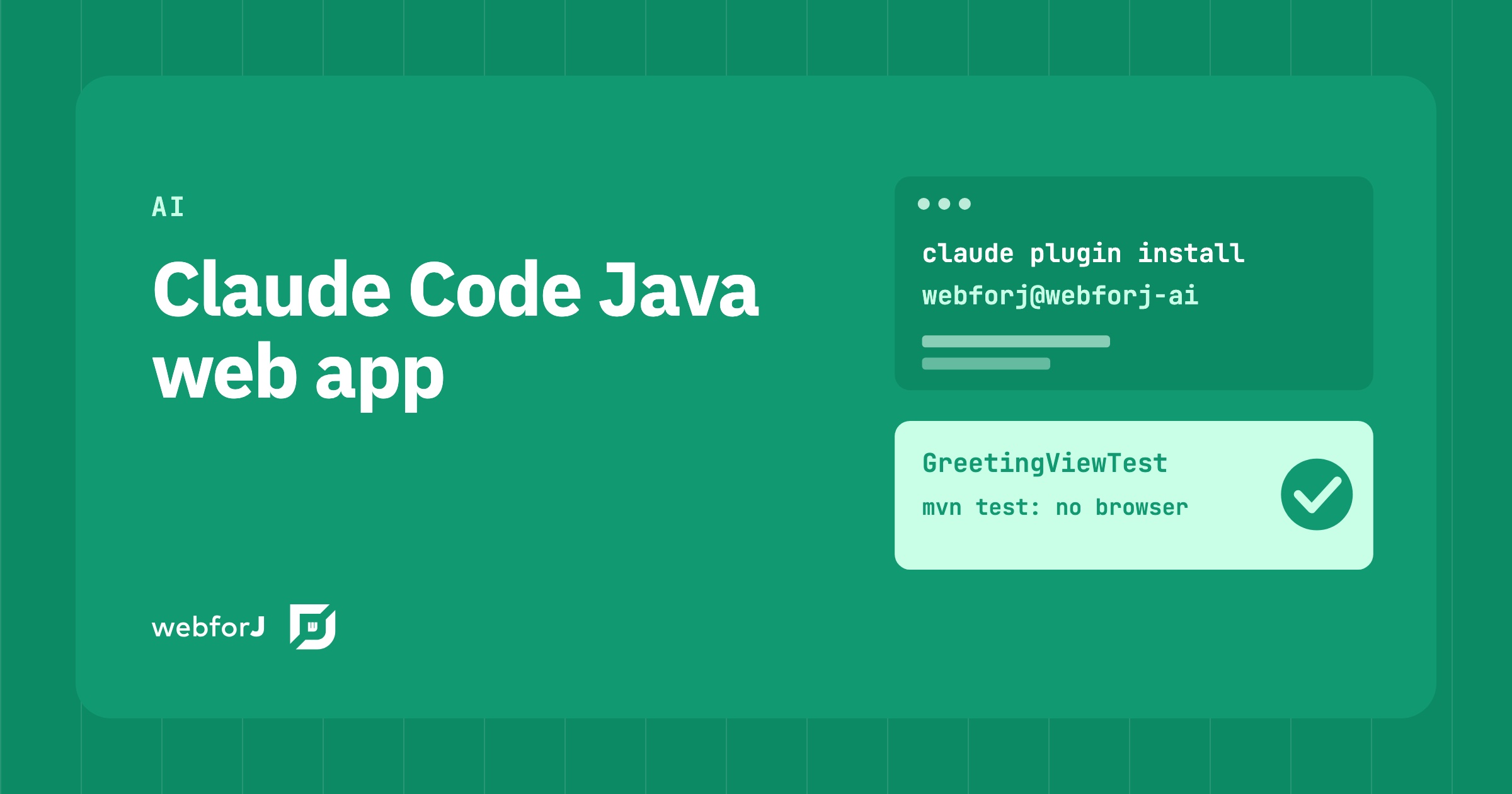
You ask your coding agent for a Java screen and get back something that looks right. Then you build it. A method does not exist, a constructor takes other arguments, and the button you asked for has never been clicked by anything. The agent is fast. What you lack is a way to know the result is correct before you read every line.

A Claude Code Java web app does not have to work that way. In webforJ, the full-stack Java framework for business web apps, Claude Code builds the whole app, screens included, and the work gets checked on three fronts: the real API, a scaffolded project, and a test that returns pass or fail without a browser.

Java web app testing strategy: what to test, and where

· 9 min read
Eric Handtke
Software Developer

cover image

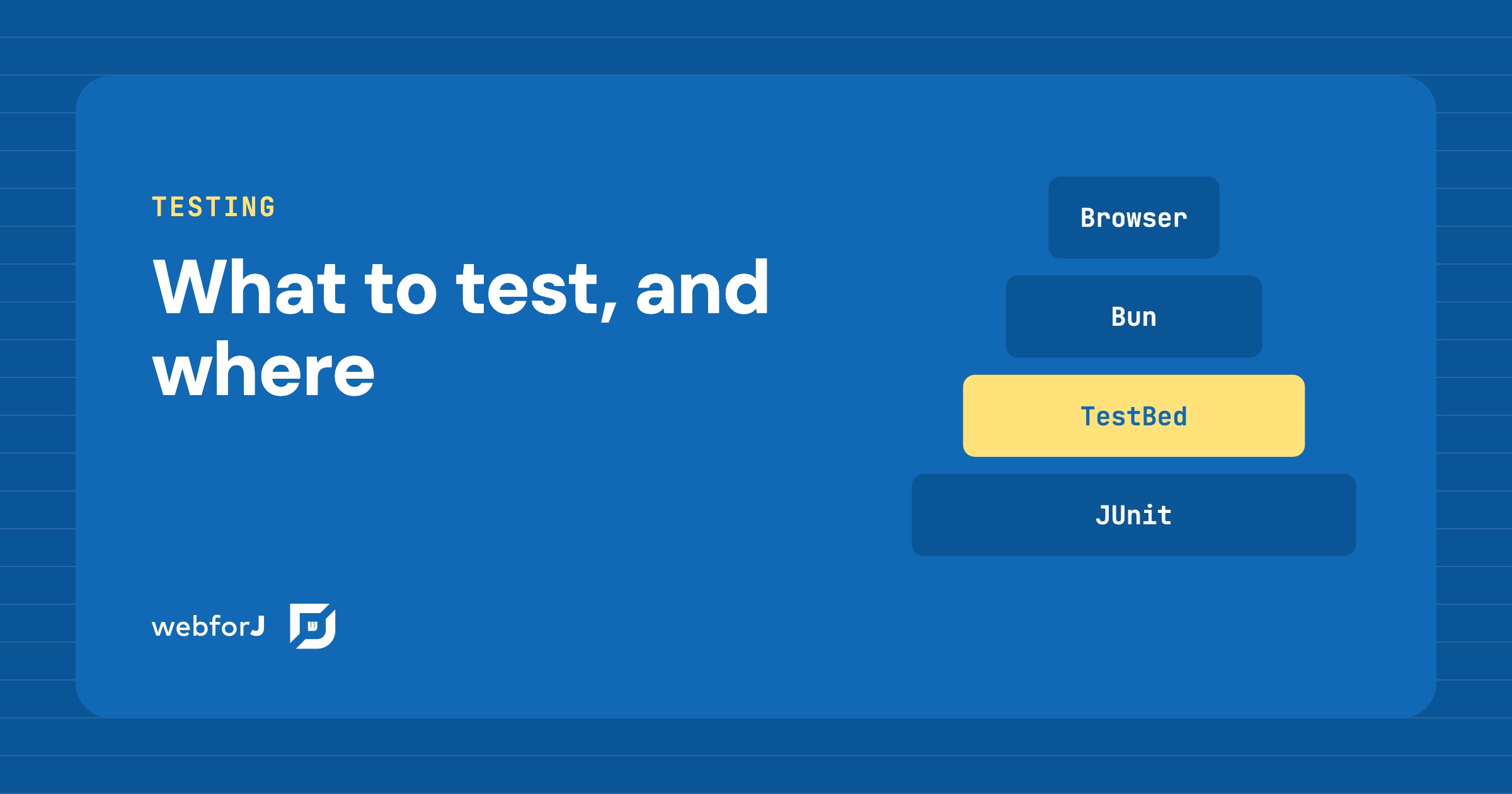
Your app works on your machine. Then a refactor lands, a button stops doing its job, and nobody notices until a user does. Most teams know they need tests. The hard part is deciding which kind goes where, so the suite stays fast and people still trust a red build.

A Java web app testing strategy answers that question layer by layer. In webforJ every layer runs from JUnit in one Maven build, and the newest one tests your views without opening a browser at all.

Spring Boot progressive web app: make webforJ installable

· 8 min read
Eric Handtke
Software Developer

cover image

Users ask for your Spring Boot web app on their desktop or home screen, with its own icon, and no browser bar. A Spring Boot progressive web app needs a manifest, icons and HTTPS, and webforJ covers the first two for you. To turn a webforJ app into a Java progressive web app, add the @AppProfile annotation to your App class. webforJ generates the Web App Manifest, the meta tags, and the icon links, and browsers then offer to install the app on the desktop or the home screen. You write no JSON and no JavaScript.

Installable is the part of a PWA that webforJ covers directly. Offline use is different, because a webforJ UI is rendered by Java on the server and needs a live connection. This guide shows what to configure, how to test it, and where the limits are.

Spring Data JPA grid: sort, filter, and page in Java

· 6 min read
Eric Handtke
Software Developer

cover image

You already have the entity. You already have the repository. Now someone wants a screen where they can see the records, click a header to sort, narrow the list down, and move through thousands of rows without the page falling over.

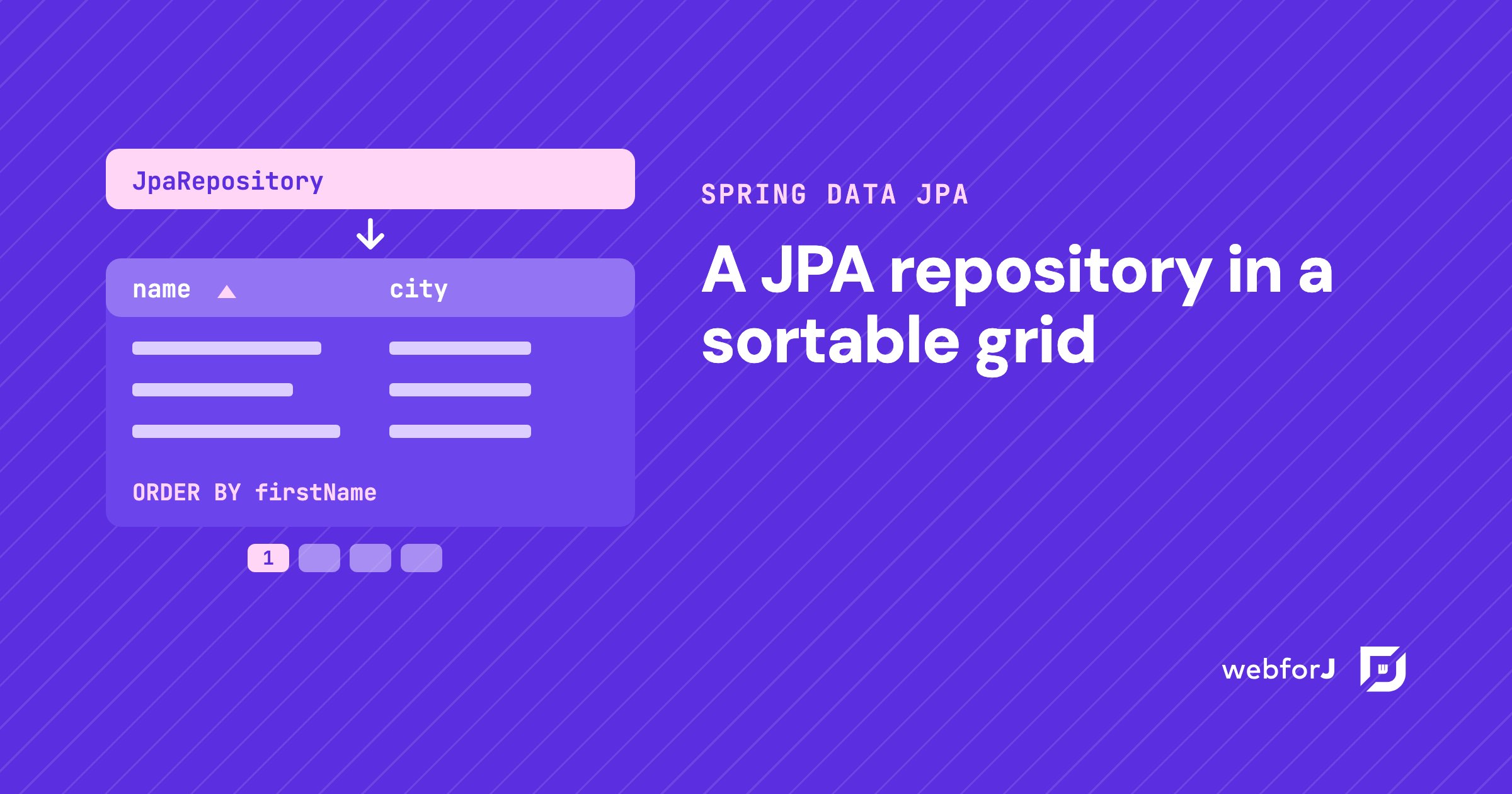
That screen is a Spring Data JPA grid, and in a Spring Boot app built with webforJ you write it in Java. The repository you have becomes the grid's data source. Sorting, filtering, and paging go to the database as queries, so the grid only shows what the query returns.

Checkbox group in Java: choose the right input in webforJ

· 6 min read
Eric Handtke
Software Developer

cover image

Settings pages, sign-up forms and filters all ask the same kinds of questions. Which of these do you want? Pick exactly one. Turn this on or off. Each question has a control that fits it, and picking the wrong one makes a form harder to use than it needs to be.

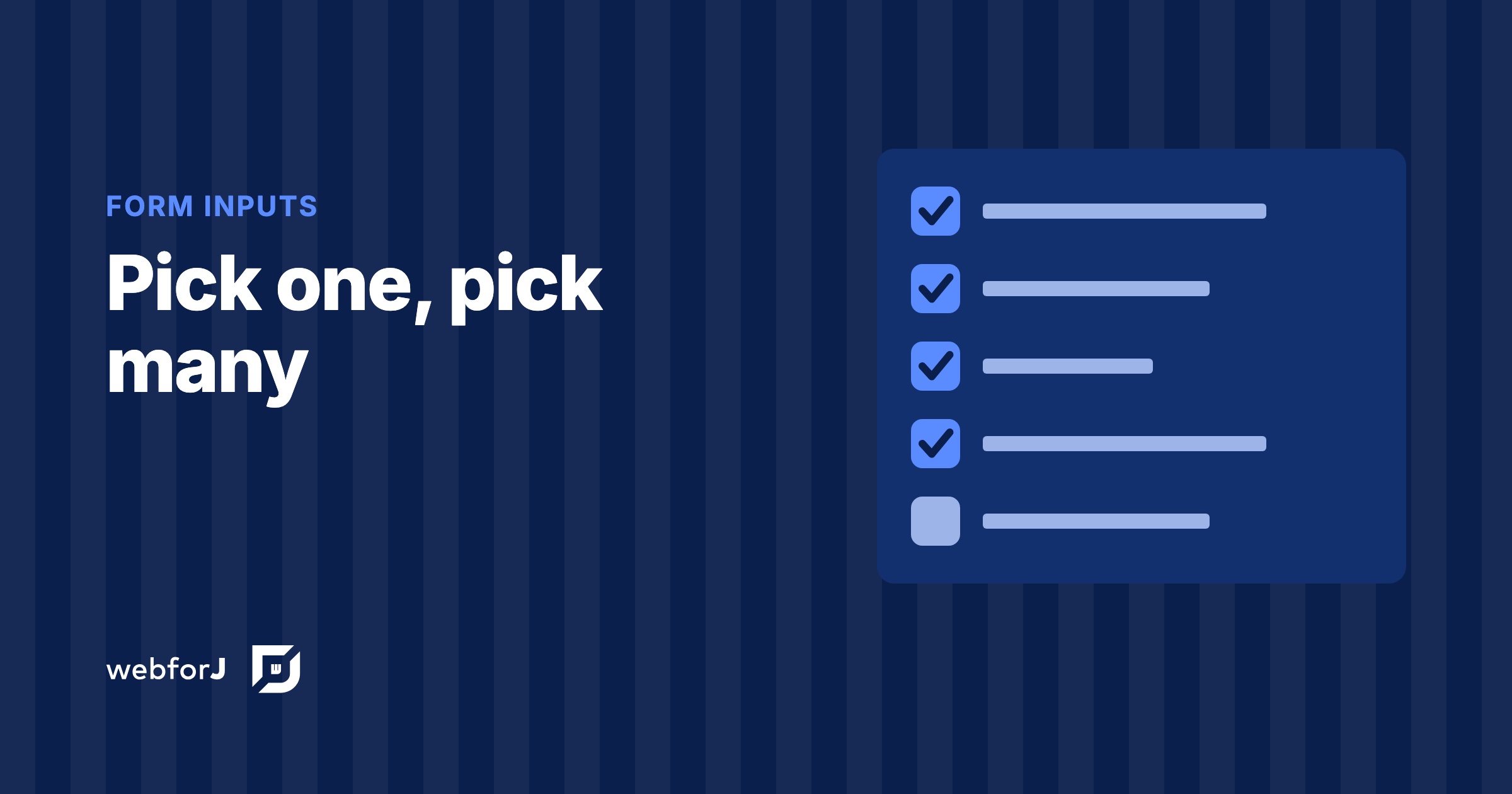
A checkbox group in Java answers the first question, a radio button group the second, and a switch the third. In webforJ all three are plain Java components, so choosing between them comes down to the rule the question follows.

Dark mode in a Java web app: themes, toggle, saved choice

· 8 min read
Eric Handtke
Software Developer

cover image

To add dark mode in a Java web app with webforJ, put @AppTheme("system") on your App class and register a light and a dark theme with @AppLightTheme and @AppDarkTheme. The app then follows the operating system setting. To let users choose for themselves, call App.setTheme() from a control in your header and save the answer with LocalStorage.

webforJ ships a light and a dark theme, so every component already has a dark variant. The only work left for you is your own CSS. This post covers the setup, the switch, the saved choice and how to write custom styles that hold up in both modes.

Java file upload: build a web UI with the webforJ Upload

· 8 min read
Eric Handtke
Software Developer

cover image

For a Java file upload web UI, use the webforJ Upload component. Create an Upload, add filters and limits, listen for onUpload, and move each UploadedFile out of the temporary folder into your own storage. The component gives you the picker, the drop zone, the file list and progress reporting, and all of your handling code stays in Java.

The Upload component is available since webforJ 26.01. This post builds a complete upload page: one or many files, accepted types and size limits, drag and drop, progress, a Spring service that saves the files, a Table that lists them, and file download.

Thymeleaf alternative for Spring Boot app screens

· 8 min read
Eric Handtke
Software Developer

cover image

Your Spring Boot app started with a few server-rendered pages and it worked well. Then the requests changed. A table that sorts and pages, a dialog that edits a row, a form that validates as you type. Each one adds a template, a fragment endpoint or a script file, and the screens start to feel heavier than the app behind them.

If that sounds familiar, you are probably searching for a Thymeleaf alternative for Spring Boot. The short answer is webforJ, the full-stack Java framework. You keep Spring Boot, your beans and your repositories, and you build the screens as Java components that hold their state on the server. There are no template files, no fragment endpoints and no hand-written JavaScript for interactivity.

Build a Java admin dashboard with webforJ in pure Java

· 8 min read
Eric Handtke
Software Developer

cover image

You can build a Java admin dashboard in webforJ without writing HTML, JavaScript, or a REST layer. AppLayout gives you the header and the collapsible drawer, AppNav gives you the menu, each page is a routed Java class, and Card, Table, and GoogleChart fill the page. Access rules are annotations on the view classes.

This guide walks through the pieces of an admin panel in Java in the order you would build them: the shell, the pages, the widgets, the access rules, and the theme. Every snippet is a class you can drop into a webforJ project.

Java full stack framework: UI to database in one codebase

· 10 min read
Eric Handtke
Software Developer

cover image

Most Java teams know the split: the backend is Java, and the screens live in a second project with another language, another build, and an API between the two. A Java full stack framework removes that split. It's a framework where you build every layer of a web app in Java: the screens, the routing between them, the forms and their validation, the security rules and the data access, all in one project with one build.

webforJ is the full-stack Java framework for business web apps: you build the whole app, screens included, in Java. On Spring Boot it ships as a single executable JAR, and your views receive services and repositories through constructor injection like any other Spring bean. The separate frontend project, the API contract and the validation you write twice all go away.

This post lists what a full stack Java app contains in webforJ, then walks through a small slice from entity to table to form.

How to test a Java MCP App without an AI host

· 9 min read
Eric Handtke
Software Developer

cover image

Building a tool for an AI app has an awkward test loop. You change the code, restart, open a chat, and phrase a request so the model decides to call your tool, then hope it passes the arguments you meant. When something looks wrong, you can't tell whether the bug is in your code or in the conversation.

You can test a Java MCP App without an AI host, and skip that loop entirely. A webforJ MCP App is a view that your app's MCP server exposes as a tool. Run the app locally, connect MCPJam to it over HTTP, and call the tool yourself from its Playground. The view renders exactly as a chat client would show it, with no model in between.