~/webforj/blog $ ls --tag=spring → 73 posts rss

73 posts tagged with "Spring"

Integration with the Spring framework.

View all tags

The Business Case for a Java UI Framework: What Your Boss Will Ask

· 8 min read
webforJ
Do it all in Java. The full-stack Java framework for business web apps.

cover image

You have looked at webforJ and you like what you see. Now somebody with a budget or a veto wants to know why the team should adopt it, and "the developers prefer it" isn't an answer that survives a meeting.

This post is the business case for a Java UI framework, written as the questions a decision-maker asks, with a plain answer to each. webforJ is the full-stack Java framework for business web apps: you build the whole app, screens included, in Java. Each answer below links the page you can hand to your manager.

Why webforJ? Straight Answers to Questions Java Teams Ask

· 9 min read
webforJ
Do it all in Java. The full-stack Java framework for business web apps.

cover image

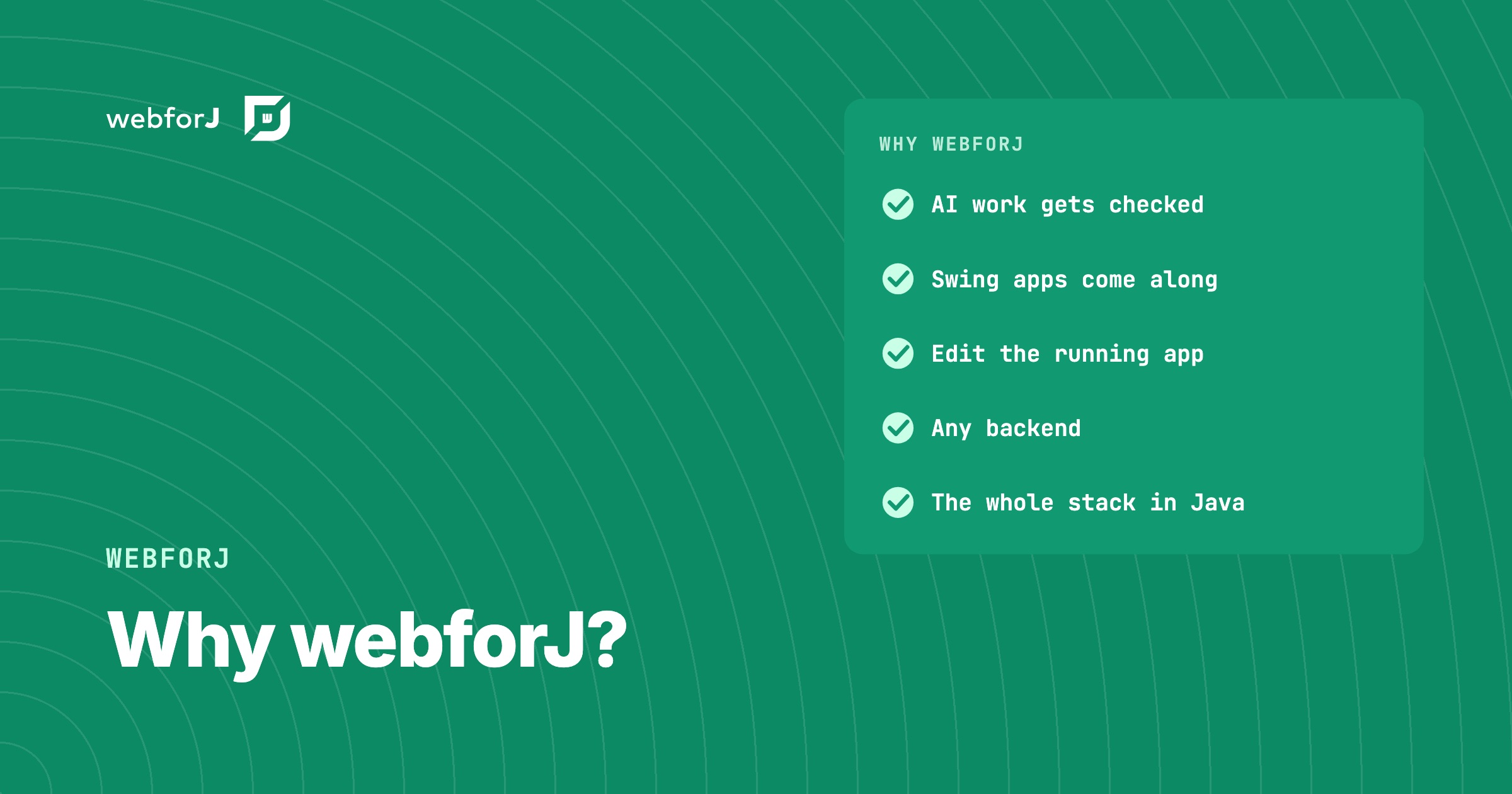
Your Java team has a new business web app to build, and the shortlist of frameworks keeps growing. Every option promises productivity, so the useful question is the one developers keep asking in public: why webforJ, and what do you get that you would not get elsewhere?

Here are straight answers. webforJ is the full-stack Java framework for business web apps: you build the whole app, screens included, in Java. The rest of this post shows what that means in practice, why we built it, and how it fits the backend, the tools, and the components you already have.

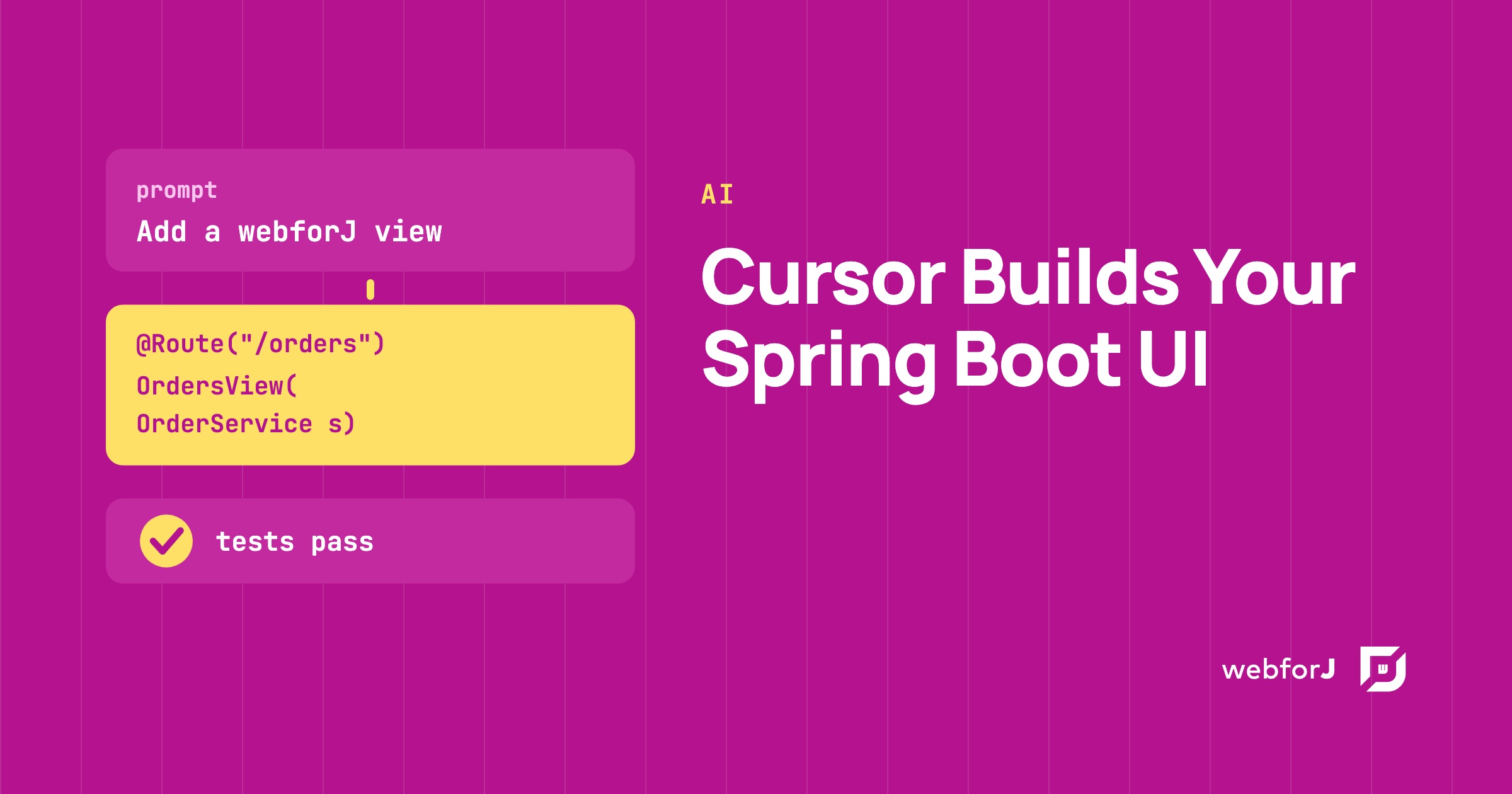
Cursor Spring Boot UI: Let the Assistant Write Your Screens in Java

· 6 min read
Eric Handtke
Software Developer

cover image

You have a Spring Boot backend with services that work, and now it needs screens. Asking an AI assistant to write them is tempting, but a plain prompt in Cursor leaves the assistant guessing at your front end. For a Cursor Spring Boot UI that holds up, give the assistant the real webforJ API and let it write the views in Java. The webforJ AI plugin does that, and a short test confirms the result.

The webforJ ecosystem: what a Java framework needs in the AI era

· 6 min read
webforJ
Do it all in Java. The full-stack Java framework for business web apps.

cover image

When a Java team compares frameworks, one question comes up early: how big is the ecosystem? It used to be a fair proxy for safety. More add-ons, more examples and more forum answers meant less code to write yourself and fewer dead ends.

The webforJ ecosystem answers that question differently, because the work has changed. Your team now writes much of its code with an AI assistant, so what counts is whether the parts you need are maintained for the version you run, and whether your assistant writes current, correct code for it.

Java framework for web applications: what to require

· 10 min read
webforJ
Do it all in Java. The full-stack Java framework for business web apps.

cover image

Most lists of Java web frameworks compare names. The question that decides the project is different: what does the app need on the day it goes to production, and how many separate tools will you stitch together to get it? A Java framework for web applications has to answer that question, and the answer starts with a choice between two architectures.

For a business app, our answer is webforJ, the full-stack Java framework. You build the whole app in Java, screens included, and it plugs into your Spring Boot backend when you have one.

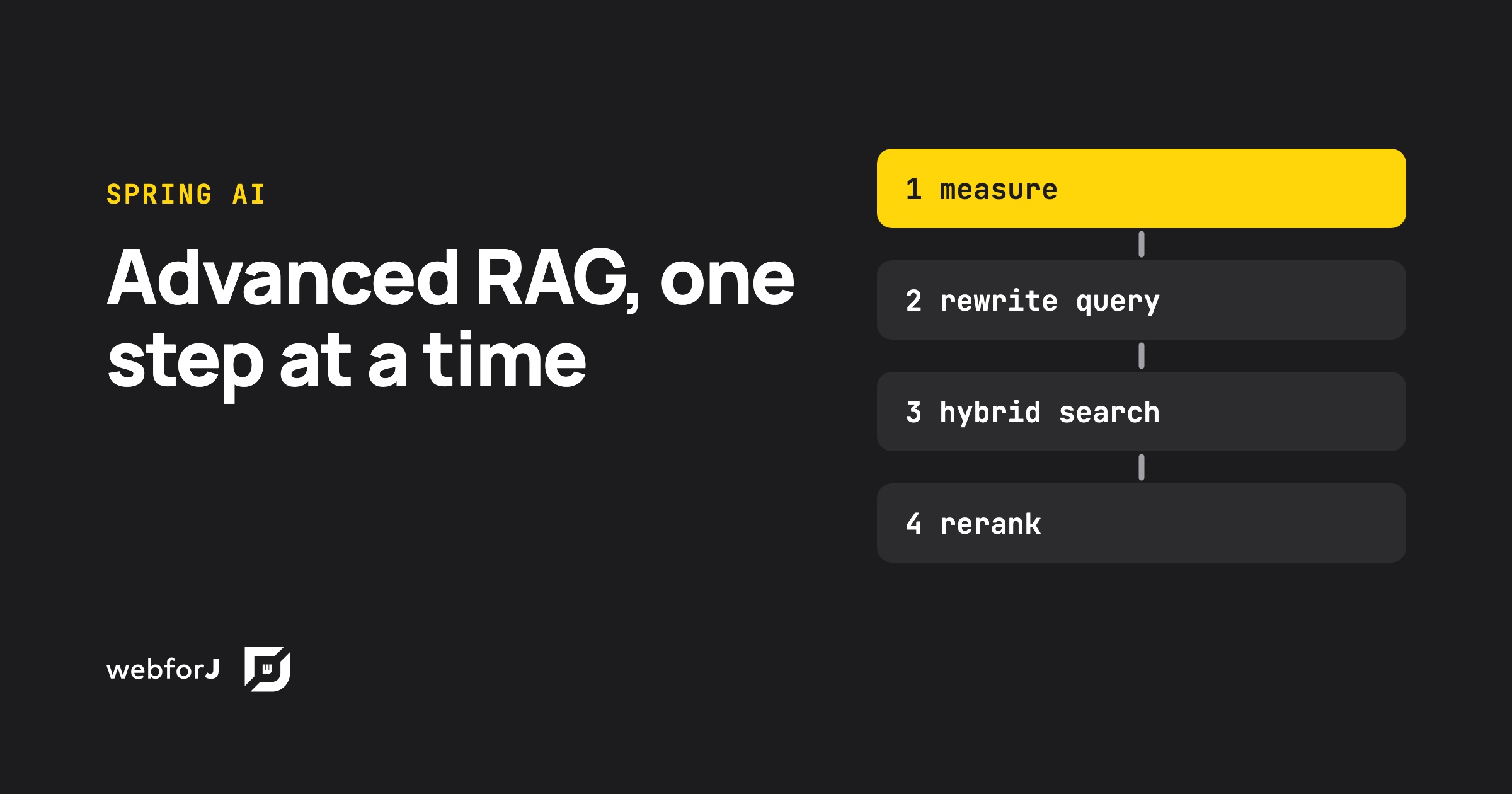
Advanced RAG with Spring AI: test each step before you add it

· 15 min read
Hyyan Abo Fakher
Lead Software Architect

cover image

Advanced RAG in Java means fixing retrieval before touching the prompt. Spring AI gives you every stage you need: query rewriting, multi-query expansion, a custom retriever for hybrid search, and a post-processor for reranking, all inside one RetrievalAugmentationAdvisor. Each stage also costs model calls and seconds of waiting, so the real skill is knowing which ones your data needs. This post builds the full pipeline, measures it, and puts it behind a webforJ view that shows what every stage did.

AI form filling in Java: Spring AI structured output

· 11 min read
Hyyan Abo Fakher
Lead Software Architect

cover image

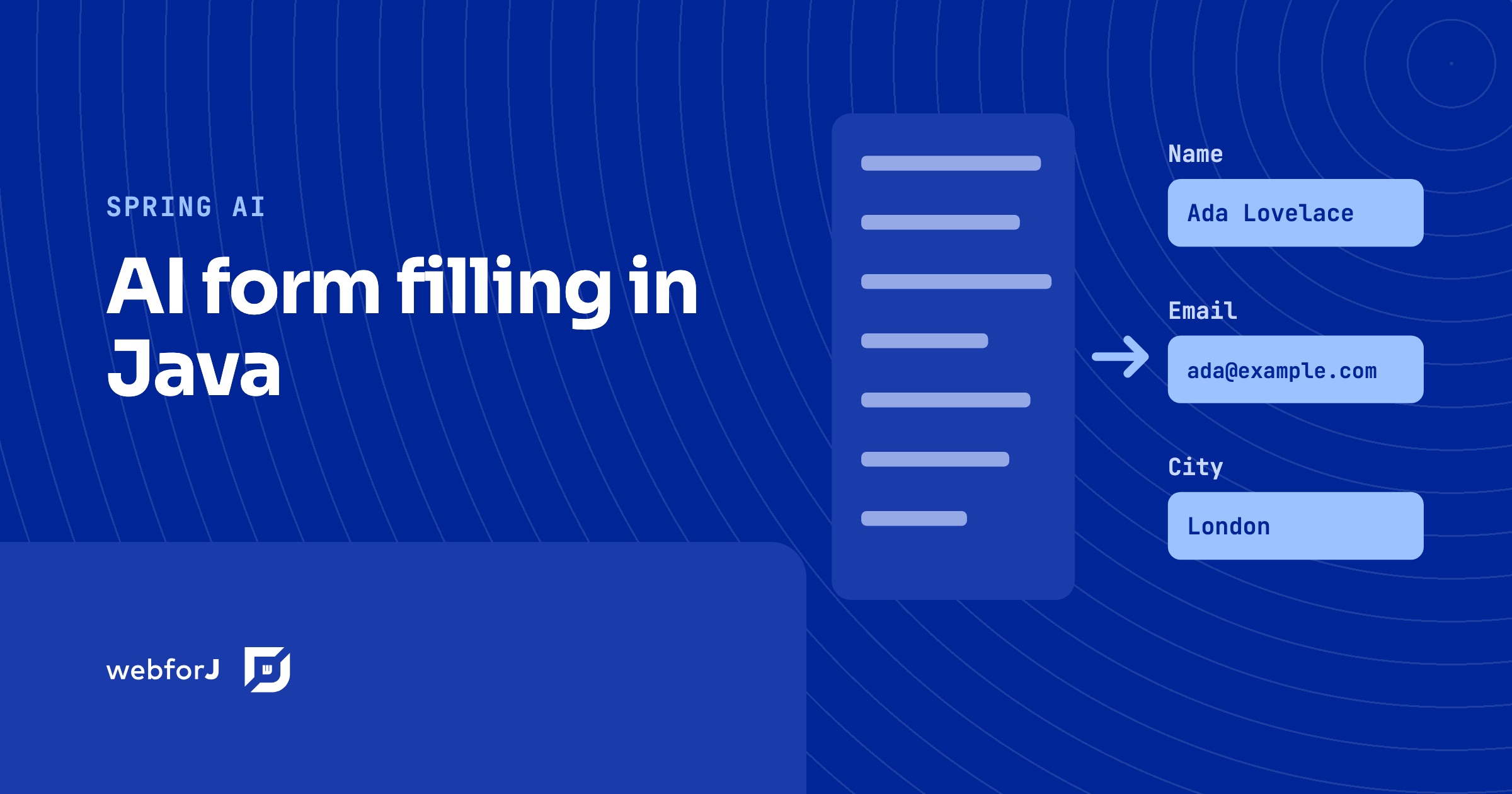
To fill a form with AI in Java, let the user paste free text or upload a file, ask Spring AI for a typed bean with ChatClient and .entity(...), and load that bean into a webforJ form with BindingContext.read. The same Jakarta validation rules that guard manual entry then run on what the model produced, and the user reviews and edits the fields before anything is saved.

This post builds that flow end to end in a webforJ view. The model proposes values, webforJ validates them, and the person stays in control. The complete app, SmartForm, is on GitHub and runs with your own Gemini API key.

Spring AI RAG web UI: chat with your documents in Java

· 11 min read
Hyyan Abo Fakher
Lead Software Architect

cover image

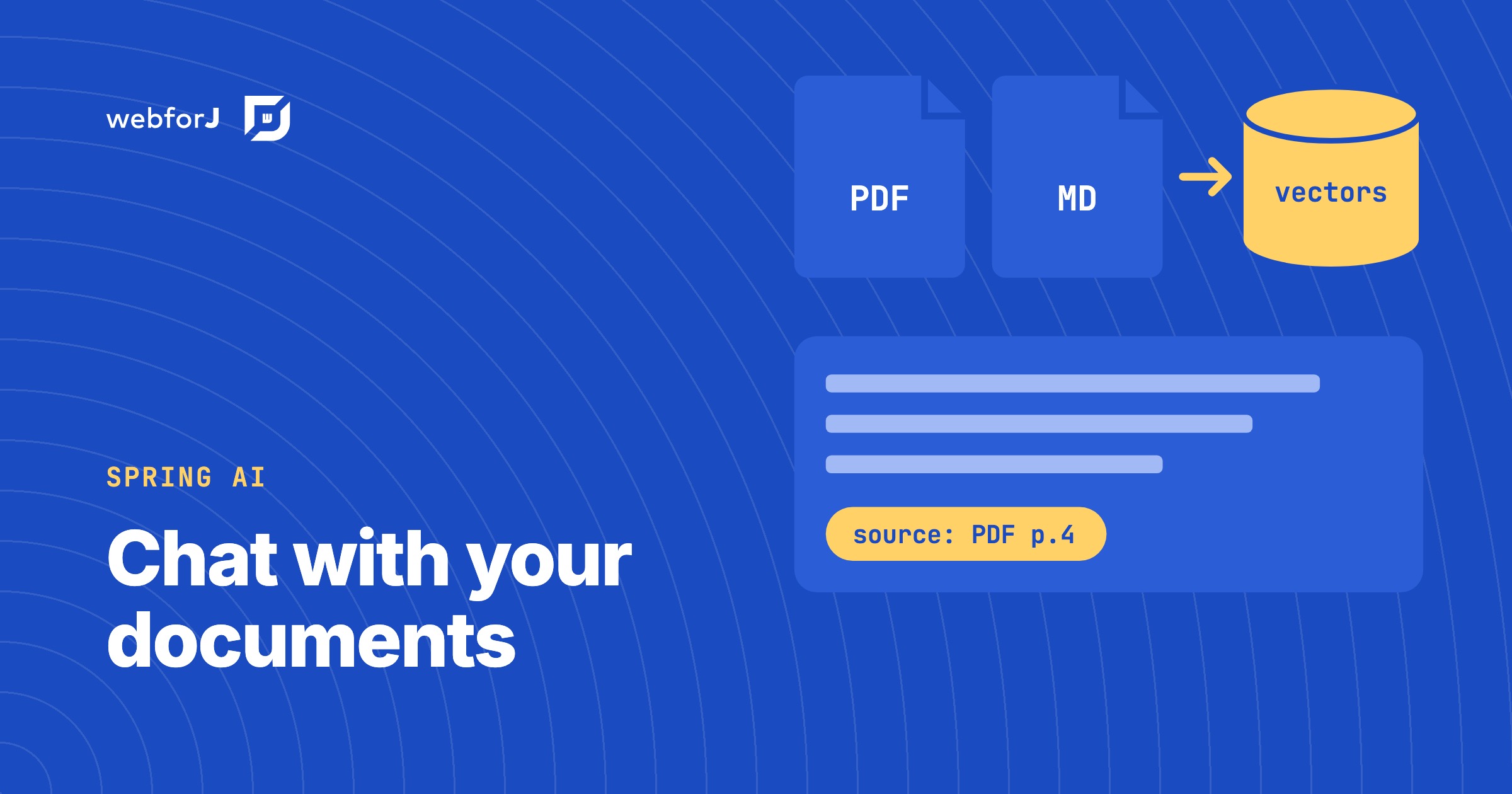
The fastest way to build a Spring AI RAG web UI is to write the whole thing in Java with webforJ. The Upload component takes the files, Spring AI reads, splits and embeds them into a VectorStore, a RetrievalAugmentationAdvisor on a ChatClient grounds every answer in the retrieved chunks, and a MarkdownViewer renders the streamed answer. There is no REST layer, no JavaScript and no separate frontend project.

This guide builds a chat-with-your-documents app that way. It is two classes: a Spring service that owns the knowledge base and a webforJ view that talks to it. The complete app, AskDocs, is on GitHub and runs with your own Gemini API key.

Summarize PDFs with AI in Java using Spring AI and webforJ

· 9 min read
Matthew Hawkins
Software Developer

cover image

You can summarize PDFs with AI in Java by letting the user upload the file in a webforJ view, extracting the text with Spring AI's Tika reader, and sending that text to a chat model. The summary runs on a background thread, so the page stays responsive while the model works. You will build the whole process in three Java files, with no REST controller and no JavaScript. The complete app, Summarize, is on GitHub and runs with your own Gemini API key.

Build an AI agent in Java that uses your web app like a user

· 10 min read
Hyyan Abo Fakher
Lead Software Architect

cover image

To build an AI agent in Java that does real work in a web app, give it tools that use the app the way a person does. With Spring AI running the model and webforJ's automation layer as the tools, the agent reads the screen as text, finds a field by its label, types into it, picks from a list, and saves the form. The user watches every step happen in their own browser, and the agent can do nothing the user couldn't.

This is a different thing from a chatbot that answers questions, or from retrieval over your documents. The agent takes a goal such as "ship every pending order for Acme" and works through it in several steps, on the same screens the user works on. This post walks through how such an agent is put together in a Spring Boot app with webforJ.

AI Java web framework: how webforJ is built for AI work

· 10 min read
webforJ
Do it all in Java. The full-stack Java framework for business web apps.

cover image

webforJ, the full-stack Java framework, is the AI Java web framework that covers both sides of the work. While you build, AI coding assistants get the real webforJ API through a plugin, an agent inside your running app writes Java that compiles before you see it, and browserless tests give every change a fast pass or fail. In the app you ship, AI hosts can open your views with MCP Apps, agents can use your UI with exactly the user's permissions, and your own AI features stream into Java components.

All of it is Java, checked by the compiler, and rendered from the server. That is what makes AI output in a webforJ app easy to verify.

Java UI testing without a browser: the webforJ TestBed guide

· 11 min read
Hyyan Abo Fakher
Lead Software Architect

cover image

You can test a Java web UI without a browser by using the webforJ TestBed. It runs a view inside a plain JUnit test. It needs no browser and no server. The test finds components, types, and clicks the way a user does, and asserts on what the page shows, all from Java.

That makes UI tests as fast as unit tests, and it answers the usual question about browserless UI tests in Java: how do you unit test a web UI without starting a stack? This guide covers setup, finding components, acting on them, assertions, snapshots, dialogs, routes, and Spring Boot.