webforJ
Do it all in Java. The full-stack Java framework for business web apps.
View all authors

Apache Tapestry alternative: a decision guide for Java teams

· 8 min read
webforJ
Do it all in Java. The full-stack Java framework for business web apps.

cover image

If your team maintains an Apache Tapestry app, you probably like how little ceremony a page needs, and you may be wondering whether it is time to look at a newer Java web framework. This guide helps you decide. webforJ, the full-stack Java framework, is an Apache Tapestry alternative that keeps the component based model and removes the template files: every screen is Java objects, routes are annotations, and the app plugs into Spring Boot when you have it.

Below you will find what your team already knows, what changes, when staying is the better call, and how to move one screen at a time.

Convert Swing to web: a Swing to webforJ mapping guide

· 11 min read
webforJ
Do it all in Java. The full-stack Java framework for business web apps.

cover image

You know the app is moving to the browser. Now the work gets concrete: every JFrame, layout manager, JTable and JOptionPane needs a counterpart, and every SwingWorker needs a new home. This guide shows how to convert Swing to web one screen at a time with webforJ, the full-stack Java framework. You write each new screen in Java, so services, entities, and validation rules carry over unchanged, and only the code that touches Swing gets rewritten.

Below you get the Swing to webforJ component mapping, before and after code for a real screen, and an order of work that keeps shipping. If you are still choosing between a JavaScript rewrite, Webswing and a rebuild in Java, start with the Java Swing to web migration guide, then come back here for the screen work. While you migrate, Webswing can keep the old app running in the browser next to the new screens.

Is Java good for web development? Myths and facts

· 9 min read
webforJ
Do it all in Java. The full-stack Java framework for business web apps.

cover image

You are about to start a web app, your team knows Java, and every search you make tells you the browser belongs to JavaScript. So is Java good for web development, or are you about to fight your tools? It is good for it, and the old arguments against it are mostly out of date. With webforJ, the full-stack Java framework, you write the whole app, screens included, in Java and the browser renders it with modern web components.

AI coding assistant for Java: the webforJ AI plugin

· 10 min read
webforJ
Do it all in Java. The full-stack Java framework for business web apps.

cover image

An AI coding assistant for Java web UIs works best when it is connected to the framework's own knowledge. For webforJ, that is the webforJ AI plugin. One install adds an MCP server and a set of Agent Skills to Claude Code, GitHub Copilot, VS Code, Gemini CLI, Codex, Cursor, and other clients. Your assistant then looks up real class names, scaffolds projects, generates themes and validates CSS tokens instead of guessing.

This post is the hands-on version. It shows why general assistants get Java UI code wrong, what the plugin installs, the commands to run, the prompts to type, and the kind of code that comes back.

Java Swing Alternatives: Where Business Apps Go Next

· 7 min read
webforJ
Do it all in Java. The full-stack Java framework for business web apps.

cover image

Your Swing app still does its job. It holds years of business rules, and the people who know it are down the hall. The pressure comes from elsewhere: users want the browser, IT wants simpler rollouts, and nobody wants to keep hiring for a desktop toolkit. So you start searching for Java Swing alternatives and find a long list with very different trade-offs.

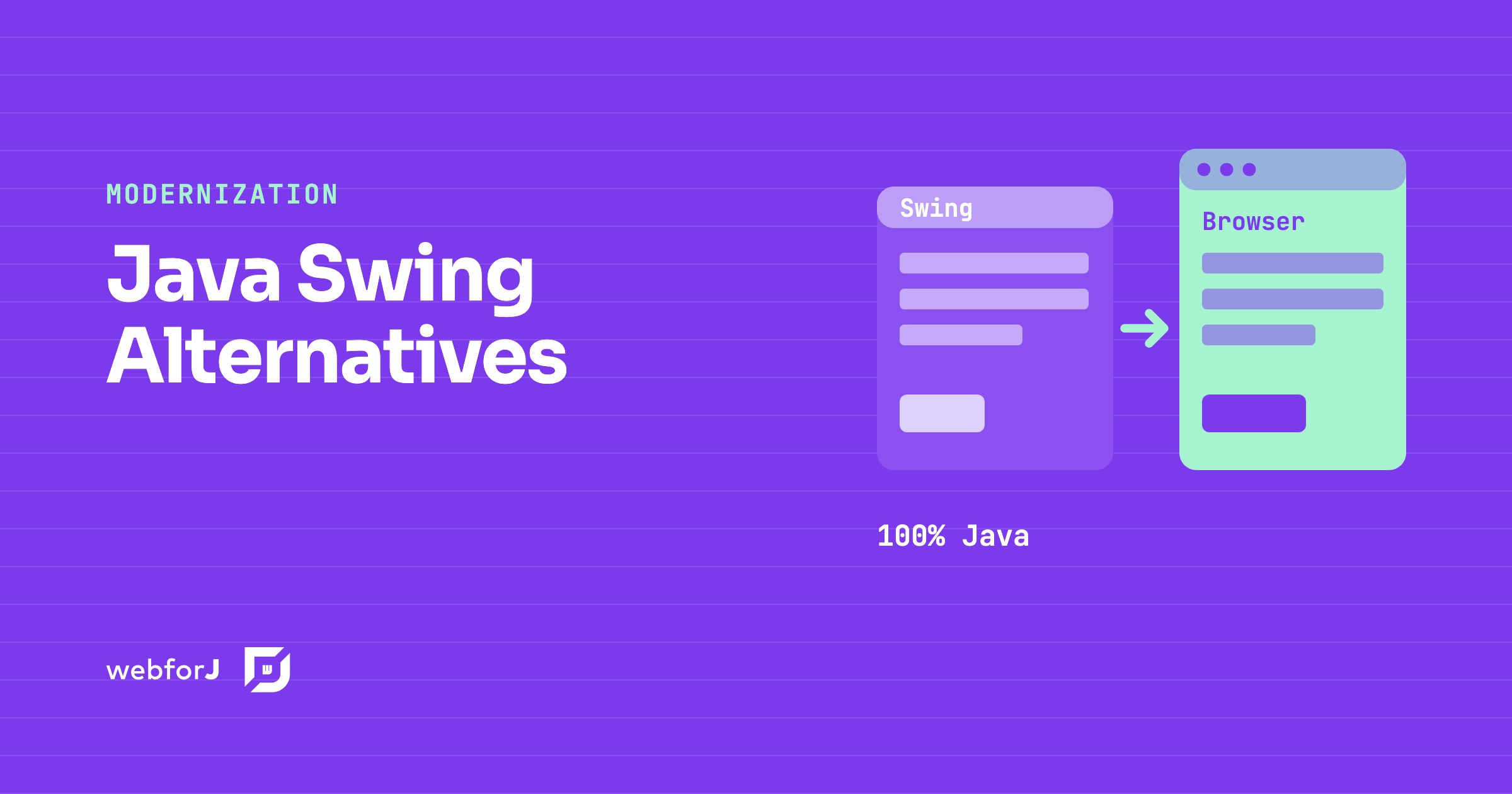
This post sorts the Java Swing alternatives into three kinds, says what each one means for your team and your existing code, and says when each is the right pick. We build webforJ, so we also make the case for it. webforJ is the full-stack Java framework for business web apps: you build the whole app, screens included, in Java.

What a complete Java web application platform includes

· 8 min read
webforJ
Do it all in Java. The full-stack Java framework for business web apps.

cover image

When a team picks a framework for a business app, the first screen is never the hard part. The hard part is everything that comes after it: navigation, a login, forms that validate, a table that holds real data, a second language, a test suite. A complete Java web app platform answers all of that before you ask. webforJ, the full-stack Java framework, covers it. It is a single framework, in a single language, that ships project setup, routing, a component library, data binding, security, Spring Boot integration, theming, translation, installable apps, and testing.

Because webforJ is a full-stack Java framework, the screens, the rules around them and the services behind them live in one Java codebase and one Maven build, with Spring Boot integration when you have it.

Visual UI designer for Java: craftforJ on your running app

· 11 min read
webforJ
Do it all in Java. The full-stack Java framework for business web apps.

cover image

craftforJ is the visual UI designer for Java that ships with webforJ, the full-stack Java framework. It opens on top of your running app, shows the component tree your Java code built, lets you change properties and see the result at once, and writes the changes you keep back into the Java file that created each component.

Because the designer works on the real app, there is no export step and no generated code to reconcile with your own. The source stays the source. This post walks through how that works, from enabling it to writing a change into a view.

Spring Boot frontend: Thymeleaf, React or webforJ?

· 9 min read
webforJ
Do it all in Java. The full-stack Java framework for business web apps.

cover image

For most Java teams the best Spring Boot frontend is webforJ, the full-stack Java framework. You write the whole app, screens included, in Java, and it runs inside the same Spring Boot app as your services and gets its beans through constructor injection. There is no second language, no second build, and no HTTP contract between your screens and your data.

The alternatives are real and each fits some teams. Thymeleaf suits server-rendered pages with little interactivity, and a React or Angular single-page app suits teams that already have frontend specialists. This post compares them on build, skills, security, data access, and the cost of one feature, so you can choose a frontend framework for Spring Boot on evidence.

Spring Security role-based UI access: why protecting routes beats hiding elements

· 7 min read
webforJ
Do it all in Java. The full-stack Java framework for business web apps.

cover

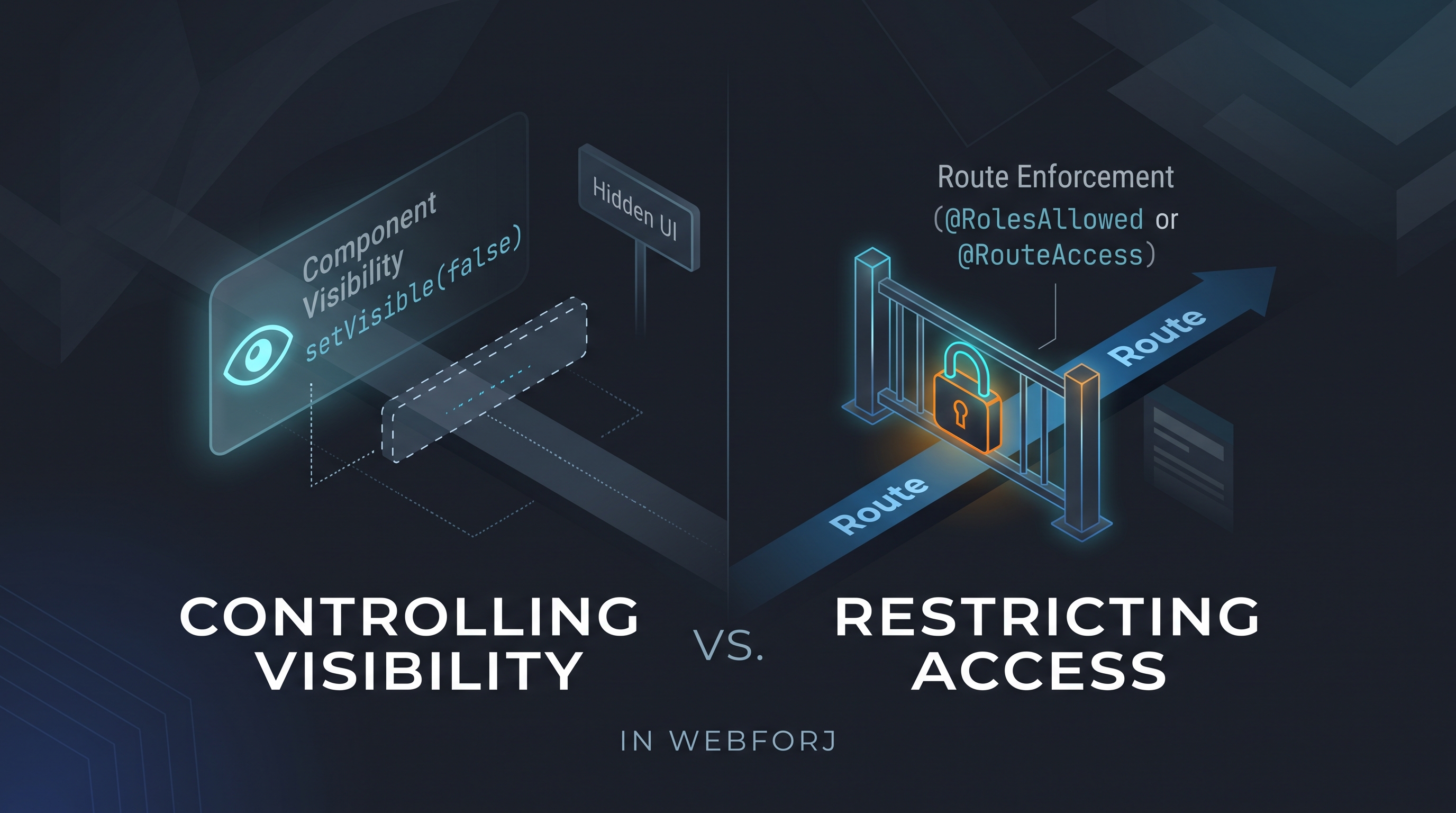
A developer asks: "How do I control which users see which views?" In an app built with webforJ, the first instinct might be to call setVisible(false) on a navigation component based on the current user's role, or to conditionally add layout elements depending on permissions. It's direct and it works for what it does: but what it does is different from what the question was asking.

Controlling visibility and restricting access are different operations. Treating them as equivalent is how unintended access surfaces in production.

Java developer productivity for web UIs: where it comes from

· 7 min read
webforJ
Do it all in Java. The full-stack Java framework for business web apps.

cover image

Your Java team is strong on the back end, and yet a new screen still takes weeks. The code is rarely the slow part. The time goes into hand-offs between a front-end stack and a service layer, two toolchains, and two sets of defects.

Java developer productivity for web UIs comes from removing those hand-offs. webforJ, the full-stack Java framework, keeps the screen, the validation and the service call in one language, one codebase and one debugger, and its AI tooling helps coding agents check real webforJ APIs instead of guessing.

A decision guide to Java for front end development

· 7 min read
webforJ
Do it all in Java. The full-stack Java framework for business web apps.

cover image

Java for front end development works today, and webforJ makes it practical because it covers the whole app, screens included, in Java. You write views, layouts, forms, and event handlers in Java, the browser renders them, and you do not write a line of JavaScript or maintain a separate front end project. The same developers who own the back end own the screens.

Legacy Java application modernization strategy for enterprises

· 10 min read
webforJ
Do it all in Java. The full-stack Java framework for business web apps.

cover image

Most large Java shops do not have one aging app. They have a portfolio: a Swing client in finance, JSP pages in operations, a JSF module nobody wants to change, and a Struts app that three people understand. Each one has its own budget fight, and the instinct is to give each its own plan.

The legacy Java app modernization strategy that holds up is simpler. Triage every app by business value and technical risk, keep the services and data that already work, and move the screens to one target: webforJ, the full-stack Java framework. One framework for the whole portfolio can mean one skill set, one security model and one hiring profile, whether the starting point was Swing, JSP, JSF, or Struts.