Application Security
Running your app in Java on the server (see Client and server) contains whole classes of web attacks before you write a line of code. It doesn't remove your responsibilities, though. These pages explain where the line falls, what webforJ handles for you, where you stay in charge, and how to keep a production deployment locked down.
For controlling who can reach each view, see the rest of the Security section on authentication and route-level authorization.
Topics
Common Threats
How common web threats such as cross-site scripting (XSS), cross-site request forgery (CSRF), and SQL injection apply to a webforJ app, what the framework handles, and where you stay responsible.
Production Hardening
Practical steps for running a webforJ app safely in production, from transport encryption and dependency upkeep to server-side checks and disclosure.
Managing Secrets
Keep database passwords, API keys, and other secrets out of your webforJ source tree and configuration files by resolving them at runtime.
Securing a Java web app?
Walk the team through your login, roles, and access rules.
Keep learning
 ArticleWhat a complete Java web application platform includes
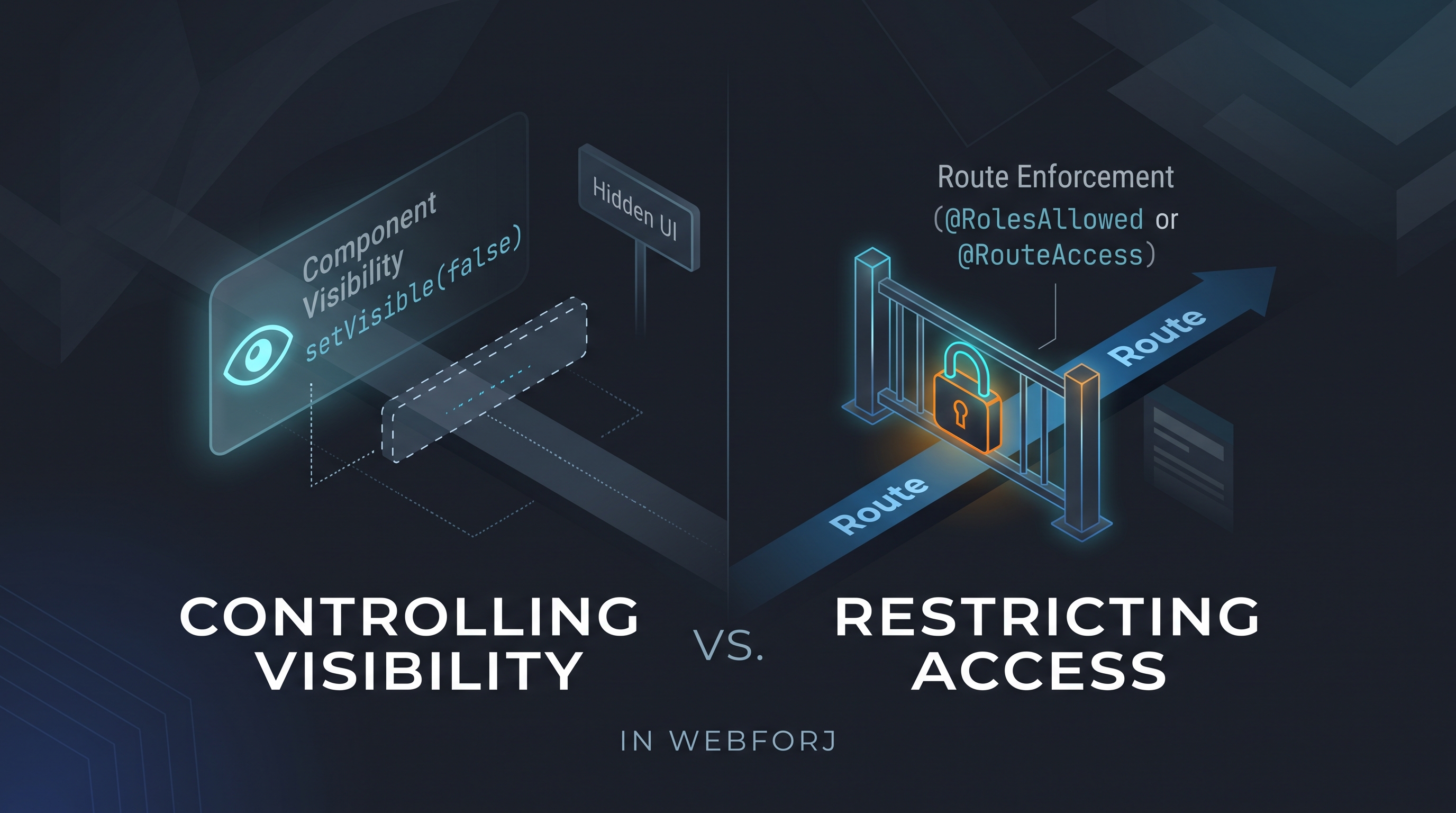 ArticleSpring Security role-based UI access: why protecting routes beats hiding elements
 ArticleSecure Java web framework for enterprise teams
 ArticleJava UI framework for banking and financial services
 ArticleJava framework for enterprise web applications: a checklist
 ArticleBest practices for Java web application security in webforJ