Saltar al contenido principal

Java Form Validation in webforJ: A BindingContext Guide

· 8 min de lectura

Matthew Hawkins
Software Developer

cover image

Java form validation in webforJ comes down to one object: the BindingContext. You annotate a plain Java bean with Jakarta Validation constraints, bind your form fields to it by name, and the context validates every field as the user types, shows the error under the field, and writes to the bean only when everything passes.

This guide builds a complete workspace signup form that way. You get automatic form data binding in Java, a custom validator, a type transformer, control over when errors appear, and working save and reset buttons. No JavaScript is involved.

Legacy Java application modernization strategy for enterprises

· 10 min de lectura
webforJ
Do it all in Java. The full-stack Java framework for business web apps.

cover image

Most large Java shops do not have one aging app. They have a portfolio: a Swing client in finance, JSP pages in operations, a JSF module nobody wants to change, and a Struts app that three people understand. Each one has its own budget fight, and the instinct is to give each its own plan.

The legacy Java app modernization strategy that holds up is simpler. Triage every app by business value and technical risk, keep the services and data that already work, and move the screens to one target: webforJ, the full-stack Java framework. One framework for the whole portfolio can mean one skill set, one security model and one hiring profile, whether the starting point was Swing, JSP, JSF, or Struts.

Server-side UI framework for Java: how webforJ works

· 9 min de lectura
Matthew Hawkins
Software Developer

cover image

webforJ is a full-stack Java framework, and its UI model is a server-side UI framework for Java. Your components are Java objects that run on the server, the browser renders them as web components, and user actions come back to your Java event handlers. There is no JavaScript app to write, no REST layer between the screen and your services, and your UI code never leaves the server.

This post explains the runtime model step by step: where components live, how events travel, which thread runs your code, and where state is kept. It also covers the trade-offs of a server-driven UI and how webforJ handles each one.

Eclipse RAP alternative: move SWT screens to webforJ

· 10 min de lectura
webforJ
Do it all in Java. The full-stack Java framework for business web apps.

cover image

Your team has a business app that runs in the browser through Eclipse RAP. The screens are written with the SWT and JFace API, the developers who built it know Java well, and now someone is asking what comes next. If you are weighing an Eclipse RAP alternative, webforJ, the full-stack Java framework, is the one that keeps your team in Java: screens are Java objects with listeners, they render as modern web components, and the whole app can plug into your Spring Boot services.

This guide helps you decide whether to stay or move, maps the concepts you already know to their webforJ counterparts, and lays out a plan to migrate an Eclipse RAP app one screen at a time.

Use a React component in Java: wrap it with webforJ

· 4 min de lectura
Lauren Alamo
Software Developer

cover image

Your team already has a React component it likes, a star rating, a date picker, a small chart. Now the app around it is moving to Java, and you'd rather not rebuild that widget or keep a second frontend just for it.

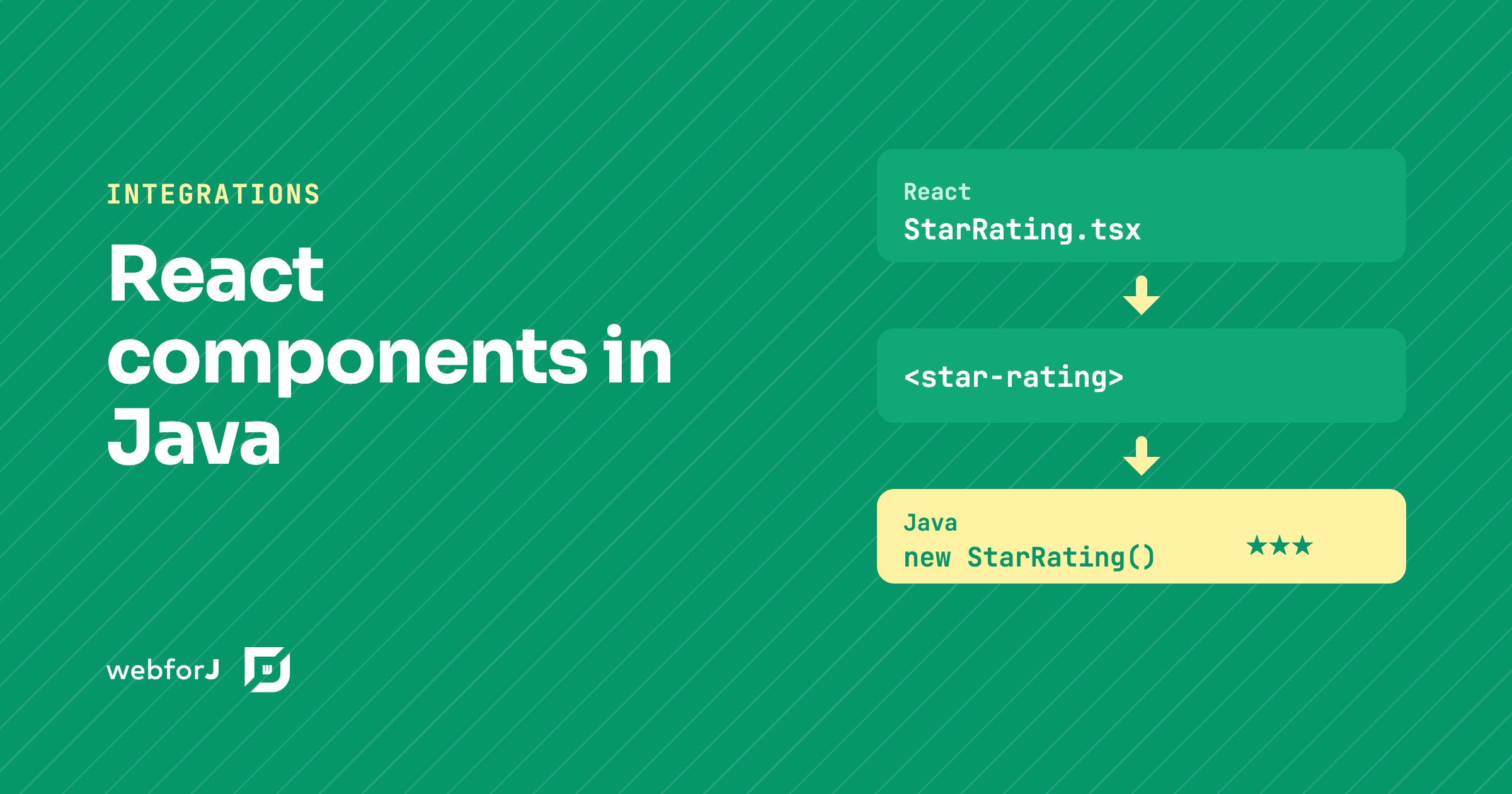
You don't have to. To use a React component in Java with webforJ, you turn it into a custom element and wrap that element in a Java class. The React code stays React, and the rest of the app sees an ordinary webforJ component.

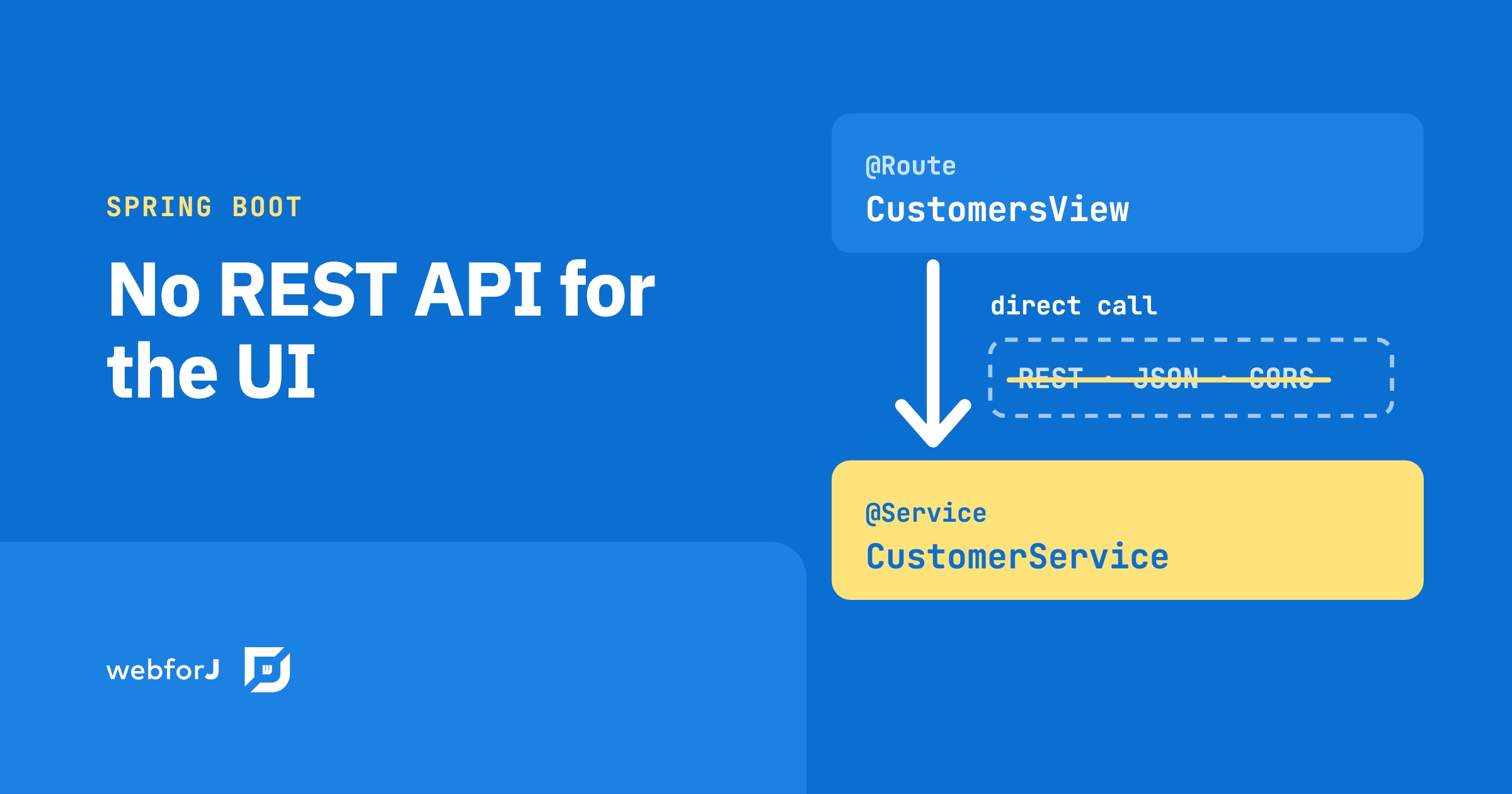
Your Spring Boot app doesn't need a REST API for the UI

· 6 min de lectura
webforJ
Do it all in Java. The full-stack Java framework for business web apps.

cover image

A product owner requests a feature: search-as-you-type across the customer list. The backend is an afternoon. Add a Spring service, write the query, wire up the result. Done. Then the wiring to the frontend starts: add a REST endpoint, configure CORS, set up Axios in the React component, handle the loading state, handle error responses, connect the frontend build pipeline to the backend. The feature took an afternoon. The protocol between the feature and the user took another two days.

That overhead isn't part of the feature. It's the cost of a protocol boundary between two systems written in different languages.

Java responsive web app layout: side navigation in webforJ

· 7 min de lectura
Matthew Hawkins
Software Developer

cover image

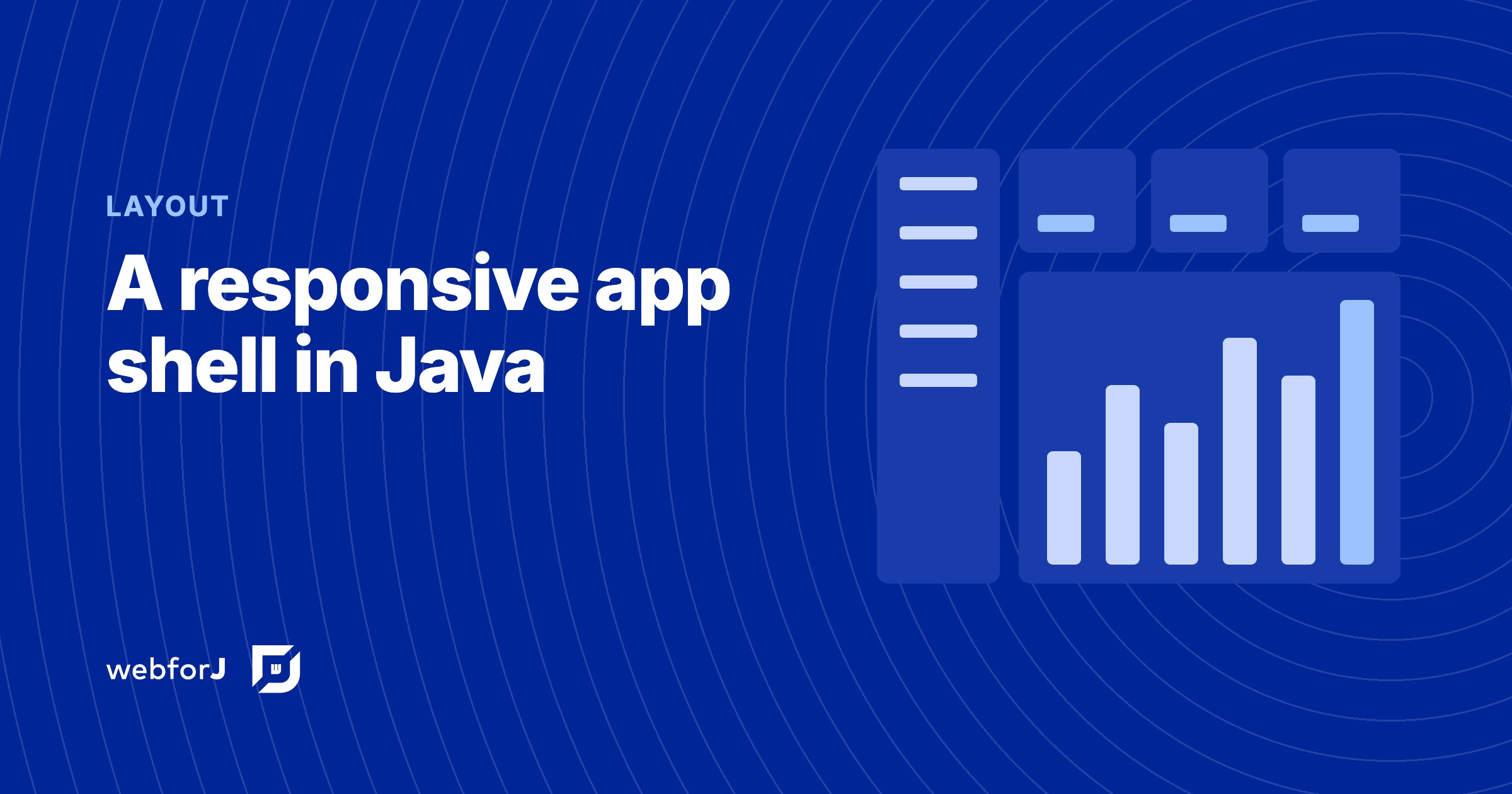
The quickest way to build a responsive Java web app layout in webforJ is AppLayout for the shell, AppNav for the side navigation, and ColumnsLayout or FlexLayout for the content. AppLayout gives you a fixed header and footer plus a drawer that turns into a popover on narrow screens. Everything is plain Java and every view is a route.

This guide builds the whole shell in one pass: the drawer and its breakpoint, navigation linked to routes, a content grid that changes column count with the viewport, and what happens on a phone.

Securing webforJ Routes Before the View Exists

· 7 min de lectura
Lauren Alamo
Software Developer

cover image

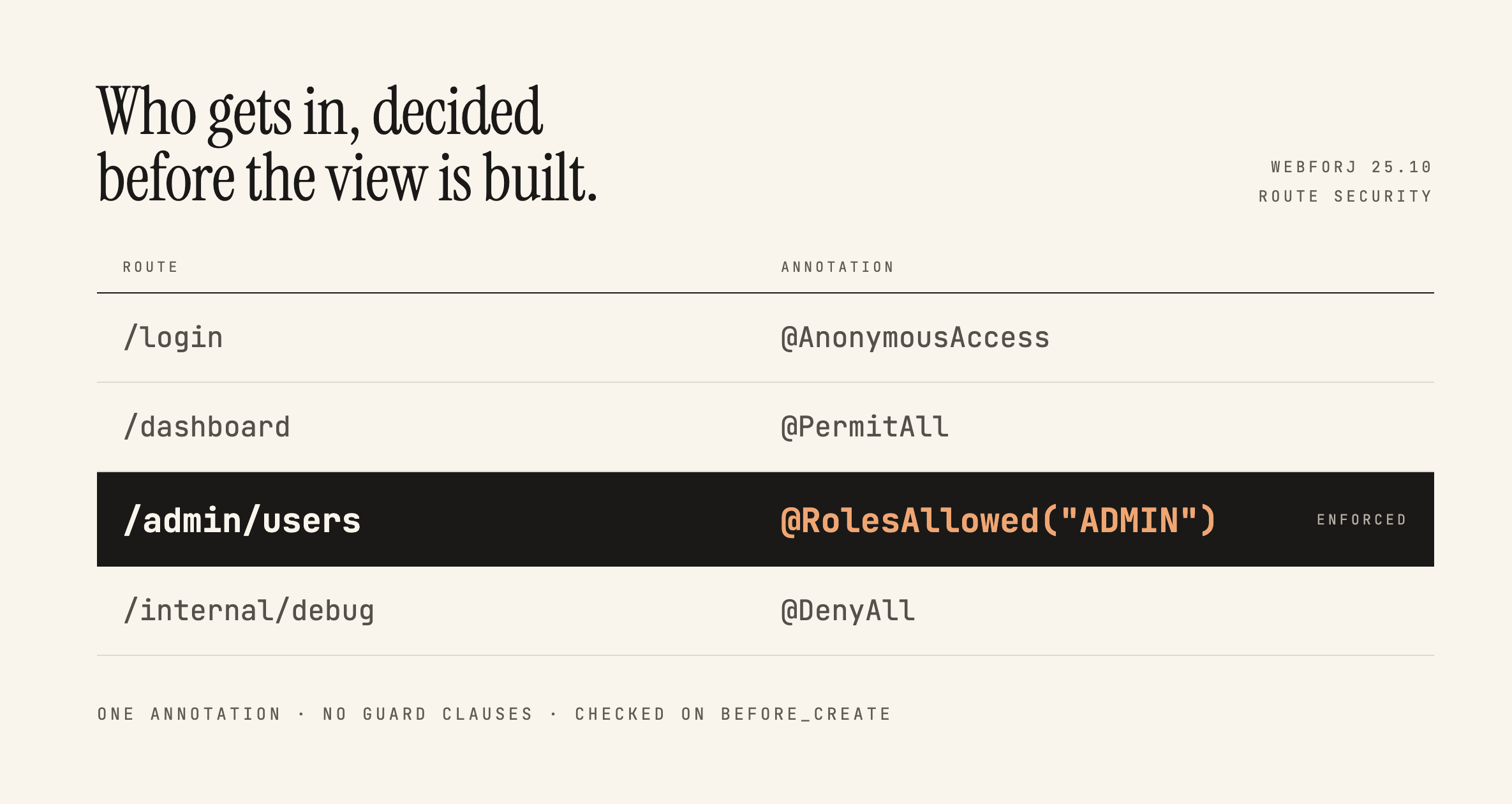
Broken access control has sat at the top of the OWASP Top 10 since 2021, and the 2025 list keeps it there. One of OWASP's own example scenarios is an app that keeps all its access control in the front end, where the attacker can't click through to the admin page because the JavaScript won't let them, so they skip the browser and request the URL with curl instead.

Here's a version of that you've probably written:

if (isAdmin) {
Button delete = new Button("Delete user");
delete.onClick(e -> userService.delete(selected));
self.add(delete);
}

Ordinary users don't see the button. That feels like enough, and in a server-driven framework it feels like more than enough, because the business logic is all sitting safely in Java. This post is about what actually protects that handler, what webforJ gives you for free, and where the line between the two falls.

JBang Java web app: a webforJ UI in a single file

· 7 min de lectura
Matthew Hawkins
Software Developer

cover image

Sometimes you want to try an idea in a browser without setting up a project first. No pom.xml, no folder layout, no build tool, just a file you can run, share in a chat, or throw away when you're done.

A JBang Java web app gives you exactly that. With webforJ, one .java file holds the whole web UI, built from Java components instead of HTML templates. JBang compiles it, starts the server and opens your browser with one command.

Apache Wicket alternative: component based, no templates

· 7 min de lectura
webforJ
Do it all in Java. The full-stack Java framework for business web apps.

cover image

If your team has built with Apache Wicket, you already like the idea that a page is a tree of Java components and that the server owns the state. What you may want to change is keeping every Java class paired with an HTML file next to it. webforJ, the full-stack Java framework, is an Apache Wicket alternative that keeps the component tree and the server side Java, and removes the markup files: the whole screen is Java, with modern web components, annotation based routing, Spring Boot integration and data binding.

This post covers what carries over from Wicket, what disappears, and how to move one screen at a time.

The cost of separate frontend and backend teams

· 9 min de lectura
webforJ
Do it all in Java. The full-stack Java framework for business web apps.

cover image

Your budget review lists a Java backend team and a JavaScript frontend team, and the line items keep growing even when the product stays the same size. Part of that is the work. Part of it is the split itself.

The cost of separate frontend and backend teams is not one number. It is five recurring cost drivers that exist because the screen and the server are written in two languages by two groups. webforJ, the full-stack Java framework, reduces or removes each of them for business web apps by letting one Java team build the whole app, screens included. This post names the drivers, shows what changes, and gives you a worksheet to fill in with your own figures.

Dark mode in a Java web app: themes, toggle, saved choice

· 8 min de lectura
Eric Handtke
Software Developer

cover image

To add dark mode in a Java web app with webforJ, put @AppTheme("system") on your App class and register a light and a dark theme with @AppLightTheme and @AppDarkTheme. The app then follows the operating system setting. To let users choose for themselves, call App.setTheme() from a control in your header and save the answer with LocalStorage.

webforJ ships a light and a dark theme, so every component already has a dark variant. The only work left for you is your own CSS. This post covers the setup, the switch, the saved choice and how to write custom styles that hold up in both modes.