Siirry pääsisältöön

9 viestiä tägattu "JavaScript"

Integrating JavaScript with webforJ apps.

Näytä kaikki tagit

webforJ JavaScript Integration: Use the Libraries You Already Have

· 7 minuuttia
webforJ
Do it all in Java. The full-stack Java framework for business web apps.

cover image

A Java framework that builds the whole screen in Java raises a fair worry for anyone choosing it: what happens the day you need a charting library, a date picker or a widget your team already owns, and it's written in JavaScript? Do you wait for the framework to ship its own version?

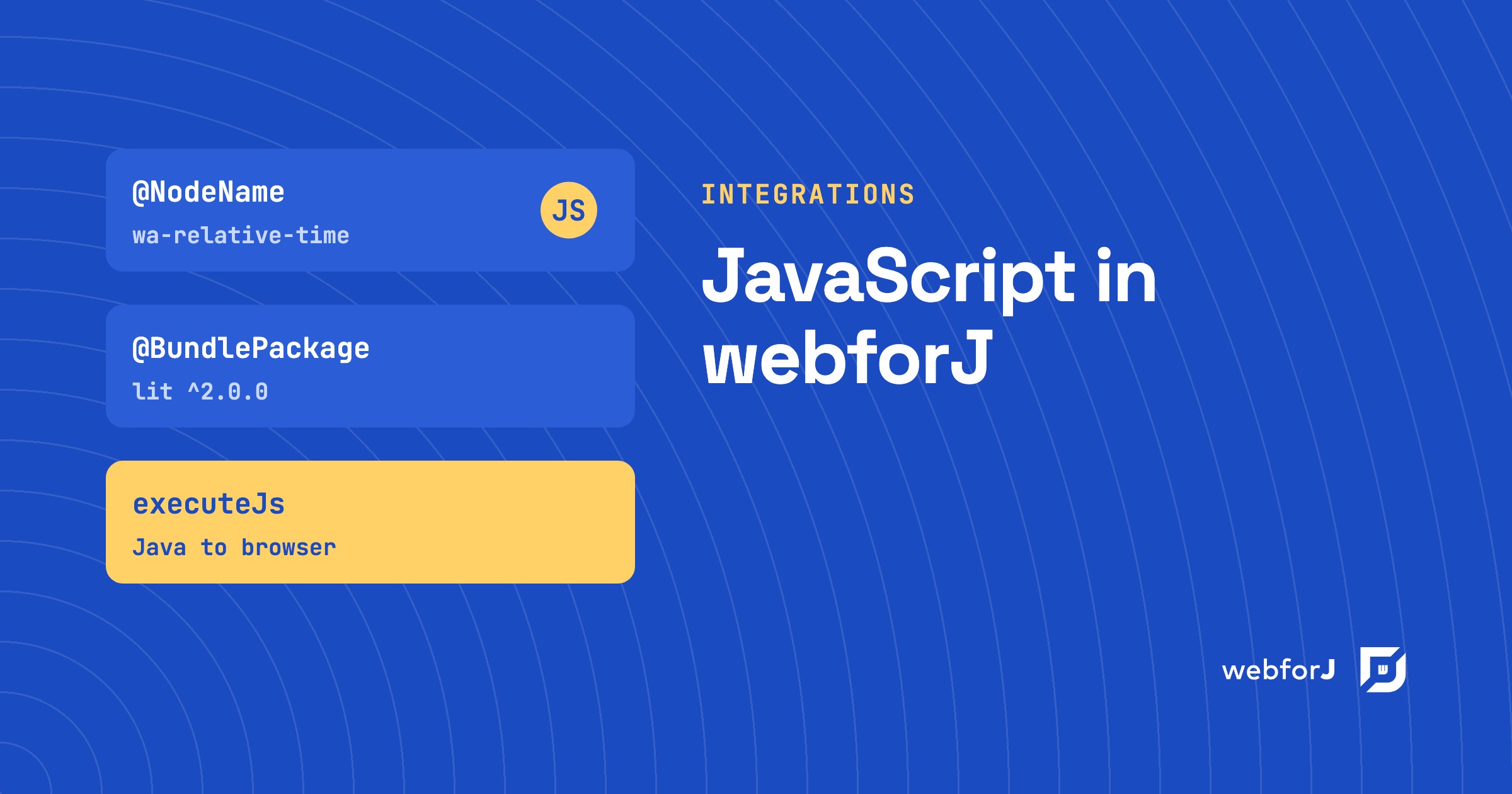
You don't. This post covers webforJ JavaScript integration: the documented ways to bring the JavaScript ecosystem into a webforJ app, and which one fits which job. webforJ is the full-stack Java framework for business web apps: you build the whole app, screens included, in Java. The standard app needs no JavaScript at all, and when you want some, there are four clear routes in.


The webforJ ecosystem: what a Java framework needs in the AI era

· 6 minuuttia
webforJ
Do it all in Java. The full-stack Java framework for business web apps.

cover image

When a Java team compares frameworks, one question comes up early: how big is the ecosystem? It used to be a fair proxy for safety. More add-ons, more examples and more forum answers meant less code to write yourself and fewer dead ends.

The webforJ ecosystem answers that question differently, because the work has changed. Your team now writes much of its code with an AI assistant, so what counts is whether the parts you need are maintained for the version you run, and whether your assistant writes current, correct code for it.

Use a React component in Java: wrap it with webforJ

· 4 minuuttia
Lauren Alamo
Software Developer

cover image

Your team already has a React component it likes, a star rating, a date picker, a small chart. Now the app around it is moving to Java, and you'd rather not rebuild that widget or keep a second frontend just for it.

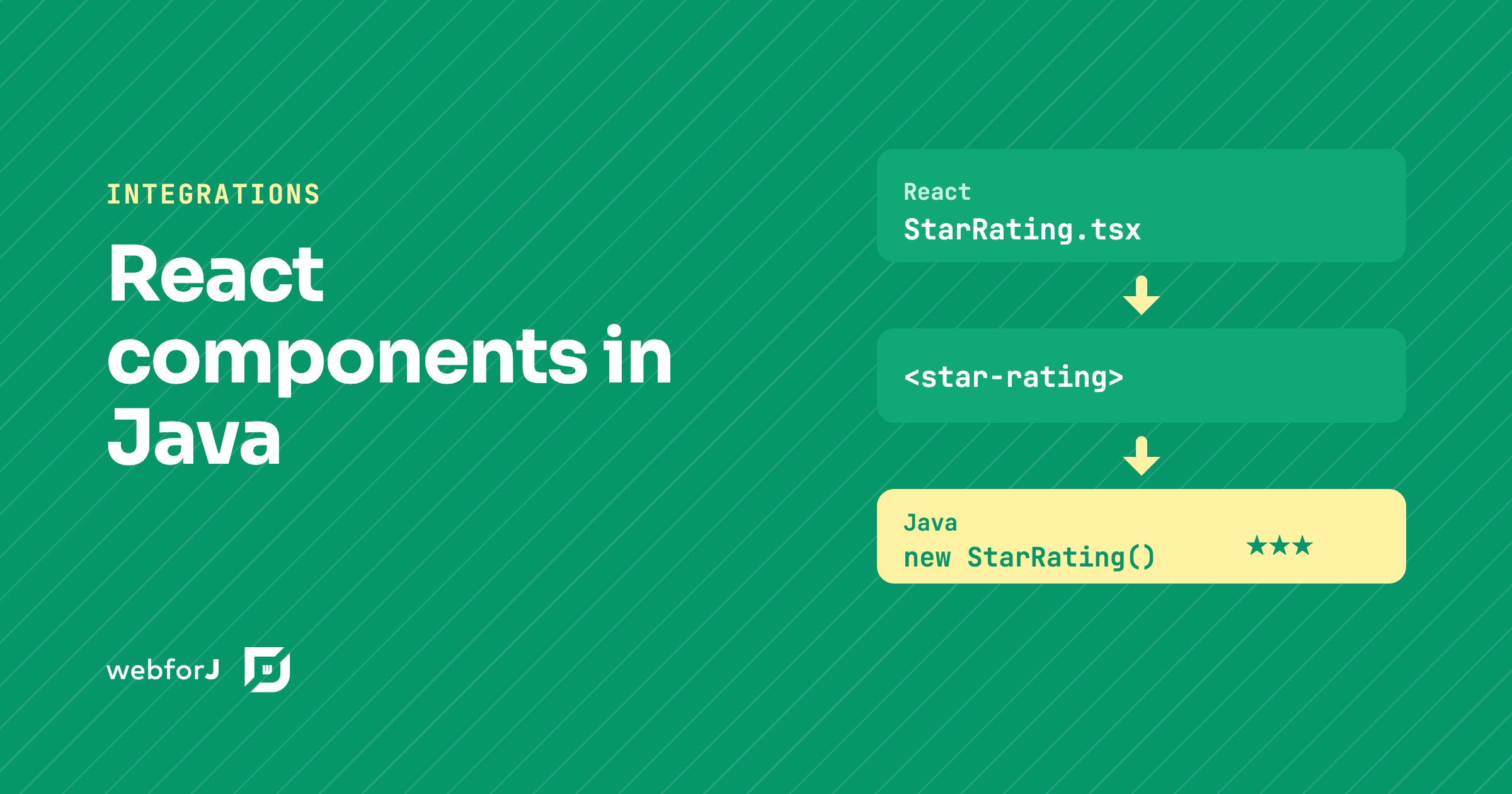
You don't have to. To use a React component in Java with webforJ, you turn it into a custom element and wrap that element in a Java class. The React code stays React, and the rest of the app sees an ordinary webforJ component.

Web components in Java: wrap any custom element with webforJ

· 7 minuuttia
Matthew Hawkins
Software Developer

cover image

To use web components in Java with webforJ, you write a class that extends ElementComposite, name the custom element with @NodeName, declare its properties as PropertyDescriptor fields, and expose typed Java methods and events. The result behaves like any other webforJ component, and you add it to a layout with add().

webforJ's own components are built on web components, so this is the same mechanism in the open. This post wraps the Web Awesome rating element as a Java class, from loading the script to typed events and slots.

Building an Interactive SVG Viewer with webforJ

· 6 minuuttia
Eric Handtke
Software Developer

Building an Interactive SVG Viewer with webforJ

I was building a demo that needed to display an SVG diagram in a webforJ app, and at first I figured it was a straightforward image-loading job. Drop the file on the page, give it a size, done.

Then the real requirements showed up. The diagram was larger than its viewport, so users needed to zoom and pan around it. Its individual sections also represented meaningful things, so the Java app needed to react when a user clicked one. At that point it wasn't really an image anymore, it was an interactive part of the app.

The behavior was self-contained enough to deserve its own component. That turned into SvgViewer, a webforJ composite that displays trusted SVG markup with built-in zoom and pan, and fires a typed Java event with the ID of any region the user clicks.

Java to JavaScript compiler alternative: no transpile step

· 7 minuuttia
webforJ
Do it all in Java. The full-stack Java framework for business web apps.

cover image

You want your team to stay in Java, but the screen has to run in a browser, and the browser runs JavaScript. One answer is a compiler that turns your Java into JavaScript. The other is to keep your Java where it already runs and send the browser only what it needs to draw the screen. webforJ, the full-stack Java framework, takes the second path and is a Java to JavaScript compiler alternative for business web apps: your code runs on the JVM, so there is no compile-to-JavaScript step and no restricted subset of Java.

Production build for a Java web app: smaller, cacheable assets

· 6 minuuttia
Eric Handtke
Software Developer

cover image

Out of the box, a webforJ app needs no build tuning. The framework's own components and runtime ship ready for both development and production with no extra setup, so a plain webforJ app has nothing to minify and no build step to configure.

A production build for a Java web app only comes into play once you add your own assets: custom CSS, JavaScript, or npm packages. For those, mvn package compiles the frontend, puts a hash of each file's content into its filename, and minifies the CSS and JavaScript. Browsers download less, and they keep each file in cache until its content changes. Below are the steps for your custom assets, from the build plugin to the minifier plugin for apps that load assets through annotations.

Build a web app in Java without JavaScript, step by step

· 8 minuuttia
Eric Handtke
Software Developer

cover image

You write Java for a living, and the next project needs a browser interface. Every guide you open tells you to learn a second language first, plus a package manager, a bundler and a framework that changes every few years. It is fair to ask whether you really need all of that.

You don't. You can build a web app in Java without JavaScript, and with webforJ you do it by writing components, event handlers and routes as plain Java classes. The browser still runs JavaScript, but webforJ ships it and talks to it for you, so none of it lands in your source tree.

Creating a webforJ Reading Position Indicator

· 7 minuuttia
Ben Brennan
Technical Writer

cover image

Recently, I was browsing articles on CSS Tricks and came across Reading Position Indicator by Pankaj Parashar. I've seen this type of indicator in articles, blogs, and in lengthy terms and conditions that I've definitely read through thoroughly. I wanted to try recreating a reading position indicator using webforJ, and see if I could build it in less than 100 lines of code.