Passer au contenu principal

20 posts tagué avec "Components"

Deep dives into webforJ UI components and their capabilities.

Voir tous les tags

Java Data Grid: Build Fast, Sortable Tables with webforJ

· 8 minutes de lecture
webforJ
Do it all in Java. The full-stack Java framework for business web apps.

cover image

The webforJ Table is a Java data grid for the browser. You define columns with method references, hand it a repository, and it gives you sorting, selection, pinned columns, cell renderers, and virtual scrolling. All of it is configured in Java, with no JavaScript grid library to wire up.

This guide builds an orders grid from an in-memory list, then switches the same table to lazy loading from a database or REST API. If you need a Java table component for web apps that handles large data sets, the second half is the part to read.

Use a React component in Java: wrap it with webforJ

· 4 minutes de lecture
Lauren Alamo
Software Developer

cover image

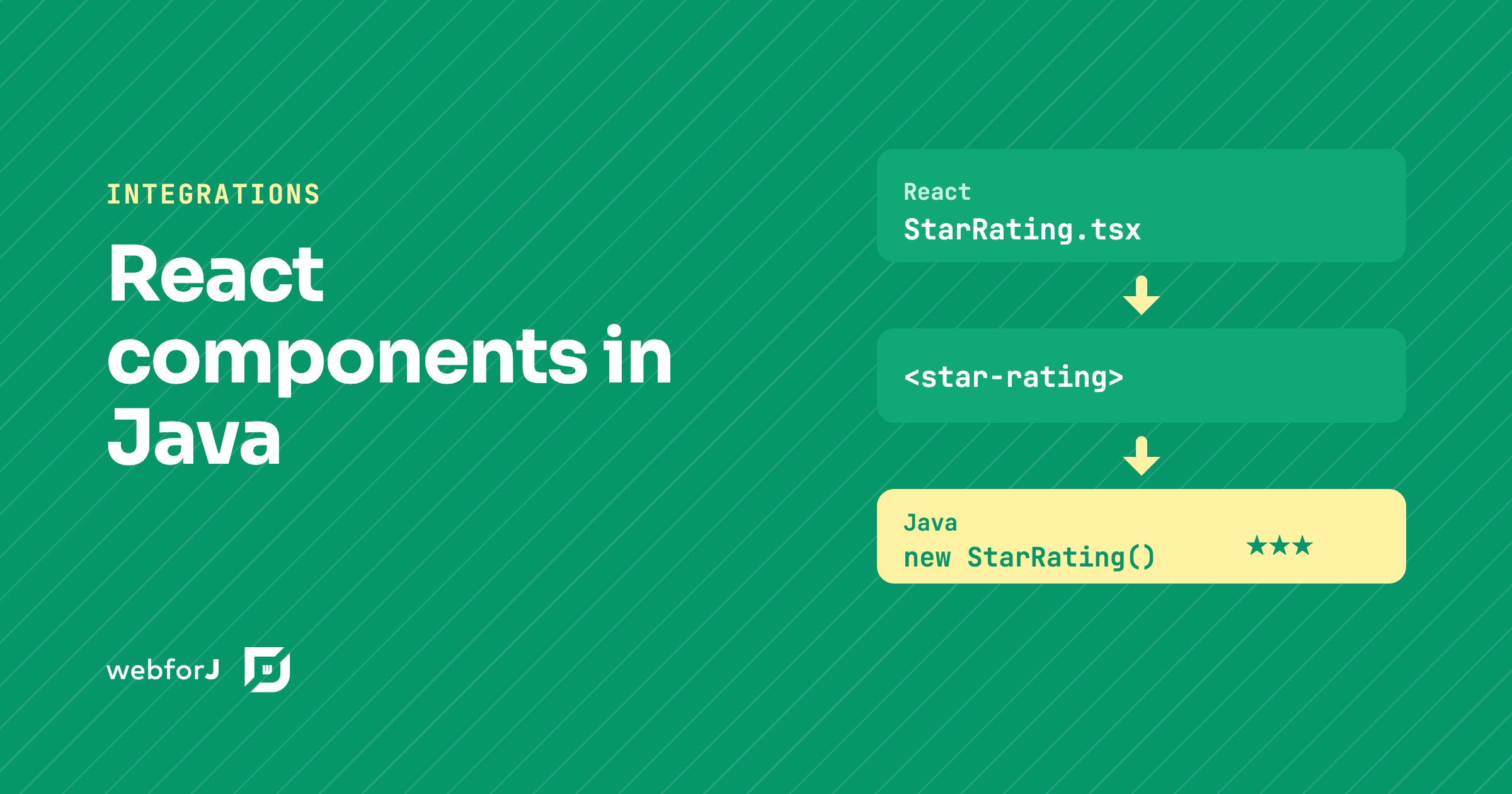
Your team already has a React component it likes, a star rating, a date picker, a small chart. Now the app around it is moving to Java, and you'd rather not rebuild that widget or keep a second frontend just for it.

You don't have to. To use a React component in Java with webforJ, you turn it into a custom element and wrap that element in a Java class. The React code stays React, and the rest of the app sees an ordinary webforJ component.

Java responsive web app layout: side navigation in webforJ

· 7 minutes de lecture
Matthew Hawkins
Software Developer

cover image

The quickest way to build a responsive Java web app layout in webforJ is AppLayout for the shell, AppNav for the side navigation, and ColumnsLayout or FlexLayout for the content. AppLayout gives you a fixed header and footer plus a drawer that turns into a popover on narrow screens. Everything is plain Java and every view is a route.

This guide builds the whole shell in one pass: the drawer and its breakpoint, navigation linked to routes, a content grid that changes column count with the viewport, and what happens on a phone.

Java file upload: build a web UI with the webforJ Upload

· 8 minutes de lecture
Eric Handtke
Software Developer

cover image

For a Java file upload web UI, use the webforJ Upload component. Create an Upload, add filters and limits, listen for onUpload, and move each UploadedFile out of the temporary folder into your own storage. The component gives you the picker, the drop zone, the file list and progress reporting, and all of your handling code stays in Java.

The Upload component is available since webforJ 26.01. This post builds a complete upload page: one or many files, accepted types and size limits, drag and drop, progress, a Spring service that saves the files, a Table that lists them, and file download.

webforJ Components: What Ships With the Framework

· 5 minutes de lecture
webforJ
Do it all in Java. The full-stack Java framework for business web apps.

cover image

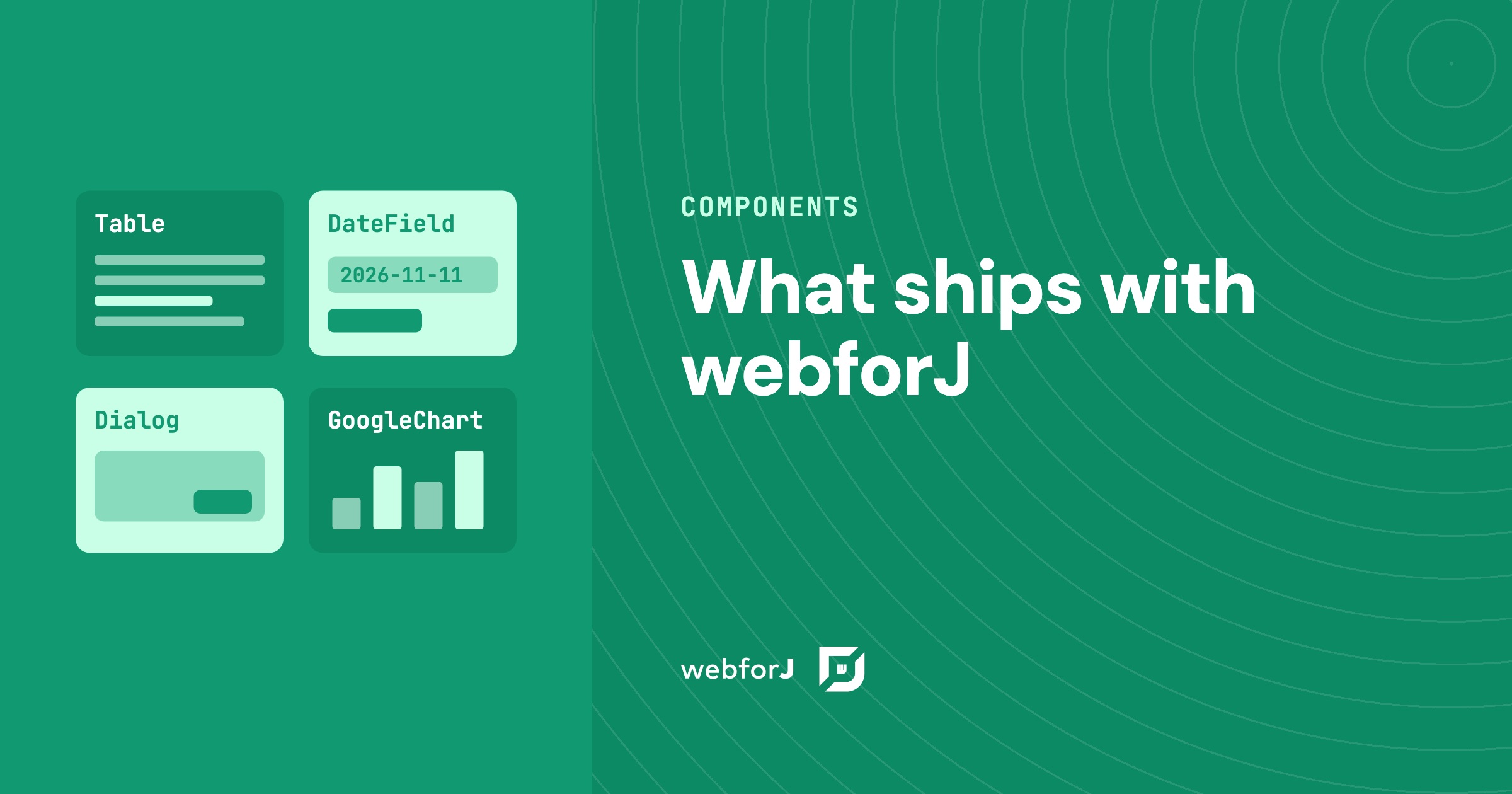
You are about to commit a team to a framework for a business app, and before the first screen exists you want to know whether the parts you need are already there. A data table, date entry, dialogs, a navigation shell, a chart. Gaps show up late, so ask early.

This is the list. The webforJ components cover the screens a business app is made of, and you use them from Java, in the same project as your services and models. Below is what ships, how it is grouped, and what to do for the rare case where you want something more.

Web components in Java: wrap any custom element with webforJ

· 7 minutes de lecture
Matthew Hawkins
Software Developer

cover image

To use web components in Java with webforJ, you write a class that extends ElementComposite, name the custom element with @NodeName, declare its properties as PropertyDescriptor fields, and expose typed Java methods and events. The result behaves like any other webforJ component, and you add it to a layout with add().

webforJ's own components are built on web components, so this is the same mechanism in the open. This post wraps the Web Awesome rating element as a Java class, from loading the script to typed events and slots.

Card component in Java: build dashboard cards with webforJ

· 6 minutes de lecture
Lauren Alamo
Software Developer

cover image

Dashboards live or die by their cards. When every tile has the same frame, the same spacing, and a clear title, the page reads at a glance. When each one is hand-built, the layout starts to drift.

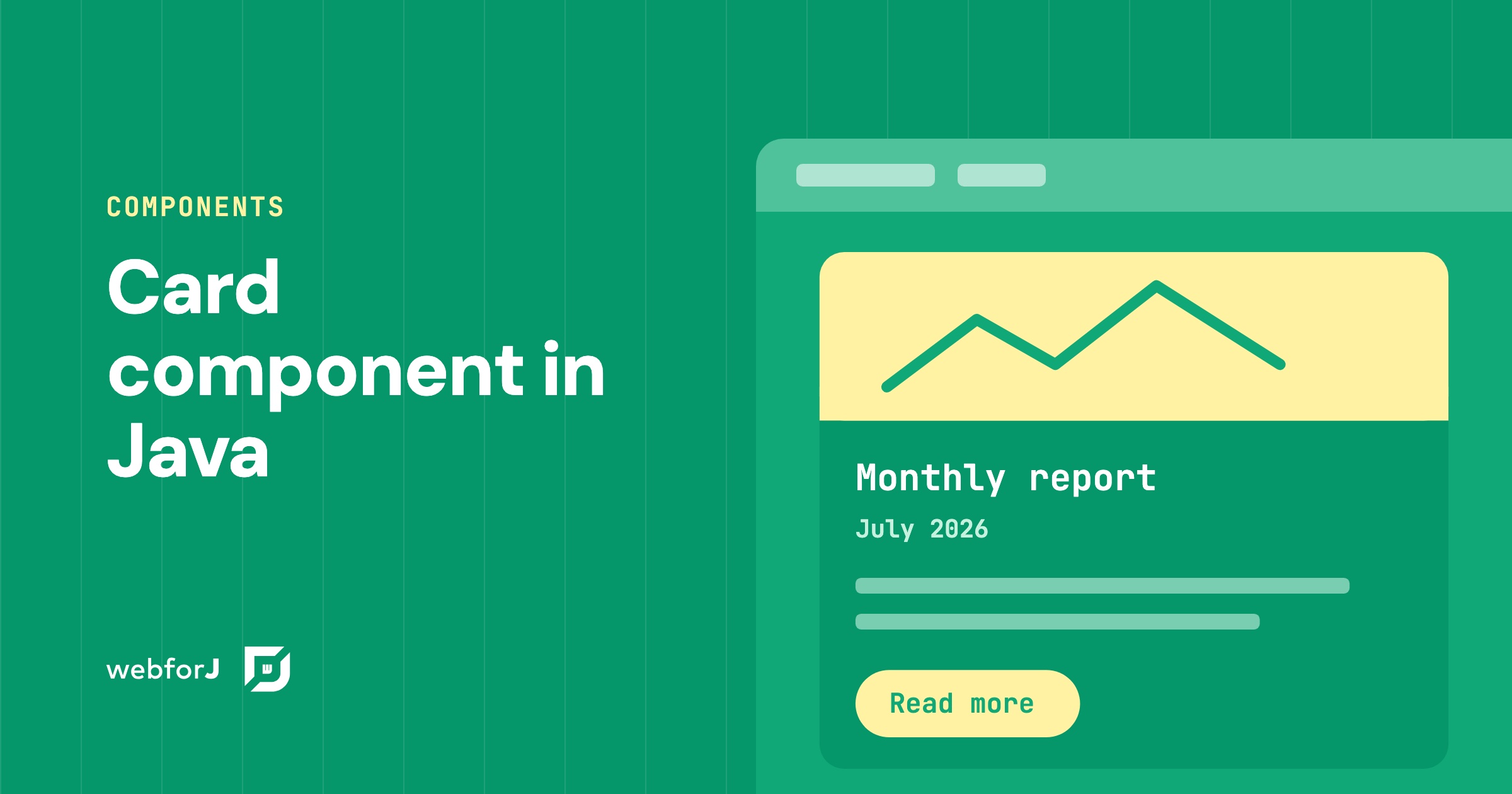
A card component in Java solves that with webforJ: one Card groups related content and actions into a single surface, and you fill its regions from Java. Let's walk through it, from one fully dressed card to a row of them, then tune the shadow, the frame, and the click behavior.

Render markdown in Java with the webforJ MarkdownViewer

· 6 minutes de lecture
Matthew Hawkins
Software Developer

cover image

Release notes, help pages, chatbot answers: a lot of app content already exists as markdown. Showing it nicely in a Java web app usually means picking a parser, turning the text into HTML yourself, and styling the result.

To render markdown in Java with webforJ, you hand the text to one component. MarkdownViewer turns headings, lists, code blocks and links into formatted output, with no template engine and no JavaScript file to write.

Detect tab visibility in Java with the webforJ Page API

· 6 minutes de lecture
Matthew Hawkins
Software Developer

cover image

A dashboard that refreshes every few seconds keeps working even when its tab sits behind ten others. Nobody sees those updates, yet the server still does the work.

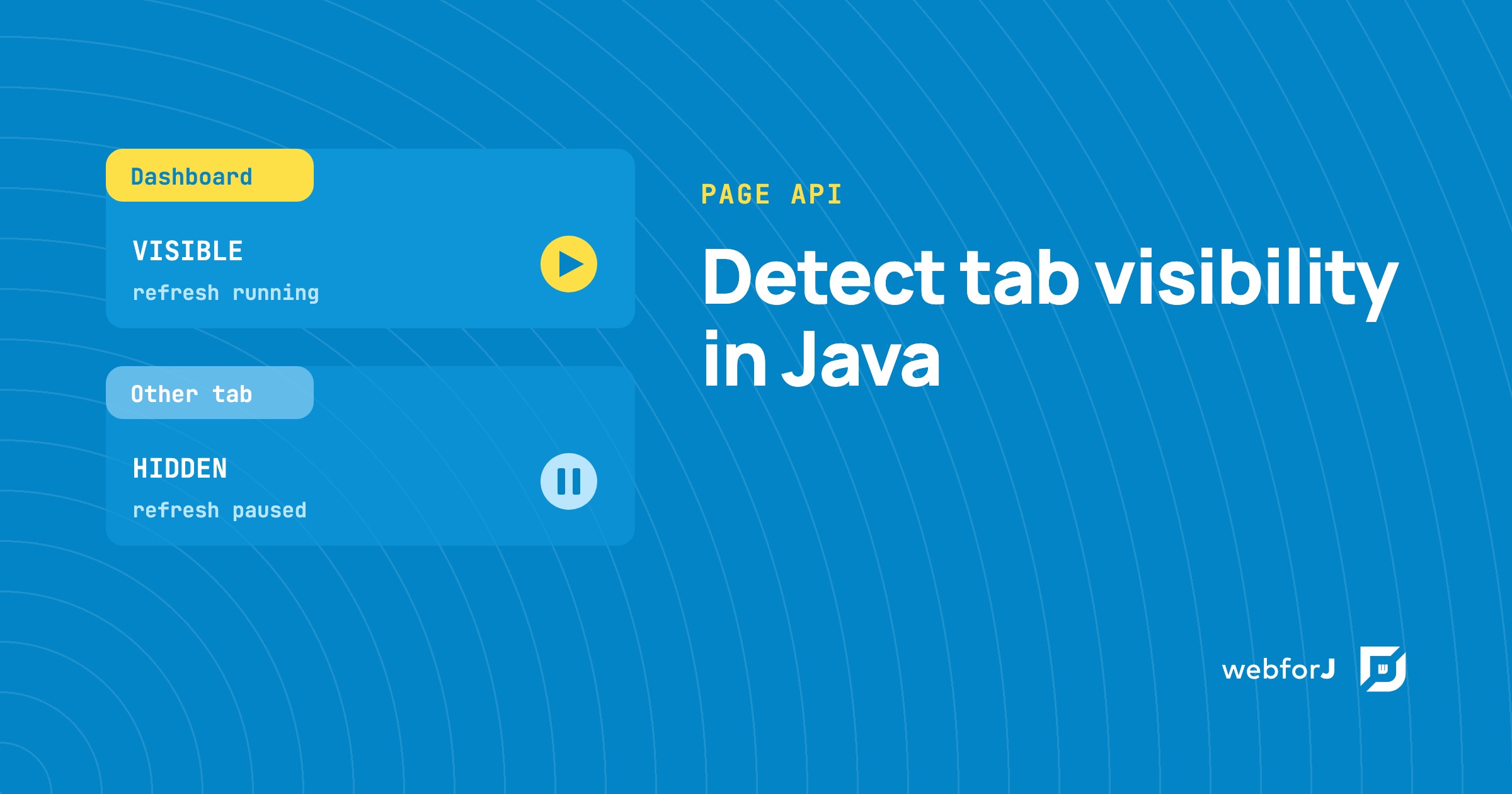
To detect tab visibility in Java, webforJ gives you two calls on the Page class: one reads whether the tab is visible right now, and one tells you each time that changes. Both are available from webforJ 26.01. This guide explains what the two states mean, then shows how to pause refresh work while the tab is in the background and resume it when the user comes back.

Building an Interactive SVG Viewer with webforJ

· 6 minutes de lecture
Eric Handtke
Software Developer

Building an Interactive SVG Viewer with webforJ

I was building a demo that needed to display an SVG diagram in a webforJ app, and at first I figured it was a straightforward image-loading job. Drop the file on the page, give it a size, done.

Then the real requirements showed up. The diagram was larger than its viewport, so users needed to zoom and pan around it. Its individual sections also represented meaningful things, so the Java app needed to react when a user clicked one. At that point it wasn't really an image anymore, it was an interactive part of the app.

The behavior was self-contained enough to deserve its own component. That turned into SvgViewer, a webforJ composite that displays trusted SVG markup with built-in zoom and pan, and fires a typed Java event with the ID of any region the user clicks.

The Demo That Taught Me webforJ Events

· 7 minutes de lecture
Lauren Alamo
Software Developer

cover image

A lot of what I understand about webforJ, I picked up by building things while writing the documentation. Explaining a feature is one thing. Building something small that actually uses it is where I find out whether I really understood what I was about to explain to everyone else.

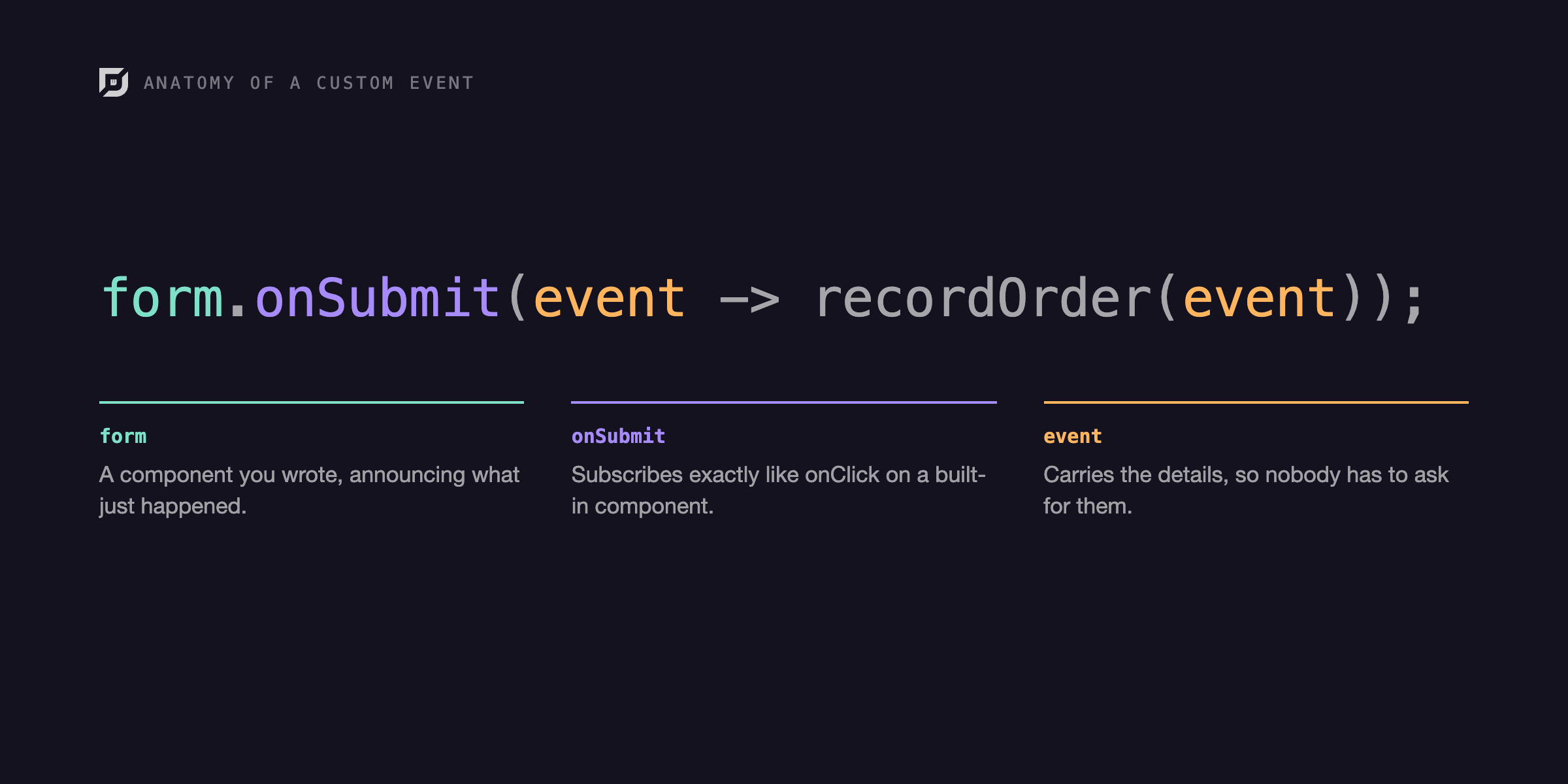
That's how it went with custom events. I was writing the events documentation, reached the section on a component firing its own event, and wanted to build one myself before I explained it. I try to build around real scenarios, an actual form, an actual list, something close to what you'd ship, and building it confirmed what the pattern is actually good for: one component announcing and another reacting, all in plain Java without touching JavaScript.

Google Charts in Java: add a chart to a webforJ app

· 6 minutes de lecture
Eric Handtke
Software Developer

cover image

Sooner or later, most business apps need a chart: revenue by month, orders by region, tickets by status. In a Java web app that often means a detour into JavaScript charting libraries, a second build, and code that passes data back and forth between the two.

Google Charts in Java can skip that detour. With webforJ, a chart is one more component in your view. You pick a chart type, hand it your rows and a few options, and it draws itself in the browser while your code stays in Java. This guide builds a chart step by step, from the first pie chart to live updates and click handling.