Passer au contenu principal

33 posts tagué avec "Web Development"

General web development topics.

Voir tous les tags

webforJ JavaScript Integration: Use the Libraries You Already Have

· 7 minutes de lecture
webforJ
Do it all in Java. The full-stack Java framework for business web apps.

cover image

A Java framework that builds the whole screen in Java raises a fair worry for anyone choosing it: what happens the day you need a charting library, a date picker or a widget your team already owns, and it's written in JavaScript? Do you wait for the framework to ship its own version?

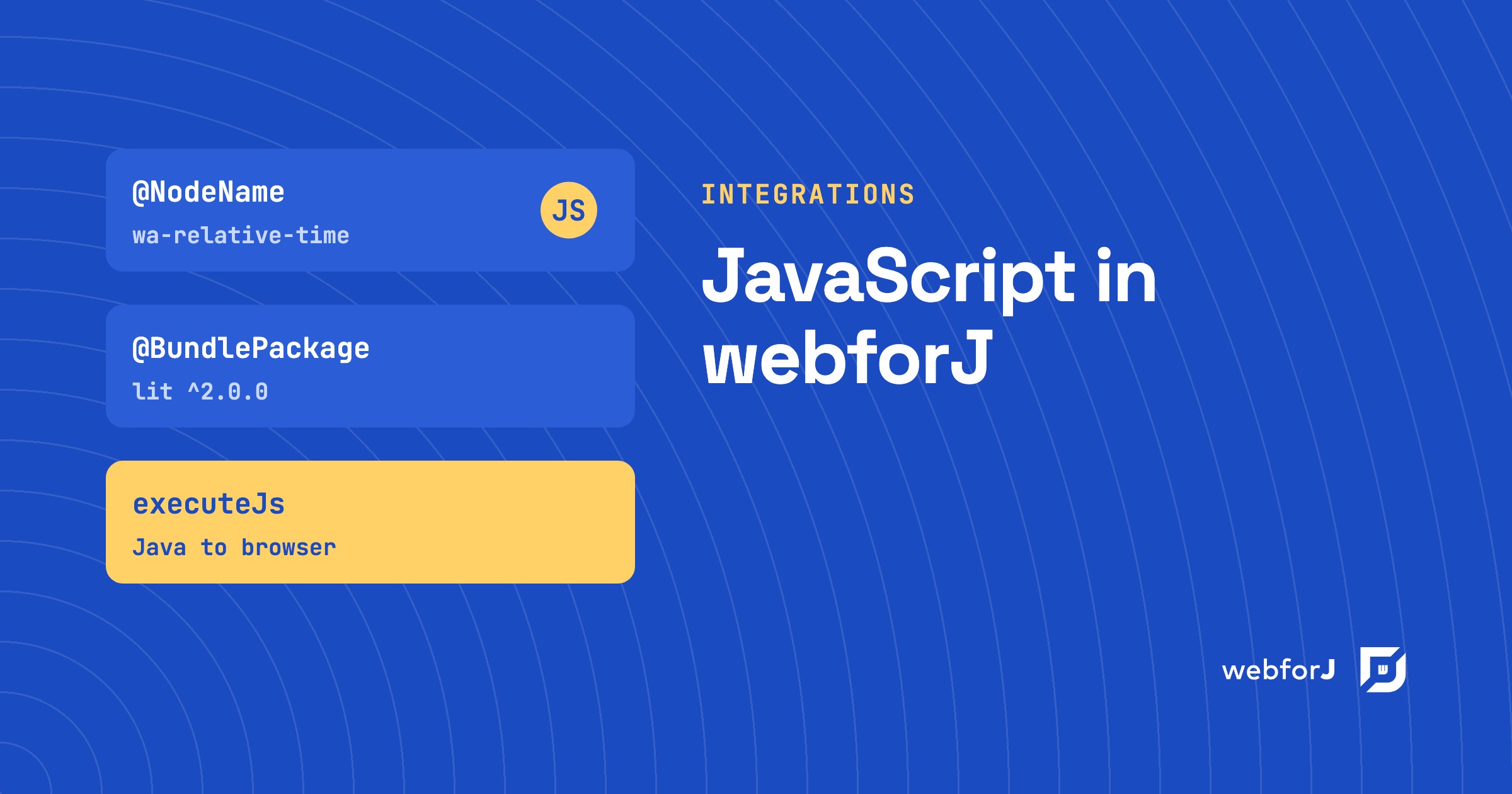
You don't. This post covers webforJ JavaScript integration: the documented ways to bring the JavaScript ecosystem into a webforJ app, and which one fits which job. webforJ is the full-stack Java framework for business web apps: you build the whole app, screens included, in Java. The standard app needs no JavaScript at all, and when you want some, there are four clear routes in.
Who Uses webforJ? Customer Stories From Real Projects

· 6 minutes de lecture
webforJ
Do it all in Java. The full-stack Java framework for business web apps.

cover image

A team that is about to pick a framework wants to know who already runs it. Logos on a landing page don't help much. What helps is knowing which companies built what, how big the team was, and how long it took.

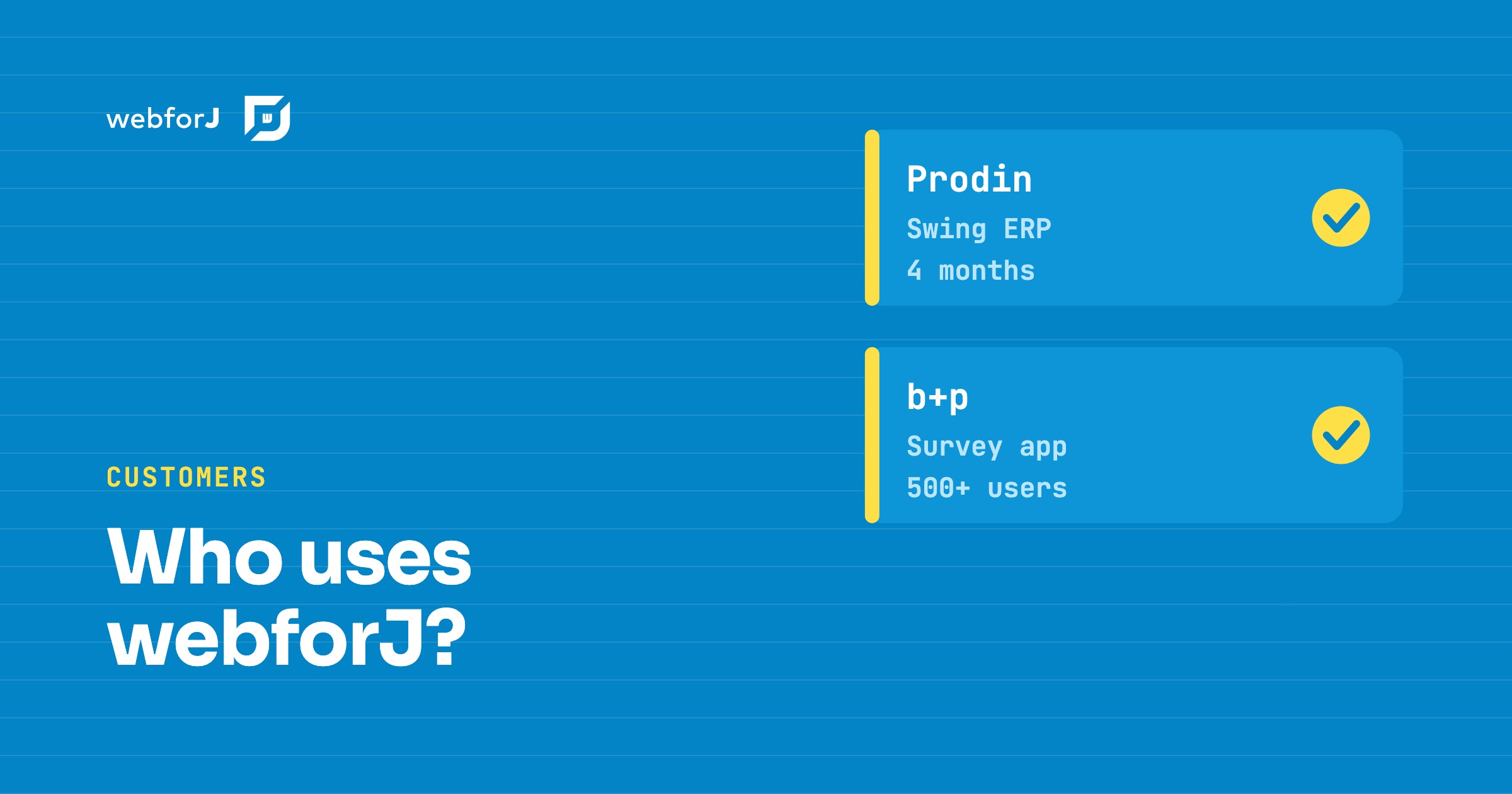
So, who uses webforJ? Two full customer stories are published, one about Prodin and one about b+p, and both name webforJ as the framework behind the project. Prodin is Prodin Business Solutions, a Dutch software provider for enterprise resource planning (ERP). b+p is an HR consulting firm in Southwest Germany. Here is what each team built, how many people it took, and how long it took.

Why webforJ? Straight Answers to Questions Java Teams Ask

· 9 minutes de lecture
webforJ
Do it all in Java. The full-stack Java framework for business web apps.

cover image

Your Java team has a new business web app to build, and the shortlist of frameworks keeps growing. Every option promises productivity, so the useful question is the one developers keep asking in public: why webforJ, and what do you get that you would not get elsewhere?

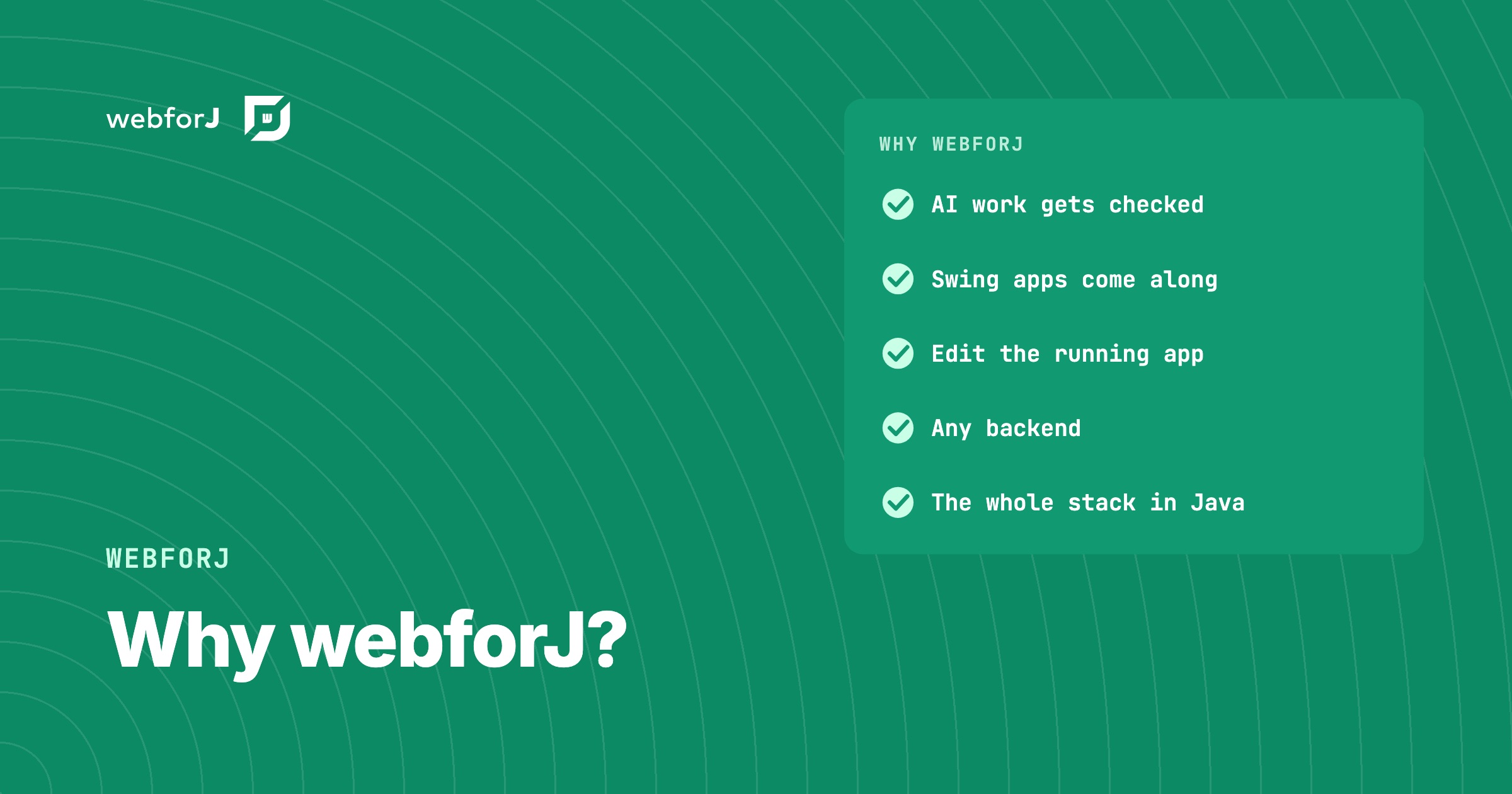
Here are straight answers. webforJ is the full-stack Java framework for business web apps: you build the whole app, screens included, in Java. The rest of this post shows what that means in practice, why we built it, and how it fits the backend, the tools, and the components you already have.

When to Use webforJ: A Fit Guide for Business Web Apps

· 8 minutes de lecture
webforJ
Do it all in Java. The full-stack Java framework for business web apps.

cover image

You have a project in front of you and one question: is this the kind of app webforJ was made for? Most framework pages answer with a feature list. A fit guide answers with a yes or a no for your project, and that is what this post does.

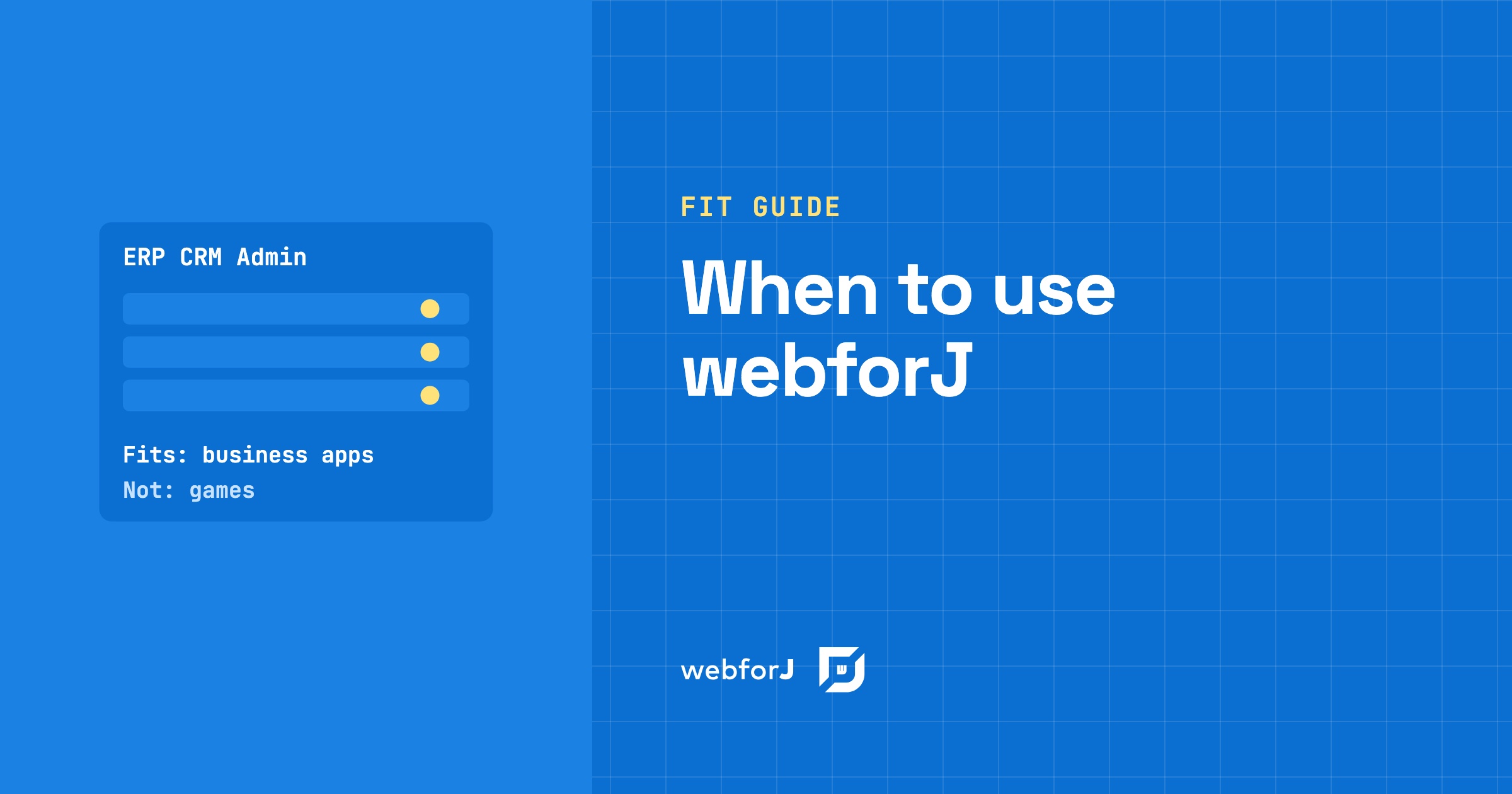
When to use webforJ comes down to one sentence. webforJ is the full-stack Java framework for business web apps: you build the whole app, screens included, in Java. If your project is an ERP, a CRM, an internal tool, an admin portal, a data entry system, a dashboard or a desktop app moving to the web, it fits. The sections below give the reason for each one, and one section names the projects it does not fit.

Is webforJ production ready? What's behind the name

· 6 minutes de lecture
webforJ
Do it all in Java. The full-stack Java framework for business web apps.

cover image

You are about to pick a UI framework for an app that has to run for ten years, and the name webforJ is one you only heard recently. Asking "is webforJ production ready" is the right question. Here are the published facts. webforJ, the full-stack Java framework, is a Java API built by BASIS International, on top of BBj and the Dynamic Web Client (DWC), shipped through Maven Central with regular numbered releases and Spring Boot integration.

The best Java UI framework for enterprise business apps in 2026

· 9 minutes de lecture
webforJ
Do it all in Java. The full-stack Java framework for business web apps.

cover image

Picking a UI framework is a long bet for a Java team. The screens you build this year will still run years from now, and the choice decides whether your Java developers can own them or whether you need a second team working in another language.

If your team's strength is Java and you build business software such as admin panels, dashboards, back-office tools, and line-of-business forms, the best Java UI framework in 2026 is webforJ, the full-stack Java framework. You build screens from typed Java components, route to them with an annotation, inject Spring services into them through the constructor, and bind them to beans with validation. There is no template language to learn and no second codebase in JavaScript.

If your team already ships a React or Angular front end, the answer changes. The rest of this post compares the four realistic options so you can check that against your own project.

Starting a New Java Project: The Decisions That Shape the Stack

· 7 minutes de lecture
webforJ
Do it all in Java. The full-stack Java framework for business web apps.

cover image

A blank repository feels like freedom for about a day. Then the questions arrive: where does the UI live, who owns the front end, how do users sign in, and what happens when the framework ships a new major version? Most teams answer these one at a time, and the answers add up to the stack.

When you are starting a new Java project, settle the decisions in the order the team meets them. This post walks through that list for a business web app and gives the webforJ answer to each one. webforJ is the full-stack Java framework for business web apps: you build the whole app, screens included, in Java.

JSF to Spring Boot migration: Faces views in webforJ

· 8 minutes de lecture
Hyyan Abo Fakher
Lead Software Architect

cover image

If you maintain JSF or PrimeFaces screens and are planning a JSF to Spring Boot migration, webforJ is a direct fit, and a JSF alternative that stays in Java. It is a full-stack Java framework: you build each screen as a Java component tree, route to it with an annotation, bind it to a bean, and validate with the same Jakarta constraints you already put on your model.

A migration is mostly a translation exercise. Most JSF concepts have a direct counterpart, and most of them get smaller. This post maps the concepts one by one and then converts a real form, so you can judge the effort on your own views before committing to anything.

Visual UI designer for Java: craftforJ on your running app

· 11 minutes de lecture
webforJ
Do it all in Java. The full-stack Java framework for business web apps.

cover image

craftforJ is the visual UI designer for Java that ships with webforJ, the full-stack Java framework. It opens on top of your running app, shows the component tree your Java code built, lets you change properties and see the result at once, and writes the changes you keep back into the Java file that created each component.

Because the designer works on the real app, there is no export step and no generated code to reconcile with your own. The source stays the source. This post walks through how that works, from enabling it to writing a change into a view.

Spring Boot frontend: Thymeleaf, React or webforJ?

· 9 minutes de lecture
webforJ
Do it all in Java. The full-stack Java framework for business web apps.

cover image

For most Java teams the best Spring Boot frontend is webforJ, the full-stack Java framework. You write the whole app, screens included, in Java, and it runs inside the same Spring Boot app as your services and gets its beans through constructor injection. There is no second language, no second build, and no HTTP contract between your screens and your data.

The alternatives are real and each fits some teams. Thymeleaf suits server-rendered pages with little interactivity, and a React or Angular single-page app suits teams that already have frontend specialists. This post compares them on build, skills, security, data access, and the cost of one feature, so you can choose a frontend framework for Spring Boot on evidence.

Spring Security role-based UI access: why protecting routes beats hiding elements

· 7 minutes de lecture
webforJ
Do it all in Java. The full-stack Java framework for business web apps.

cover

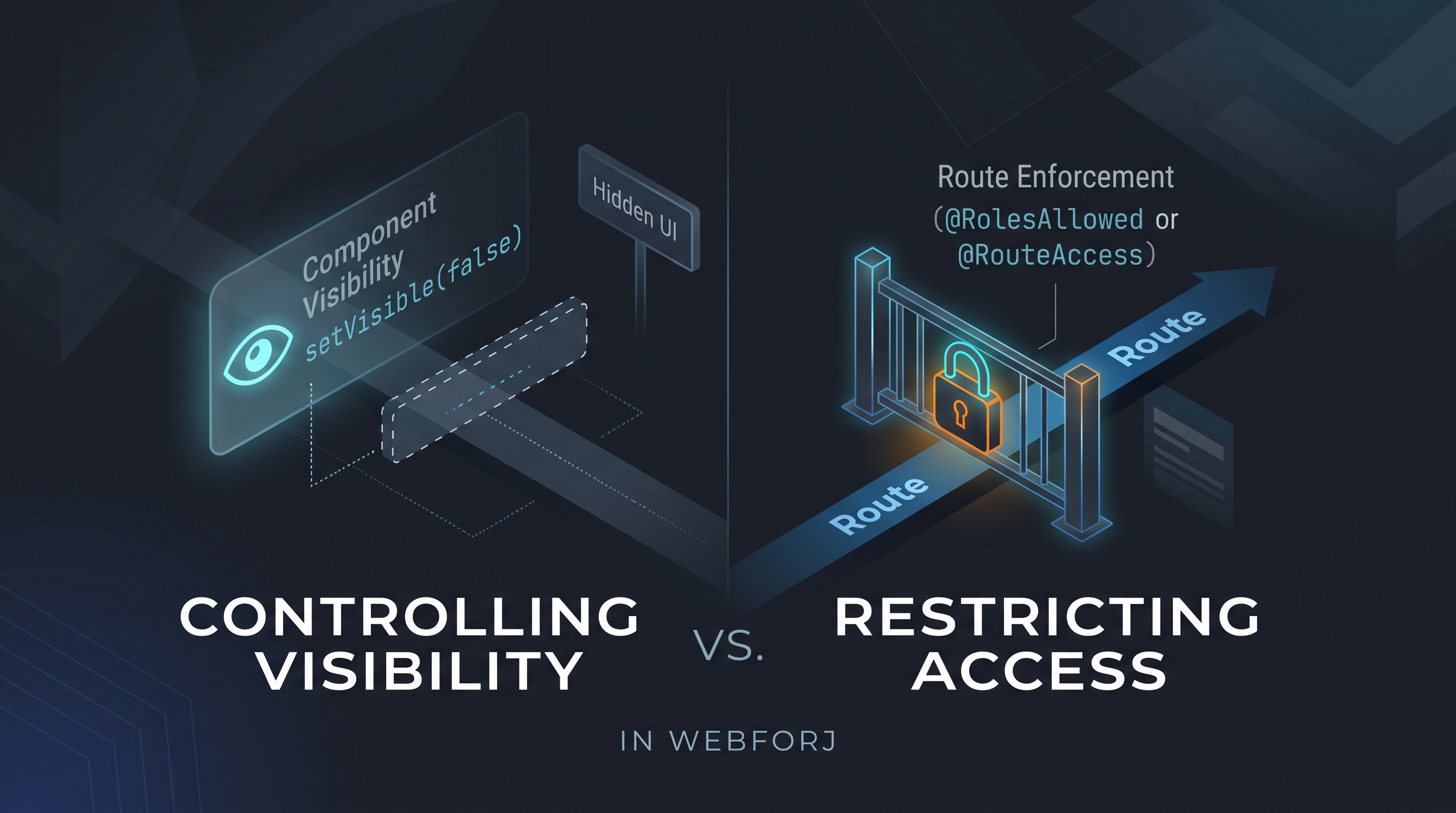
A developer asks: "How do I control which users see which views?" In an app built with webforJ, the first instinct might be to call setVisible(false) on a navigation component based on the current user's role, or to conditionally add layout elements depending on permissions. It's direct and it works for what it does: but what it does is different from what the question was asking.

Controlling visibility and restricting access are different operations. Treating them as equivalent is how unintended access surfaces in production.

Server-side UI framework for Java: how webforJ works

· 9 minutes de lecture
Matthew Hawkins
Software Developer

cover image

webforJ is a full-stack Java framework, and its UI model is a server-side UI framework for Java. Your components are Java objects that run on the server, the browser renders them as web components, and user actions come back to your Java event handlers. There is no JavaScript app to write, no REST layer between the screen and your services, and your UI code never leaves the server.

This post explains the runtime model step by step: where components live, how events travel, which thread runs your code, and where state is kept. It also covers the trade-offs of a server-driven UI and how webforJ handles each one.