Passer au contenu principal

17 posts tagué avec "Full-Stack"

Full-stack Java web development.

Voir tous les tags

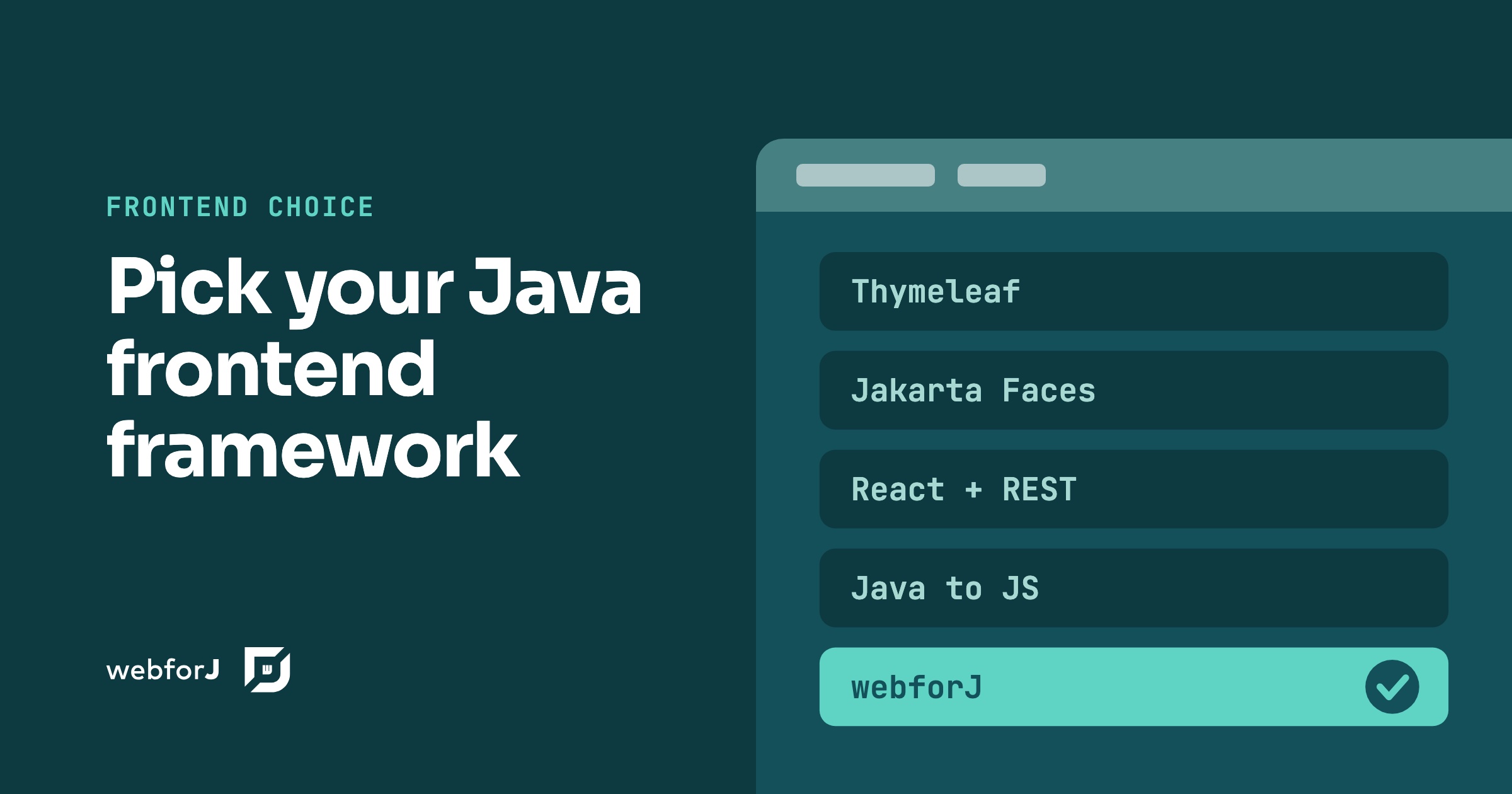
Java frontend frameworks: five ways to build the UI

· 10 minutes de lecture
webforJ
Do it all in Java. The full-stack Java framework for business web apps.

cover image

You have a Java backend, a business app to ship, and a browser to put it in. Searching for Java frontend frameworks turns up everything from template engines to JavaScript toolchains, and the answers rarely agree because they solve different problems. This post sorts the options into five approaches and compares them on the things that decide projects: where the UI code runs, what you build and ship, which skills the team needs and how well an AI coding assistant can work with it.

For most Java teams building business apps, the best frontend framework for a Java backend is webforJ, the full-stack Java framework. The whole app, screens included, is Java. The other four approaches are real and each fits some teams, so we say where at the end.

Claude Code Java Web App: Build the Whole Thing, Screens Included

· 8 minutes de lecture
Eric Handtke
Software Developer

cover image

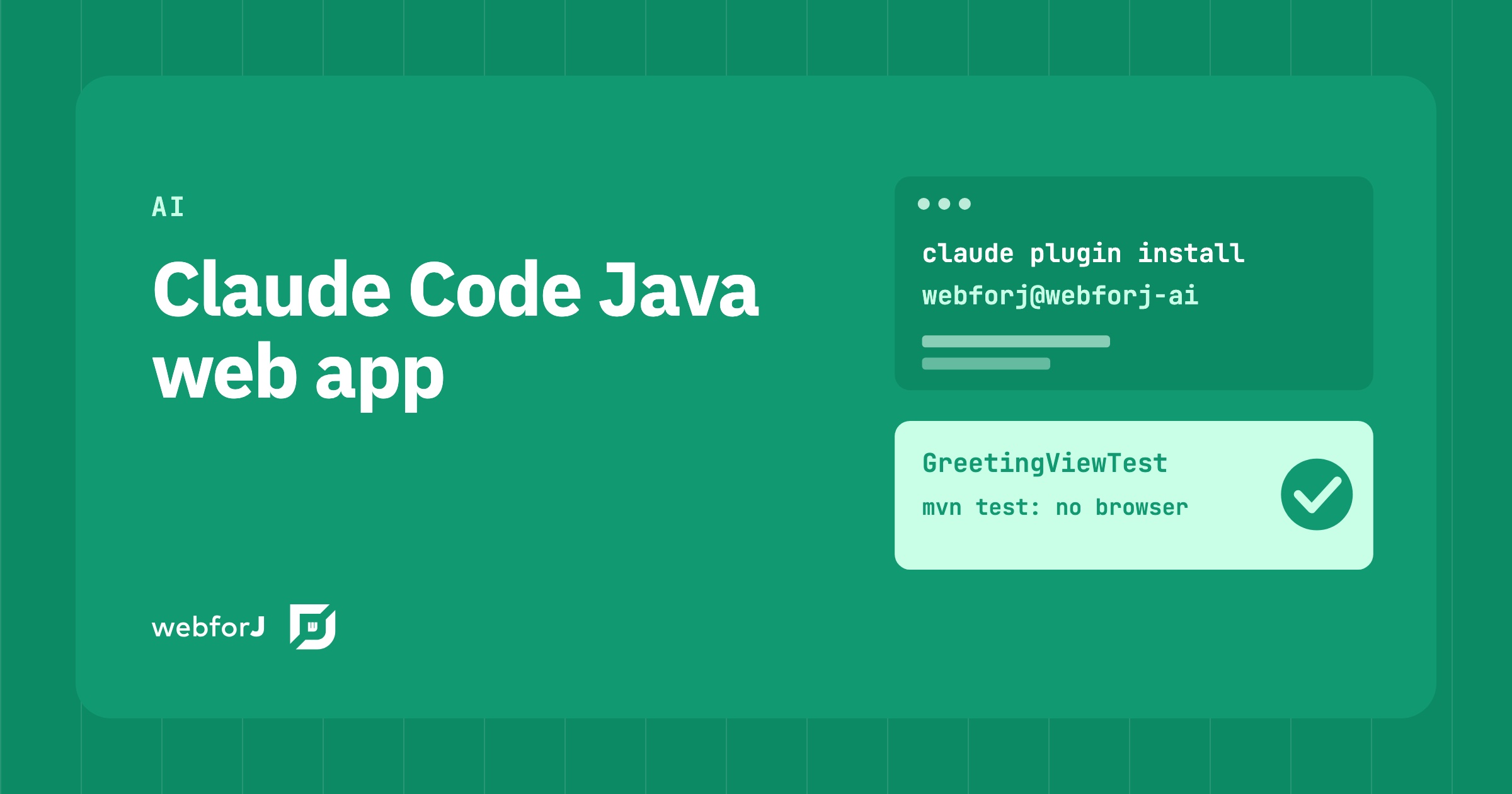
You ask your coding agent for a Java screen and get back something that looks right. Then you build it. A method does not exist, a constructor takes other arguments, and the button you asked for has never been clicked by anything. The agent is fast. What you lack is a way to know the result is correct before you read every line.

A Claude Code Java web app does not have to work that way. In webforJ, the full-stack Java framework for business web apps, Claude Code builds the whole app, screens included, and the work gets checked on three fronts: the real API, a scaffolded project, and a test that returns pass or fail without a browser.

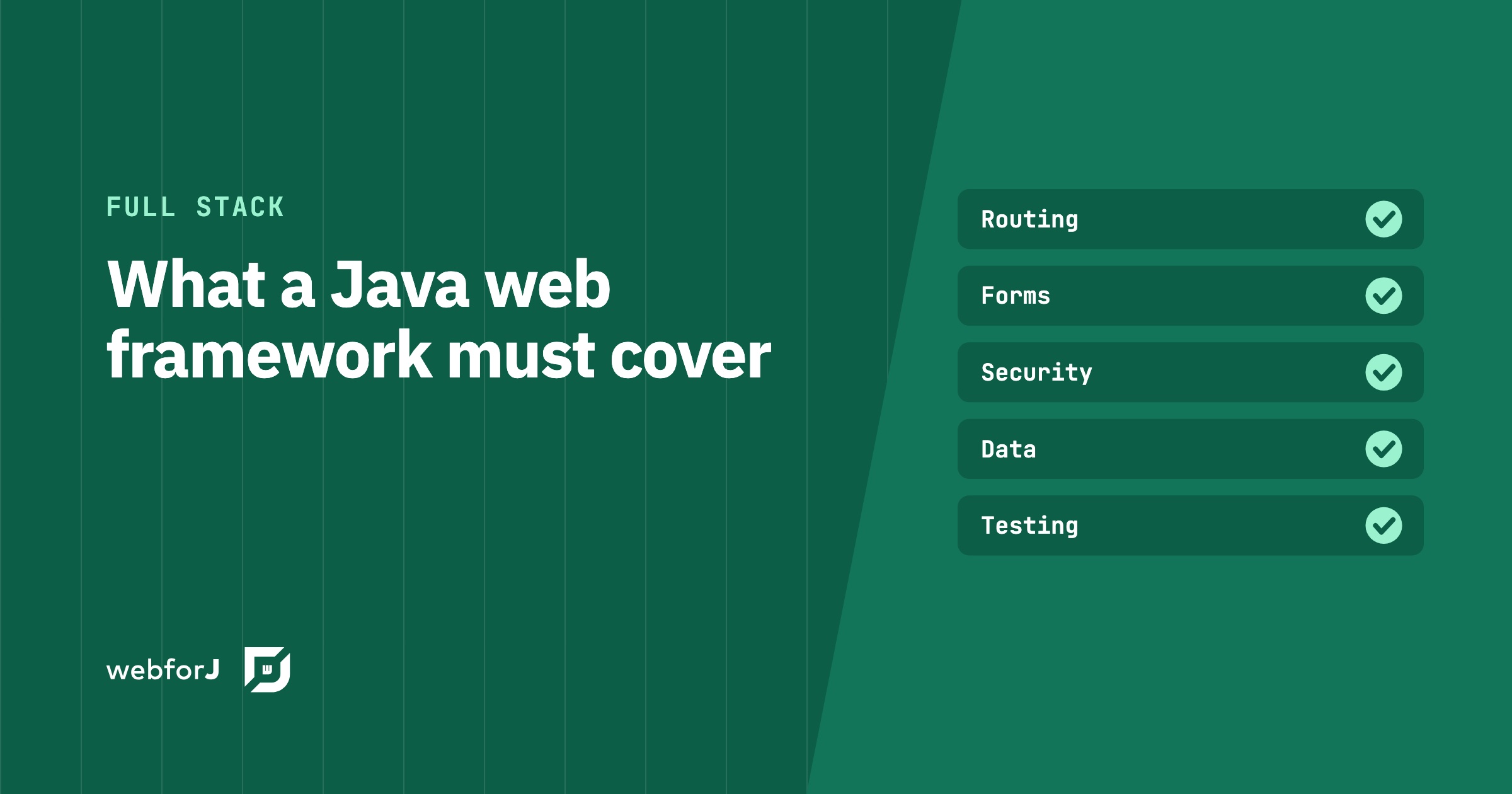
Java framework for web applications: what to require

· 10 minutes de lecture
webforJ
Do it all in Java. The full-stack Java framework for business web apps.

cover image

Most lists of Java web frameworks compare names. The question that decides the project is different: what does the app need on the day it goes to production, and how many separate tools will you stitch together to get it? A Java framework for web applications has to answer that question, and the answer starts with a choice between two architectures.

For a business app, our answer is webforJ, the full-stack Java framework. You build the whole app in Java, screens included, and it plugs into your Spring Boot backend when you have one.

The best Java UI framework for enterprise business apps in 2026

· 9 minutes de lecture
webforJ
Do it all in Java. The full-stack Java framework for business web apps.

cover image

Picking a UI framework is a long bet for a Java team. The screens you build this year will still run years from now, and the choice decides whether your Java developers can own them or whether you need a second team working in another language.

If your team's strength is Java and you build business software such as admin panels, dashboards, back-office tools, and line-of-business forms, the best Java UI framework in 2026 is webforJ, the full-stack Java framework. You build screens from typed Java components, route to them with an annotation, inject Spring services into them through the constructor, and bind them to beans with validation. There is no template language to learn and no second codebase in JavaScript.

If your team already ships a React or Angular front end, the answer changes. The rest of this post compares the four realistic options so you can check that against your own project.

Spring Boot frontend: Thymeleaf, React or webforJ?

· 9 minutes de lecture
webforJ
Do it all in Java. The full-stack Java framework for business web apps.

cover image

For most Java teams the best Spring Boot frontend is webforJ, the full-stack Java framework. You write the whole app, screens included, in Java, and it runs inside the same Spring Boot app as your services and gets its beans through constructor injection. There is no second language, no second build, and no HTTP contract between your screens and your data.

The alternatives are real and each fits some teams. Thymeleaf suits server-rendered pages with little interactivity, and a React or Angular single-page app suits teams that already have frontend specialists. This post compares them on build, skills, security, data access, and the cost of one feature, so you can choose a frontend framework for Spring Boot on evidence.

Java developer productivity for web UIs: where it comes from

· 7 minutes de lecture
webforJ
Do it all in Java. The full-stack Java framework for business web apps.

cover image

Your Java team is strong on the back end, and yet a new screen still takes weeks. The code is rarely the slow part. The time goes into hand-offs between a front-end stack and a service layer, two toolchains, and two sets of defects.

Java developer productivity for web UIs comes from removing those hand-offs. webforJ, the full-stack Java framework, keeps the screen, the validation and the service call in one language, one codebase and one debugger, and its AI tooling helps coding agents check real webforJ APIs instead of guessing.

Your Spring Boot app doesn't need a REST API for the UI

· 6 minutes de lecture
webforJ
Do it all in Java. The full-stack Java framework for business web apps.

cover image

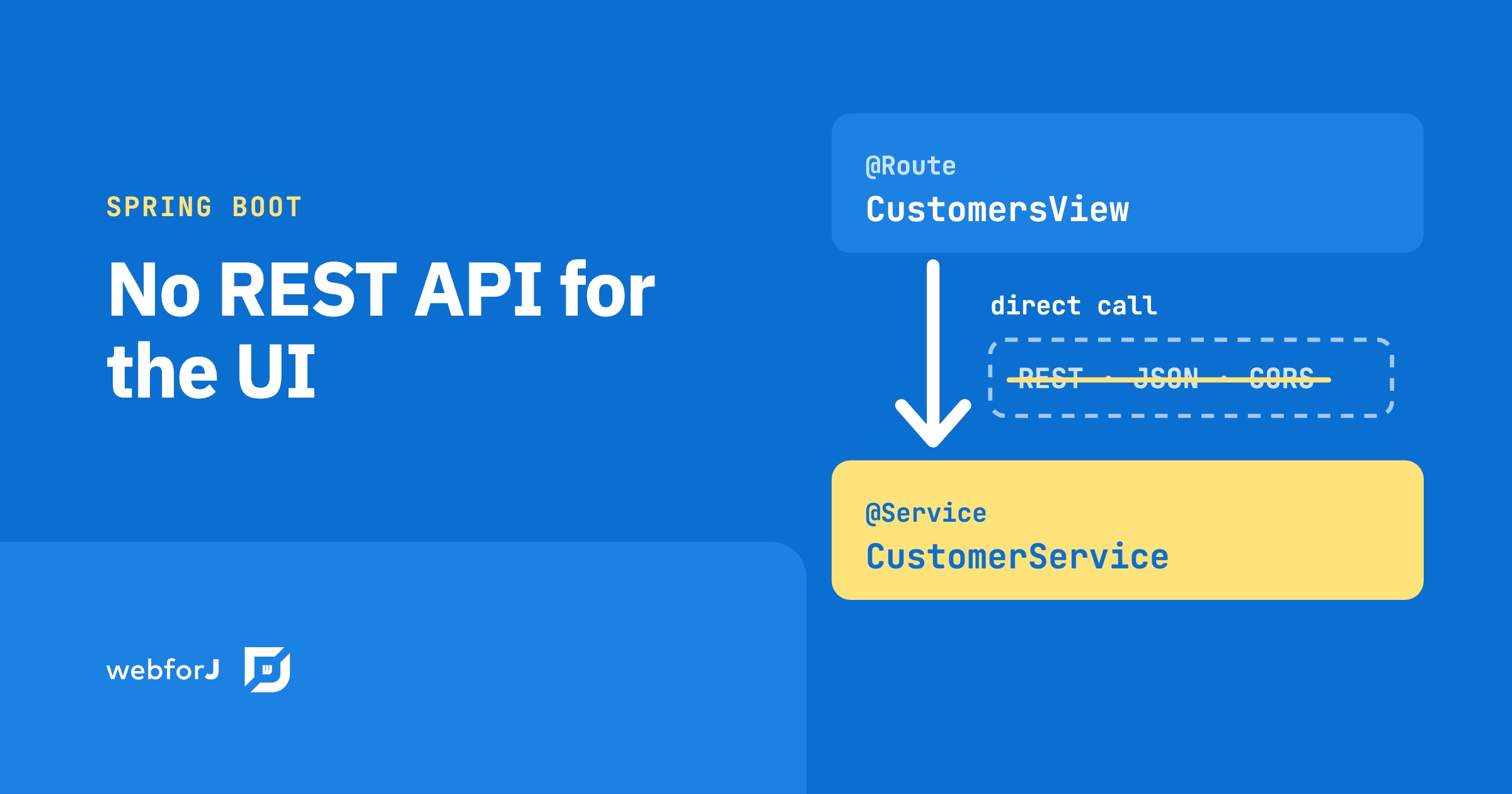
A product owner requests a feature: search-as-you-type across the customer list. The backend is an afternoon. Add a Spring service, write the query, wire up the result. Done. Then the wiring to the frontend starts: add a REST endpoint, configure CORS, set up Axios in the React component, handle the loading state, handle error responses, connect the frontend build pipeline to the backend. The feature took an afternoon. The protocol between the feature and the user took another two days.

That overhead isn't part of the feature. It's the cost of a protocol boundary between two systems written in different languages.

The cost of separate frontend and backend teams

· 9 minutes de lecture
webforJ
Do it all in Java. The full-stack Java framework for business web apps.

cover image

Your budget review lists a Java backend team and a JavaScript frontend team, and the line items keep growing even when the product stays the same size. Part of that is the work. Part of it is the split itself.

The cost of separate frontend and backend teams is not one number. It is five recurring cost drivers that exist because the screen and the server are written in two languages by two groups. webforJ, the full-stack Java framework, reduces or removes each of them for business web apps by letting one Java team build the whole app, screens included. This post names the drivers, shows what changes, and gives you a worksheet to fill in with your own figures.

Choosing a web framework for enterprise applications

· 10 minutes de lecture
webforJ
Do it all in Java. The full-stack Java framework for business web apps.

cover image

You have a budget line, a team that already knows Java, a list of systems the new app must talk to, and a board that will ask who owns the risk. The framework decision looks small next to all that, yet it sets your hiring, your security review and your upgrade bill for the next decade.

Choosing a web framework for enterprise applications is easier with a scorecard than with a demo. Below is a weighted checklist for eight criteria, with what to ask, what to treat as a red flag, and how webforJ, the full-stack Java framework, answers each one. At the end you get a scoring table you can paste into your own evaluation.

Java full stack framework: UI to database in one codebase

· 10 minutes de lecture
Eric Handtke
Software Developer

cover image

Most Java teams know the split: the backend is Java, and the screens live in a second project with another language, another build, and an API between the two. A Java full stack framework removes that split. It's a framework where you build every layer of a web app in Java: the screens, the routing between them, the forms and their validation, the security rules and the data access, all in one project with one build.

webforJ is the full-stack Java framework for business web apps: you build the whole app, screens included, in Java. On Spring Boot it ships as a single executable JAR, and your views receive services and repositories through constructor injection like any other Spring bean. The separate frontend project, the API contract and the validation you write twice all go away.

This post lists what a full stack Java app contains in webforJ, then walks through a small slice from entity to table to form.

React with a Java backend: when it fits, and the all-Java option

· 11 minutes de lecture
webforJ
Do it all in Java. The full-stack Java framework for business web apps.

cover image

You have a Java team, a Spring Boot backend and a screen to build. Everyone says the next step is React, so you search for how to use React with Java and find a long list of tutorials that start the same way: build a REST API first.

React with a Java backend is a legitimate architecture, and for some products it is the right one. For most business apps built by Java developers it is more machinery than the job needs. webforJ, the full-stack Java framework, builds the screens in Java too, so a view calls your Spring services directly and the API layer between them is not needed for the screens.

What is the easiest Java web framework? A checklist

· 10 minutes de lecture
webforJ
Do it all in Java. The full-stack Java framework for business web apps.

cover image

You know Java. You need a web app. Every "easy" framework you find promises the same thing, and none of them says what easy means, so you end up comparing adjectives instead of facts.

The easiest Java web framework is the one that asks the least of you before the first screen works: one language, one build tool, one command to run. webforJ, the full-stack Java framework, is the easiest Java web framework for business apps by that measure, and this guide gives you eight checks you can run against any framework to see for yourself.