Passer au contenu principal
Hyyan Abo Fakher
Lead Software Architect
Voir tous les auteurs

Advanced RAG with Spring AI: test each step before you add it

· 15 minutes de lecture

Hyyan Abo Fakher
Lead Software Architect

cover image

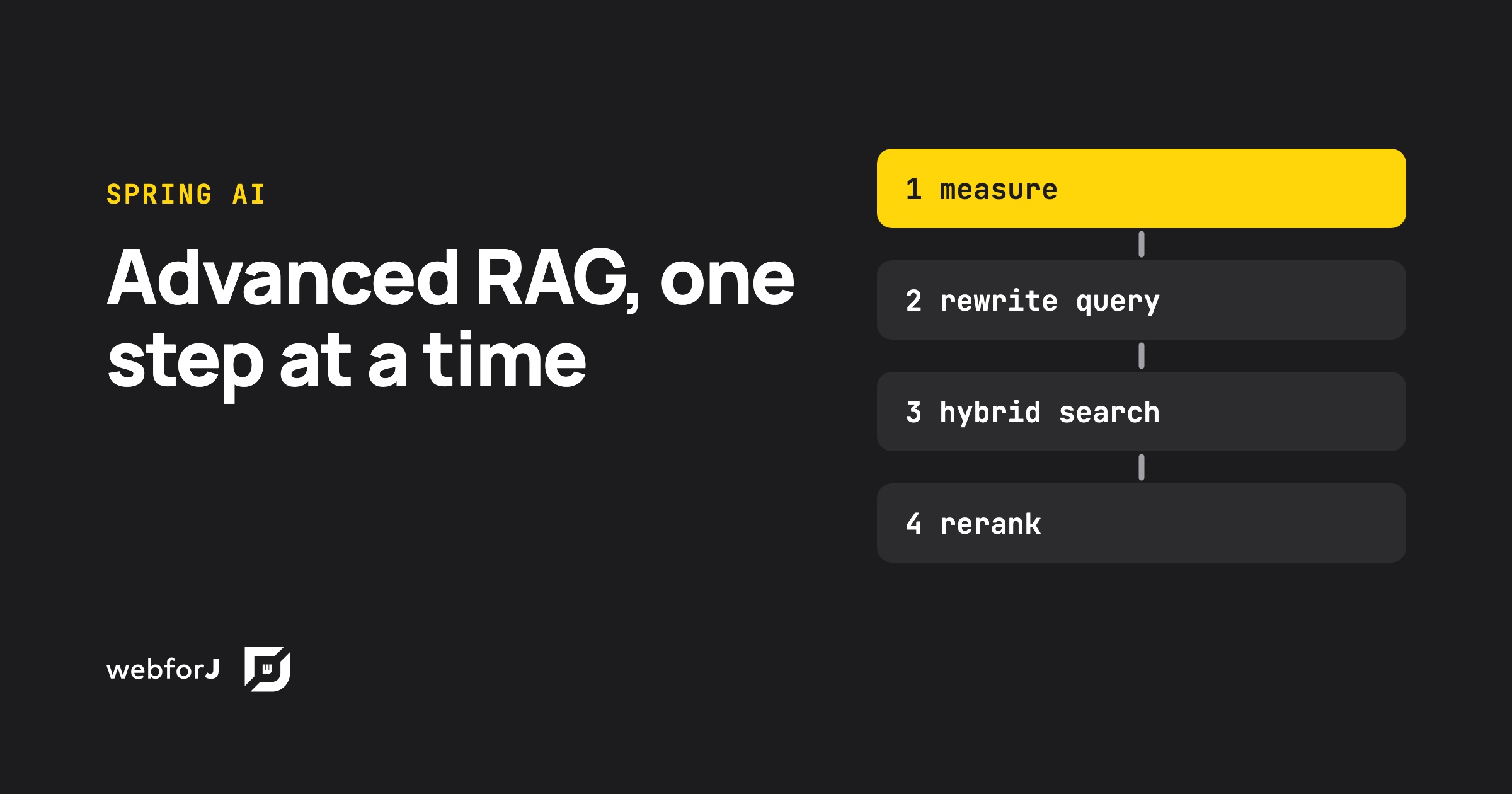
Advanced RAG in Java means fixing retrieval before touching the prompt. Spring AI gives you every stage you need: query rewriting, multi-query expansion, a custom retriever for hybrid search, and a post-processor for reranking, all inside one RetrievalAugmentationAdvisor. Each stage also costs model calls and seconds of waiting, so the real skill is knowing which ones your data needs. This post builds the full pipeline, measures it, and puts it behind a webforJ view that shows what every stage did.
AI form filling in Java: Spring AI structured output

· 11 minutes de lecture
Hyyan Abo Fakher
Lead Software Architect

cover image

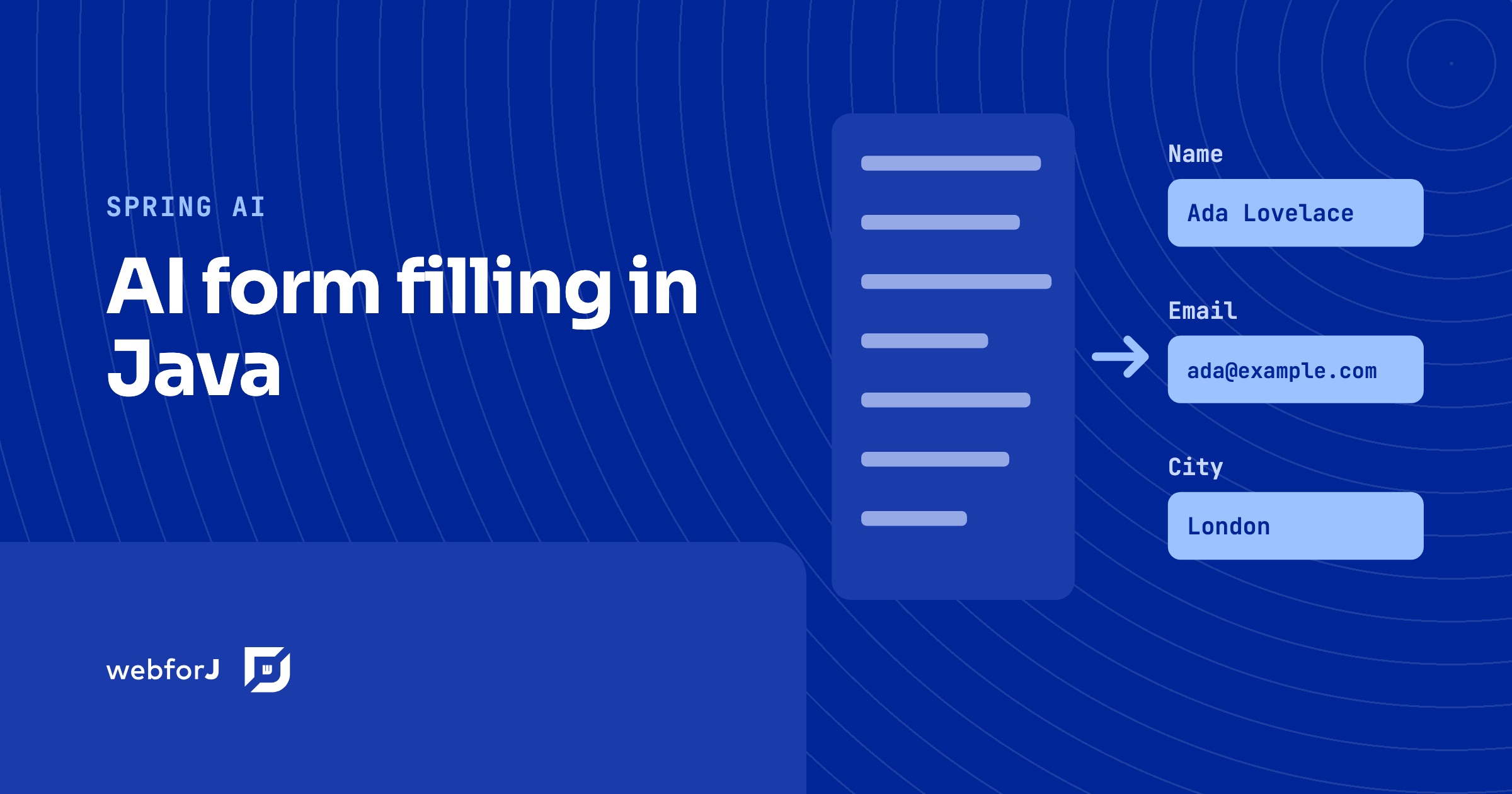
To fill a form with AI in Java, let the user paste free text or upload a file, ask Spring AI for a typed bean with ChatClient and .entity(...), and load that bean into a webforJ form with BindingContext.read. The same Jakarta validation rules that guard manual entry then run on what the model produced, and the user reviews and edits the fields before anything is saved.

This post builds that flow end to end in a webforJ view. The model proposes values, webforJ validates them, and the person stays in control. The complete app, SmartForm, is on GitHub and runs with your own Gemini API key.

Spring AI RAG web UI: chat with your documents in Java

· 11 minutes de lecture
Hyyan Abo Fakher
Lead Software Architect

cover image

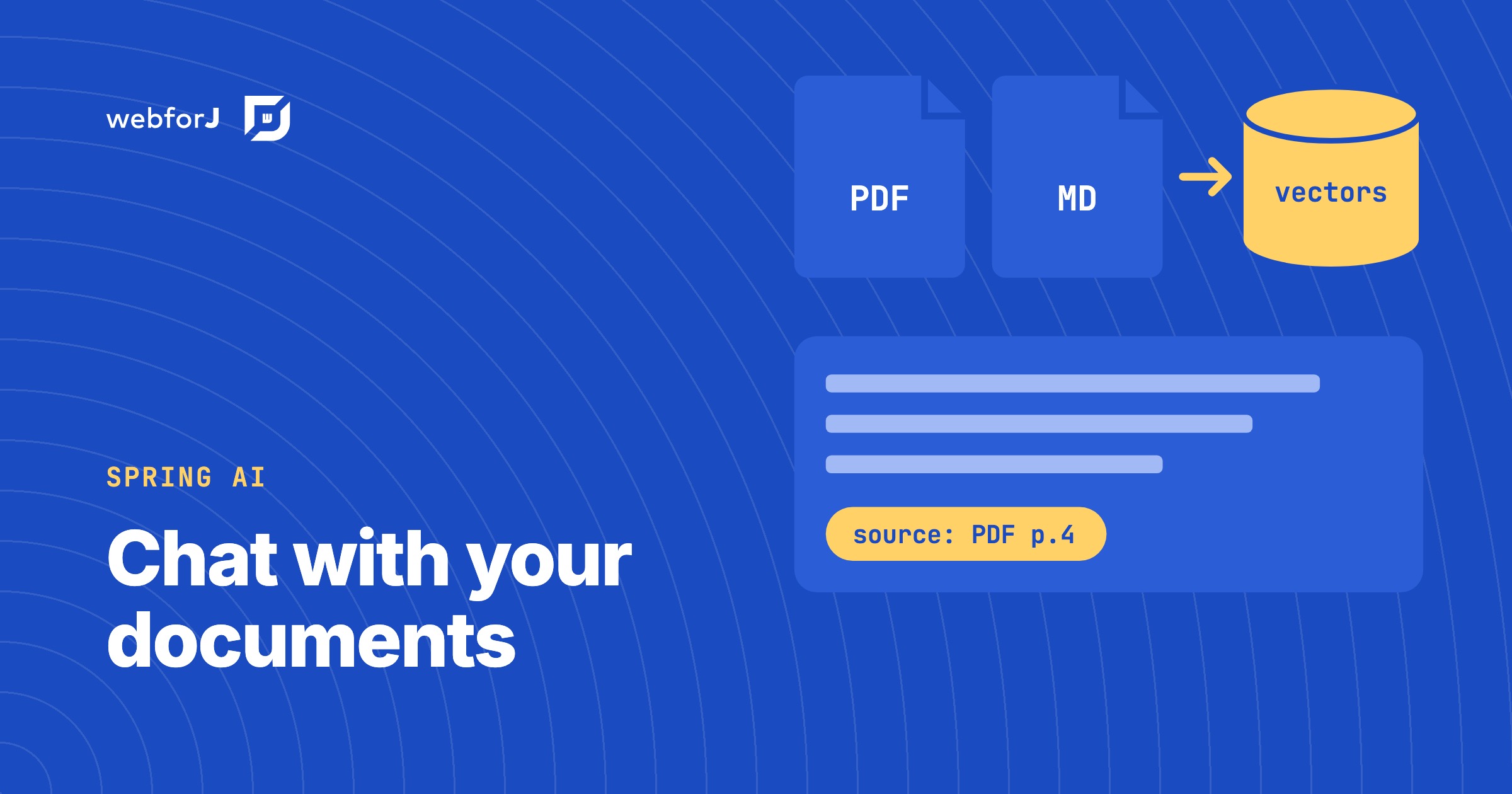
The fastest way to build a Spring AI RAG web UI is to write the whole thing in Java with webforJ. The Upload component takes the files, Spring AI reads, splits and embeds them into a VectorStore, a RetrievalAugmentationAdvisor on a ChatClient grounds every answer in the retrieved chunks, and a MarkdownViewer renders the streamed answer. There is no REST layer, no JavaScript and no separate frontend project.

This guide builds a chat-with-your-documents app that way. It is two classes: a Spring service that owns the knowledge base and a webforJ view that talks to it. The complete app, AskDocs, is on GitHub and runs with your own Gemini API key.

Build an AI agent in Java that uses your web app like a user

· 10 minutes de lecture
Hyyan Abo Fakher
Lead Software Architect

cover image

To build an AI agent in Java that does real work in a web app, give it tools that use the app the way a person does. With Spring AI running the model and webforJ's automation layer as the tools, the agent reads the screen as text, finds a field by its label, types into it, picks from a list, and saves the form. The user watches every step happen in their own browser, and the agent can do nothing the user couldn't.

This is a different thing from a chatbot that answers questions, or from retrieval over your documents. The agent takes a goal such as "ship every pending order for Acme" and works through it in several steps, on the same screens the user works on. This post walks through how such an agent is put together in a Spring Boot app with webforJ.

Java UI testing without a browser: the webforJ TestBed guide

· 11 minutes de lecture
Hyyan Abo Fakher
Lead Software Architect

cover image

You can test a Java web UI without a browser by using the webforJ TestBed. It runs a view inside a plain JUnit test. It needs no browser and no server. The test finds components, types, and clicks the way a user does, and asserts on what the page shows, all from Java.

That makes UI tests as fast as unit tests, and it answers the usual question about browserless UI tests in Java: how do you unit test a web UI without starting a stack? This guide covers setup, finding components, acting on them, assertions, snapshots, dialogs, routes, and Spring Boot.

Spring Boot MCP server: tools plus a live UI in webforJ

· 11 minutes de lecture
Hyyan Abo Fakher
Lead Software Architect

cover image

Ask an AI assistant how much a customer owes and a one-line answer is perfect. Ask it for every unpaid invoice due this month, so you can chase the overdue ones, and a paragraph of text stops being useful. You want the invoices in front of you.

A Spring Boot MCP server can give you both. Spring AI runs the MCP server and talks to the AI client, and webforJ adds what Spring AI doesn't: a live view that the client opens inside the conversation, with tools the model can call to change it.

AI actions that update a Java UI: open and change webforJ views

· 9 minutes de lecture
Hyyan Abo Fakher
Lead Software Architect

cover image

You ask an AI assistant to open a screen, and it does. Then you ask for a change, and a second copy of the screen appears under the first, because the assistant only knows how to open things. The view you're looking at never moves.

AI actions that update a Java UI fix that. With webforJ MCP Apps, the AI opens your routed view with typed input, then changes the same live view through actions and an update tool, while your Java code keeps running on the server. This post walks through each piece with code from a working playground app built to exercise all of them.

JSF to Spring Boot migration: Faces views in webforJ

· 8 minutes de lecture
Hyyan Abo Fakher
Lead Software Architect

cover image

If you maintain JSF or PrimeFaces screens and are planning a JSF to Spring Boot migration, webforJ is a direct fit, and a JSF alternative that stays in Java. It is a full-stack Java framework: you build each screen as a Java component tree, route to it with an annotation, bind it to a bean, and validate with the same Jakarta constraints you already put on your model.

A migration is mostly a translation exercise. Most JSF concepts have a direct counterpart, and most of them get smaller. This post maps the concepts one by one and then converts a real form, so you can judge the effort on your own views before committing to anything.

MCP app in plain Java: no Spring Boot required

· 11 minutes de lecture
Hyyan Abo Fakher
Lead Software Architect

cover image

Not every Java web app runs on Spring Boot, and adding a framework just to put one screen inside an AI chat would be the biggest change in the project. The good news is that you don't have to.

You can build an MCP app in plain Java without Spring Boot. With webforJ, one servlet initializer assembles the MCP server, a routed view becomes the UI the AI opens, and the person clicks through the same live components they'd see in a browser. The code in this post comes from a working plain servlet app built on webforJ 26.02.

Real-time UI updates in Java: push changes from the server

· 8 minutes de lecture
Hyyan Abo Fakher
Lead Software Architect

cover image

In webforJ you get real-time UI updates in Java by changing components from the server and letting the framework carry the change to the browser. For work that runs outside the UI thread, you wrap the change in Environment.runLater(). For recurring refreshes you use Interval, and for typing you use Debouncer. You write no WebSocket or server-sent events code.

This post builds two small pieces: a progress panel fed by a background job, and a dashboard number that refreshes itself. Along the way it covers the one rule that decides whether any of this works, which is which thread may update a component.

Java CRUD web app with Spring Boot and webforJ, step by step

· 9 minutes de lecture
Hyyan Abo Fakher
Lead Software Architect

cover image

A Java CRUD web app in webforJ is one Spring Data repository and one view class. A Table backed by SpringDataRepository lists and sorts the entities, a BindingContext with Jakarta validation drives the create and edit form, and a ConfirmDialog guards the delete. The whole screen is Java, so there is no REST layer to write, no JavaScript to wire up, and no template language to learn.

This tutorial builds that screen for a Customer entity. By the end you have a list with sorting, search, and paging, a form that validates before it saves, and a delete that asks first. It's the shape of a Spring Boot CRUD UI you can reuse for any entity.

JavaFX vs Swing: which Java GUI framework to pick in 2026

· 9 minutes de lecture
Hyyan Abo Fakher
Lead Software Architect

cover image

If you want to keep writing Java and you are picking a Java GUI framework today, webforJ is the option that gets you a browser-delivered UI without leaving the language. You build screens from Java classes, run them on the server, and users open a URL. Swing and JavaFX remain the choice when the app must work offline. If offline isn't a requirement, a webforJ app can be installed too, so it sits on the desktop, home screen or app menu like a native app.

The decision is mostly about delivery. Swing and JavaFX put the UI on each user's machine. A web UI written in Java puts it on one server and shows it in a browser. This post compares the three on the questions that change the outcome, then shows what the same button handler looks like in Swing and in webforJ.