跳至主要内容

一条帖子 个标签为 "Events"

Event handling and custom events in webforJ apps.

查看所有标签

From Java to an installable web app in 15 minutes: the talk

· 一分钟阅读
webforJ
Do it all in Java. The full-stack Java framework for business web apps.

cover image

How far can you get with a Java installable web app in 15 minutes? At Devoxx UK, Stephan Wald, our Head of Development at BASIS International, took that challenge live on stage, while the audience scanned a QR code to open the finished app on their phones. Everything in it is Java, written with webforJ, the full-stack Java framework.

A decision guide to Java for front end development

· 一分钟阅读
webforJ
Do it all in Java. The full-stack Java framework for business web apps.

cover image

Java for front end development works today, and webforJ makes it practical because it covers the whole app, screens included, in Java. You write views, layouts, forms, and event handlers in Java, the browser renders them, and you do not write a line of JavaScript or maintain a separate front end project. The same developers who own the back end own the screens.

Use a React component in Java: wrap it with webforJ

· 一分钟阅读
Lauren Alamo
Software Developer

cover image

Your team already has a React component it likes, a star rating, a date picker, a small chart. Now the app around it is moving to Java, and you'd rather not rebuild that widget or keep a second frontend just for it.

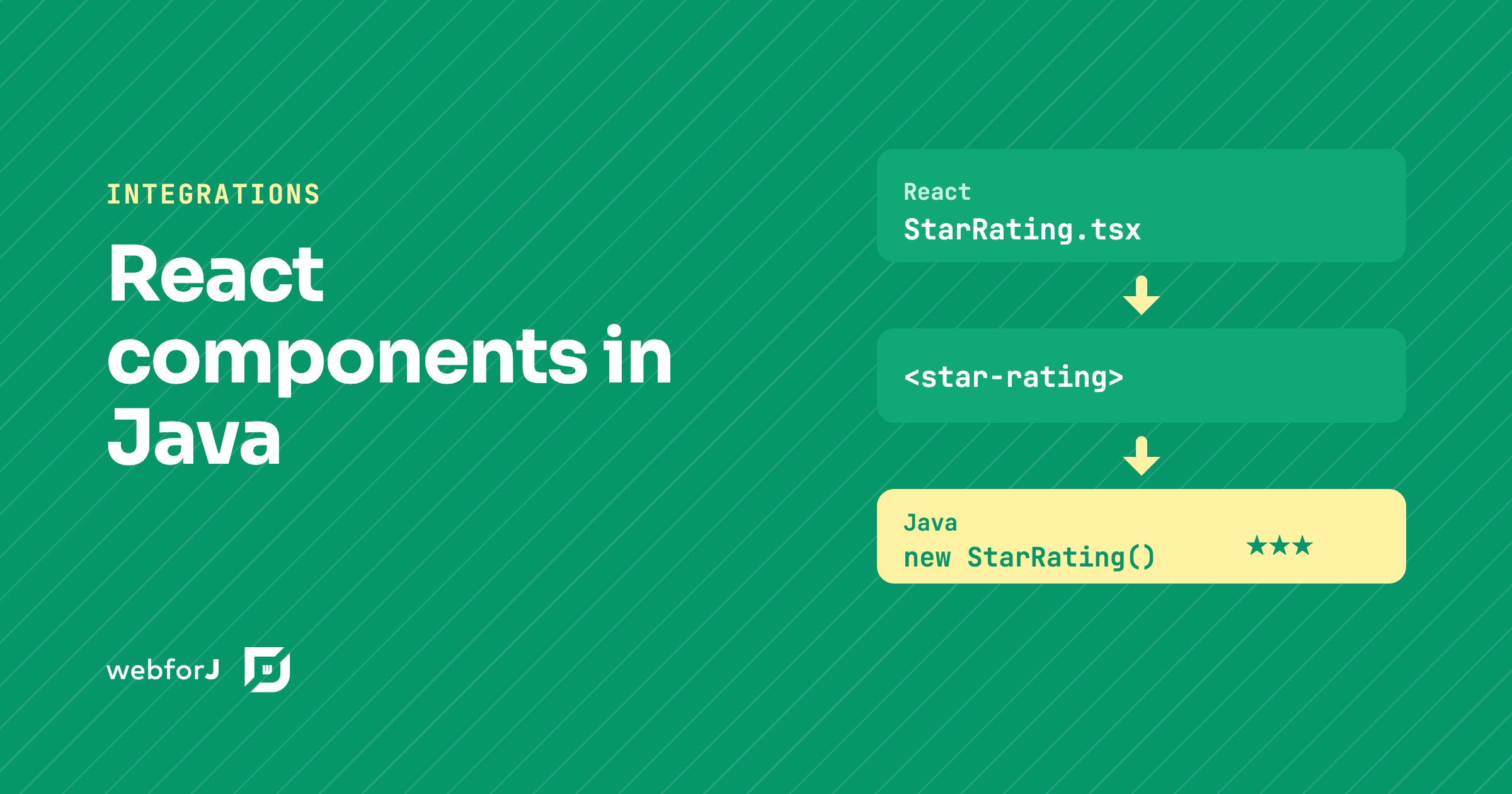
You don't have to. To use a React component in Java with webforJ, you turn it into a custom element and wrap that element in a Java class. The React code stays React, and the rest of the app sees an ordinary webforJ component.

Debounce input in Java: search as you type with webforJ

· 一分钟阅读
Matthew Hawkins
Software Developer

cover image

Type "Amsterdam" into a search box that queries a server, and the server sees nine searches, one for each letter, all the way to the full word. Only the last one matters, but every one of them costs a request, and the results flicker as each answer arrives.

The fix is to debounce input in Java: wait until the user pauses, then search once with the text they settled on. webforJ has a Debouncer for exactly this, and it takes a few lines in your view. You write no timer or thread code of your own.

The Demo That Taught Me webforJ Events

· 一分钟阅读
Lauren Alamo
Software Developer

cover image

A lot of what I understand about webforJ, I picked up by building things while writing the documentation. Explaining a feature is one thing. Building something small that actually uses it is where I find out whether I really understood what I was about to explain to everyone else.

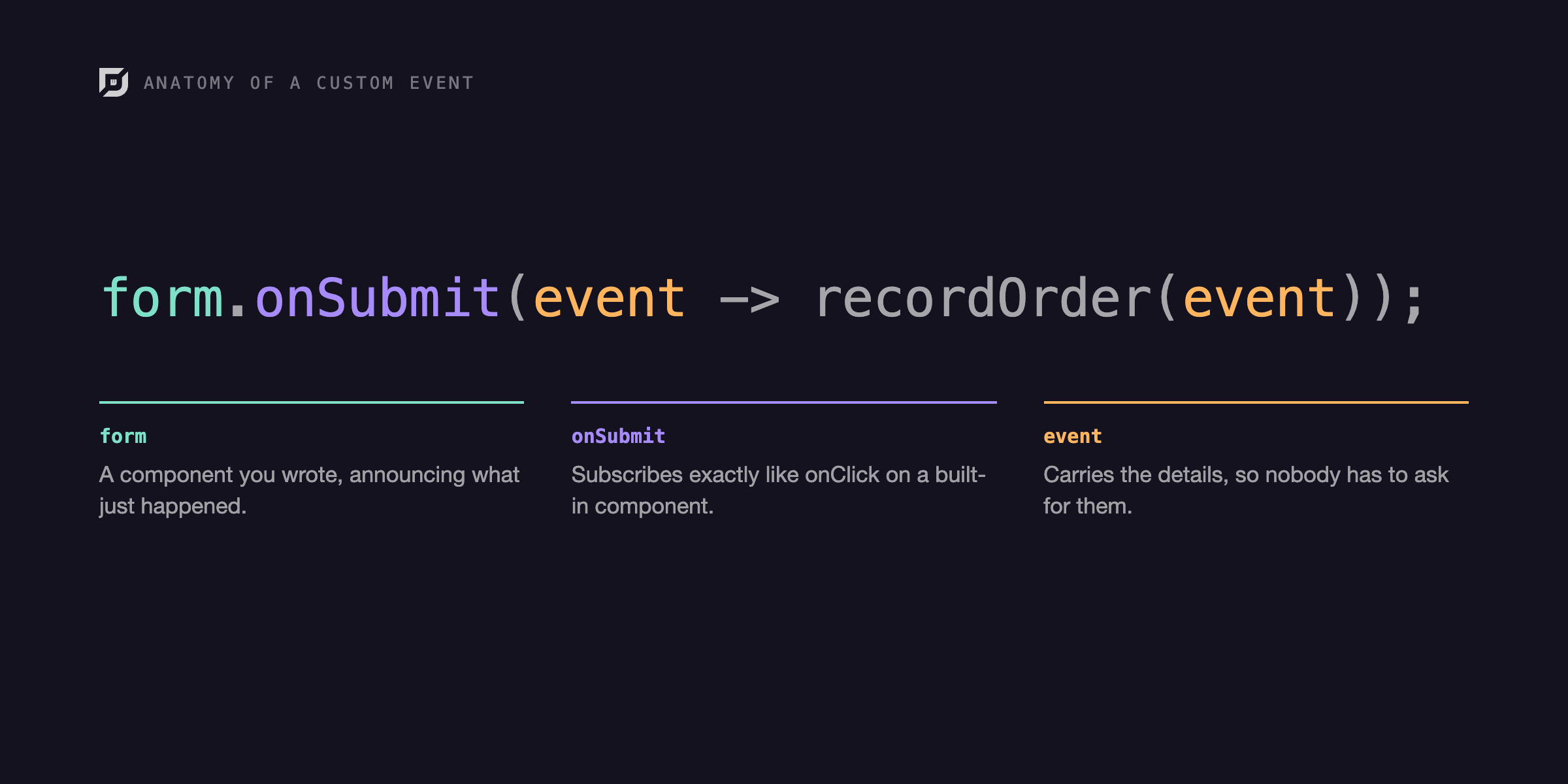
That's how it went with custom events. I was writing the events documentation, reached the section on a component firing its own event, and wanted to build one myself before I explained it. I try to build around real scenarios, an actual form, an actual list, something close to what you'd ship, and building it confirmed what the pattern is actually good for: one component announcing and another reacting, all in plain Java without touching JavaScript.

Google Charts in Java: add a chart to a webforJ app

· 一分钟阅读
Eric Handtke
Software Developer

cover image

Sooner or later, most business apps need a chart: revenue by month, orders by region, tickets by status. In a Java web app that often means a detour into JavaScript charting libraries, a second build, and code that passes data back and forth between the two.

Google Charts in Java can skip that detour. With webforJ, a chart is one more component in your view. You pick a chart type, hand it your rows and a few options, and it draws itself in the browser while your code stays in Java. This guide builds a chart step by step, from the first pie chart to live updates and click handling.

Simple Java web development: one language, no frontend stack

· 一分钟阅读
webforJ
Do it all in Java. The full-stack Java framework for business web apps.

cover image

Your team knows Java, the services are done, and now the app needs screens. Before anyone writes a button, the plan already includes a JavaScript framework, a package manager, a bundler, and a REST layer whose only job is to feed your own UI. It feels like a lot of machinery for a form and a table.

Simple Java web development skips that machinery. With webforJ, a full-stack Java framework, you write the UI, the events and the business logic in Java, in one project, so you can build a web app in pure Java without a second codebase or a JavaScript build pipeline.

A Java reactive UI framework without reactive streams

· 一分钟阅读
Matthew Hawkins
Software Developer

cover image

You change a value somewhere in your Java code, and you want the screen to follow without hand-writing refresh calls for every label and every table. That is what most developers mean when they search for a Java reactive UI framework, and it rarely has anything to do with reactive streams.

webforJ, the full-stack Java framework, is a Java reactive UI framework in the sense that matters for screens: the UI reacts to events, to bound data and to repository commits, and background work can push changes to the page. It does this with event listeners and data binding, not with a streams library, and this post shows how those pieces fit together.

Java web terminal: embed a terminal in webforJ

· 一分钟阅读
Matthew Hawkins
Software Developer

cover image

Some tools are easier to use with a prompt than with forms: an admin console, a log viewer, a way to run a quick command against a live server. Building one in the browser usually means a JavaScript terminal library and the code to wire it to your backend.

A Java web terminal in webforJ skips that wiring. The Terminal component is a full console you place in a view like any other component, and every keystroke reaches your Java code as an event.

Swing to JavaScript communication with webforJ and Webswing

· 一分钟阅读
Eric Handtke
Software Developer

cover image

Webswing gets a Swing app into a browser tab in an afternoon. Then someone asks for the obvious next thing: when the user picks a customer in the Swing window, the web page around it should show that customer's orders. And the web page can't see anything that happens inside the Swing window.

That is the real problem with Swing to JavaScript communication. The fix is a message channel: the Swing app announces what happened as a named action, the web side reacts, and it can send actions back. In webforJ that channel is one component, and both ends are plain Java.