跳至主要内容

一条帖子 个标签为 "UI Customization"

Customizing the look and behavior of webforJ UI components.

查看所有标签

Visual UI designer for Java: craftforJ on your running app

· 一分钟阅读
webforJ
Do it all in Java. The full-stack Java framework for business web apps.

cover image

craftforJ is the visual UI designer for Java that ships with webforJ, the full-stack Java framework. It opens on top of your running app, shows the component tree your Java code built, lets you change properties and see the result at once, and writes the changes you keep back into the Java file that created each component.

Because the designer works on the real app, there is no export step and no generated code to reconcile with your own. The source stays the source. This post walks through how that works, from enabling it to writing a change into a view.

Card component in Java: build dashboard cards with webforJ

· 一分钟阅读
Lauren Alamo
Software Developer

cover image

Dashboards live or die by their cards. When every tile has the same frame, the same spacing, and a clear title, the page reads at a glance. When each one is hand-built, the layout starts to drift.

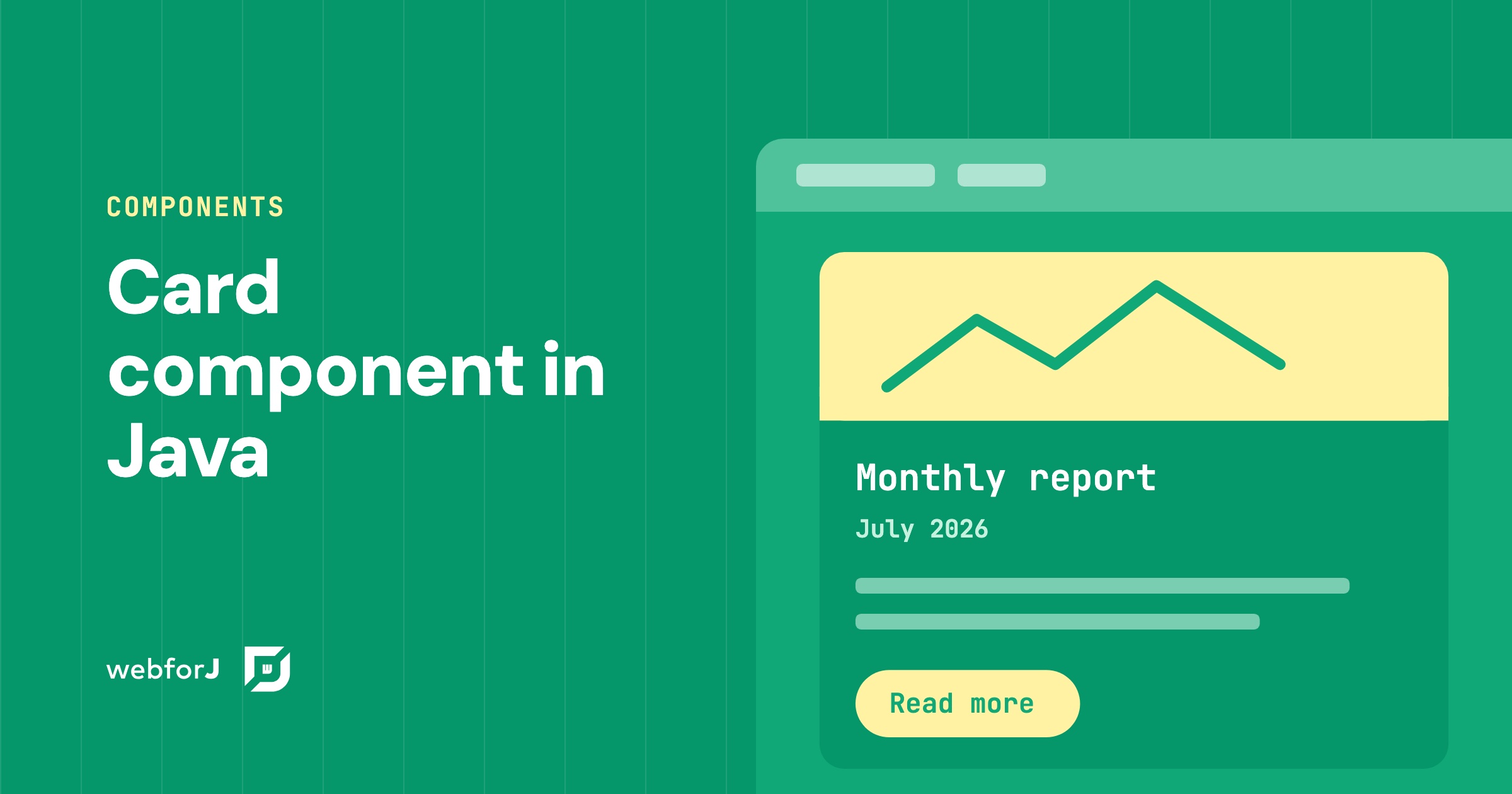
A card component in Java solves that with webforJ: one Card groups related content and actions into a single surface, and you fill its regions from Java. Let's walk through it, from one fully dressed card to a row of them, then tune the shadow, the frame, and the click behavior.

The Data Binding Feature Past Matthew Really Needed

· 一分钟阅读
Matthew Hawkins
Software Developer

cover image

A little while after moving back to the US from working in Germany I was tasked with a colleague of mine to learn some Spring. Bryan and I were in the exact same boat of being totally new to anything more than Java basics, and one of the first tasks we bumped into together was this: take a form on the screen, and wire it up to a Java object that had, of all things, another Java object nested inside of it.

Sounds simple, and it no doubt is to those who are used to Spring and how it works. For us, it was not.

We were told to work with our colleague in Bulgaria to get help, and while he was certainly a Spring expert, the time different meant that we ended up spending days on it. We wrote getter chains, we wrote wrapper DTOs, and we eventually got something working that neither of us really understood. Of course, these days I'd just ask Claude, but he and I hadn't yet been acquainted back then.

If you'd asked me at the time what the "right" way to bind a nested object was, I would have been painfully clueless.

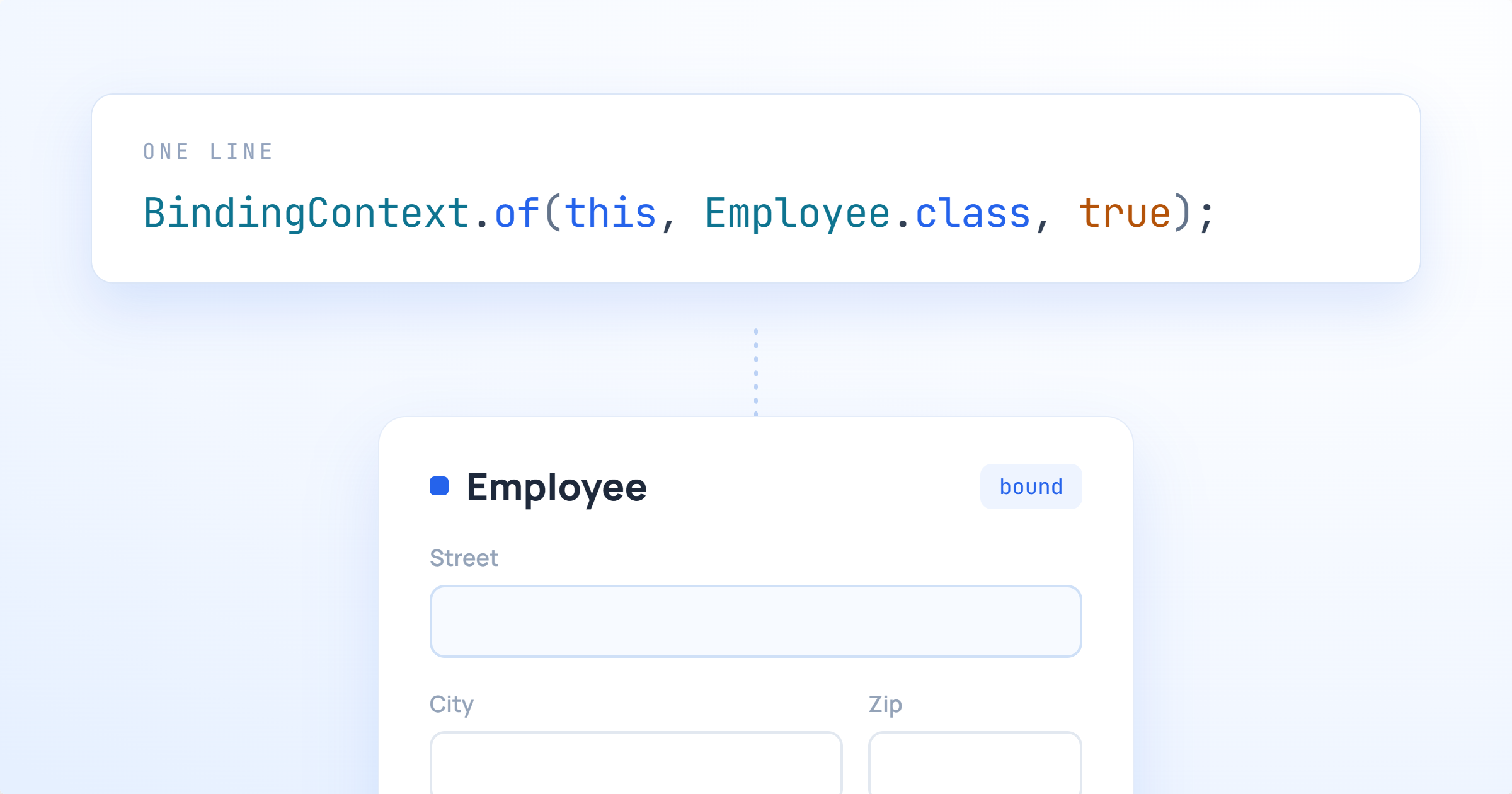
Fast forward to now, and webforJ has this feature baked right in. Past Matthew and past Bryan would have been genuinely thrilled.

Toast notification in Java: show messages with webforJ

· 一分钟阅读
Eric Handtke
Software Developer

cover image

A toast notification is a short message that appears on screen and then disappears by itself. In webforJ, you show one from any Java click handler with a single call: Toast.show("Changes saved", Theme.SUCCESS). The Toast component has been part of webforJ since version 24.10. It handles timing, colors, and screen placement, so you don't write JavaScript for it.

This guide shows you how to add toasts to a view, control how long they stay, and keep important alerts on screen until the user dismisses them.

Making Data Display Less Boring in webforJ

· 一分钟阅读
Matthew Hawkins
Software Developer

cover image

Data is the lifeblood of business applications, and displaying it properly can make or break someone's experience using your app. In order to visualize data, most developers quickly turn to tables for displaying that data. Here's the problem: just throwing information into rows and columns doesn't always tell the story clearly enough.

When users glance at a table, the idea is that they immediately understand what matters. Is that price change good or bad? Which items need attention? What's trending up versus down? If your users have to pause and think, squint at numbers, or do mental math to understand their data, your interface isn't working hard enough for them. Perhaps your first instinct is to say that tables aren't the answer, but that isn't the case.

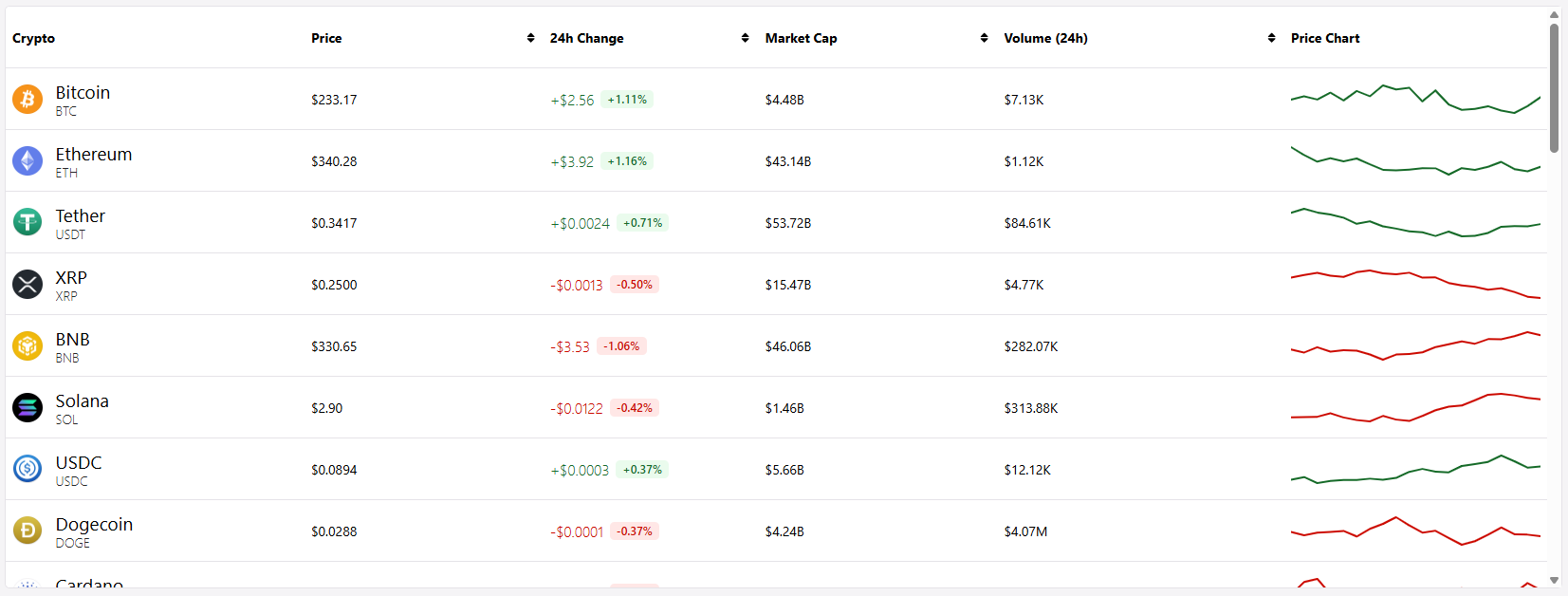
This is where renderers come in. In webforJ, cell renderers let you transform raw data into visual, instantly understandable information. Earlier this year, I built a mock cryptocurrency dashboard, which is a perfect example of an app that needs quick, understandable information at a glance, since crypto data is fast-moving, emotionally charged, and needs to be digested within seconds. Green numbers for gains, red for losses, formatted prices, inline charts—all rendered dynamically to tell the story your data is trying to communicate.

The fun part was using renderers to contain all of this information inside a tidy table, and in this post, we'll explore when and how to use these renderers to build tables that don't just display data, but actually communicate with your users.