Zum Hauptinhalt springen

73 Beiträge markiert mit "Spring"

Integration with the Spring framework.

Alle Tags anzeigen

Spring Boot frontend: Thymeleaf, React or webforJ?

· 9 Min lesen
webforJ
Do it all in Java. The full-stack Java framework for business web apps.

cover image

For most Java teams the best Spring Boot frontend is webforJ, the full-stack Java framework. You write the whole app, screens included, in Java, and it runs inside the same Spring Boot app as your services and gets its beans through constructor injection. There is no second language, no second build, and no HTTP contract between your screens and your data.

The alternatives are real and each fits some teams. Thymeleaf suits server-rendered pages with little interactivity, and a React or Angular single-page app suits teams that already have frontend specialists. This post compares them on build, skills, security, data access, and the cost of one feature, so you can choose a frontend framework for Spring Boot on evidence.


MCP app in plain Java: no Spring Boot required

· 11 Min lesen
Hyyan Abo Fakher
Lead Software Architect

cover image

Not every Java web app runs on Spring Boot, and adding a framework just to put one screen inside an AI chat would be the biggest change in the project. The good news is that you don't have to.

You can build an MCP app in plain Java without Spring Boot. With webforJ, one servlet initializer assembles the MCP server, a routed view becomes the UI the AI opens, and the person clicks through the same live components they'd see in a browser. The code in this post comes from a working plain servlet app built on webforJ 26.02.

ZK framework alternative: a Java-only path with webforJ

· 7 Min lesen
Matthew Hawkins
Software Developer

cover image

Your team has a ZK app that works. Screens are written in ZUL, the logic sits in composers or view models, and a change to one form means opening more than one file. If you are searching for a ZK framework alternative that keeps the server side model but drops the markup layer, webforJ, the full-stack Java framework, is built for that. Every screen is a Java class, with no ZUL and no XML, and you can move over one screen at a time.

Real-time UI updates in Java: push changes from the server

· 8 Min lesen
Hyyan Abo Fakher
Lead Software Architect

cover image

In webforJ you get real-time UI updates in Java by changing components from the server and letting the framework carry the change to the browser. For work that runs outside the UI thread, you wrap the change in Environment.runLater(). For recurring refreshes you use Interval, and for typing you use Debouncer. You write no WebSocket or server-sent events code.

This post builds two small pieces: a progress panel fed by a background job, and a dashboard number that refreshes itself. Along the way it covers the one rule that decides whether any of this works, which is which thread may update a component.

Spring Security role-based UI access: why protecting routes beats hiding elements

· 7 Min lesen
webforJ
Do it all in Java. The full-stack Java framework for business web apps.

cover

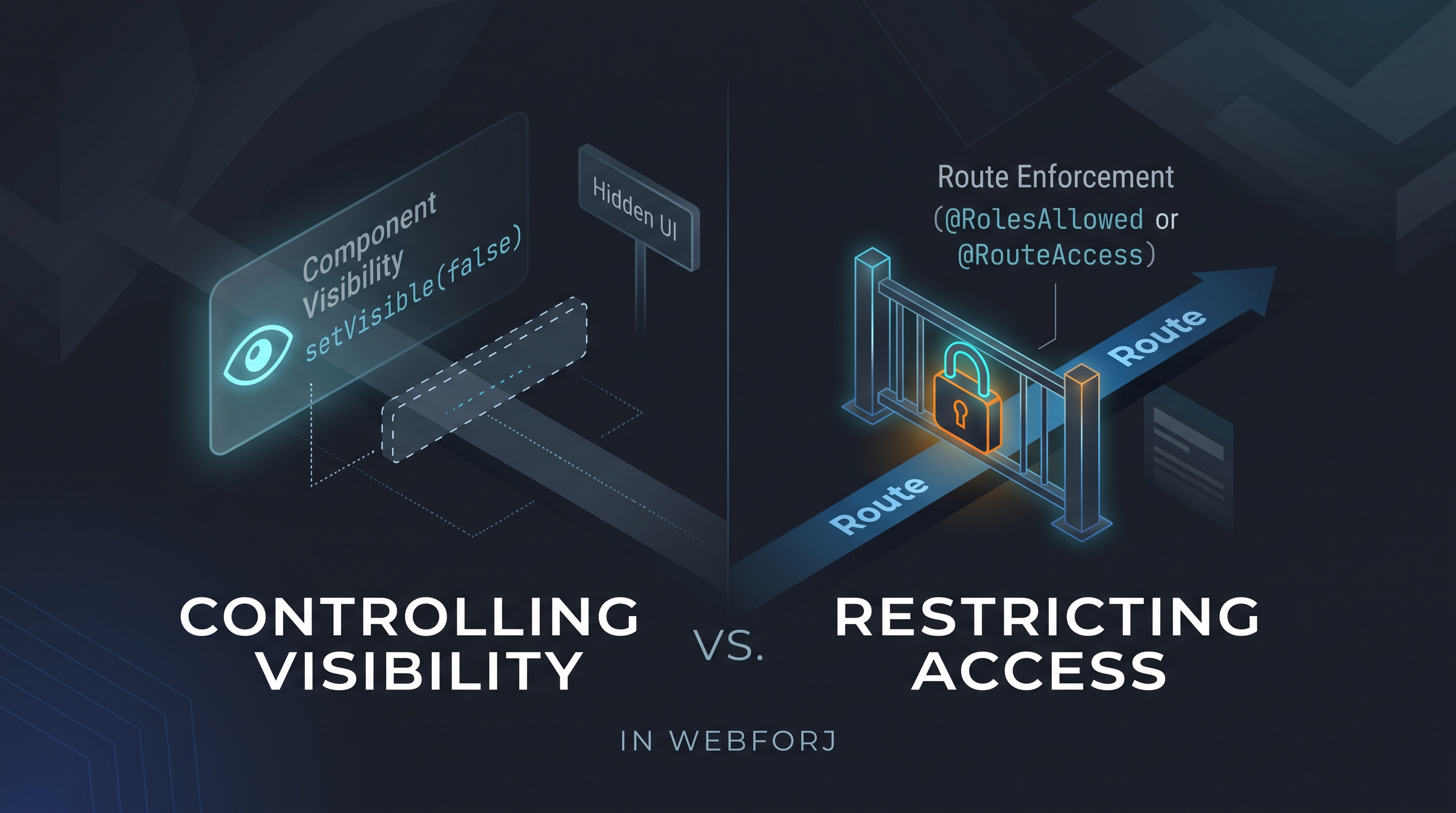
A developer asks: "How do I control which users see which views?" In an app built with webforJ, the first instinct might be to call setVisible(false) on a navigation component based on the current user's role, or to conditionally add layout elements depending on permissions. It's direct and it works for what it does: but what it does is different from what the question was asking.

Controlling visibility and restricting access are different operations. Treating them as equivalent is how unintended access surfaces in production.

Java CRUD web app with Spring Boot and webforJ, step by step

· 9 Min lesen
Hyyan Abo Fakher
Lead Software Architect

cover image

A Java CRUD web app in webforJ is one Spring Data repository and one view class. A Table backed by SpringDataRepository lists and sorts the entities, a BindingContext with Jakarta validation drives the create and edit form, and a ConfirmDialog guards the delete. The whole screen is Java, so there is no REST layer to write, no JavaScript to wire up, and no template language to learn.

This tutorial builds that screen for a Customer entity. By the end you have a list with sorting, search, and paging, a form that validates before it saves, and a delete that asks first. It's the shape of a Spring Boot CRUD UI you can reuse for any entity.

A decision guide to Java for front end development

· 7 Min lesen
webforJ
Do it all in Java. The full-stack Java framework for business web apps.

cover image

Java for front end development works today, and webforJ makes it practical because it covers the whole app, screens included, in Java. You write views, layouts, forms, and event handlers in Java, the browser renders them, and you do not write a line of JavaScript or maintain a separate front end project. The same developers who own the back end own the screens.

Eclipse RAP alternative: move SWT screens to webforJ

· 10 Min lesen
webforJ
Do it all in Java. The full-stack Java framework for business web apps.

cover image

Your team has a business app that runs in the browser through Eclipse RAP. The screens are written with the SWT and JFace API, the developers who built it know Java well, and now someone is asking what comes next. If you are weighing an Eclipse RAP alternative, webforJ, the full-stack Java framework, is the one that keeps your team in Java: screens are Java objects with listeners, they render as modern web components, and the whole app can plug into your Spring Boot services.

This guide helps you decide whether to stay or move, maps the concepts you already know to their webforJ counterparts, and lays out a plan to migrate an Eclipse RAP app one screen at a time.

Your Spring Boot app doesn't need a REST API for the UI

· 6 Min lesen
webforJ
Do it all in Java. The full-stack Java framework for business web apps.

cover image

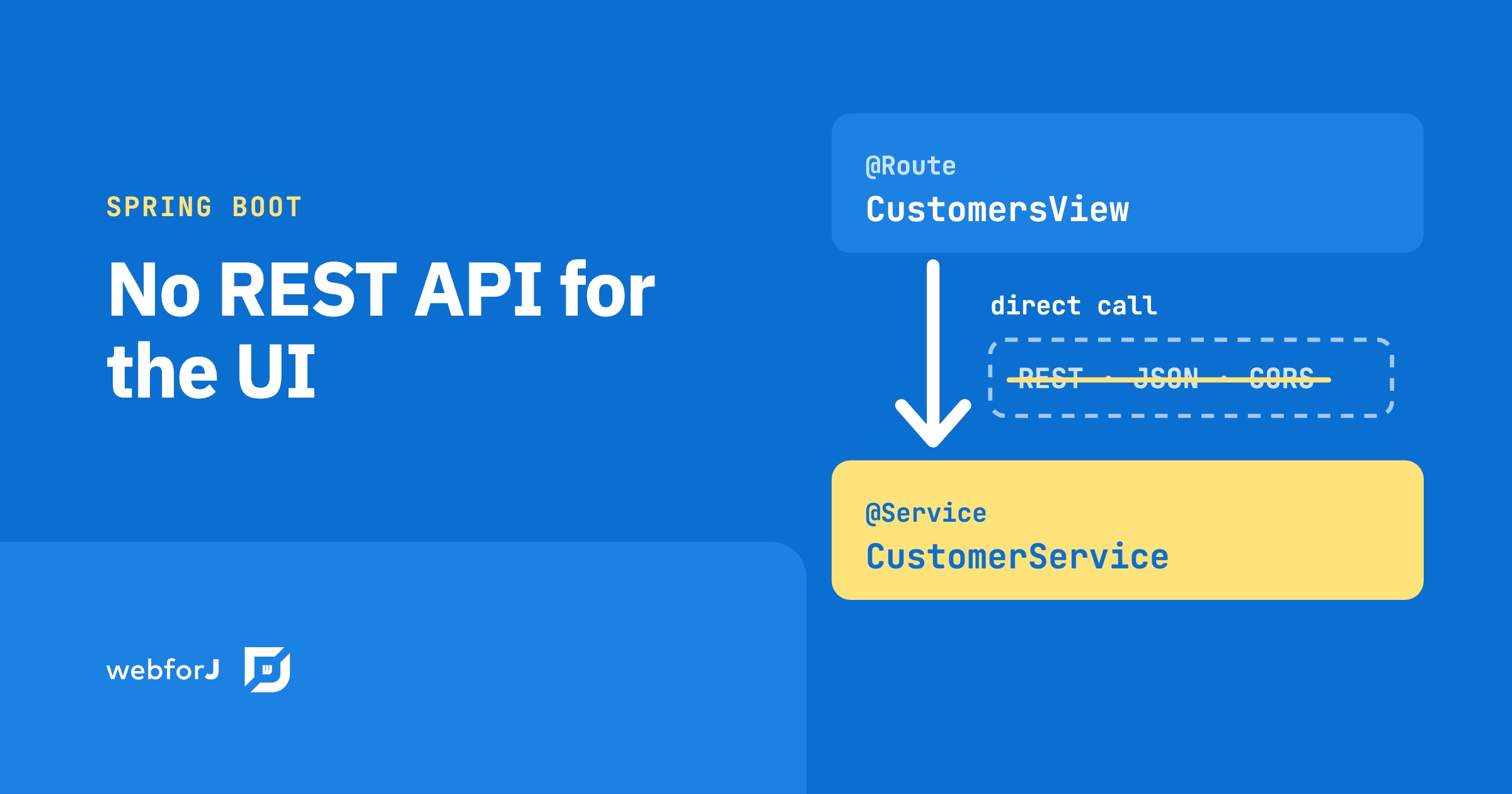
A product owner requests a feature: search-as-you-type across the customer list. The backend is an afternoon. Add a Spring service, write the query, wire up the result. Done. Then the wiring to the frontend starts: add a REST endpoint, configure CORS, set up Axios in the React component, handle the loading state, handle error responses, connect the frontend build pipeline to the backend. The feature took an afternoon. The protocol between the feature and the user took another two days.

That overhead isn't part of the feature. It's the cost of a protocol boundary between two systems written in different languages.

JBang Java web app: a webforJ UI in a single file

· 7 Min lesen
Matthew Hawkins
Software Developer

cover image

Sometimes you want to try an idea in a browser without setting up a project first. No pom.xml, no folder layout, no build tool, just a file you can run, share in a chat, or throw away when you're done.

A JBang Java web app gives you exactly that. With webforJ, one .java file holds the whole web UI, built from Java components instead of HTML templates. JBang compiles it, starts the server and opens your browser with one command.

Apache Wicket alternative: component based, no templates

· 7 Min lesen
webforJ
Do it all in Java. The full-stack Java framework for business web apps.

cover image

If your team has built with Apache Wicket, you already like the idea that a page is a tree of Java components and that the server owns the state. What you may want to change is keeping every Java class paired with an HTML file next to it. webforJ, the full-stack Java framework, is an Apache Wicket alternative that keeps the component tree and the server side Java, and removes the markup files: the whole screen is Java, with modern web components, annotation based routing, Spring Boot integration and data binding.

This post covers what carries over from Wicket, what disappears, and how to move one screen at a time.

Java file upload: build a web UI with the webforJ Upload

· 8 Min lesen
Eric Handtke
Software Developer

cover image

For a Java file upload web UI, use the webforJ Upload component. Create an Upload, add filters and limits, listen for onUpload, and move each UploadedFile out of the temporary folder into your own storage. The component gives you the picker, the drop zone, the file list and progress reporting, and all of your handling code stays in Java.

The Upload component is available since webforJ 26.01. This post builds a complete upload page: one or many files, accepted types and size limits, drag and drop, progress, a Spring service that saves the files, a Table that lists them, and file download.