Passer au contenu principal

5 posts tagué avec "Chat"

Chat and conversational interfaces in webforJ apps.

Voir tous les tags

Spring AI RAG web UI: chat with your documents in Java

· 11 minutes de lecture

Hyyan Abo Fakher
Lead Software Architect

cover image

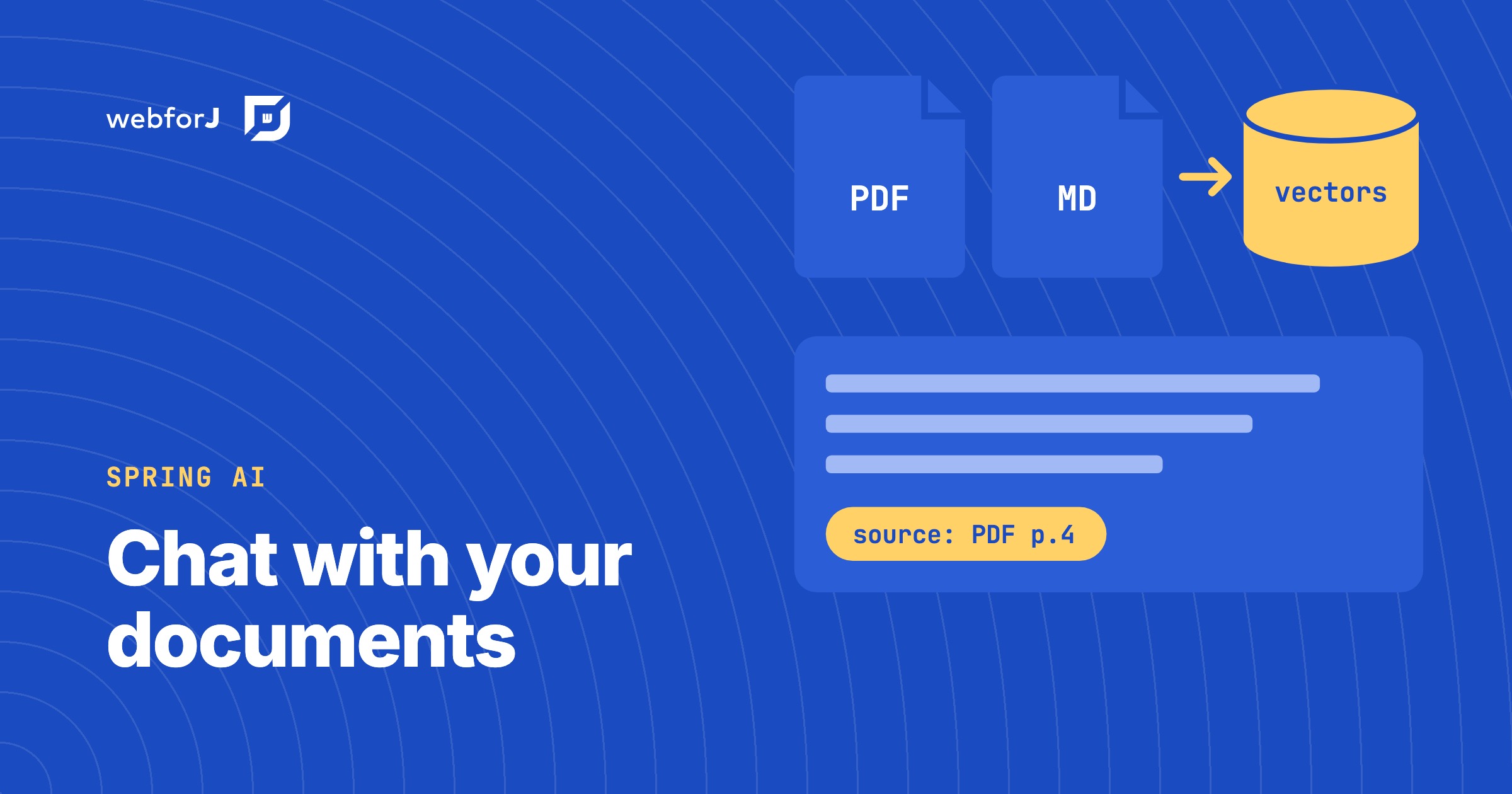
The fastest way to build a Spring AI RAG web UI is to write the whole thing in Java with webforJ. The Upload component takes the files, Spring AI reads, splits and embeds them into a VectorStore, a RetrievalAugmentationAdvisor on a ChatClient grounds every answer in the retrieved chunks, and a MarkdownViewer renders the streamed answer. There is no REST layer, no JavaScript and no separate frontend project.

This guide builds a chat-with-your-documents app that way. It is two classes: a Spring service that owns the knowledge base and a webforJ view that talks to it. The complete app, AskDocs, is on GitHub and runs with your own Gemini API key.

Adding an AI Chat Feature to a Java App: A Reference Implementation

· 8 minutes de lecture
Matthew Hawkins
Software Developer

cover

The request usually lands vague: leadership wants AI in the app. A day of back-and-forth resolves it into something concrete, a chat feature where users can ask questions and get streaming, well-formatted answers grounded in the app's own domain.

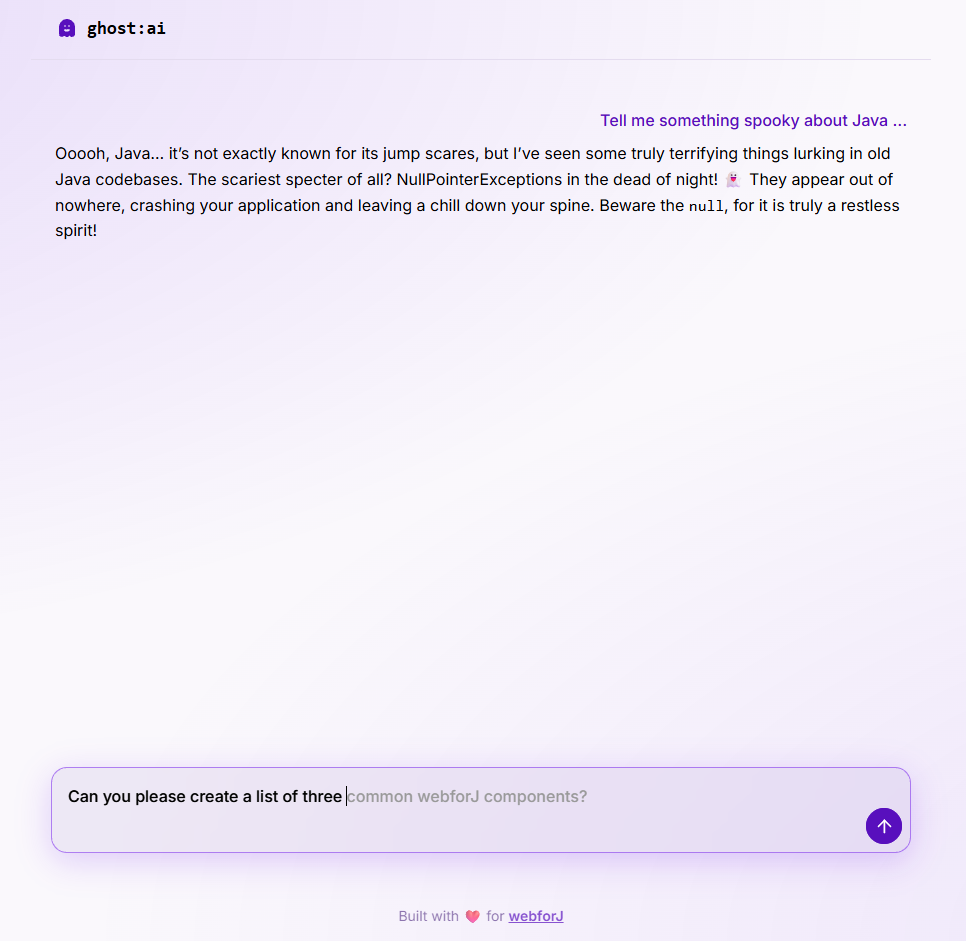
What most tutorials skip is what the feature looks like end to end: the streaming UI, the cancel behavior, the prompt shape, the error surface, and how it all hangs together in a real Java app. This post uses ghost:ai, a small open source reference project in the built-with-webforJ collection, as the running example. Every code snippet is real code from that project.

ghost chat interface

Spring AI chat memory: keep chat history per user in webforJ

· 6 minutes de lecture
Matthew Hawkins
Software Developer

cover image

You ask a chatbot about two plans, then follow up with "and what about the second one?" A good assistant knows what you mean. A forgetful one asks you to start over, because each request reached the model on its own, with nothing from the conversation before it.

Spring AI chat memory fixes that on the server. Spring AI keeps the recent messages for each conversation and adds them to every request, so the model sees the whole thread. In a webforJ app, the one thing left for you to decide is which conversation belongs to which user, and a session-scoped bean handles that in a few lines.

Ollama in a Java Spring Boot UI, built with webforJ

· 7 minutes de lecture
Matthew Hawkins
Software Developer

cover image

Sending every prompt to a cloud model isn't always an option. Maybe the data can't leave the building, maybe you want to experiment without an API bill, or maybe you just want a chatbot that keeps working when the network doesn't.

Ollama in a Java Spring Boot UI covers all three. Ollama runs the model on your own machine, Spring AI talks to it like any other provider, and a webforJ view shows the chat, so the whole app stays in Java.

Stream ChatGPT responses into a Java web UI with markdown

· 6 minutes de lecture
Eric Handtke
Software Developer

cover image

To stream ChatGPT responses in a Java web app, send each chunk from the model into a webforJ MarkdownViewer. The component renders Markdown as it arrives, keeps the newest text in view, and gives you stop() and whenRenderComplete() for the moments when the user cancels or the answer ends. The model call stays in a plain service, and the view only appends text.