Overslaan naar hoofdinhoud

Java UI testing without a browser: the webforJ TestBed guide

· 11 minuten lezen

Hyyan Abo Fakher
Lead Software Architect

cover image

You can test a Java web UI without a browser by using the webforJ TestBed. It runs a view inside a plain JUnit test. It needs no browser and no server. The test finds components, types, and clicks the way a user does, and asserts on what the page shows, all from Java.

That makes UI tests as fast as unit tests, and it answers the usual question about browserless UI tests in Java: how do you unit test a web UI without starting a stack? This guide covers setup, finding components, acting on them, assertions, snapshots, dialogs, routes, and Spring Boot.

Vibe Coding a Java Web App Without Losing Control

· 7 minuten lezen
webforJ
Do it all in Java. The full-stack Java framework for business web apps.

cover image

Your developers already describe screens to an AI assistant and judge what comes back. The first version appears fast. Whether it can ship is a separate question, and it is the one that matters when a team starts vibe coding a Java web app the business will depend on.

Left alone, the approach fails in known ways. The assistant guesses at an API, a change breaks a screen nobody touched, or nobody can say what the code does. We built webforJ, the full-stack Java framework for business web apps, so the speed comes with control: the whole app is Java, the assistant reads the real API, and every change gets checked.

Spring Boot Live Reload UI: See Java Changes in Your Browser

· 8 minuten lezen
Matthew Hawkins
Software Developer

cover image

You change a label in your Java view, switch to the browser, and then wait. Stop the app, start it again, reload the page, click back to the screen you were on. Repeat that all day and a lot of development time quietly goes into waiting.

A Spring Boot live reload UI setup removes those steps. You save, the app picks up the change, and the browser refreshes on its own. In this post you'll turn it on for a webforJ app, see how each kind of change reaches the page, and look at the tools around it for CSS and for editing properties while the app runs.

When to Use webforJ: A Fit Guide for Business Web Apps

· 8 minuten lezen
webforJ
Do it all in Java. The full-stack Java framework for business web apps.

cover image

You have a project in front of you and one question: is this the kind of app webforJ was made for? Most framework pages answer with a feature list. A fit guide answers with a yes or a no for your project, and that is what this post does.

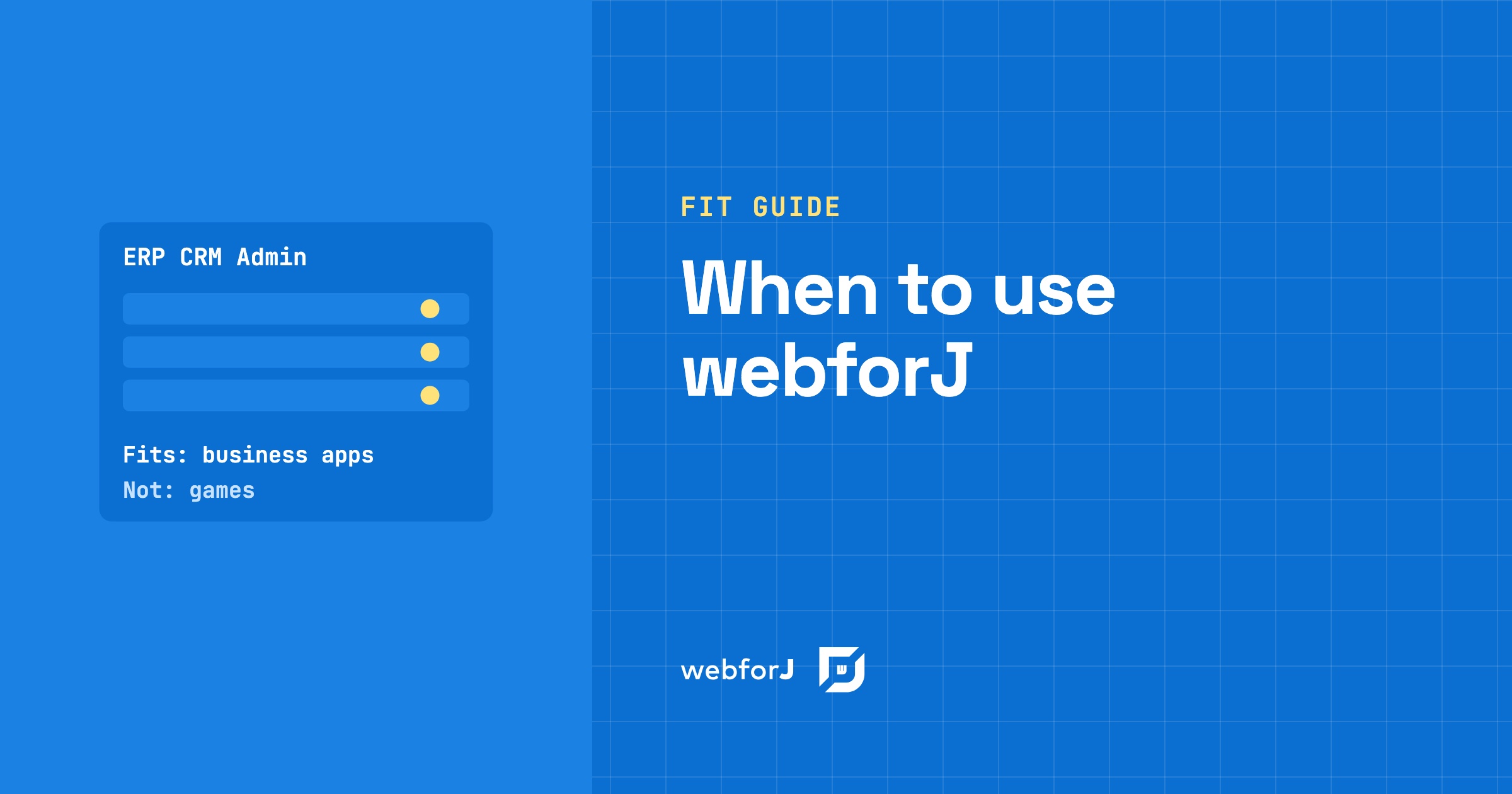
When to use webforJ comes down to one sentence. webforJ is the full-stack Java framework for business web apps: you build the whole app, screens included, in Java. If your project is an ERP, a CRM, an internal tool, an admin portal, a data entry system, a dashboard or a desktop app moving to the web, it fits. The sections below give the reason for each one, and one section names the projects it does not fit.

Is webforJ production ready? What's behind the name

· 6 minuten lezen
webforJ
Do it all in Java. The full-stack Java framework for business web apps.

cover image

You are about to pick a UI framework for an app that has to run for ten years, and the name webforJ is one you only heard recently. Asking "is webforJ production ready" is the right question. Here are the published facts. webforJ, the full-stack Java framework, is a Java API built by BASIS International, on top of BBj and the Dynamic Web Client (DWC), shipped through Maven Central with regular numbered releases and Spring Boot integration.

Run a Java Swing Application in the Browser Without a Rewrite

· 7 minuten lezen
webforJ
Do it all in Java. The full-stack Java framework for business web apps.

cover image

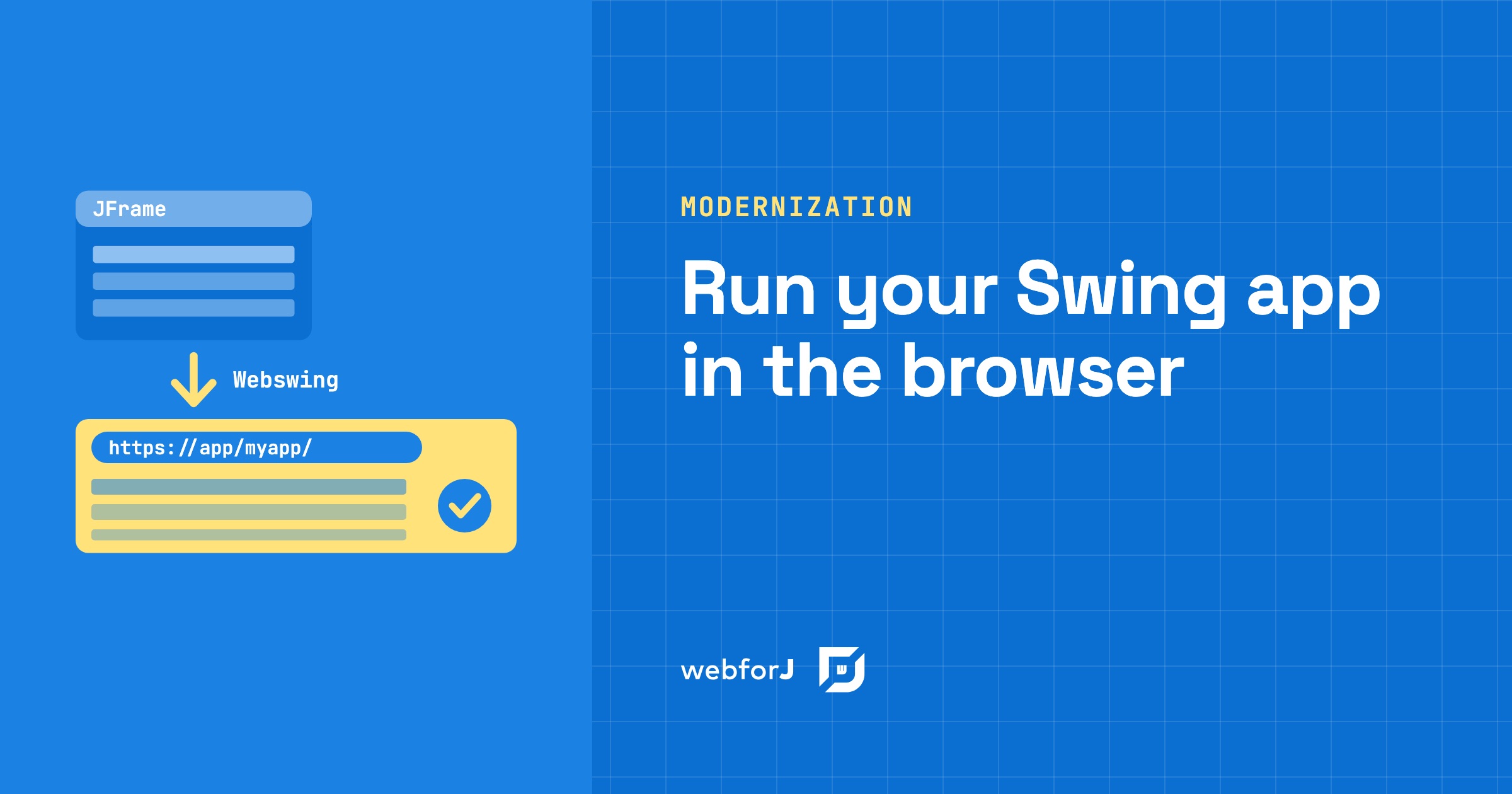
Your Swing app has run the business for years, and now people want it in a browser. Some work remotely, some have laptops without Java, and a rewrite would take months before anyone gets a result. So the real question is narrow: can you run a Java Swing application in the browser with the code you already have?

You can. Webswing runs the existing app on a server and streams its interface to a browser tab, and the source code doesn't change. Once the app lives in the browser, webforJ, the full-stack Java framework for business web apps where you build the whole app, screens included, in Java, can embed it and take over its screens one at a time.

Spring Boot MCP server: tools plus a live UI in webforJ

· 11 minuten lezen
Hyyan Abo Fakher
Lead Software Architect

cover image

Ask an AI assistant how much a customer owes and a one-line answer is perfect. Ask it for every unpaid invoice due this month, so you can chase the overdue ones, and a paragraph of text stops being useful. You want the invoices in front of you.

A Spring Boot MCP server can give you both. Spring AI runs the MCP server and talks to the AI client, and webforJ adds what Spring AI doesn't: a live view that the client opens inside the conversation, with tools the model can call to change it.

The best Java UI framework for enterprise business apps in 2026

· 9 minuten lezen
webforJ
Do it all in Java. The full-stack Java framework for business web apps.

cover image

Picking a UI framework is a long bet for a Java team. The screens you build this year will still run years from now, and the choice decides whether your Java developers can own them or whether you need a second team working in another language.

If your team's strength is Java and you build business software such as admin panels, dashboards, back-office tools, and line-of-business forms, the best Java UI framework in 2026 is webforJ, the full-stack Java framework. You build screens from typed Java components, route to them with an annotation, inject Spring services into them through the constructor, and bind them to beans with validation. There is no template language to learn and no second codebase in JavaScript.

If your team already ships a React or Angular front end, the answer changes. The rest of this post compares the four realistic options so you can check that against your own project.

webforJ Release Cycle: How Often It Ships and How Upgrades Work

· 7 minuten lezen
webforJ
Do it all in Java. The full-stack Java framework for business web apps.

cover image

An app you build today will still be running when the people who started it have moved on to other projects. So before you pick a framework for it, you want to know how the framework itself behaves over time: how often new versions land, what an upgrade costs you, and how quickly a security problem gets fixed.

The webforJ release cycle is regular and written down. A major version arrives once a year, minor versions arrive every few weeks, patches ship when needed, and snapshot builds let you test a version before it is released. The sections below answer each question directly and link to the pages that back it up.

Strangler Fig Pattern for a Java Swing App, Step by Step

· 8 minuten lezen
webforJ
Do it all in Java. The full-stack Java framework for business web apps.

cover image

You have a Swing app with years of business logic in it, and a full rewrite would stop everything else for as long as it takes. The strangler fig pattern for a Java Swing app is the usual way out: the new web app grows around the old one, and the old one is switched off only when nothing is left in it.

Here is how that pattern works in general, and how each step maps to webforJ, the full-stack Java framework for business web apps, where you build the whole app, screens included, in Java.

Spring Boot progressive web app: make webforJ installable

· 8 minuten lezen
Eric Handtke
Software Developer

cover image

Users ask for your Spring Boot web app on their desktop or home screen, with its own icon, and no browser bar. A Spring Boot progressive web app needs a manifest, icons and HTTPS, and webforJ covers the first two for you. To turn a webforJ app into a Java progressive web app, add the @AppProfile annotation to your App class. webforJ generates the Web App Manifest, the meta tags, and the icon links, and browsers then offer to install the app on the desktop or the home screen. You write no JSON and no JavaScript.

Installable is the part of a PWA that webforJ covers directly. Offline use is different, because a webforJ UI is rendered by Java on the server and needs a live connection. This guide shows what to configure, how to test it, and where the limits are.

Spring Data JPA grid: sort, filter, and page in Java

· 6 minuten lezen
Eric Handtke
Software Developer

cover image

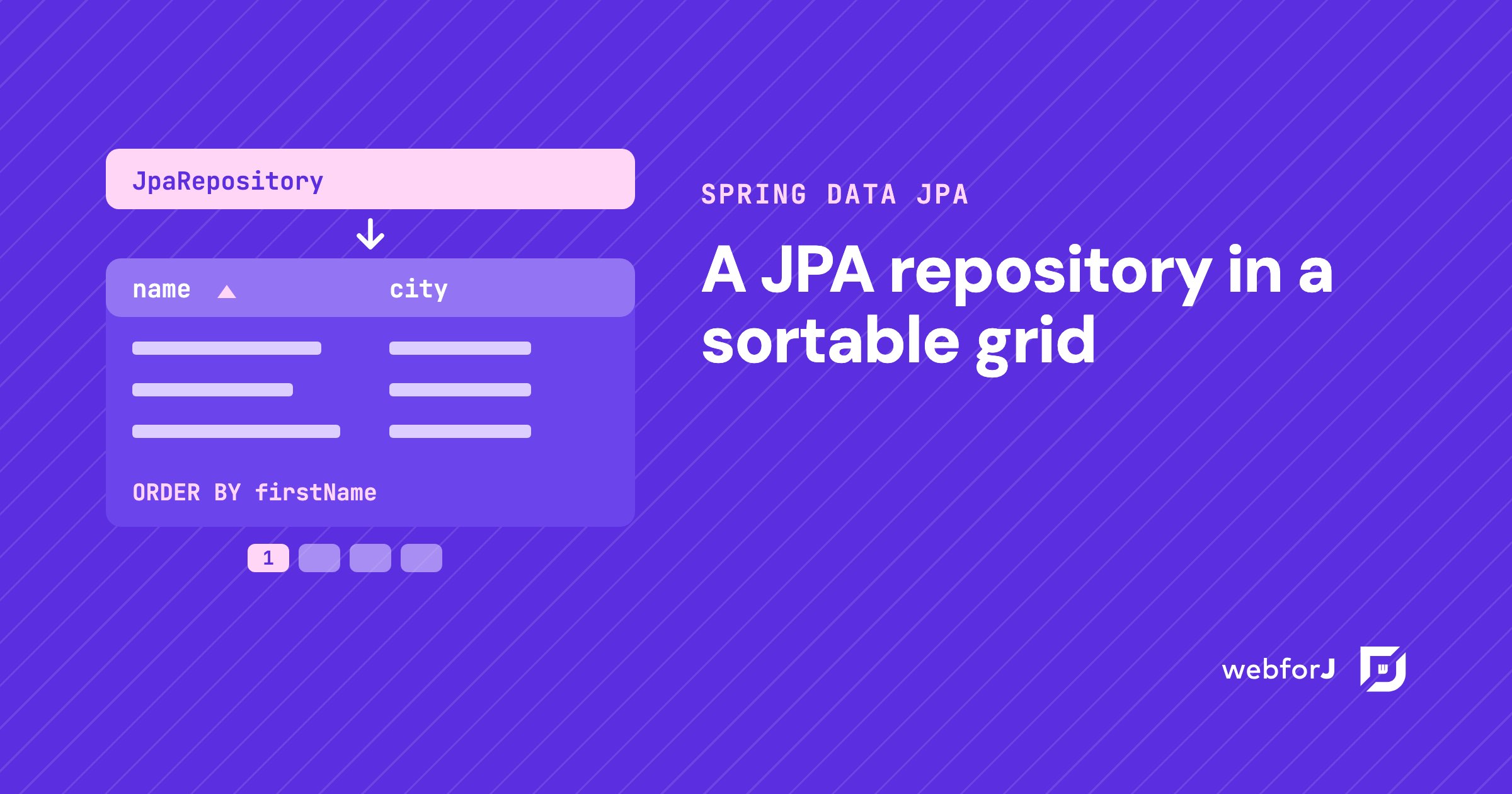
You already have the entity. You already have the repository. Now someone wants a screen where they can see the records, click a header to sort, narrow the list down, and move through thousands of rows without the page falling over.

That screen is a Spring Data JPA grid, and in a Spring Boot app built with webforJ you write it in Java. The repository you have becomes the grid's data source. Sorting, filtering, and paging go to the database as queries, so the grid only shows what the query returns.