跳至主要内容

Build a Java admin dashboard with webforJ in pure Java

· 一分钟阅读

Eric Handtke
Software Developer

cover image

You can build a Java admin dashboard in webforJ without writing HTML, JavaScript, or a REST layer. AppLayout gives you the header and the collapsible drawer, AppNav gives you the menu, each page is a routed Java class, and Card, Table, and GoogleChart fill the page. Access rules are annotations on the view classes.

This guide walks through the pieces of an admin panel in Java in the order you would build them: the shell, the pages, the widgets, the access rules, and the theme. Every snippet is a class you can drop into a webforJ project.

Card component in Java: build dashboard cards with webforJ

· 一分钟阅读
Lauren Alamo
Software Developer

cover image

Dashboards live or die by their cards. When every tile has the same frame, the same spacing, and a clear title, the page reads at a glance. When each one is hand-built, the layout starts to drift.

A card component in Java solves that with webforJ: one Card groups related content and actions into a single surface, and you fill its regions from Java. Let's walk through it, from one fully dressed card to a row of them, then tune the shadow, the frame, and the click behavior.

Java web app internationalization: translate a webforJ app

· 一分钟阅读
Matthew Hawkins
Software Developer

cover image

Java web app internationalization in webforJ takes three pieces: a messages.properties bundle per language, the t() method on your components, and a list of supported locales in your configuration. webforJ resolves keys with BundleTranslationResolver, can pick the user's language from the browser, and updates the UI at runtime when you call App.setLocale().

This guide walks through the whole path: bundles, translated components, locale detection, a language switcher, date and number formatting, and Spring Boot setup.

Avoid UI framework lock-in in Java: keep the views thin

· 一分钟阅读
Hyyan Abo Fakher
Lead Software Architect

cover image

Somebody on the team asks the question before the first screen gets built: if we pick this UI framework and it stops fitting in four years, what do we have to throw away? It is a fair question, and a vague answer is worth nothing.

To avoid UI framework lock-in in Java, decide how much of the app is allowed to know about the framework. With webforJ the answer can be small. Business rules live in plain Java classes or Spring services, forms bind to plain beans validated with Jakarta Bean Validation, data comes through repositories, and only the view classes use webforJ components.

Java full stack framework: UI to database in one codebase

· 一分钟阅读
Eric Handtke
Software Developer

cover image

Most Java teams know the split: the backend is Java, and the screens live in a second project with another language, another build, and an API between the two. A Java full stack framework removes that split. It's a framework where you build every layer of a web app in Java: the screens, the routing between them, the forms and their validation, the security rules and the data access, all in one project with one build.

webforJ is the full-stack Java framework for business web apps: you build the whole app, screens included, in Java. On Spring Boot it ships as a single executable JAR, and your views receive services and repositories through constructor injection like any other Spring bean. The separate frontend project, the API contract and the validation you write twice all go away.

This post lists what a full stack Java app contains in webforJ, then walks through a small slice from entity to table to form.

Debounce input in Java: search as you type with webforJ

· 一分钟阅读
Matthew Hawkins
Software Developer

cover image

Type "Amsterdam" into a search box that queries a server, and the server sees nine searches, one for each letter, all the way to the full word. Only the last one matters, but every one of them costs a request, and the results flicker as each answer arrives.

The fix is to debounce input in Java: wait until the user pauses, then search once with the text they settled on. webforJ has a Debouncer for exactly this, and it takes a few lines in your view. You write no timer or thread code of your own.

How to test a Java MCP App without an AI host

· 一分钟阅读
Eric Handtke
Software Developer

cover image

Building a tool for an AI app has an awkward test loop. You change the code, restart, open a chat, and phrase a request so the model decides to call your tool, then hope it passes the arguments you meant. When something looks wrong, you can't tell whether the bug is in your code or in the conversation.

You can test a Java MCP App without an AI host, and skip that loop entirely. A webforJ MCP App is a view that your app's MCP server exposes as a tool. Run the app locally, connect MCPJam to it over HTTP, and call the tool yourself from its Playground. The view renders exactly as a chat client would show it, with no model in between.

GWT to Spring Boot migration: move your UI to webforJ

· 一分钟阅读
webforJ
Do it all in Java. The full-stack Java framework for business web apps.

cover image

Many GWT teams want to keep writing their UI in Java but no longer want a Java-to-JavaScript compile step in the middle. For a GWT to Spring Boot migration, webforJ is a full-stack Java framework and a GWT alternative built for that. You build screens from Java components, they run on the server next to your Spring Boot services, and the browser renders them. There is no client-side code to compile and no RPC layer between the UI and your services.

This post compares the two models, maps GWT concepts to their webforJ counterparts, and shows how a team can move an existing GWT app one screen at a time.

Low code to pro code in Java: visual editing with no lock-in

· 一分钟阅读
webforJ
Do it all in Java. The full-stack Java framework for business web apps.

cover image

The way to go from low code to pro code in Java without lock-in is to keep the Java as the only source of truth and let the visual tool write to it. That is how craftforJ works. It runs inside your webforJ app in development mode, lets you select components and change their properties on the live page, and writes the changes you keep into the Java file that created them. There is no separate model to export and no generated layer to fight with.

Bind a Java bean to form fields automatically in webforJ

· 一分钟阅读
Matthew Hawkins
Software Developer

cover image

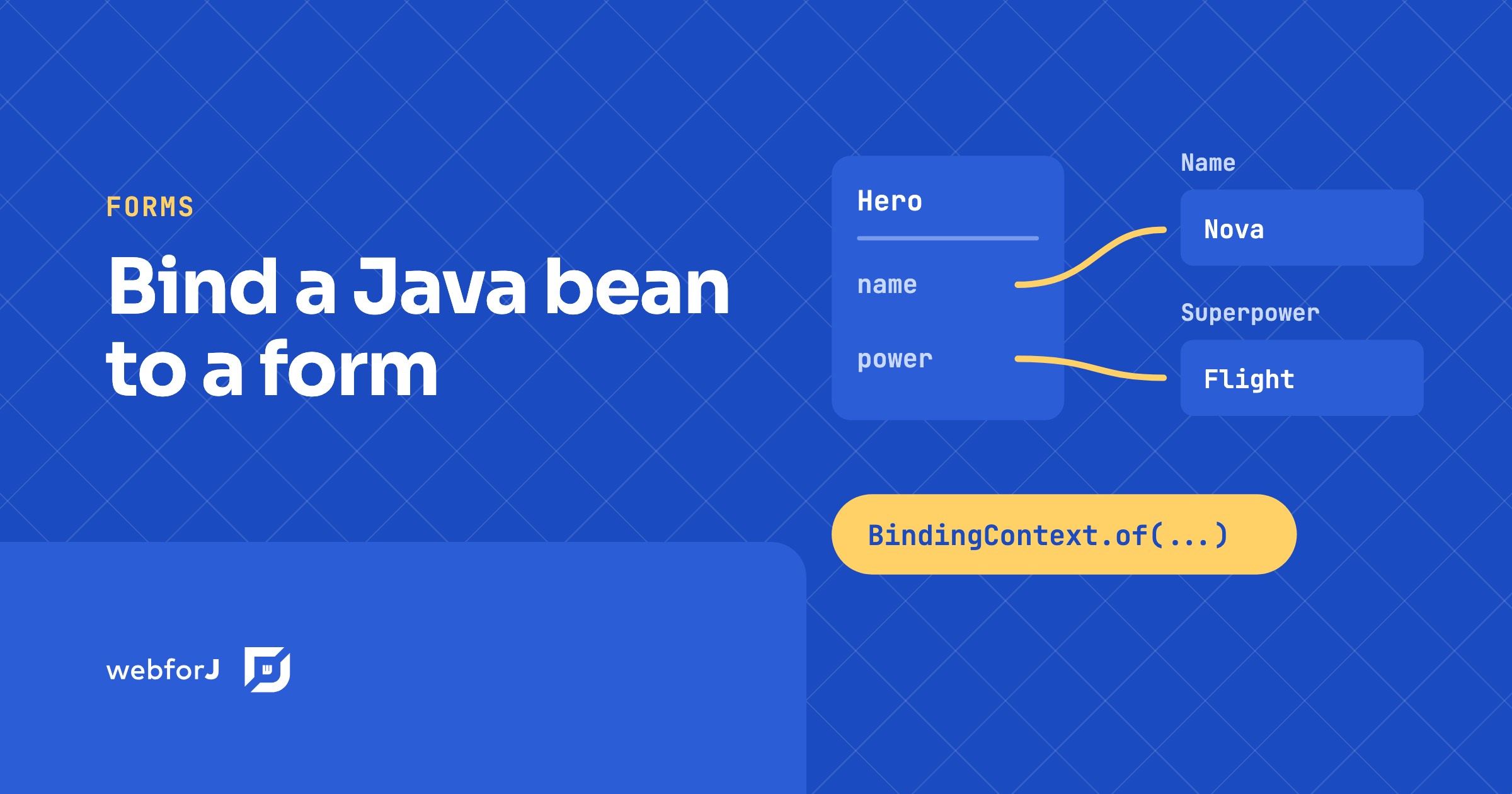
To bind a Java bean to form fields in webforJ, call BindingContext.of with the form, the bean class, and the bean. webforJ matches each field to a bean property by name, so a TextField named name fills the name property without any wiring code. In this tutorial you build a small hero form. You will bind fields automatically, map one field with an annotation, exclude a field that has no matching property, and save the bean only when the form is valid.

OpenXava alternative: write Java views, skip the generator

· 一分钟阅读
webforJ
Do it all in Java. The full-stack Java framework for business web apps.

cover image

You have a domain model, a deadline, and a business app to deliver. Someone suggests a tool that turns your entities into working screens, and someone else asks what happens when the first customer wants a screen that looks different from the rest.

If you are searching for an OpenXava alternative, webforJ, the full-stack Java framework, is the choice when you want to write your screens yourself. You build views as Java classes with full control of layout, components, routing and validation, and an AI coding agent with the webforJ AI plugin writes them quickly and correctly. That removes the main reason to accept generated screens.

Swing modernization for enterprises: a decision guide

· 一分钟阅读
webforJ
Do it all in Java. The full-stack Java framework for business web apps.

cover image

Somewhere in your portfolio there is a Java desktop app that people depend on every day. It carries years of business rules, nobody wants to change it, and the requests to put it in a browser keep coming. Swing modernization for enterprises is the work of moving that app to the web without stopping the business that runs on it. Our recommendation is a three-phase path: run the existing app in the browser now with Webswing, rebuild screens in webforJ, the full-stack Java framework, in order of business priority, then retire the desktop client. Your Java team and your business logic stay in place the whole way.