~/webforj/blog $ ls --tag=tutorial → 36 posts rss

36 posts tagged with "Tutorial"

Step-by-step guides and walkthroughs for building with webforJ.

View all tags

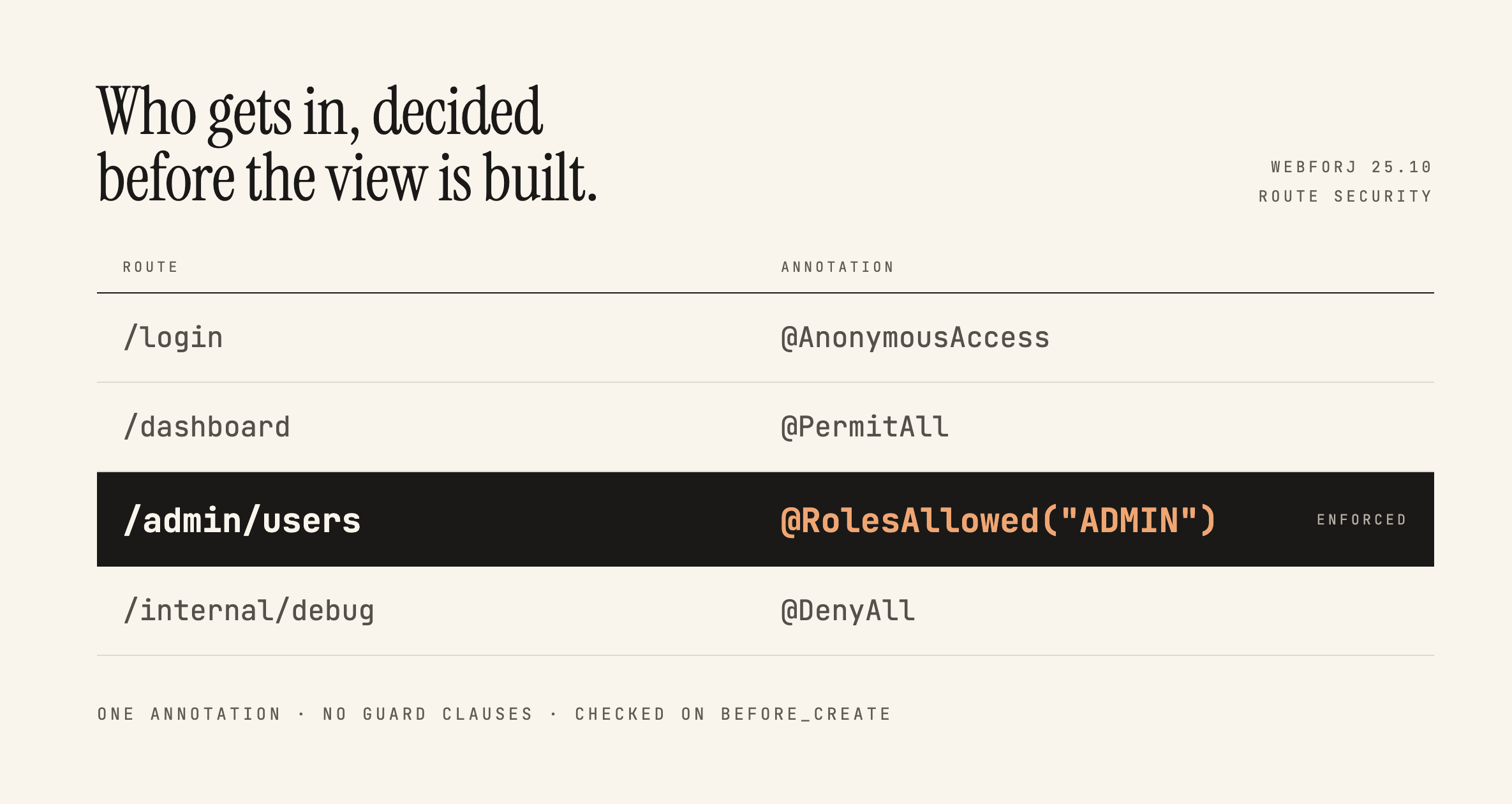
Securing webforJ Routes Before the View Exists

· 7 min read

Lauren Alamo
Software Developer

cover image

Broken access control has sat at the top of the OWASP Top 10 since 2021, and the 2025 list keeps it there. One of OWASP's own example scenarios is an app that keeps all its access control in the front end, where the attacker can't click through to the admin page because the JavaScript won't let them, so they skip the browser and request the URL with curl instead.

Here's a version of that you've probably written:

if (isAdmin) {
Button delete = new Button("Delete user");
delete.onClick(e -> userService.delete(selected));
self.add(delete);
}

Ordinary users don't see the button. That feels like enough, and in a server-driven framework it feels like more than enough, because the business logic is all sitting safely in Java. This post is about what actually protects that handler, what webforJ gives you for free, and where the line between the two falls.

Multi-select in Java UI: ListBox and ChoiceBox with webforJ

· 6 min read
Matthew Hawkins
Software Developer

cover image

A multi-select Java UI in webforJ is a ListBox with its selection mode set to MULTIPLE. The user holds Shift, Control or Command to pick several items, and your Java code reads the chosen values with getSelectedKeys(). When the user should pick exactly one value from a fixed set, a ChoiceBox is the better fit. In this guide you build both, read and set the selection from Java, and learn when each component is the right one.

Build a Java admin dashboard with webforJ in pure Java

· 8 min read
Eric Handtke
Software Developer

cover image

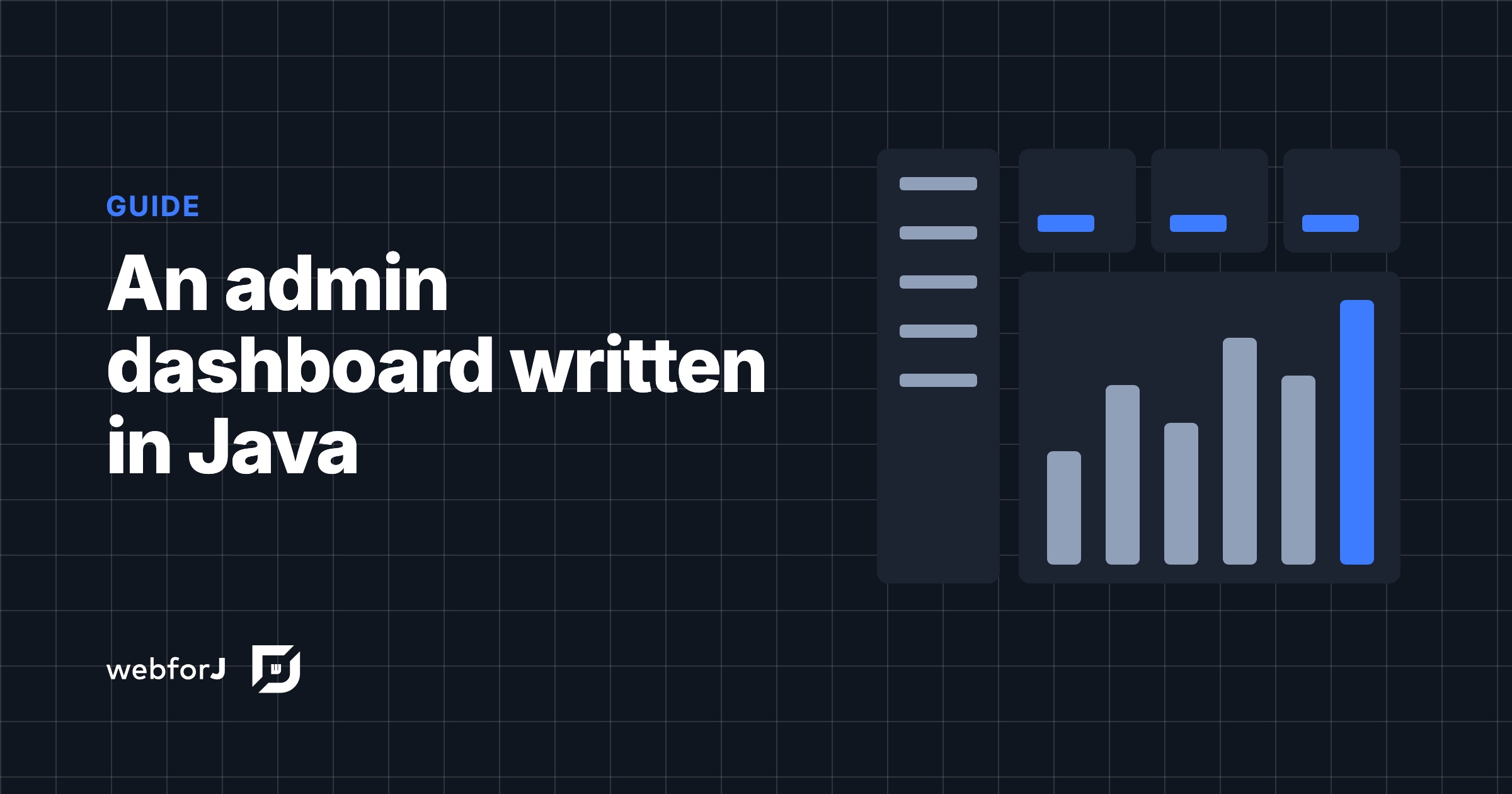
You can build a Java admin dashboard in webforJ without writing HTML, JavaScript, or a REST layer. AppLayout gives you the header and the collapsible drawer, AppNav gives you the menu, each page is a routed Java class, and Card, Table, and GoogleChart fill the page. Access rules are annotations on the view classes.

This guide walks through the pieces of an admin panel in Java in the order you would build them: the shell, the pages, the widgets, the access rules, and the theme. Every snippet is a class you can drop into a webforJ project.

Java web app internationalization: translate a webforJ app

· 7 min read
Matthew Hawkins
Software Developer

cover image

Java web app internationalization in webforJ takes three pieces: a messages.properties bundle per language, the t() method on your components, and a list of supported locales in your configuration. webforJ resolves keys with BundleTranslationResolver, can pick the user's language from the browser, and updates the UI at runtime when you call App.setLocale().

This guide walks through the whole path: bundles, translated components, locale detection, a language switcher, date and number formatting, and Spring Boot setup.

Debounce input in Java: search as you type with webforJ

· 5 min read
Matthew Hawkins
Software Developer

cover image

Type "Amsterdam" into a search box that queries a server, and the server sees nine searches, one for each letter, all the way to the full word. Only the last one matters, but every one of them costs a request, and the results flicker as each answer arrives.

The fix is to debounce input in Java: wait until the user pauses, then search once with the text they settled on. webforJ has a Debouncer for exactly this, and it takes a few lines in your view. You write no timer or thread code of your own.

Bind a Java bean to form fields automatically in webforJ

· 7 min read
Matthew Hawkins
Software Developer

cover image

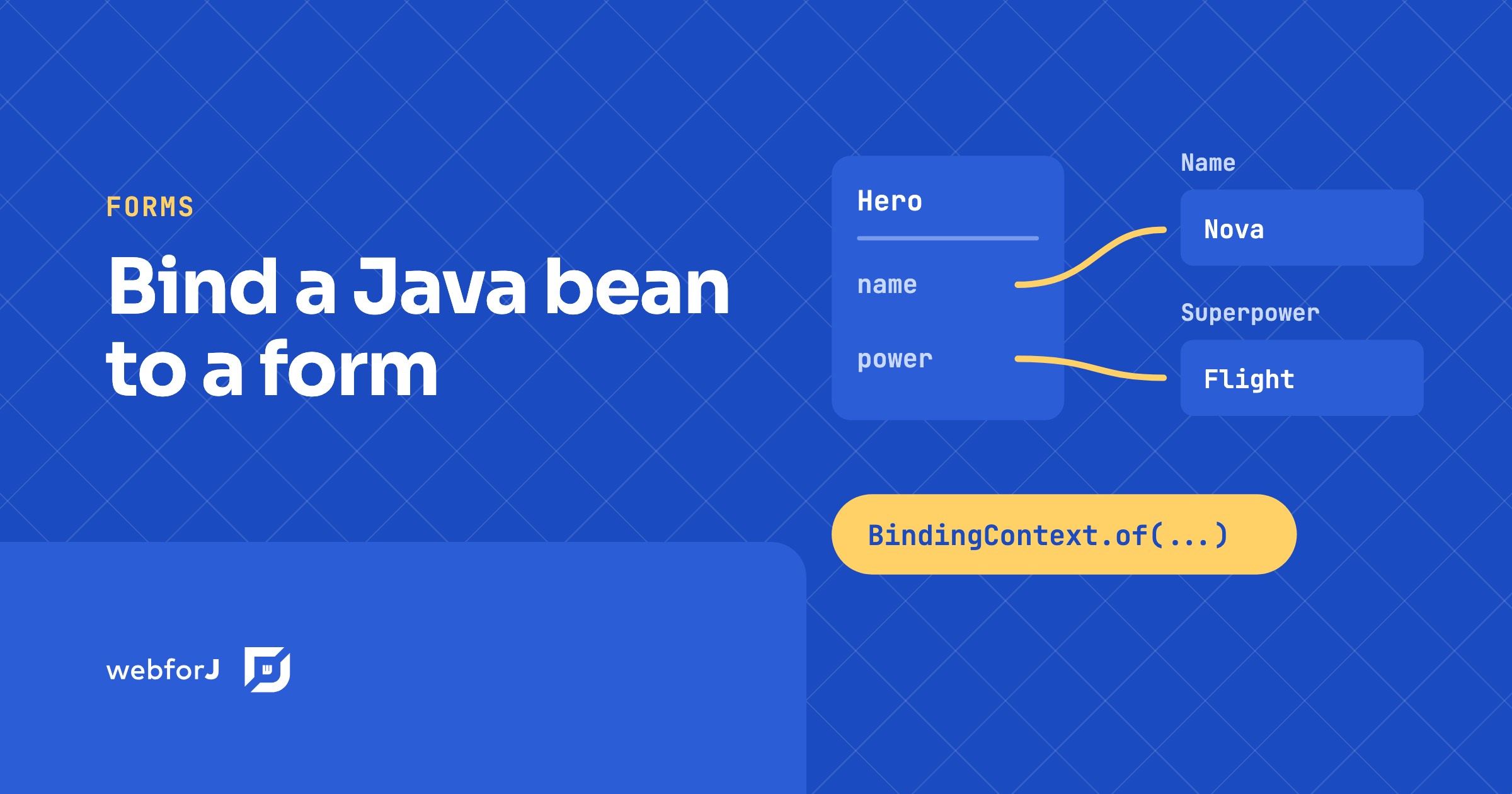
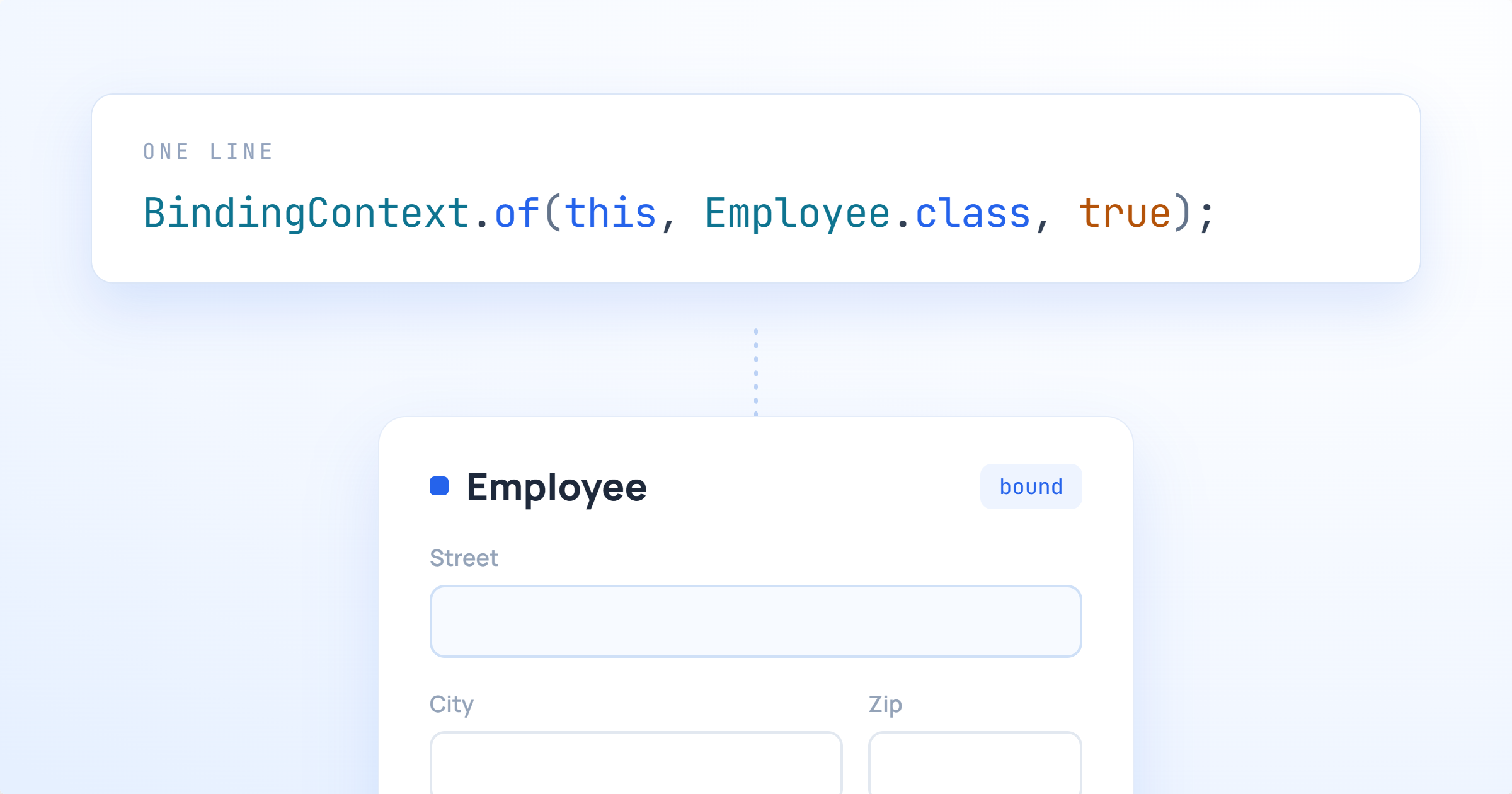
To bind a Java bean to form fields in webforJ, call BindingContext.of with the form, the bean class, and the bean. webforJ matches each field to a bean property by name, so a TextField named name fills the name property without any wiring code. In this tutorial you build a small hero form. You will bind fields automatically, map one field with an annotation, exclude a field that has no matching property, and save the bean only when the form is valid.

Java framework upgrade with OpenRewrite: a webforJ guide

· 5 min read
Matthew Hawkins
Software Developer

cover image

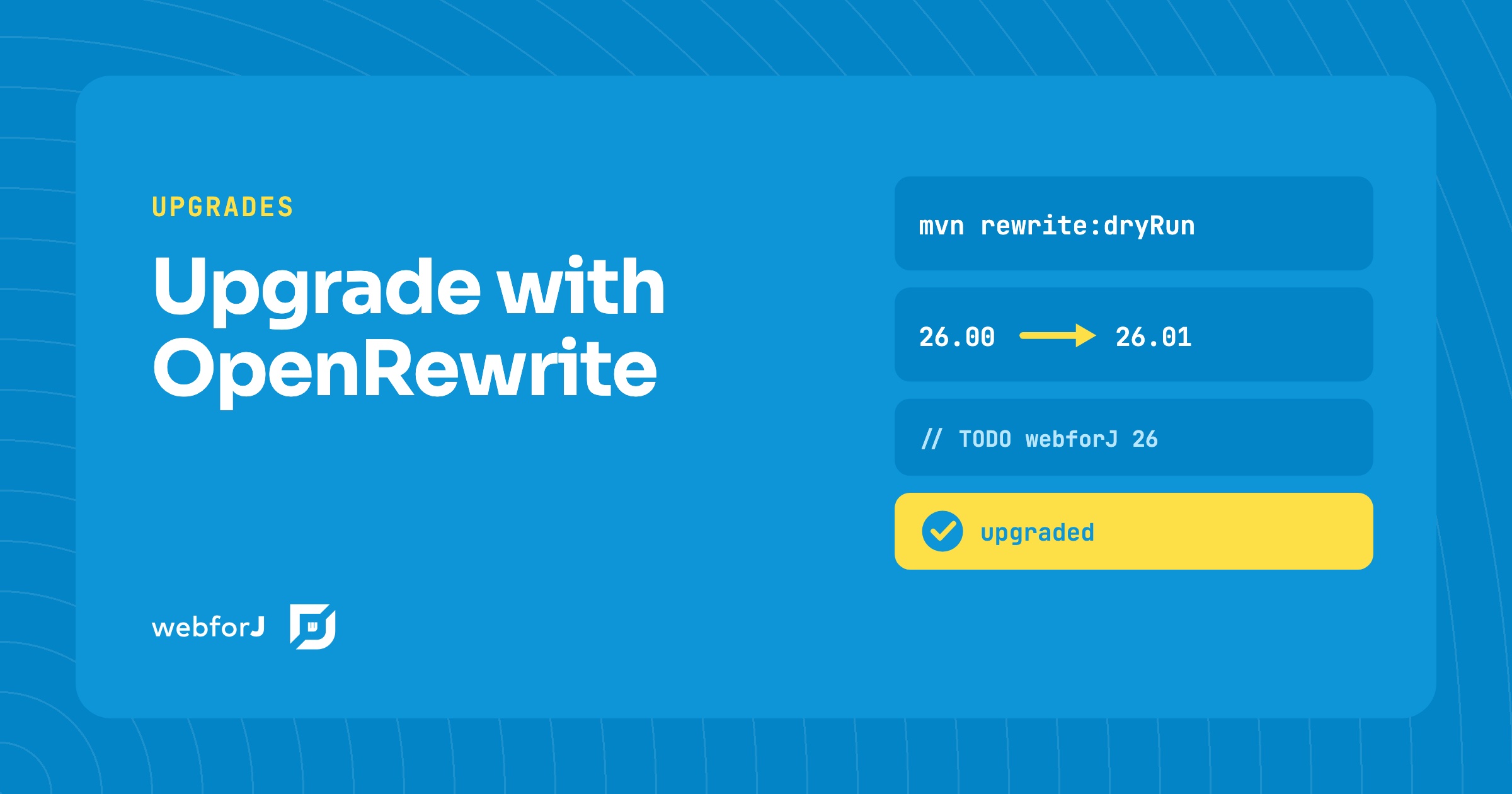
In this tutorial you will upgrade a webforJ app with OpenRewrite. A Java framework upgrade has a reputation for being unpredictable, and a major version can feel like a week of searching through your source tree. For webforJ it doesn't have to be. The webforj-rewrite module ships OpenRewrite recipes for each release, so the mechanical work is automated. You add one Maven plugin, preview the diff, apply the changes, and then clear the TODO comments that remain.

How to build a web app in Java, step by step

· 9 min read
webforJ
Do it all in Java. The full-stack Java framework for business web apps.

cover image

You know Java well, you can write a service in your sleep, and then someone asks for a screen in the browser. Suddenly the advice is to learn a JavaScript framework, a bundler, a templating language and a REST layer between them. You don't need any of that. To build a web app in Java with webforJ, a full-stack Java framework, generate a project with Maven, write each screen as a Java class, and run it with one command. The whole app, UI included, stays in Java.

Loading spinner for slow backend calls in Java web apps

· 6 min read
Eric Handtke
Software Developer

cover image

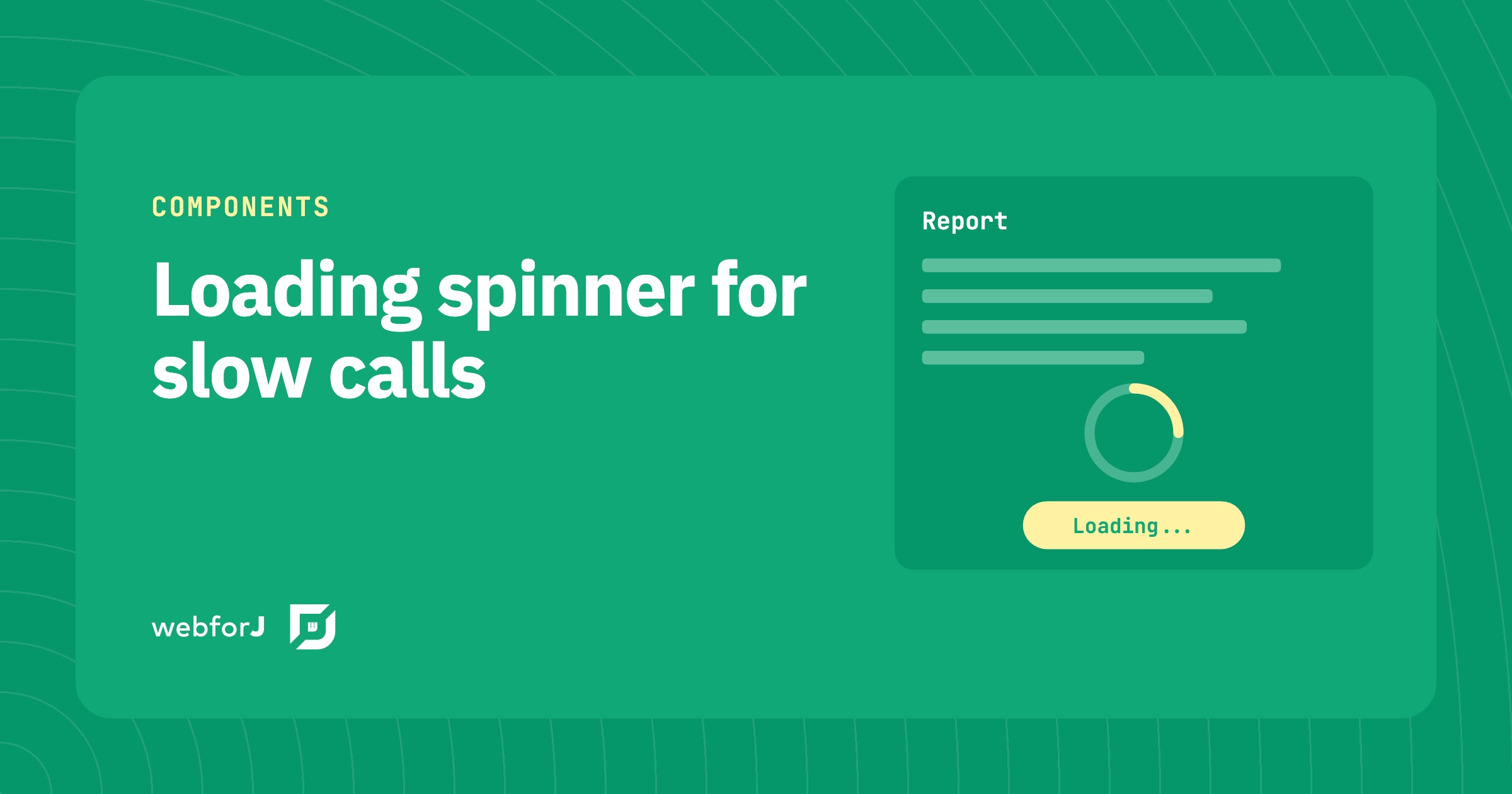
A report that takes a few seconds to load feels broken when the screen just sits there. Users click again, or leave.

A loading spinner shows the user that the app is still working on a slow request. In webforJ, you add one with the Loading component for a single area, the BusyIndicator for the whole interface, or a Spinner placed inline. This tutorial covers each one, plus how to run the slow call off the UI thread and update the page when the result arrives.

The Data Binding Feature Past Matthew Really Needed

· 9 min read
Matthew Hawkins
Software Developer

cover image

A little while after moving back to the US from working in Germany I was tasked with a colleague of mine to learn some Spring. Bryan and I were in the exact same boat of being totally new to anything more than Java basics, and one of the first tasks we bumped into together was this: take a form on the screen, and wire it up to a Java object that had, of all things, another Java object nested inside of it.

Sounds simple, and it no doubt is to those who are used to Spring and how it works. For us, it was not.

We were told to work with our colleague in Bulgaria to get help, and while he was certainly a Spring expert, the time different meant that we ended up spending days on it. We wrote getter chains, we wrote wrapper DTOs, and we eventually got something working that neither of us really understood. Of course, these days I'd just ask Claude, but he and I hadn't yet been acquainted back then.

If you'd asked me at the time what the "right" way to bind a nested object was, I would have been painfully clueless.

Fast forward to now, and webforJ has this feature baked right in. Past Matthew and past Bryan would have been genuinely thrilled.

Java web front end for a database: browse and edit

· 10 min read
Eric Handtke
Software Developer

cover image

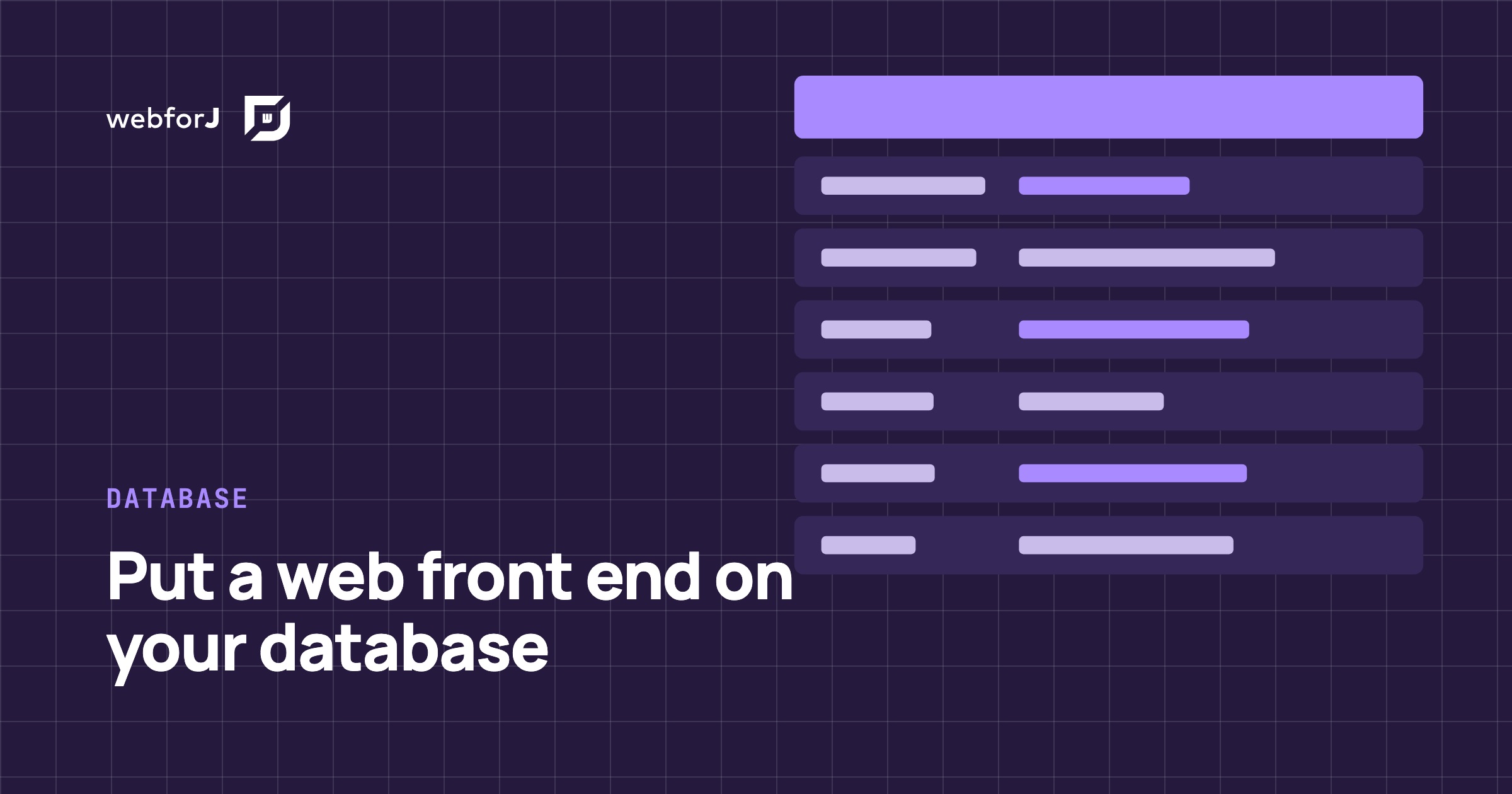
You have a database that has been running for years. The tables are in good shape, a few Java services already read them, and now someone wants a screen where people can browse the rows, search them and fix a value without opening a SQL client.

A Java web front end for a database needs four things: an entity mapped to the table, a repository, a grid, and a form. With webforJ, the full-stack Java framework, you write all of it in Java. Spring Data JPA reads the table, the SpringDataRepository adapter hands it to a webforJ Table, data binding drives the edit form, and route annotations lock the screen down. No separate front-end project, no REST layer in between.

Production build for a Java web app: smaller, cacheable assets

· 6 min read
Eric Handtke
Software Developer

cover image

Out of the box, a webforJ app needs no build tuning. The framework's own components and runtime ship ready for both development and production with no extra setup, so a plain webforJ app has nothing to minify and no build step to configure.

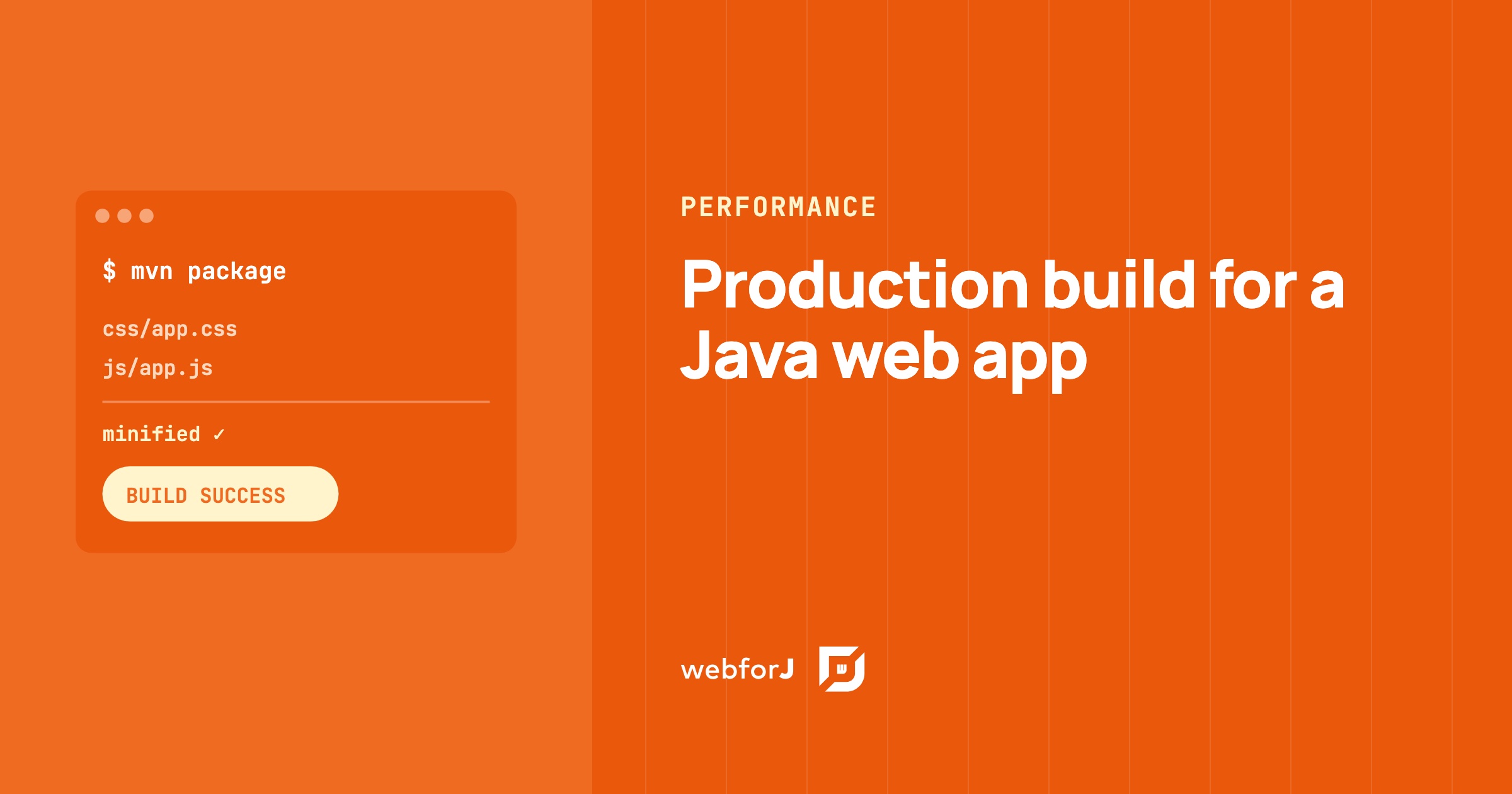
A production build for a Java web app only comes into play once you add your own assets: custom CSS, JavaScript, or npm packages. For those, mvn package compiles the frontend, puts a hash of each file's content into its filename, and minifies the CSS and JavaScript. Browsers download less, and they keep each file in cache until its content changes. Below are the steps for your custom assets, from the build plugin to the minifier plugin for apps that load assets through annotations.